

- Category Utilities & tools
- Available on PC
- OS Windows 10 version 17763.0 or higher
- Mouse Integrated Mouse
- Memory 2 GB
- Keyboard Not specified
- languages English (United States)
Introduction: A Diagnostic Companion for Windows
If you're a tech enthusiast or an IT professional constantly seeking a reliable way to troubleshoot and maintain Windows devices, the Surface Diagnostic Toolkit for Windows offers a user-friendly yet powerful solution. Think of it as a health check-up for your PC—identifying issues proactively before they become major headaches. Developed by Microsoft Corporation, this toolkit wraps a suite of diagnostic tools into a streamlined application designed to keep your Windows systems running smoothly.
Core Functionality Highlights
Comprehensive Hardware Diagnostics
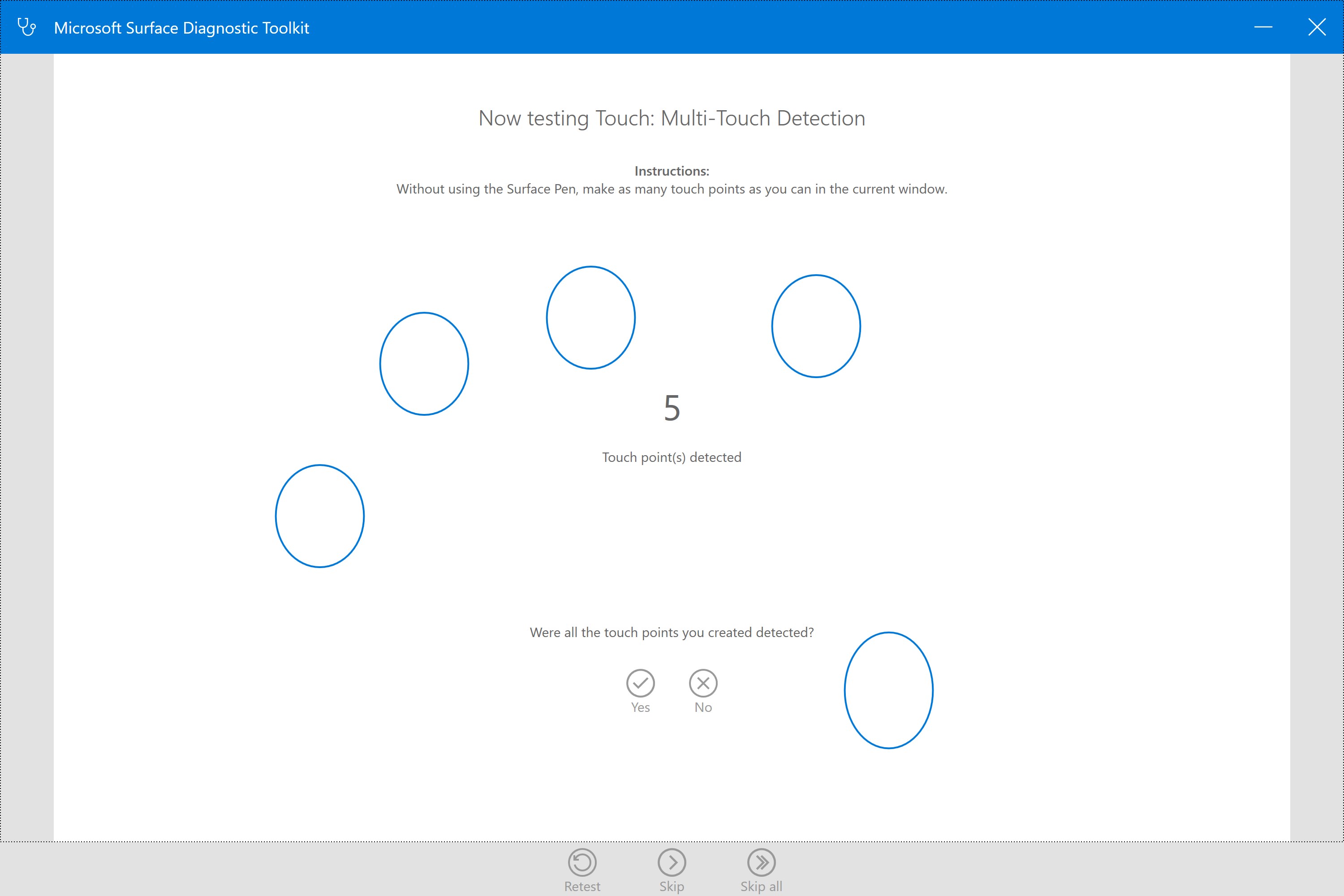
This feature allows users to perform in-depth testing of hardware components such as memory, storage, network interfaces, and other critical parts. Whether you're troubleshooting connectivity issues or suspecting defective RAM, the toolkit provides detailed reports that aid in identifying the root cause with clarity. Its ability to run extensive tests automatically makes it a go-to first step for hardware health assessments.
Automated Troubleshooting & Repair
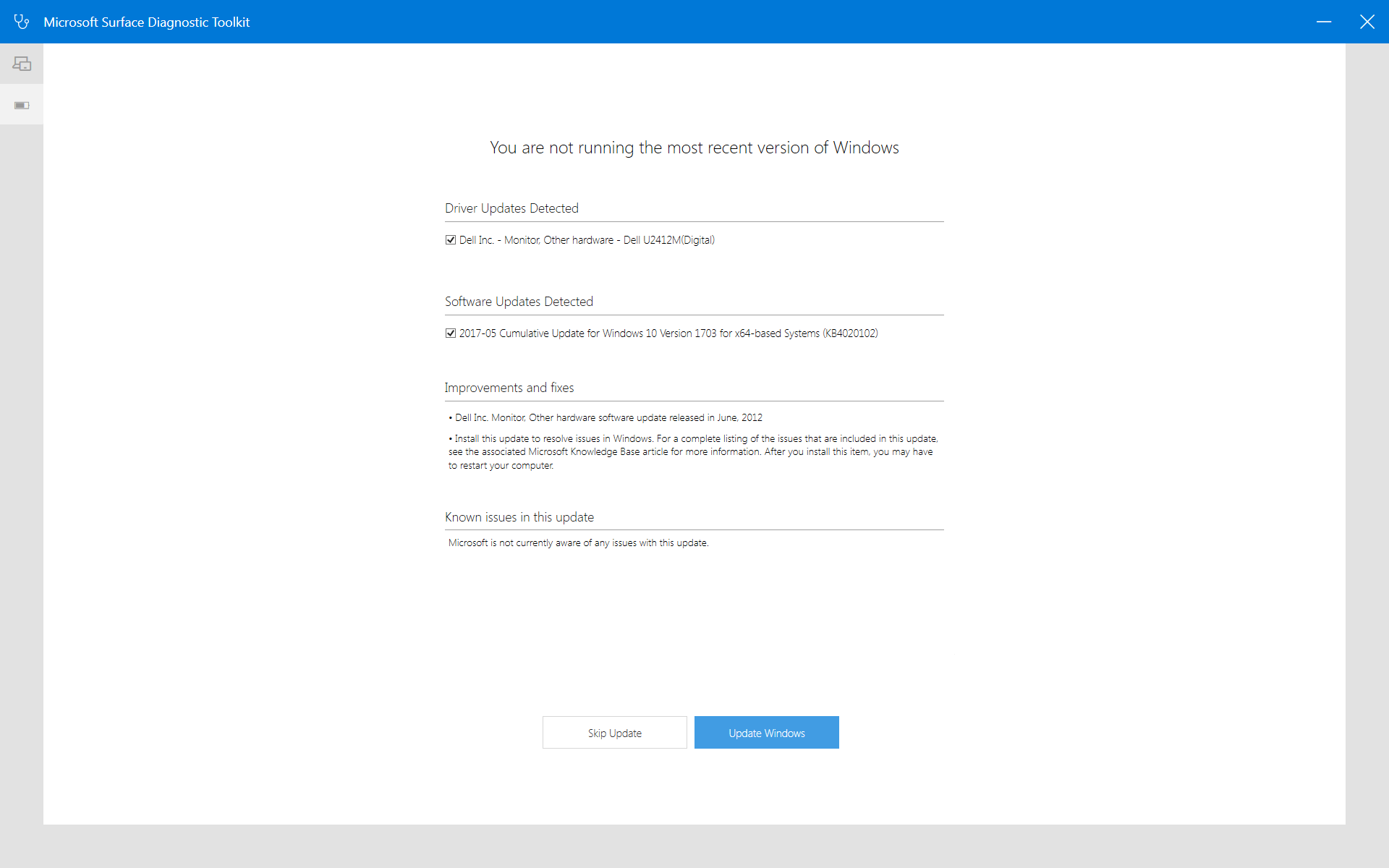
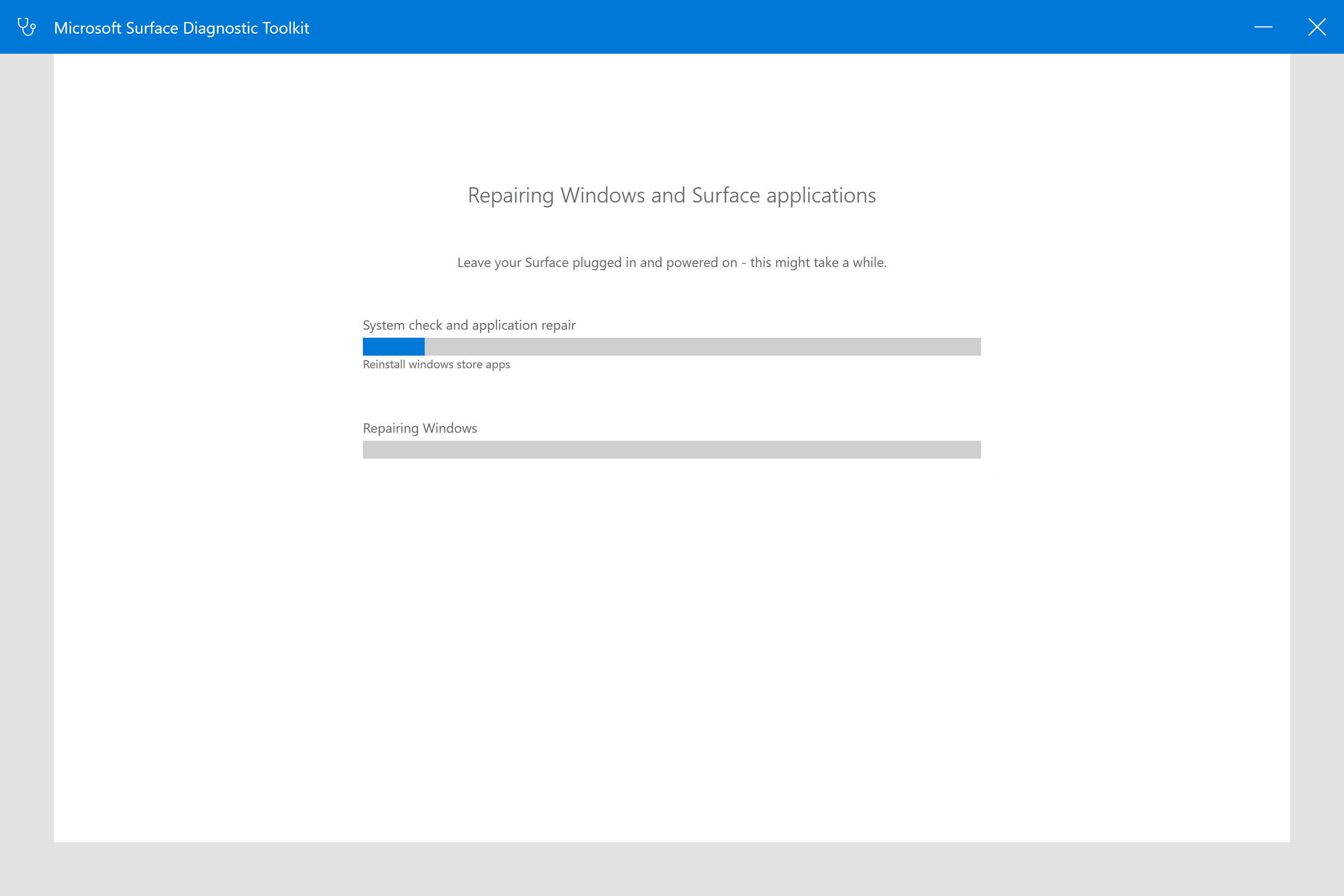
Beyond diagnostics, the toolkit offers intelligent troubleshooting functions that can automatically detect common issues and suggest or execute remedial steps. This is akin to having a virtual technician at your fingertips, guiding you through fixes for driver conflicts, system errors, or misconfigurations—all without needing advanced technical knowledge. It simplifies the repair process and accelerates problem resolution.
Network & Connectivity Analysis
Network problems can feel like trying to fix a tangled wire—frustrating and perplexing. This application makes it easier by providing detailed network diagnostics, testing your Wi-Fi, Ethernet, or VPN connections, and pinpointing potential issues such as faulty adapters or configuration errors. It's particularly useful for IT admins managing multiple devices or users experiencing inconsistent connectivity.
User Experience & Design
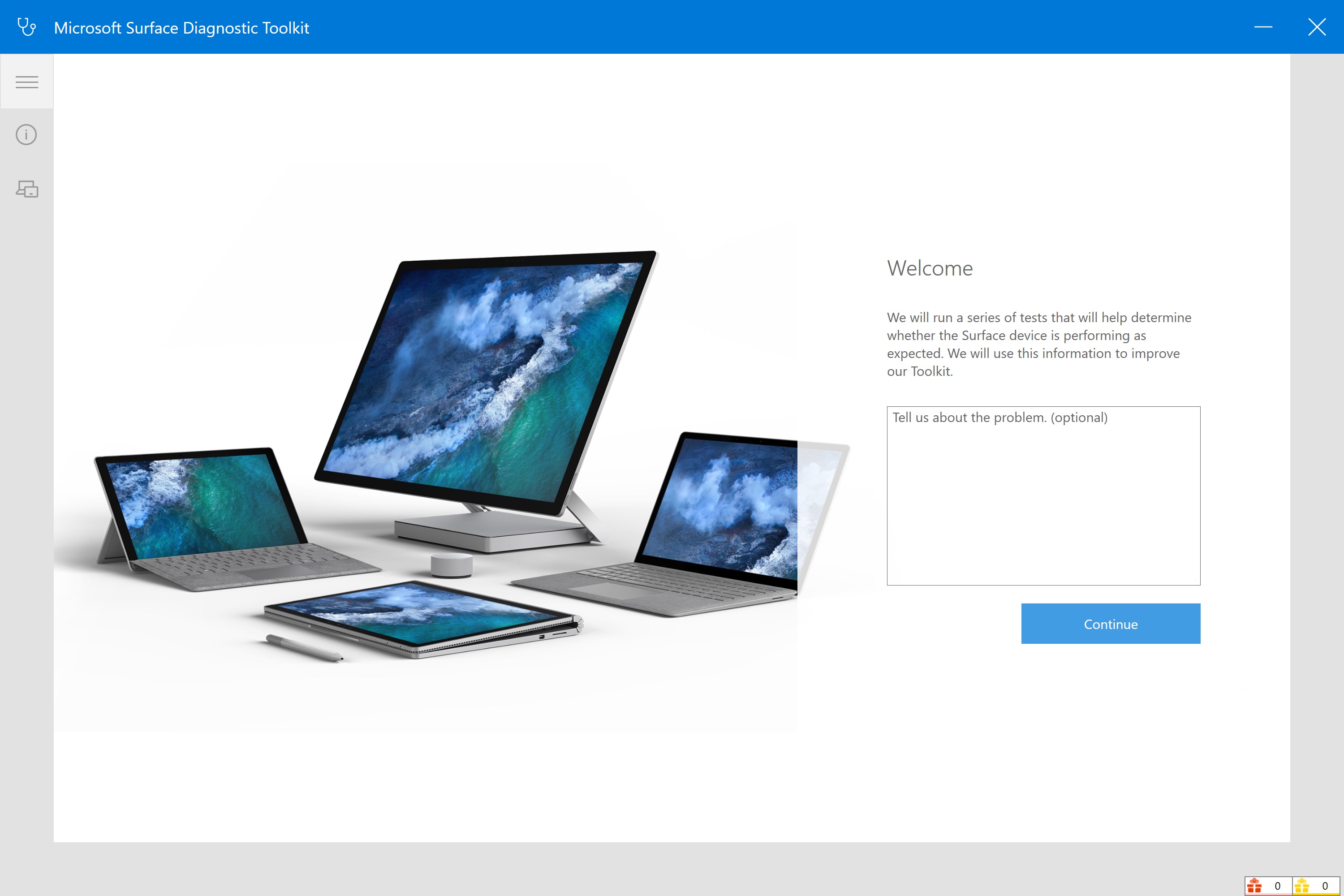
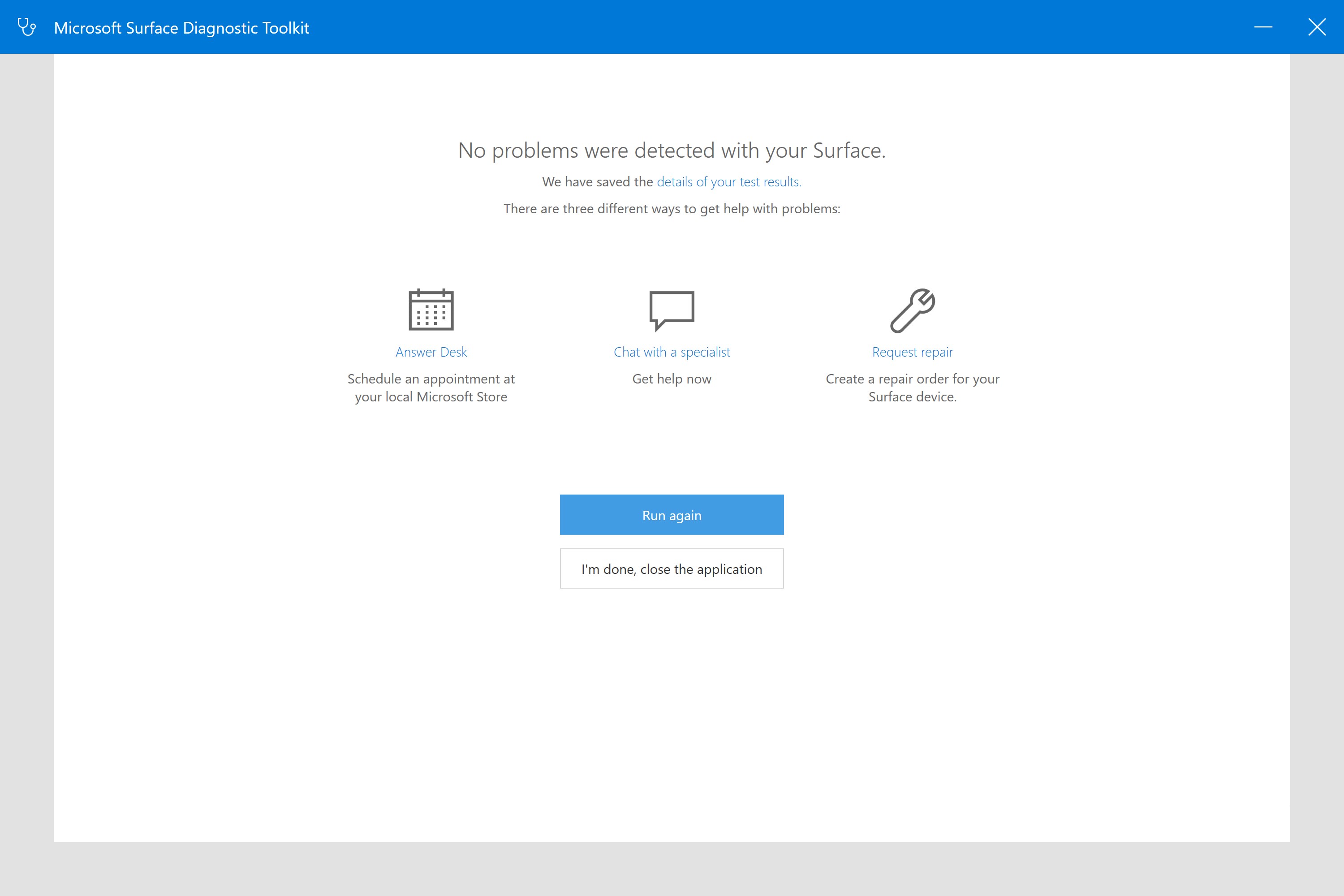
The Surface Diagnostic Toolkit sports a clean, intuitive interface that resembles a high-tech control panel—organized, straightforward, and less intimidating for non-technical users. Navigating through its sections feels like moving between different diagnostic zones in a well-designed spacecraft; each step is clearly labeled, with helpful prompts guiding you. The app runs smoothly on Windows, with snappy responses and minimal lag, making the troubleshooting journey efficient rather than frustrating.
For newcomers, the learning curve is gentle. The initial setup requires basic understanding, but the guided steps and clear summaries make it accessible. Advanced users will appreciate the comprehensive reports and can dig deeper into logs for detailed analysis. Overall, the user experience strikes a fine balance between accessibility and depth, suitable for a broad audience ranging from casual users to tech professionals.
What Sets It Apart: Unique Features and Advantages
Among many utility tools available, the Surface Diagnostic Toolkit distinguishes itself through its dedicated focus on hardware health and integrated troubleshooting within a single, official Microsoft package. Unlike generic system analyzers, this toolkit leverages Microsoft's deep knowledge of Windows architecture, ensuring compatibility and accuracy. Its ability to perform automated repairs coupled with detailed reporting offers a distinct edge over standalone utilities, which often require manual interpretation or lack repair capabilities.
Another notable advantage is its integration with Windows Surface devices, tailoring diagnostics specifically for this device line without needing third-party tools. This focus means faster, more reliable results, and tailored recommendations that generic tools might overlook.
Final Verdict & Recommendations
In conclusion, the Surface Diagnostic Toolkit for Windows is a practical and polished utility that acts as both a diagnostic engine and a troubleshooting assistant. Its core strengths—comprehensive hardware testing, automated repair options, and user-friendly design—make it especially valuable for Windows users seeking peace of mind or needing quick problem resolution. I would recommend this application for both casual users wanting to keep their devices healthy and IT professionals managing multiple systems. It's a reliable partner that simplifies complex diagnostics and repairs, effectively acting as a digital health check for your Windows environment.
Pros
- Comprehensive diagnostics tools
- User-friendly interface
- Quick identification of issues
- Guidance for repairs
- Official support from Microsoft
Cons
- Limited to Surface devices
- Requires administrative permissions
- Potential false negatives for some hardware faults
- Limited troubleshooting guidance for software issues
- Inability to repair hardware automatically











