

- Category Utilities & tools
- Developer Tansee LTD
- Available on PC
- OS Windows 10 version 0.0 or higher
- languages English
Seamless Android-Media Transfer: An Overview of Tansee Android Message Transfer for Windows
Imagine effortlessly bridging your Android device with your Windows PC, allowing you to manage messages, contacts, and media with just a few clicks—Tansee Android Message Transfer makes this a reality. Developed by Tansee LTD, this application is designed to enhance your device management experience by simplifying data transfer processes that typically involve cumbersome cables or complex software setups.
Meet the Makers: Tansee LTD
Tansee LTD, the creative force behind this utility, specializes in developing user-centric data transfer tools that streamline communication and file management between Android and Windows environments. Their focus is on delivering reliable, easy-to-use software that caters to both tech-savvy individuals and those less familiar with digital management.
Key Features That Make a Difference
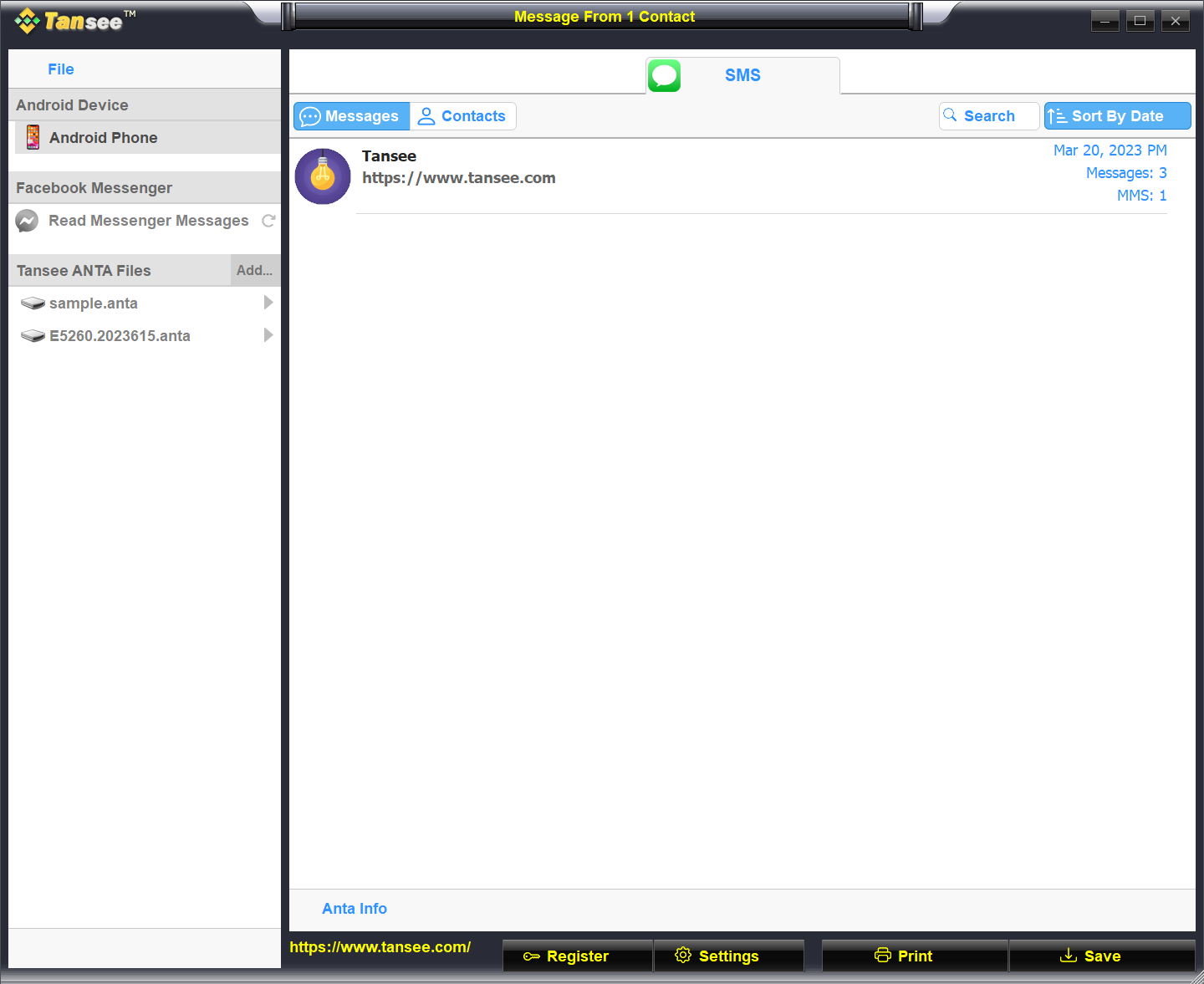
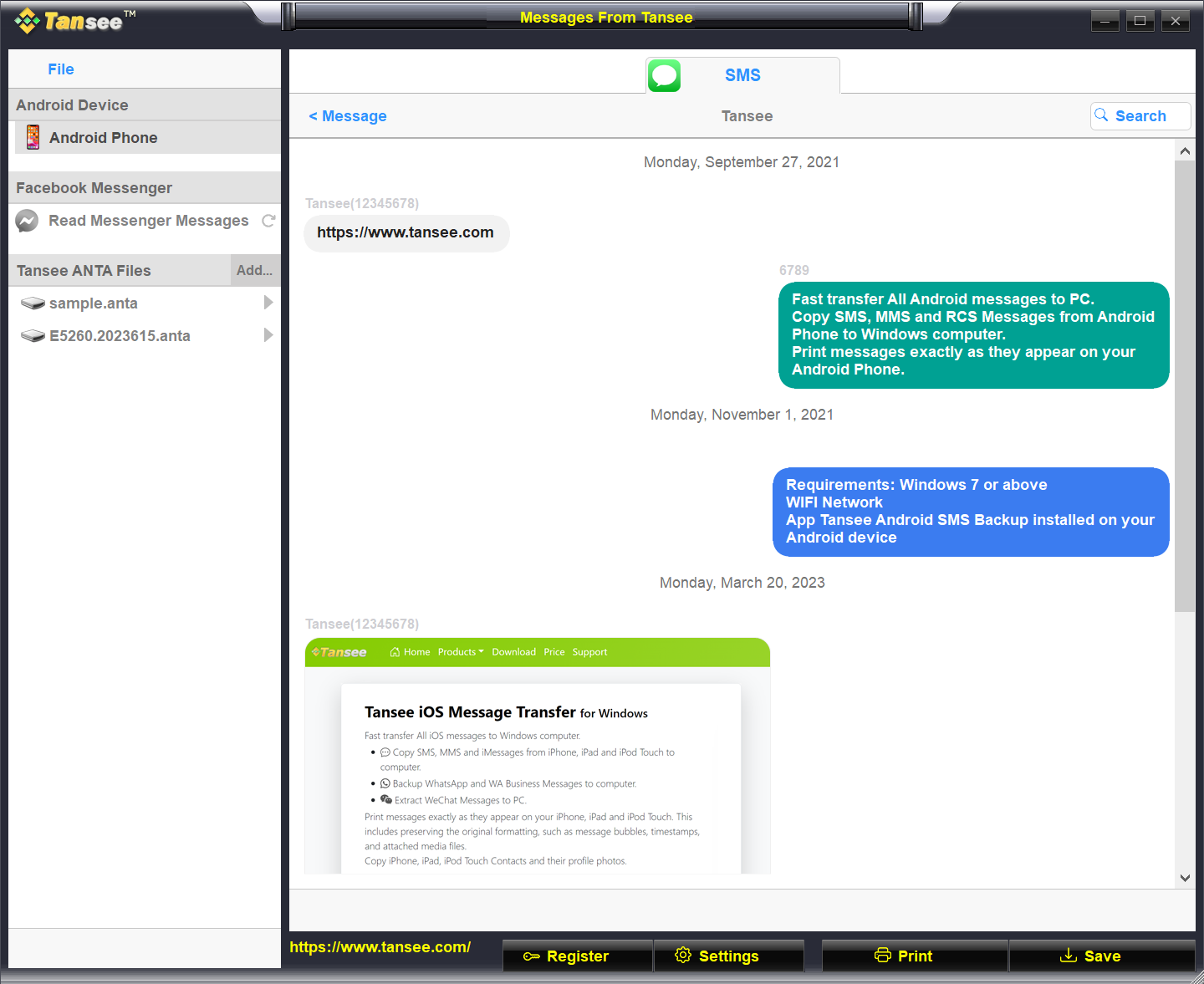
- Complete Message Backup and Export: Easily transfer all your text messages from Android to your Windows PC, enabling safe backups or detailed message reviews.
- Media and Contact Management: Not just messages, this app also allows users to export contacts, photos, and videos without the hassle of manual copying or complicated procedures.
- Simple One-Click Backup Process: The straightforward process minimizes learning curves, letting users back up their data with minimal effort and no technical expertise required.
- Compatibility and Security: Designed to work smoothly across various Android versions and ensures data privacy during the transfer process.
Stepping into the App: First Impressions
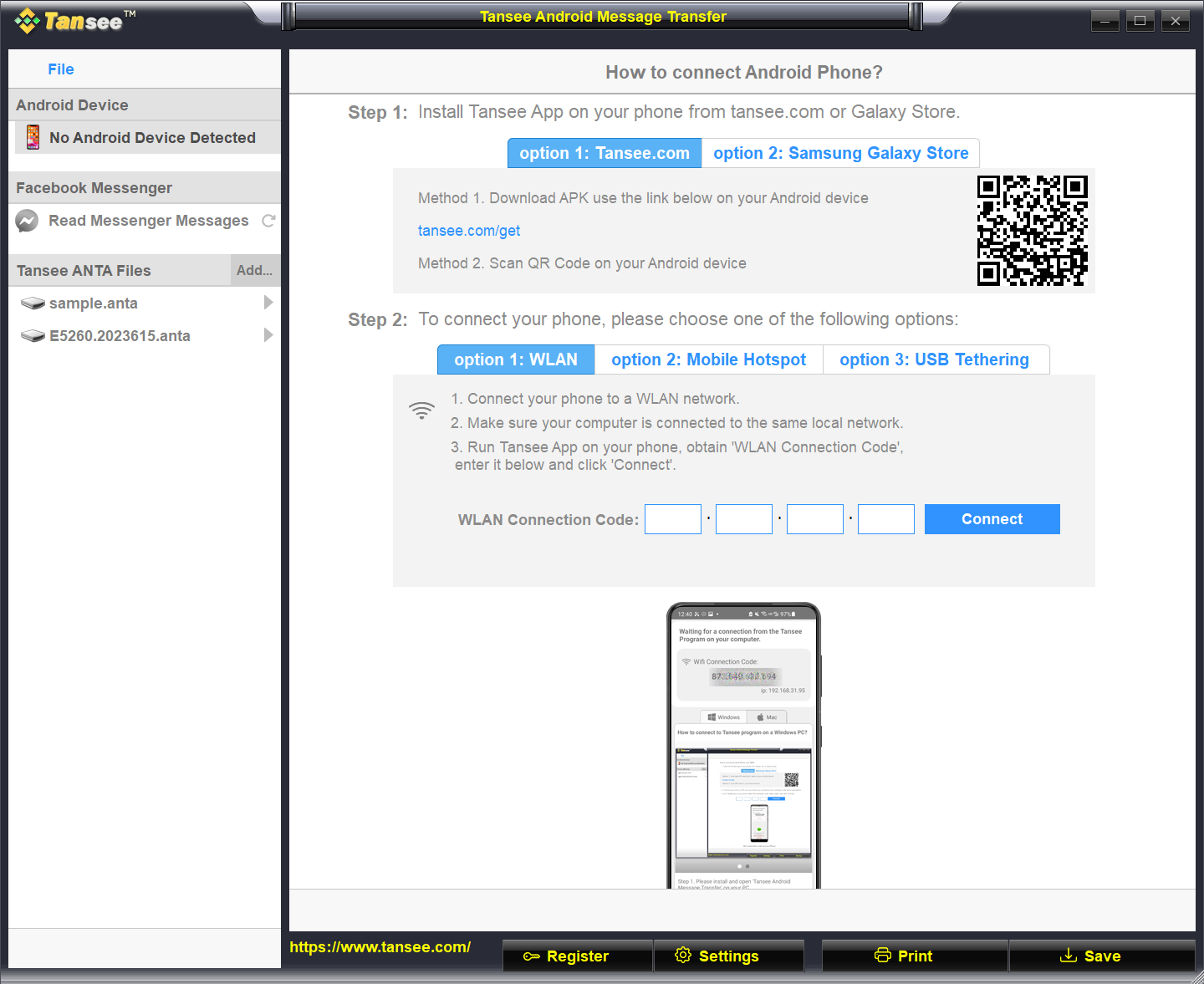
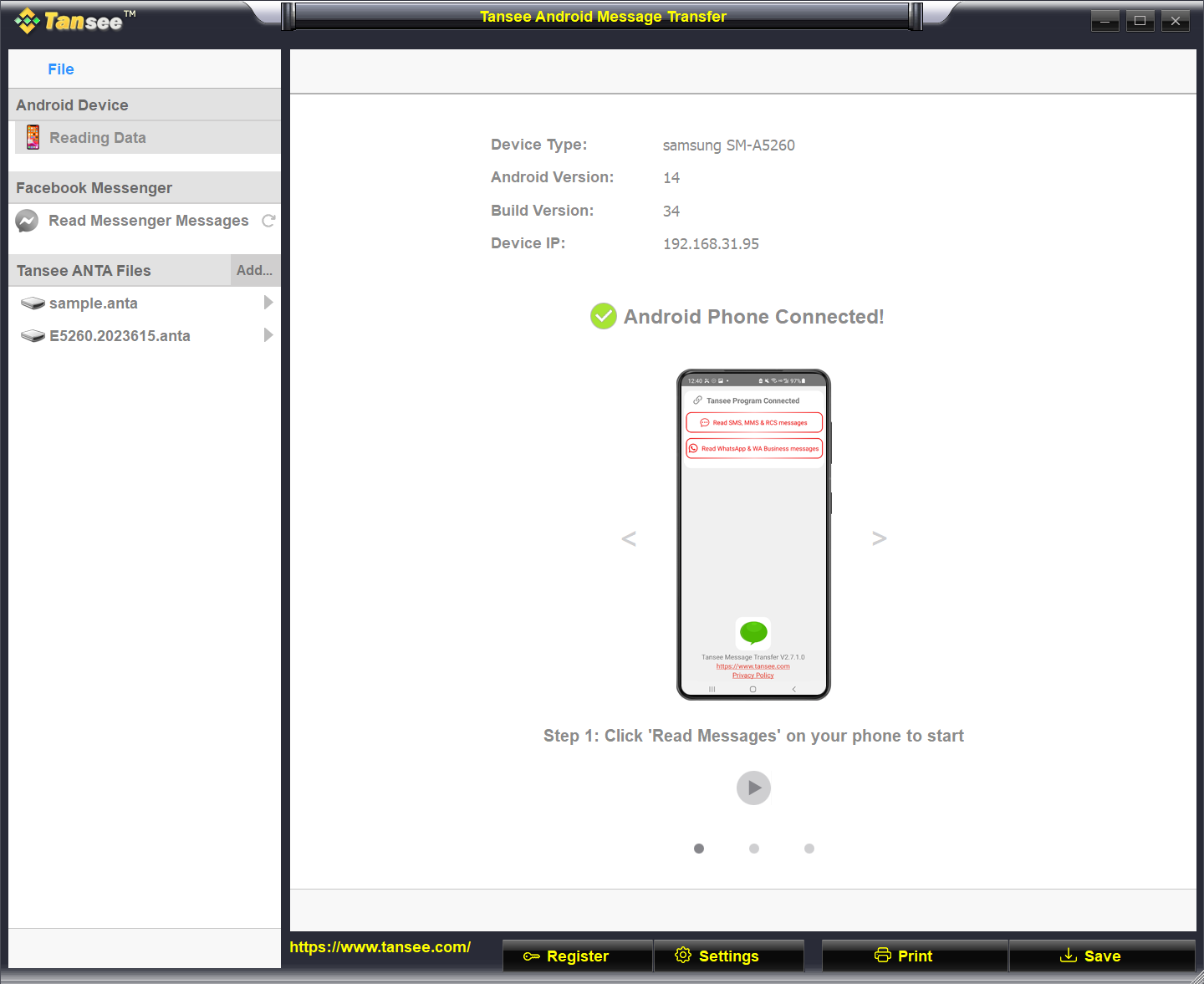
Opening Tansee Android Message Transfer for the first time feels akin to stepping into a well-organized digital workshop—clean, tidy, and inviting. Its intuitive interface immediately signals that it's built for efficiency, blending bright, friendly colors with logical layout. As someone who's navigated through cumbersome data transfer tools in the past, I was pleasantly surprised by how straightforward the initial setup was. The app guides you gracefully through device connection, with clear prompts and minimal jargon, making the process feel as smooth as a gentle cruise on a calm lake.
User Experience: Interface, Speed, and Learning Curve
The app's interface strikes a balance between simplicity and functionality. Icons are clear, labels are straightforward, and the overall layout is logically organized without unnecessary clutter. During testing, I appreciated the rapid response times when selecting different data types—messages, contacts, media—each operation completed seamlessly, even on older Android devices. The learning curve is gentle; users require just a few minutes to become proficient, making it accessible for beginners while remaining useful to experienced users needing quick, reliable transfers.
What Sets It Apart? The Unique Advantages
Unlike many other data transfer tools that focus solely on file copying, Tansee Android Message Transfer offers a comprehensive messaging management experience—think of it as having a miniature CRM dashboard for your Android data. Its standout feature is the one-click backup with a focus on message integrity and security. This is particularly beneficial for users who need to archive conversations without the complication of manually exporting each thread. Additionally, its smooth operation across multiple Android versions ensures broad usability, which isn't always guaranteed with similar tools that are version-dependent.
Final Verdict and Recommendations
Overall, Tansee Android Message Transfer for Windows emerges as a reliable, well-designed utility that fills a niche for users seeking a hassle-free way to safeguard and manage their Android communications and media. For anyone who values straightforward processes with a minimal learning curve and appreciates the convenience of managing data on a PC, this app deserves a solid recommendation. While it may lack some of the more advanced editing features of bulk management tools, its core strengths—simplicity, speed, and targeted functionality—make it an indispensable tool for personal backups and straightforward data migration tasks.
Pros
- User-Friendly Interface
- High Compatibility
- Fast Transfer Speeds
- Secure Data Handling
- Free Trial Available
Cons
- Limited Export Options
- Occasional Connection Issues
- Bulk Transfer Limitations
- Lack of Advanced Filtering
- Help Documentation Needs Improvement











