

- Category Utilities & tools
- Developer Tansee LTD
- Available on PC
- OS Windows 10 version 0.0 or higher
- languages English
Effortless iPhone Data Transfer on Windows: An In-Depth Review of Tansee Message Transfer for iPhone
If you've ever struggled with managing your iPhone messages and data on a Windows PC, Tansee Message Transfer for iPhone promises to simplify the process. This tool aims to bridge the Apple device-PC divide, making data transfer seamless and hassle-free for both tech novices and seasoned users alike.
Basic Information: What Is Tansee Message Transfer for iPhone?
Tansee Message Transfer for iPhone is a dedicated Windows application designed to transfer iPhone messages, contacts, and media files directly to your computer. It positions itself as a straightforward solution to backup and manage iPhone content without iTunes or iCloud complication.
Developer and Publisher
The app is developed and published by Tansee LTD, a company specialized in mobile data management tools, with a focus on providing simple, reliable utilities for iOS device users.
Main Features Highlights
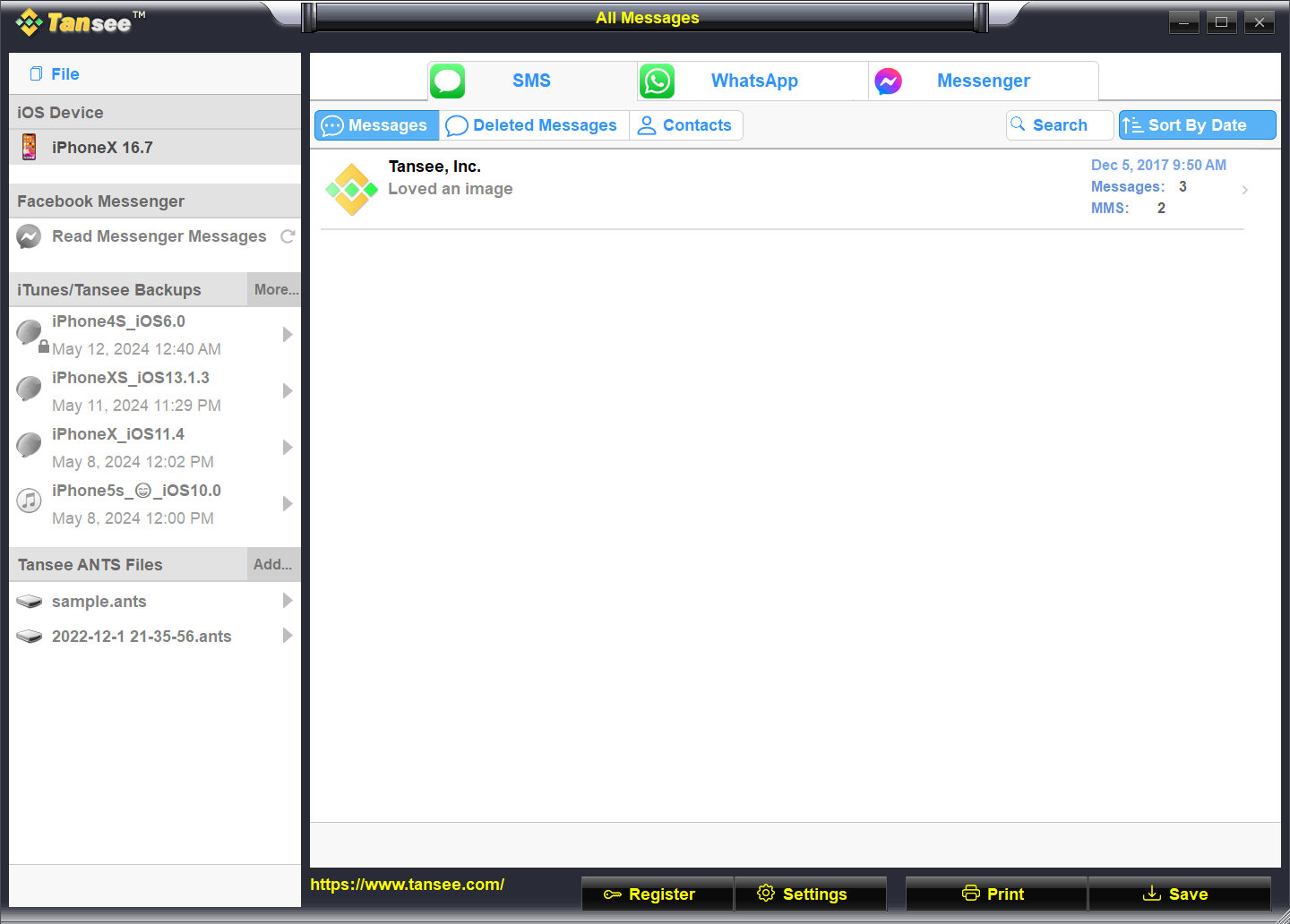
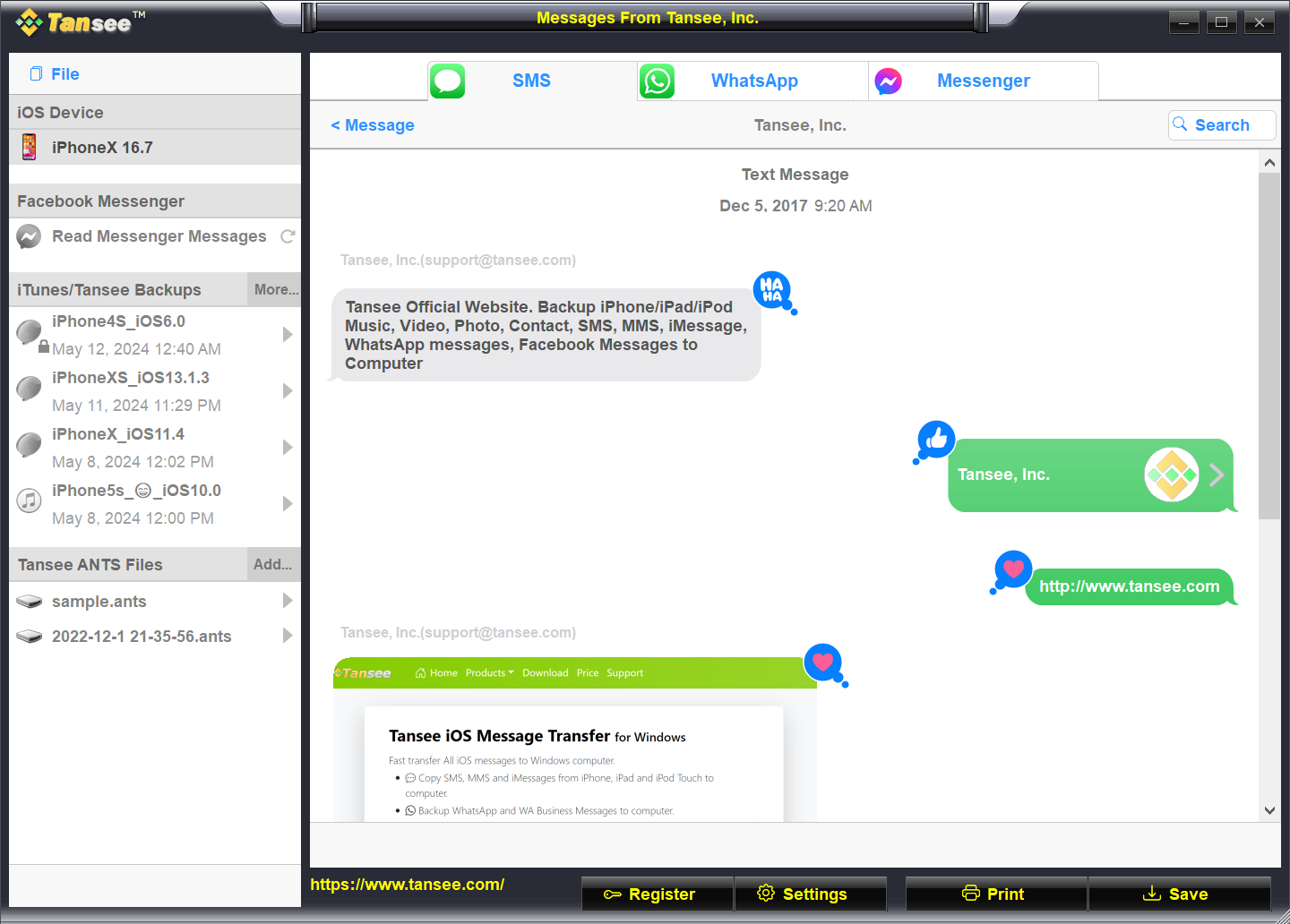
- Direct Message Transfer: Easily export SMS, iMessages, and WhatsApp messages to your Windows PC in readable formats.
- Selective Data Backup: Choose specific conversations or files to back up, saving time and storage space.
- User-Friendly Interface: Intuitive design makes navigation and operation accessible even for first-time users.
- Compatibility and Stability: Supports the latest iOS versions and ensures stable transfer without data corruption.
Target Audience
This application is ideal for individuals needing to archive their messages securely, businesses maintaining client communication logs, or anyone who wants to extract data from an iPhone for personal records or troubleshooting.
A Fun but Functional Journey into Data Management
Imagine having a friendly assistant sitting beside your computer, eager to help you tidy up your iPhone data mess. Tansee Message Transfer for iPhone transforms what was once a tedious task into a straightforward, even enjoyable, process. Whether you're a digital hoarder or just want a neat archive of your messages, this tool aims to deliver that satisfaction with minimal fuss.
Core Functionality Breakdown
Seamless Message and Data Transfer
The app's standout feature is its ability to directly export messages from your iPhone to your Windows PC. Unlike iTunes, which often complicates data management with backups and syncs, Tansee offers a simple export. You can save your conversations as HTML or TXT files, making them easy to browse or print. This is particularly handy for legal records, sentimental archives, or troubleshooting troubleshooting issues with customer service.
Targeted and Custom Backup Options
Need to back up only specific conversations or media? The app's selective backup function is like choosing ingredients for a recipe—you pick only what you need, not the entire pantry. This tailored approach saves storage and allows for quick access to important chats without sifting through hundreds of unwanted files.
Design and User Experience: Friendly, Simple, Effective
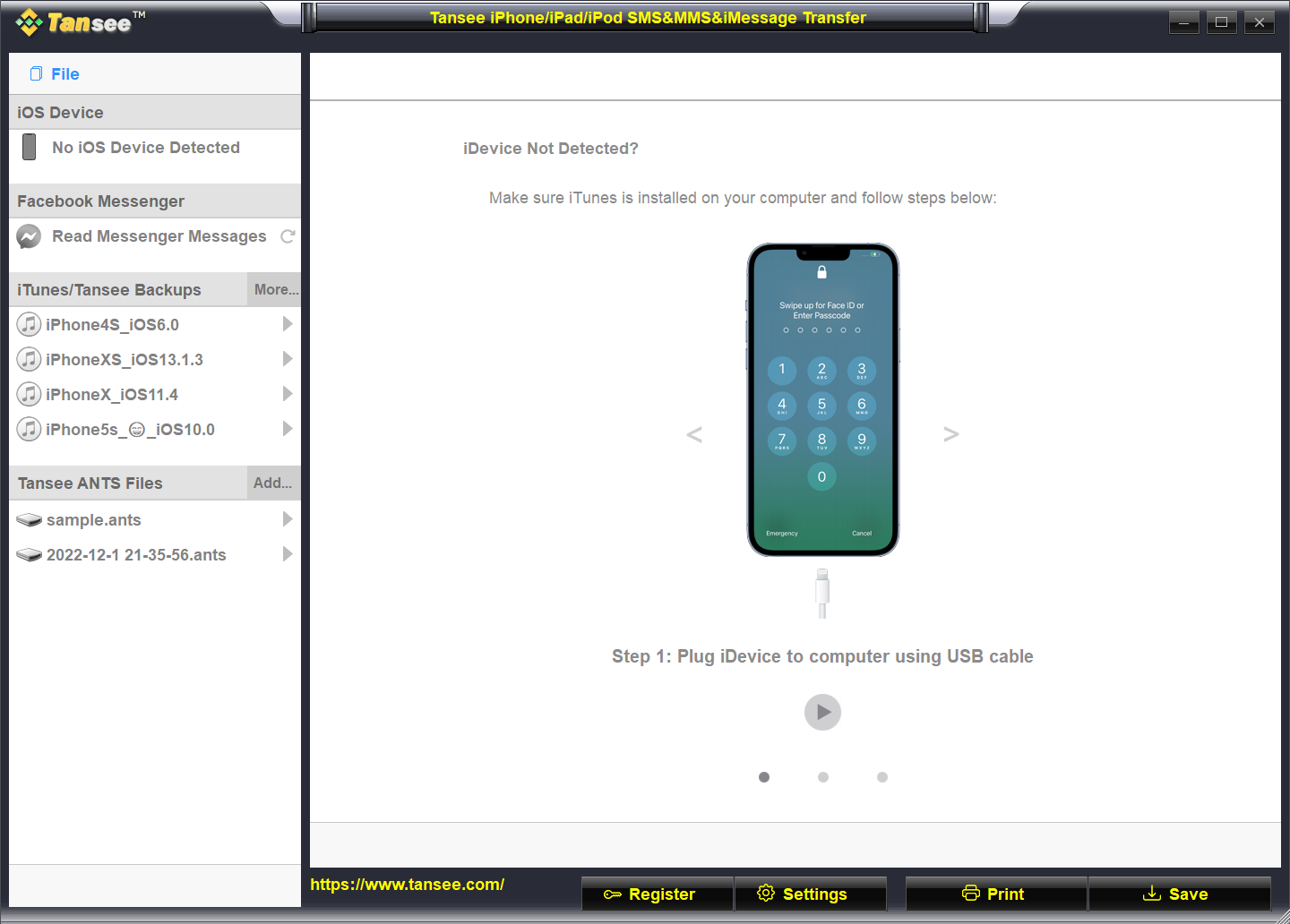
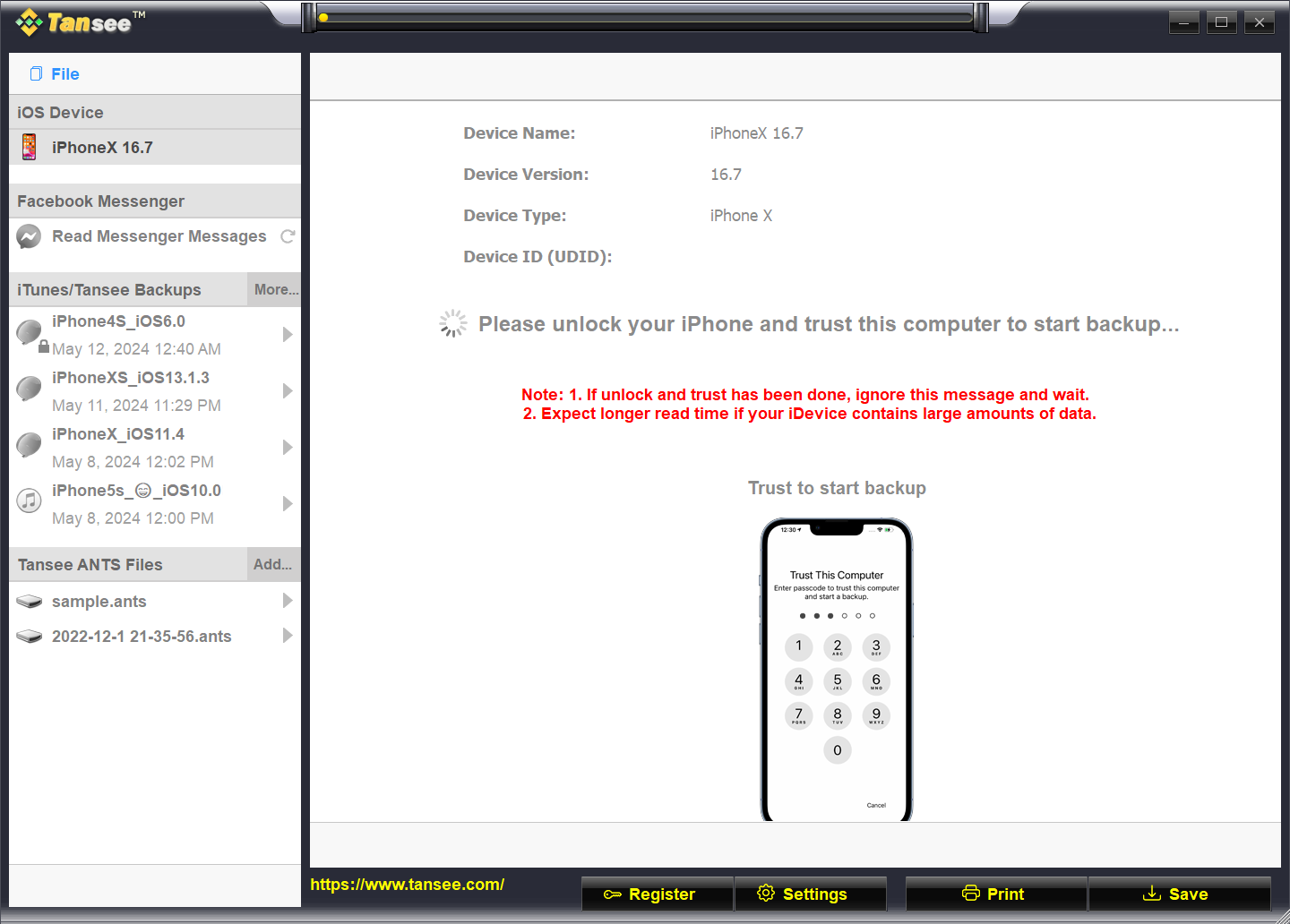
The interface is crisp, organized, and doesn't bombard users with complex menus. Navigating through options feels natural, akin to flipping through a familiar photo album, with a gentle learning curve for first-timers. Transfer speeds are smooth, and the process generally completes without hiccups, affirming the app's stability and reliability.
What Sets Tansee Apart from Its Peers?
While many iPhone management utilities focus on broad data handling, Tansee Message Transfer shines with its specialized focus on messaging data. Its dedicated, straightforward approach to exporting various message types as readable files makes it a standout. Also, its ability to handle WhatsApp message exports alongside SMS/iMessage without needing an additional app adds to its unique value—saving users from juggling multiple tools.
Compared to broader backup tools that can be bulky or overly complicated, Tansee insists on simplicity, acting more like a trusted digital notepad than a Swiss Army knife. Its single-minded focus on message transfer ensures efficient, clutter-free operation—precisely what many users seek.
Should You Give It a Try? Recommendations and Usage Tips
If your priority is to create neat, accessible backups of your iPhone messages on Windows without risking data corruption or complexity, Tansee Message Transfer is worth considering. It's especially recommended for users who prefer clarity and directness over multifunctionality.
For optimal use, ensure your iOS device is updated, and follow the straightforward prompts—it's a plug-and-play experience. While not suited for comprehensive device management, it excels in its niche of message export. For occasional or regular backups of conversation histories, it offers a very reliable tool that feels like having a trusted digital scribe in your corner.
In conclusion, Tansee Message Transfer for iPhone combines practical features with an intuitive design, making it a strong choice for anyone needing to manage iPhone messages on Windows. Its focus on simplicity, stability, and targeted data handling makes it a compelling utility—think of it as your digital message librarian, helping you keep your conversations organized and accessible for years to come.
Pros
- User-Friendly Interface
- Fast Data Transfer Speed
- Supports Multiple Data Types
- Reliable Data Security
- Cross-Platform Compatibility
Cons
- Limited Free Usage
- Occasional Connectivity Issues
- Slow Batch Processing for Large Files
- Lack of Cloud Backup Features
- User Interface Could Improve for Advanced Users











