

- Category Utilities & tools
- Developer Tenorshare
- Available on PC
- OS Windows 10 version 0.0 or higher
- languages English, Chinese (Simplified), Chinese (Traditional Chinese), German, Spanish, French, Japanese, Portuguese, Russian, Arabic, Italian, Korean , Czech, Swedish, Turkish
Unlock Your Android Device with Ease: An In-Depth Review of Tenorshare Android Phone Unlocker for Windows
If you're ever locked out of your Android device due to forgotten passwords, pattern errors, or other screen unlock issues, Tenorshare Android Phone Unlocker aims to be your reliable ally in regaining access. This software claims to simplify complex lock removal processes, making it a potential lifesaver for both tech novices and experts alike.
About the App: What Is It and Who Developed It?
Tenorshare Android Phone Unlocker is a dedicated utility designed to help users unlock Android devices swiftly, bypassing screen locks without data loss in many cases. Crafted by the reputable team at Tenorshare, known for their comprehensive data recovery and device management tools, this application stands out with its focus on security and efficiency.
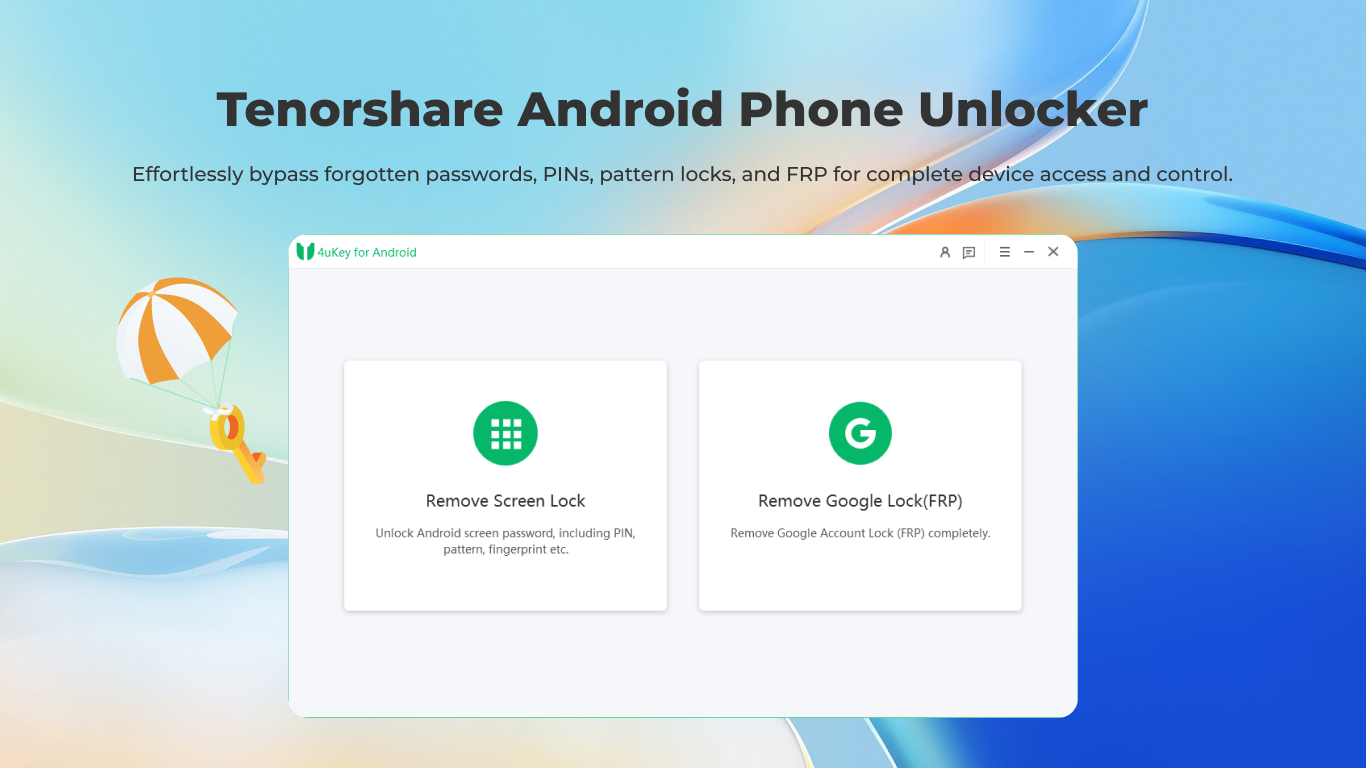
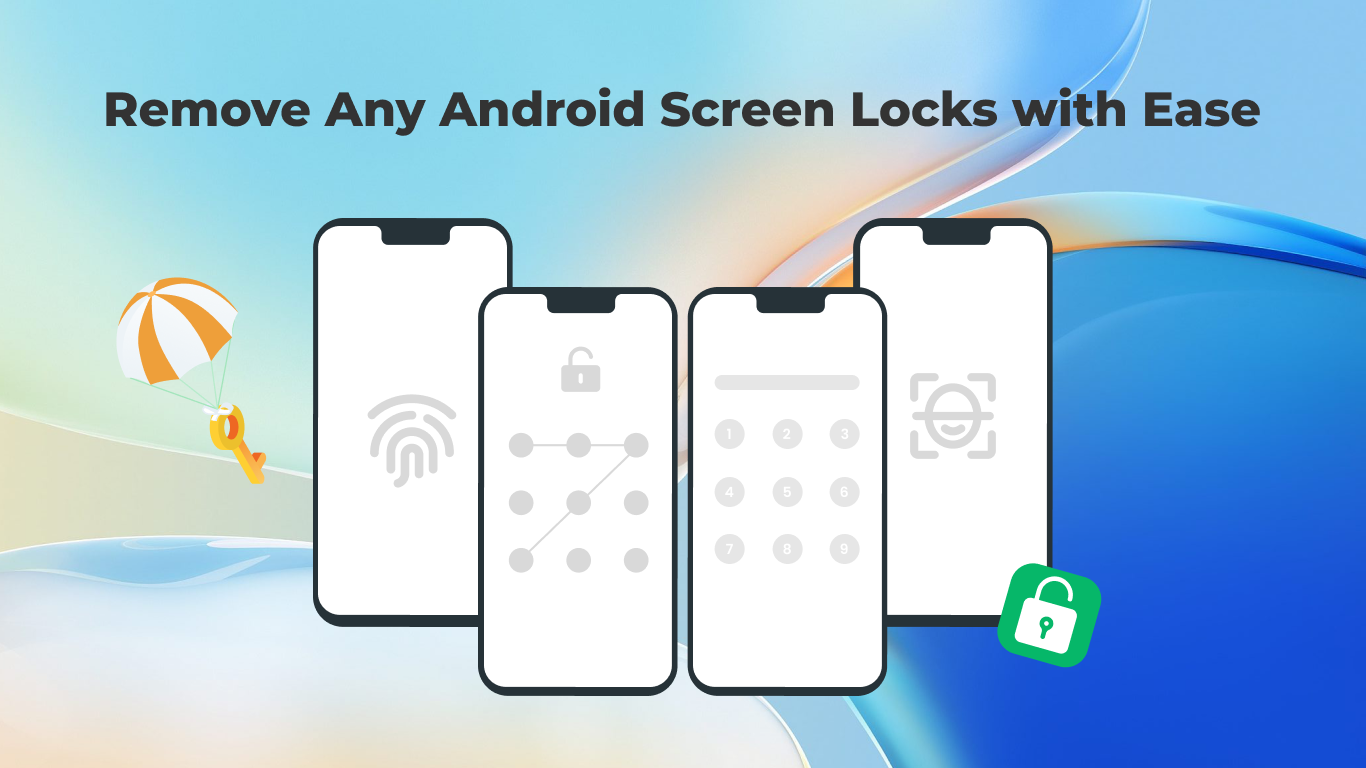
The main features encompass unlocking various types of screen locks (PIN, password, pattern, fingerprint), removing Google Account verification, and assisting users in bypassing FRP (Factory Reset Protection). Its primary aim is to provide a straightforward solution for unlocking Android phones, especially when traditional methods are unavailable or complicated.
This solution is targeted at Android users who encounter device lockouts, tech support providers, and anyone needing quick access restoration without hassle. Whether you're locked out due to multiple incorrect attempts or device restrictions, this app positions itself as a user-friendly alternative.
Captivating and Intuitive: What's It Like to Use?
Imagine the frustration of staring at your Android screen, unable to unlock your device after an accidental pattern lock or forgotten password. Now, picture this process transforming into a simple click-and-wait operation—kind of like having a friendly tech savior by your side. That's the promise Tenorshare Android Phone Unlocker delivers: turning complex lock removals into an almost effortless experience.
Core Functionality 1: Seamless Screen Lock Removal
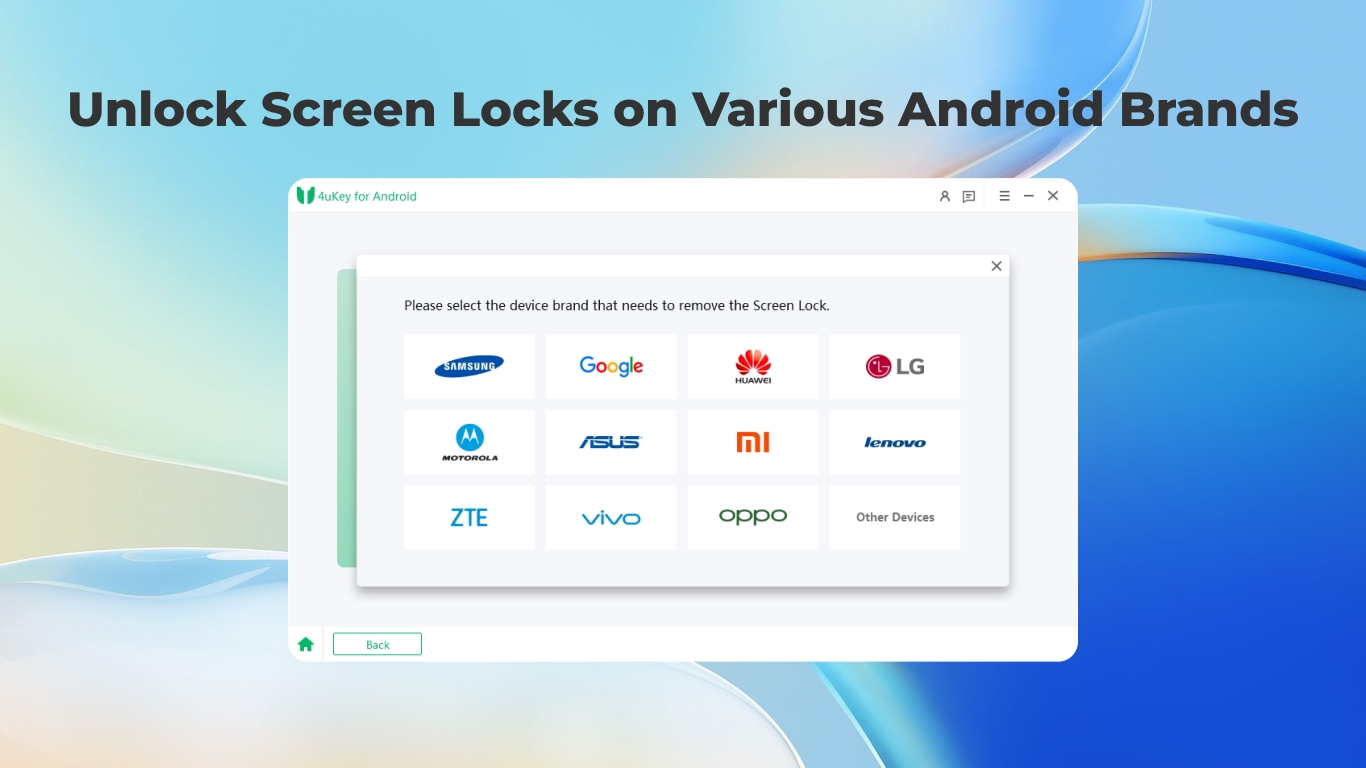
The app's flagship feature is its ability to unlock devices without damaging data, provided certain conditions are met. The process is guided by a clean, step-by-step interface that minimizes confusion. Once connected via USB, users select their device model and lock type, then initiate the unlocking process with a single click. The interface is straightforward, with clear status updates, making it accessible even for first-timers. The operation feels smooth, with quick responses, ensuring users are never left in the dark.
Core Functionality 2: Google Account & FRP Bypass
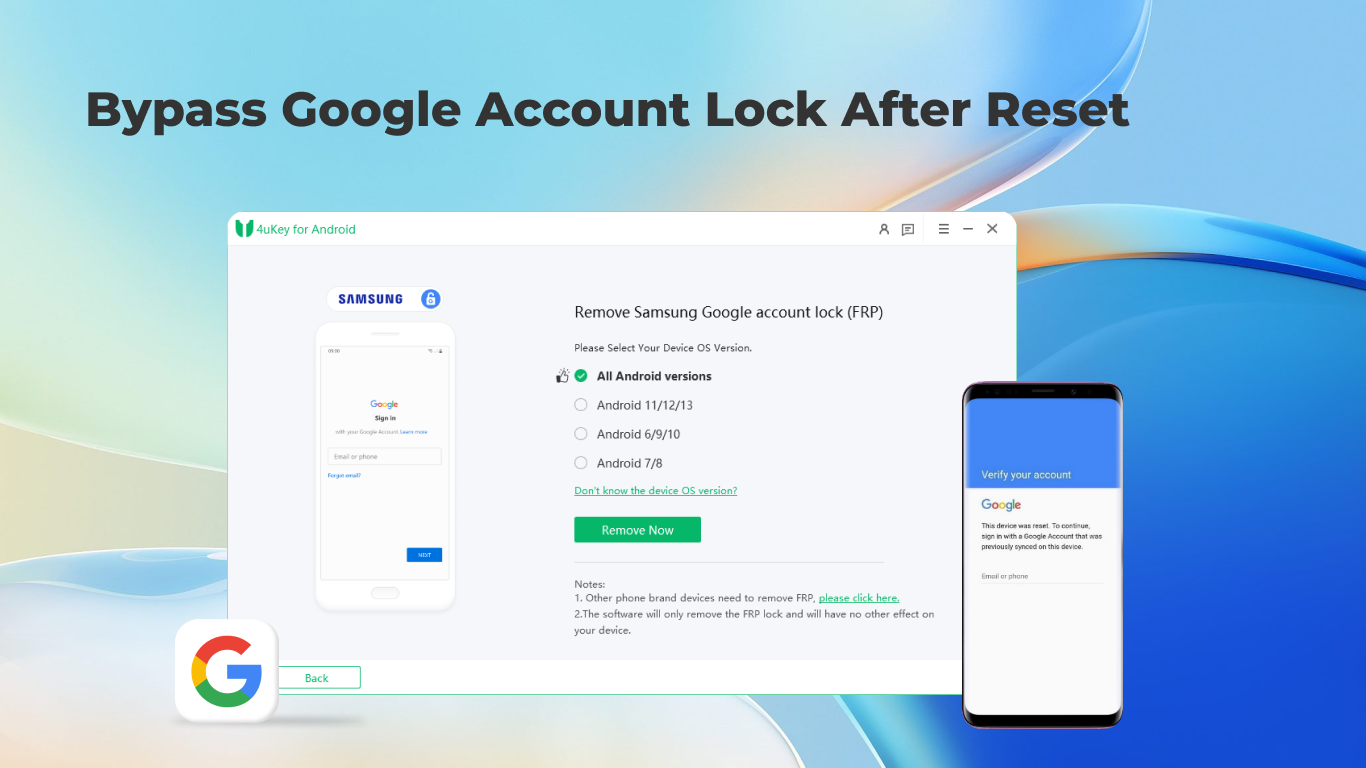
The second standout feature is bypassing Google account verification, which often acts as a barricade after a factory reset. The app employs advanced yet safe methods to sidestep FRP locks, giving your device a second chance to be usable without lengthy waiting or complex procedures. This is especially helpful when users forget their credentials or purchase secondhand devices with locked accounts still attached. The workflow remains intuitive, with minimal learning curve—making a potentially intimidating task feel manageable.
User Experience & Differentiation from Competitors
Designed with simplicity in mind, Tenorshare Android Phone Unlocker boasts a sleek, modern interface that looks more like a dashboard than a complicated utility. The layout is well-organized, with logically grouped functions, allowing users to navigate effortlessly. The app's responsiveness is commendable; operations proceed smoothly, and even less tech-savvy users will find the steps easy to follow.
Compared to other utilities in the same niche, Tenorshare's application emphasizes a balance between effectiveness and safety. Unlike some tools that risk data loss or pose security concerns, this one strives to preserve user data whenever possible, making it a trustworthy choice. Its focus on important unlock types—particularly FRP/bypass functions—sets it apart from basic unlocking tools, which often only handle lock removal without dealing with account verification issues.
Furthermore, its dedicated customer support and regular updates ensure the app stays current with the latest device models and lock mechanisms, adding to its appeal.
Final Thoughts and Recommendations
Tenorshare Android Phone Unlocker for Windows emerges as a competent, professional tool tailored to users seeking a reliable solution for unlocking their Android devices. Its core strengths—effective lock removal and FRP bypass—are backed by an appealing user interface and smooth operation flow. While it's not a universal magic wand (certain models or lock types might still pose challenges), it stands out as a solid option for those in need of swift, safe unlocking solutions.
For users comfortable with basic technical procedures or those who need a dependable utility without the fuss, I recommend giving this app a try. It's particularly suitable for personal use or technical support scenarios where efficiency and data security are priorities. Overall, this tool deserves a positive nod for its focus on real user needs and its capacity to simplify otherwise daunting lockouts.
In summary, if unlocking your Android device is a distressing hurdle, Tenorshare Android Phone Unlocker might just be the friendly tech wizard you need—delivering speed, safety, and reliability all in one package.
Pros
- Fast and efficient unlocking process
- Supports a wide range of device brands and models
- User-friendly interface designed for ease of use
- No need for technical expertise or rooting the device
- Provides additional recovery features like data backup and removal of FRP locks
Cons
- Occasional compatibility issues with very new device models
- Requires a stable internet connection for certain functionalities
- Ads or prompts might appear during usage in free version
- Limited detailed guidance on troubleshooting errors
- Potential security concerns if used improperly or on stolen devices











