

- Category Utilities & tools
- Developer RC Tech
- Available on PC, Mobile, Surface Hub, HoloLens
- OS Windows 10 version 17763.0 or higher
- languages English (United States)
An Efficient and User-Friendly TIFF Viewer and Converter for Windows
In the realm of digital image management, having a versatile tool that combines ease of use with robust functionality can be a game-changer. TIFF Viewer and Converter for Windows by RC Tech positions itself as a reliable assistant for anyone dealing with TIFF images, whether for professional or personal purposes. With its streamlined interface and focused features, this app aims to simplify viewing and converting TIFF files without the fuss of complicated software.
Meet the Developer: RC Tech
Founded by a dedicated team specializing in digital image tools, RC Tech has established a reputation for developing lightweight yet powerful utility apps. Their focus with TIFF Viewer and Converter centers on delivering a straightforward experience tailored to users who need quick access and conversions without sacrificing quality or convenience.
Key Features that Make a Difference
- Fast and Accurate TIFF Viewing: The app provides smooth rendering of TIFF images, supporting high-resolution files with minimal lag, making it ideal for professional photographers and graphic designers.
- Batch Conversion Capability: Users can convert multiple TIFF images into common formats like JPEG, PNG, or BMP efficiently, saving valuable time—especially when handling large collections.
- User-Friendly Interface: Its clean layout ensures that even beginners can navigate effortlessly, with intuitive controls and clear options.
- Lightweight and Fast: Unlike bulkier image editors, this tool starts quickly and operates smoothly, never overwhelming system resources.
Targeted primarily at photographers, digital artists, and casual users who need rapid TIFF management, the app provides essential functionalities without the clutter of unnecessary features.
A Closer Look: Features and User Experience
Bright and Clear Interface
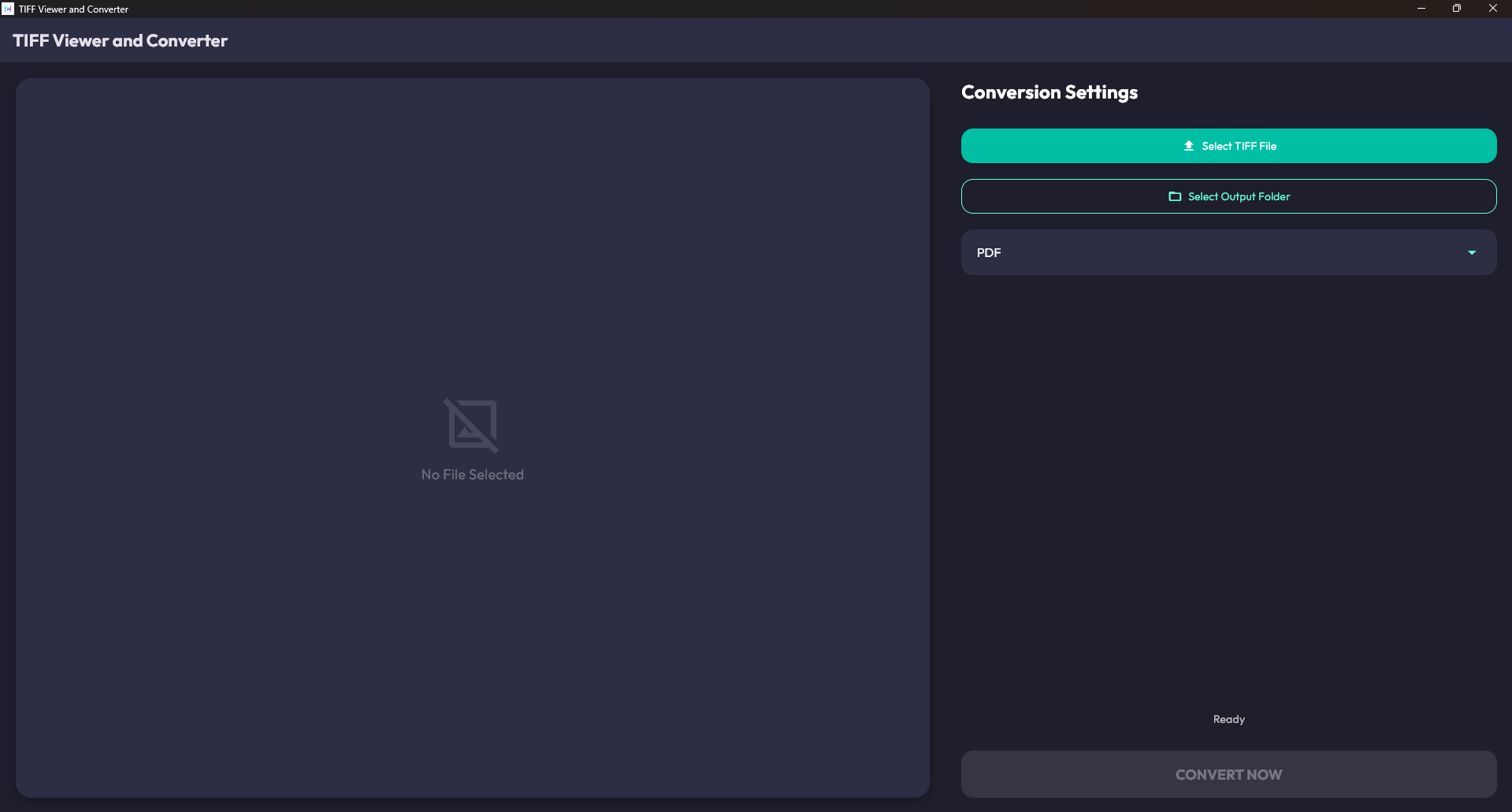
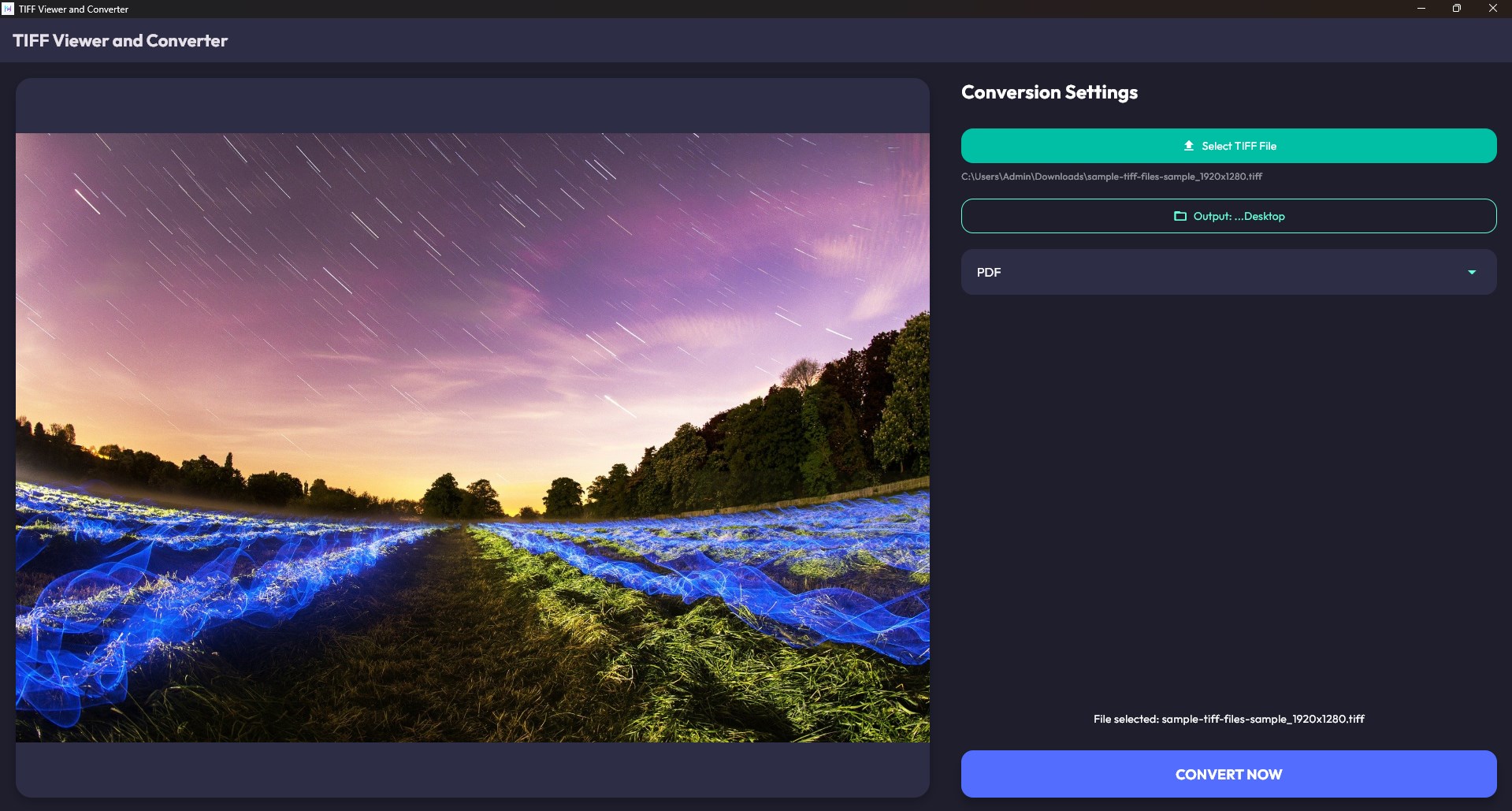
Opening the app feels like sliding into a well-organized workspace—everything is laid out logically, with thumbnails on the side and a large viewing area in the center. The minimalist design avoids visual clutter, letting users focus solely on their images.
Seamless and Intuitive Operation
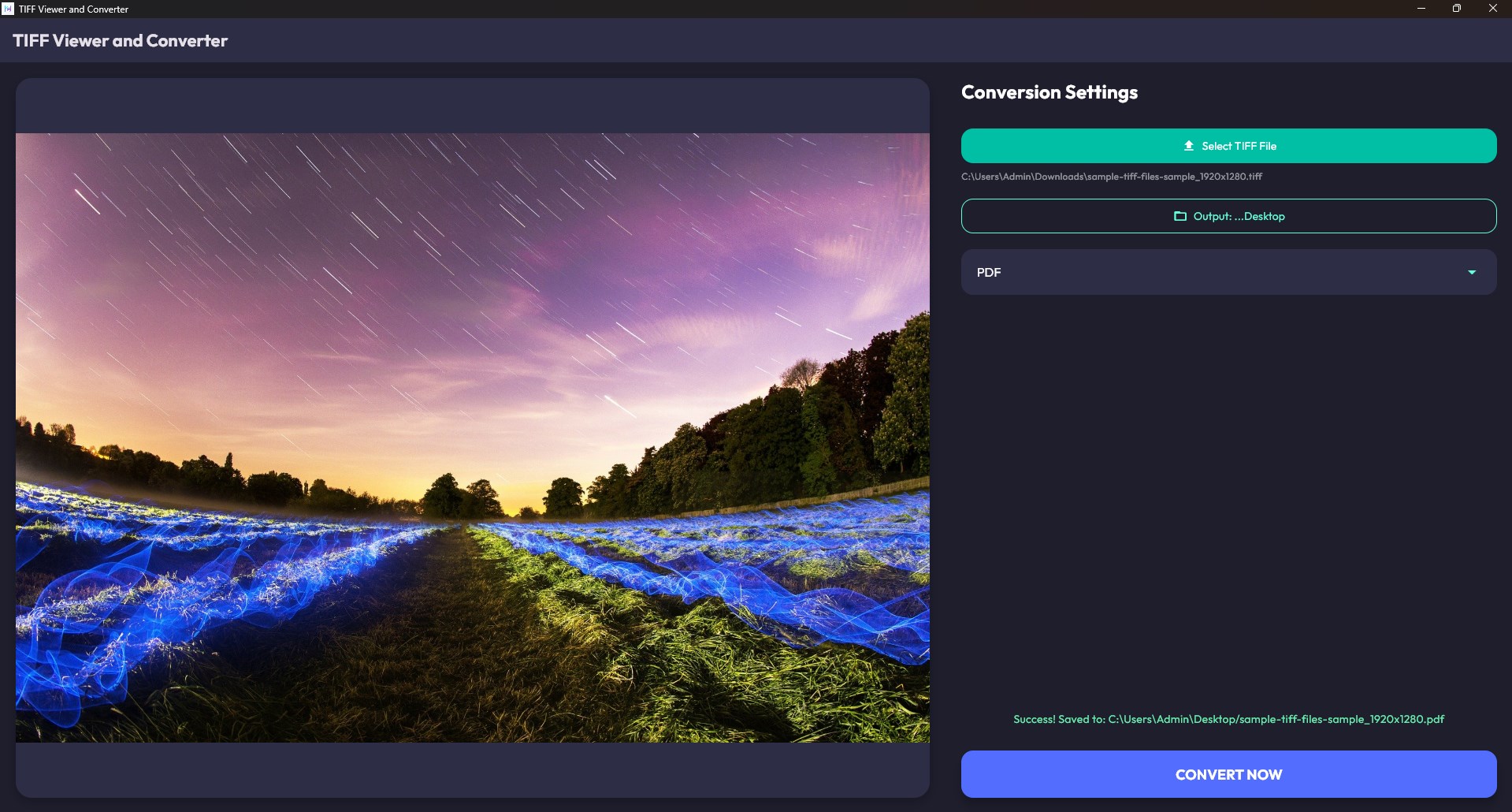
Performing typical tasks such as viewing or converting images is straightforward. Drag-and-drop support makes adding files a breeze, while the conversion process is a matter of selecting output format and clicking a button. The app handles multiple files with ease, providing batch processing options that are both quick and reliable.
Learning Curve and Accessibility
Even for the less tech-savvy, the learning curve is gentle. Tooltips and straightforward menu options guide users through each step, making the tool accessible for all skill levels. This focus on user-friendliness ensures that you spend more time working on your images and less time figuring out how the software works.
What Sets It Apart from Similar Utilities?
While many image viewers and converters exist, TIFF Viewer and Converter's greatest strength lies in its tailored approach to TIFF files. The app's dual capability—both viewing high-quality TIFFs seamlessly and converting batches with minimal fuss—makes it a versatile companion. Its lightweight structure means it runs unnoticed in the background, unlike bulky editing suites that take ages to launch or slow down your system.
Furthermore, its focus on precise rendering and reliable batch processing sets it apart from more generalized tools, which often sacrifice speed or quality. For those needing a dedicated TIFF-focused utility, this app delivers without the bells and whistles that often complicate other solutions.
Final Recommendations and Usage Advice
If you frequently work with TIFF images and value a straightforward, efficient tool, TIFF Viewer and Converter for Windows deserves a spot on your desktop. Its ease of use, quick performance, and dedicated features make it a reliable choice—especially for batch processing tasks. Casual users will appreciate its simple interface, while professionals can rely on its smooth operation for routine image handling.
In summary, while it might not have all the bells and whistles of larger photo editing suites, this app's focus on core functionalities and user-friendly design make it a top pick for efficient TIFF management. Give it a try if you're looking for a lightweight, reliable utility that gets the job done without fuss.
Pros
- User-friendly interface
- Supports various TIFF formats
- Fast processing speed
- High accuracy in OCR
- Multiple output formats
Cons
- Limited editing features
- Occasional crashes with large files
- Basic customization options
- Limited language support in OCR
- No batch processing notification











