
- Category Utilities & tools
- Developer Wide Angle Software Ltd
- Available on PC
- OS Windows 10 version 17763.0 or higher
- languages Dutch, English, English (United States), French, German, Italian, Japanese, Spanish
TouchCopy for Windows: Seamless iOS Data Migration at Your Fingertips
If you're looking for a reliable way to transfer and manage your iOS device data on your Windows PC, TouchCopy for Windows offers a straightforward solution. It bridges the gap between your iPhone or iPad and your computer, making data transfer a breeze without the need for iTunes or complex software setups.
Developed by Wide Angle Software Ltd: A Trustworthy Name in Data Management
Created by Wide Angle Software Ltd, a reputable developer specializing in device management utilities, TouchCopy is backed by years of experience in designing tools that simplify the digital lifestyle. Their focus on user-friendly interfaces and reliable performance makes this application a noteworthy choice for Windows users sharing their devices with iOS gadgets.
Key Features That Make TouchCopy Stand Out
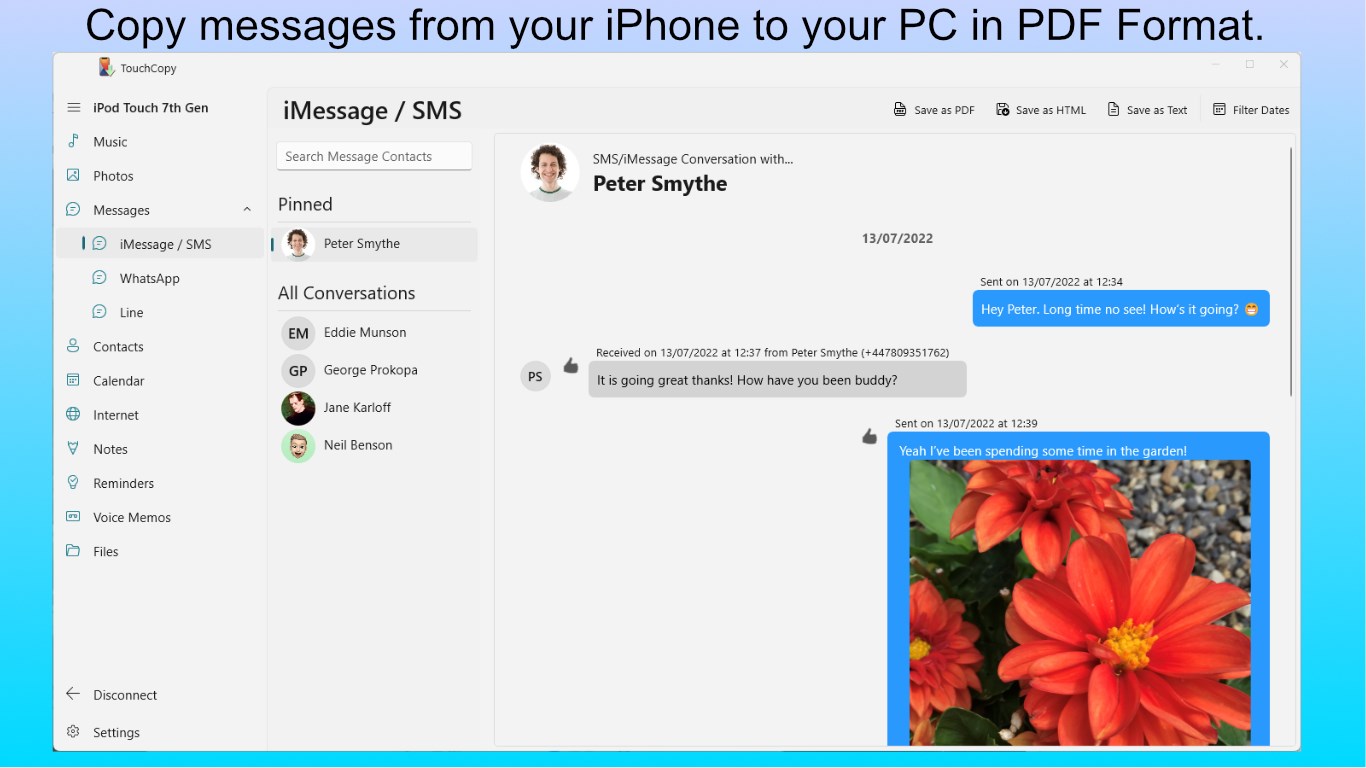
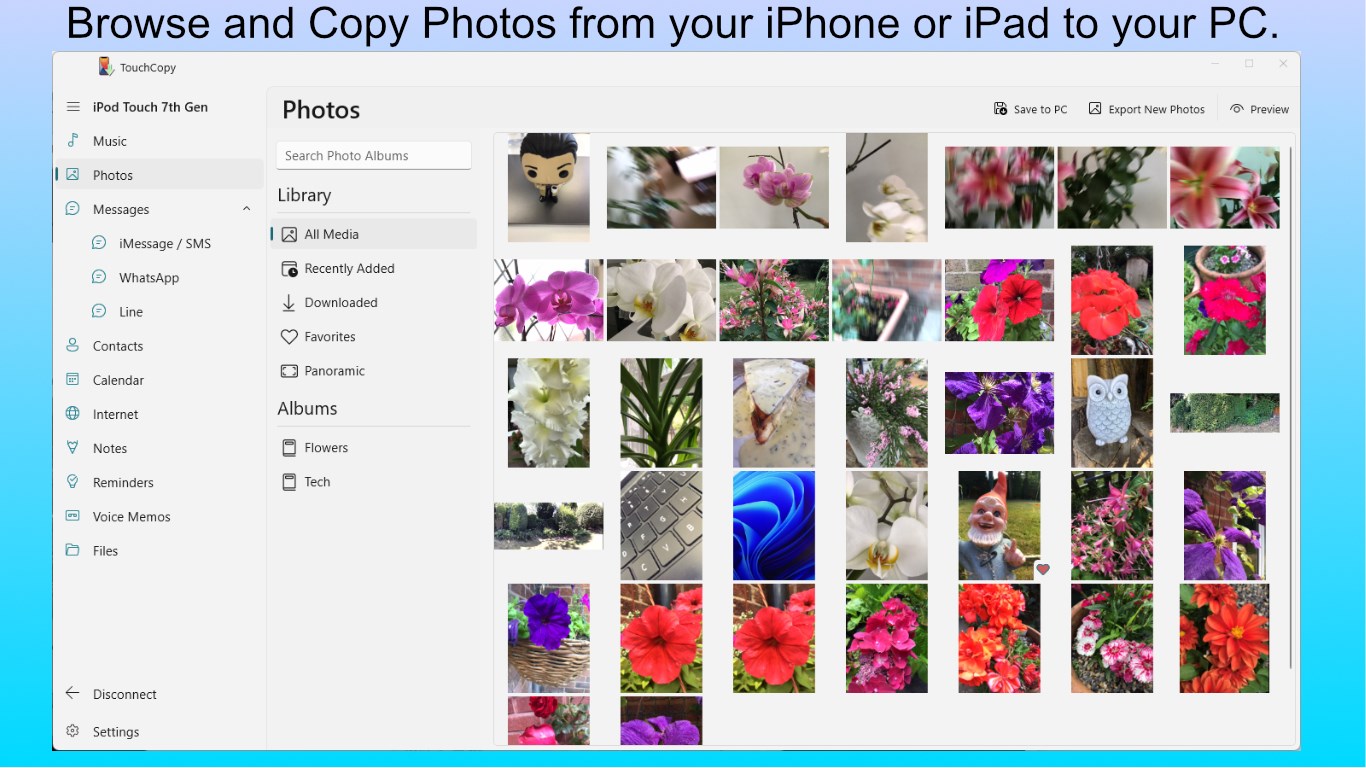
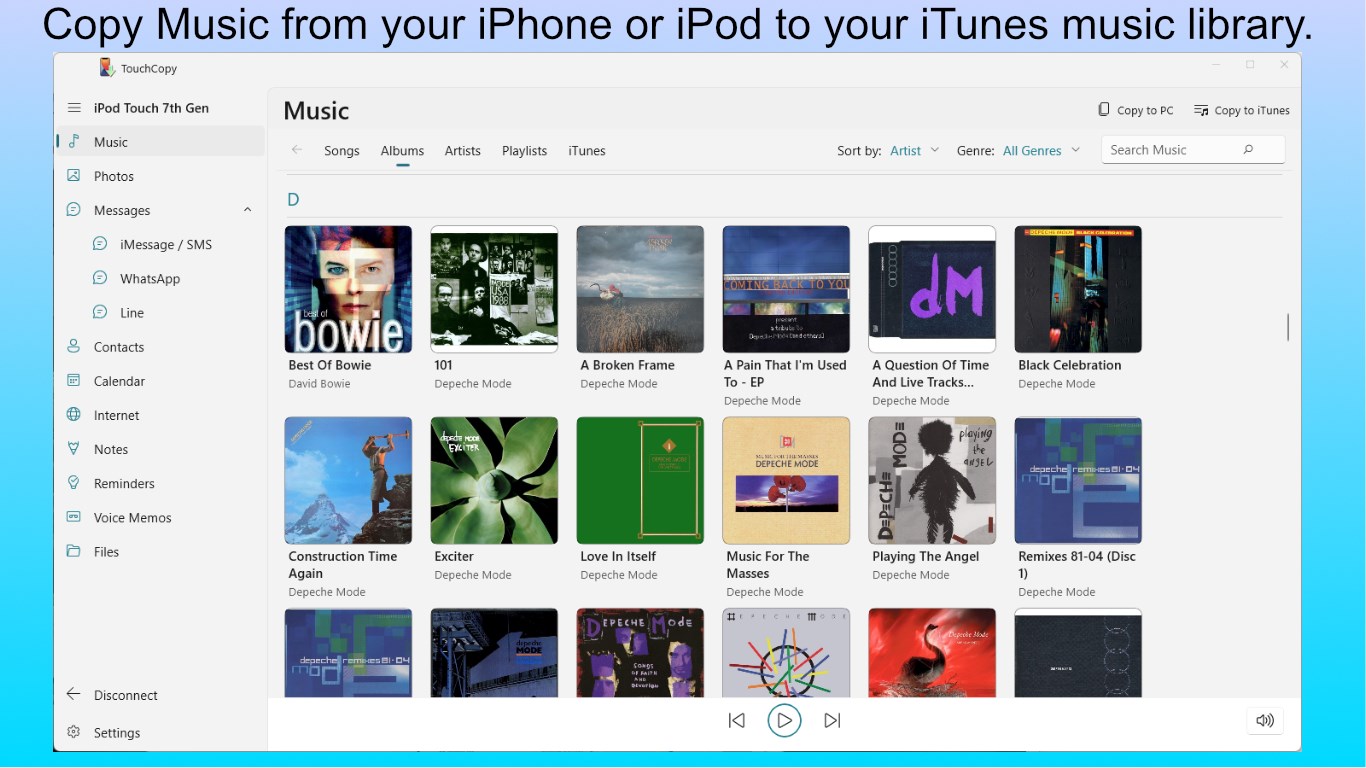
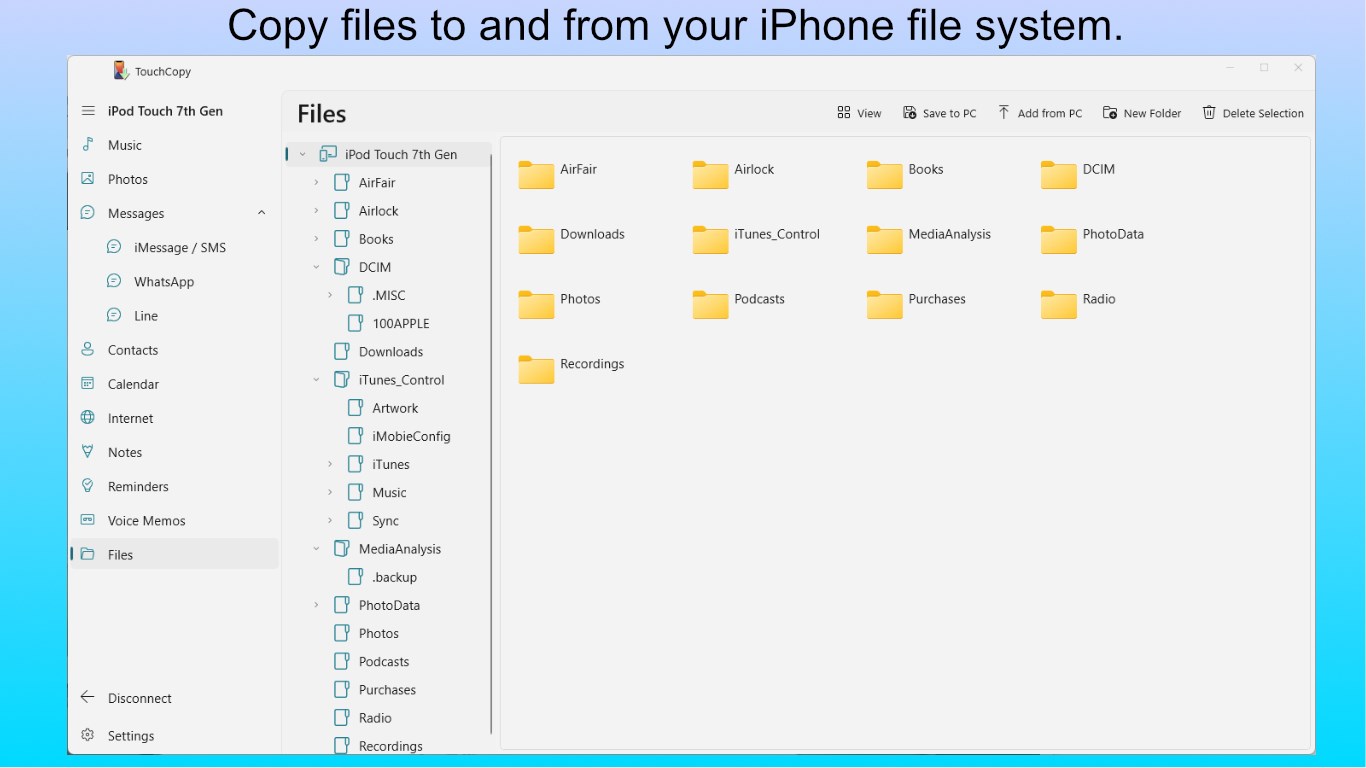
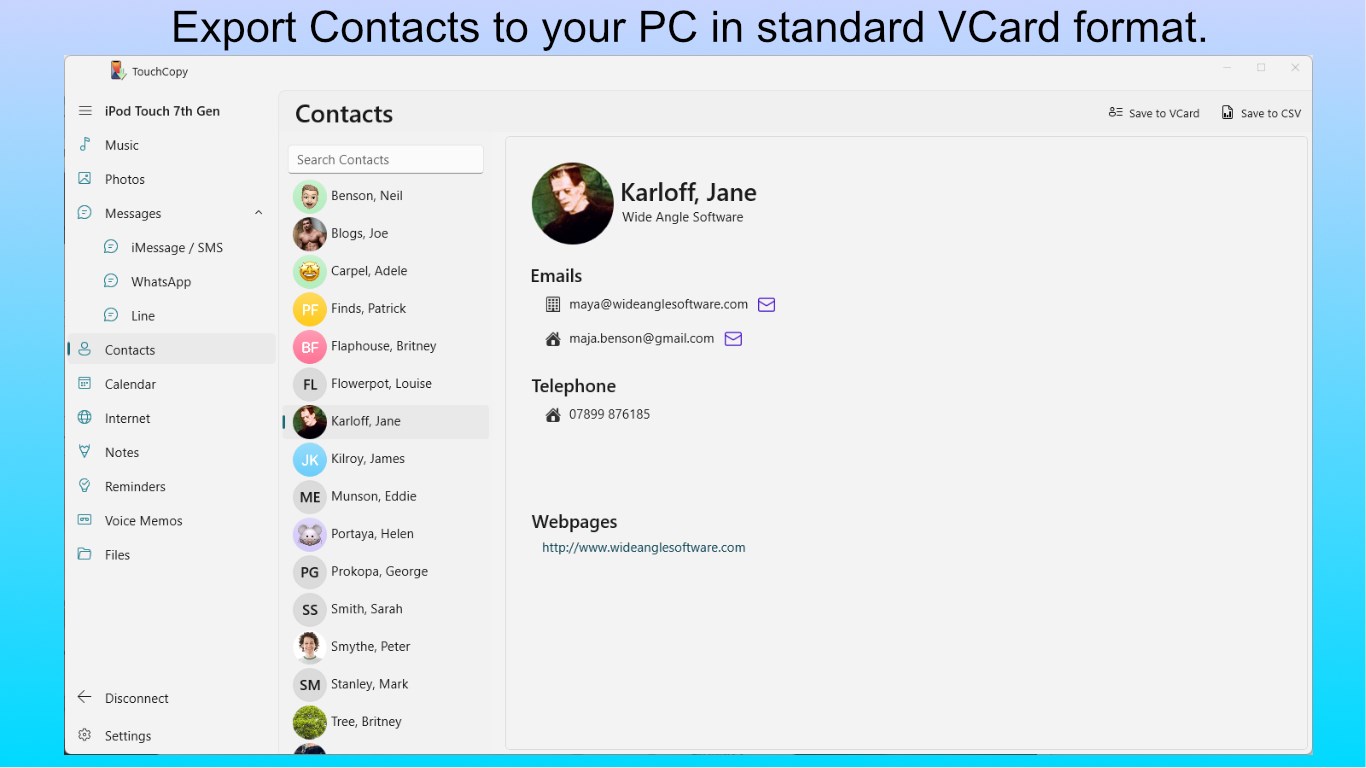
- Comprehensive Data Backup & Transfer: Easily copy music, videos, photos, contacts, and messages from your iPhone or iPad to your PC, giving you full control over your content.
- Selective Data Management: Instead of cloning entire devices, users can pick and choose specific items to transfer or back up, saving time and storage space.
- Compatibility with Multiple iOS Devices: Supports a wide range of iPhones, iPads, and iPods, ensuring versatility regardless of your device model.
- Freedom from iTunes: Operates independently, providing a hassle-free experience without needing to install or open iTunes.
Making Data Transfers Feel as Easy as Pie
Imagine plugging your phone into your PC and having your favorite songs or critical contacts appear on your desktop faster than you can say "sync." That's the kind of intuitive interaction TouchCopy fosters. It's like having a friendly assistant who swiftly fetches what you need without navigating through complex menus.
User Interface and User Experience
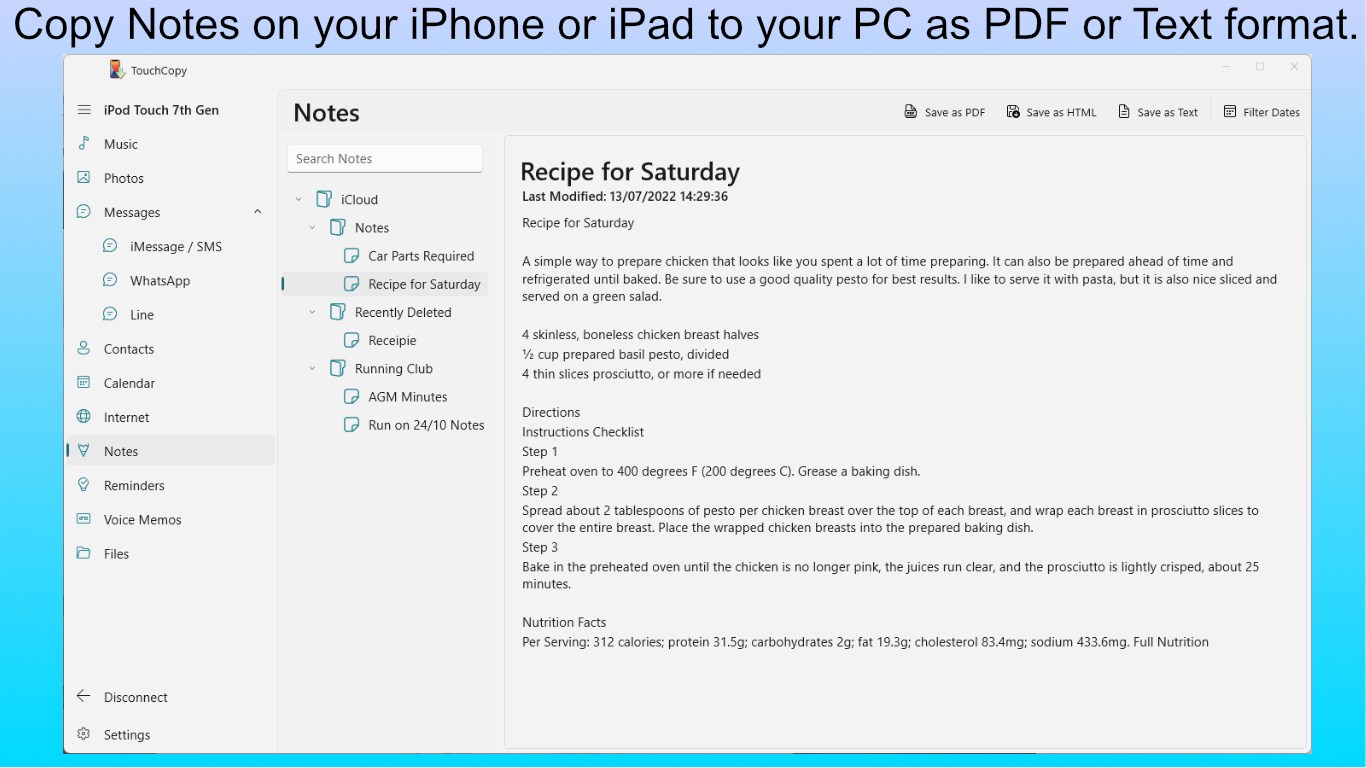
From the moment you launch TouchCopy, it welcomes you with a clean, uncluttered interface that feels more like a digital art gallery than a tech tool. The minimalist design minimizes cognitive load and guides you effortlessly through the data transfer process. The operation flow is logical: connect your device, select your data type, and initiate transfer—simple enough for tech novices but efficient for power users.
Transitions are smooth, with rapid response times that make the process feel almost instantaneous. The learning curve is shallow; most users will find themselves navigating and performing transfers after just a few clicks, making it accessible even for those less tech-savvy.
What Sets TouchCopy Apart from Its Peers?
While many iOS management tools exist, TouchCopy's greatest strength lies in its focused, no-fuss approach to data transfer without the overhead of iTunes or cumbersome setup procedures. Unlike generic utilities that may bombard users with endless options or bog down performance, TouchCopy delivers streamlined functionality with a particular emphasis on media and message backup.
Additionally, its capability to preview content before transfer—a handy feature not always found in similar tools—allows users to verify what they're copying, reducing accidental overwrites or data loss. This thoughtful touch demonstrates a commitment to user control and reliability.
Final Verdict: A Solid Choice for Certain Use Cases
Overall, I recommend TouchCopy for users who frequently need to transfer or backup iOS data on a Windows platform without fuss or complication. Its biggest advantage—the ability to selectively manage content—is beneficial for people wanting precise control over their device backups. Tech enthusiasts will appreciate its compatibility and stability, while everyday users will find it intuitive and efficient.
For those seeking a straightforward, dependable tool that emphasizes ease of use and content previewing, TouchCopy deserves serious consideration. It may not be packed with every imaginable feature, but what it does, it does extremely well—making it a valuable addition to your digital toolkit.
Pros
- User-friendly Interface
- Efficient Data Transfer
- Broad Compatibility
- Comprehensive Content Backup
- Automatic Detection
Cons
- Limited Free Version
- Occasional Connection Issues
- Slower Transfer Speeds for Large Files
- Limited Support for Non-Apple Devices
- Occasional Interface Lag











