

- Category Utilities & tools
- Available on PC, Mobile, Surface Hub, HoloLens
- OS Windows 10 version 14393.0 or higher
- languages English (United States)
Introducing Transparent Taskbar+ for Windows: A Sleek Enhancement for Your Desktop Experience
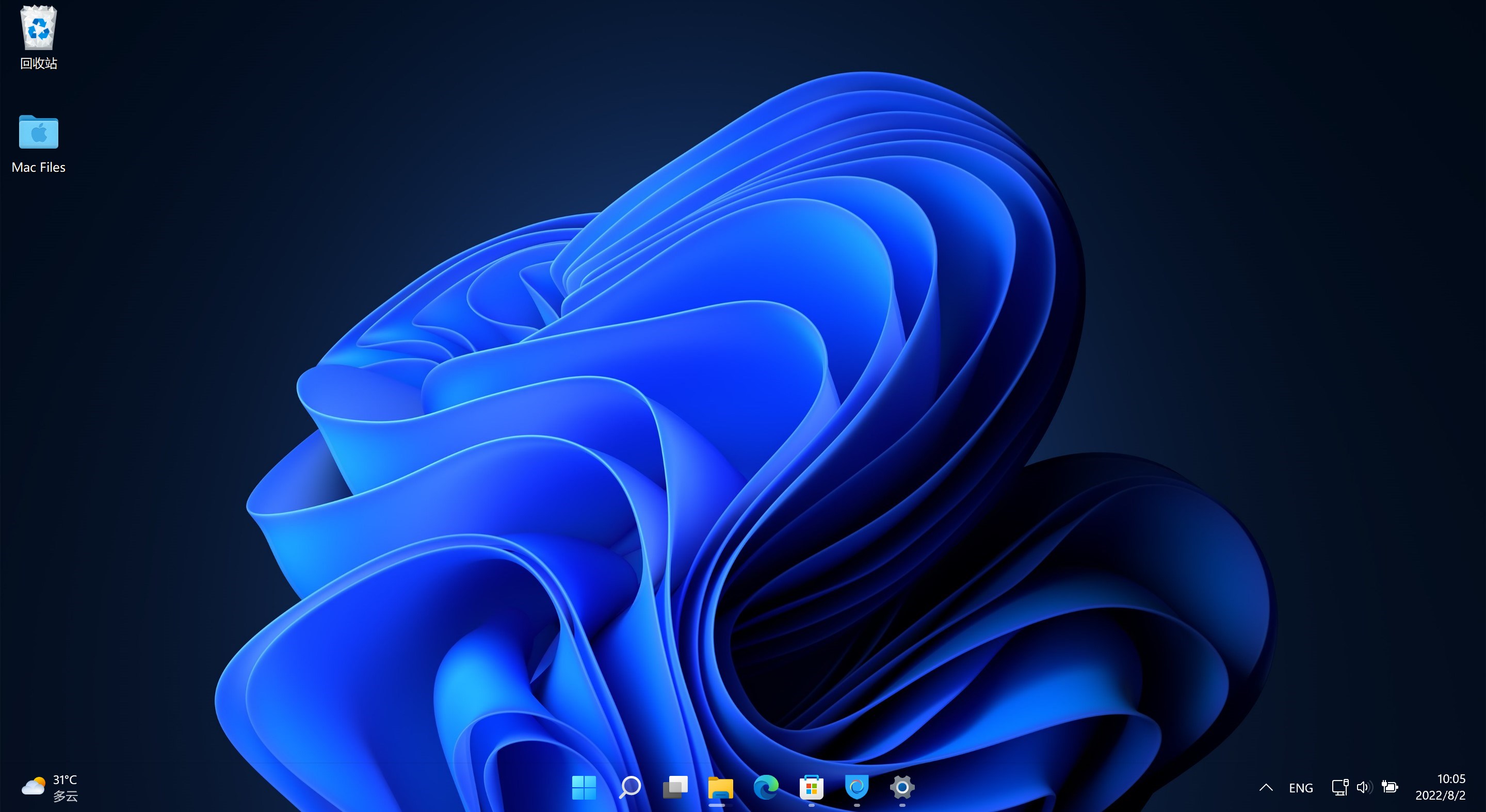
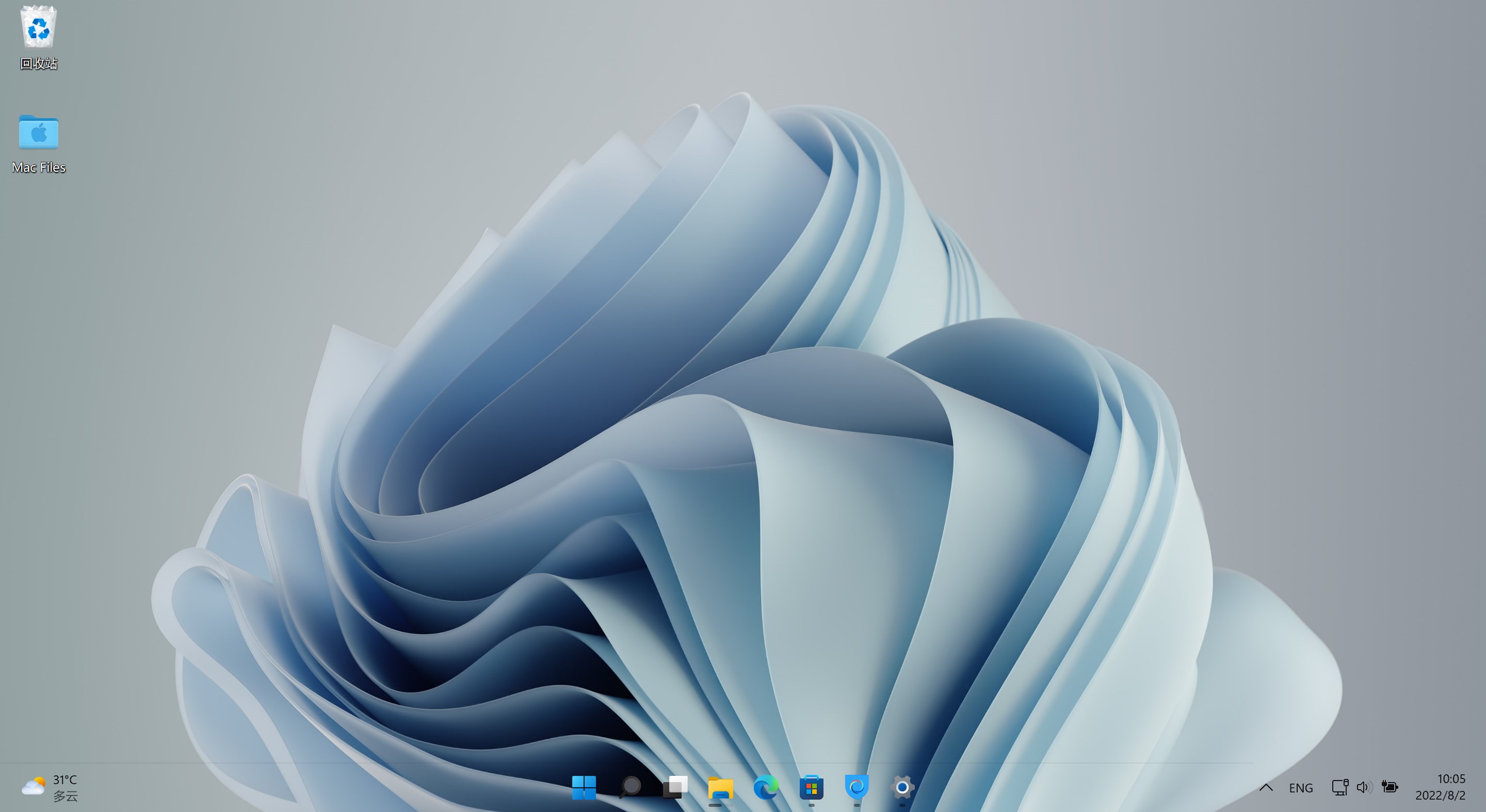
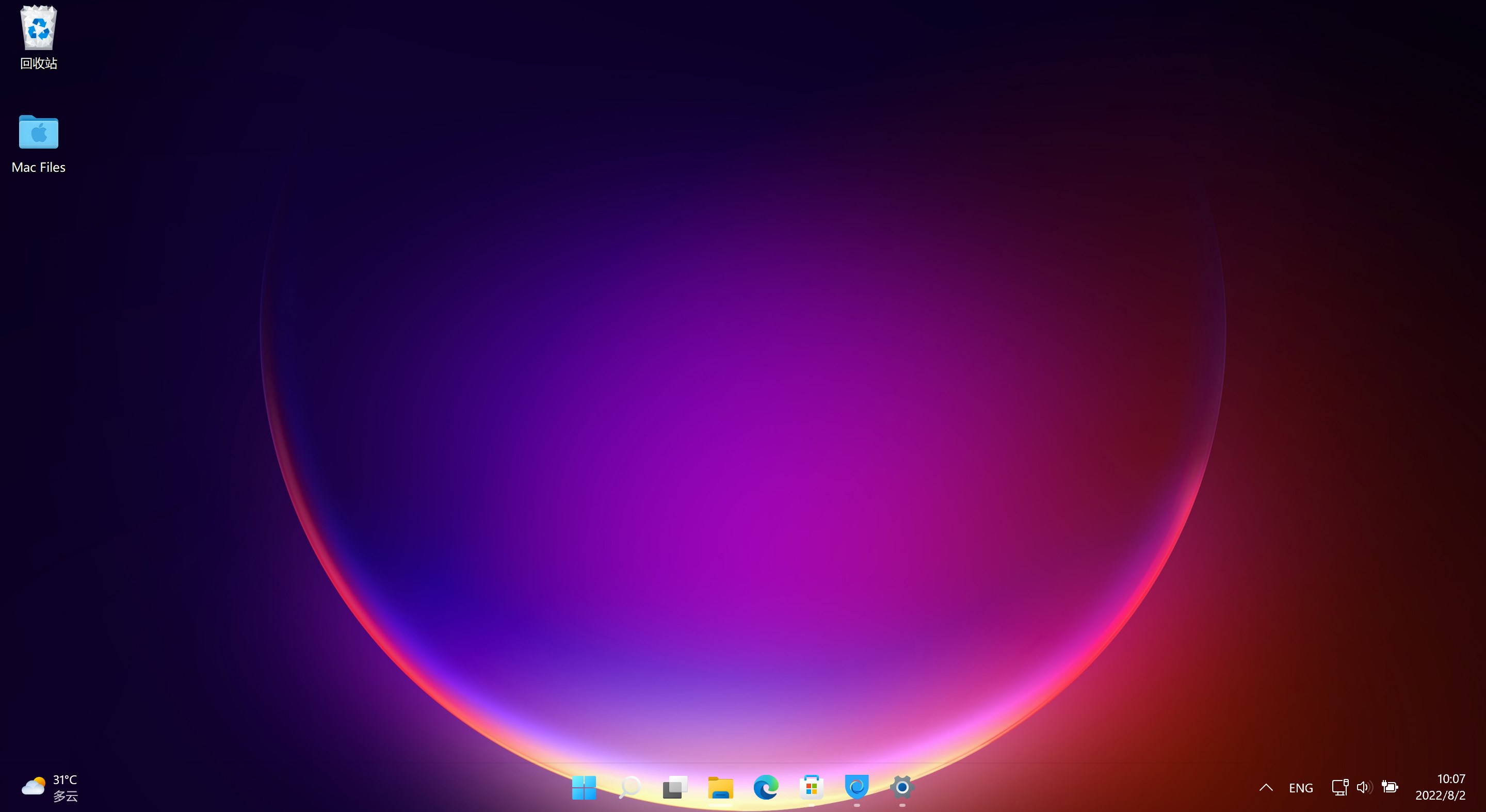
Transparent Taskbar+ by Novelty Studio is a utility designed to elevate your Windows interface by adding customizable transparency and visual flair to the taskbar, blending functionality with aesthetics seamlessly.
Basic Information: Your New Desktop Companion
Positioned as an intuitive tool to personalize and modernize your Windows taskbar, Transparent Taskbar+ combines ease of use with versatile customization options.
- Developer: Novelty Studio
- Main Features Highlights:
- Adjustable transparency levels for a sleek, glass-like effect
- Customizable blur and color effects to match your desktop theme
- Easy toggling and configuration through a straightforward interface
- Performance optimized to ensure minimal impact on system resources
- Target Audience: Windows users seeking a refined aesthetic enhancement, including productivity enthusiasts, gamers, and designers who desire a personalized desktop environment.
Making Windows More Transparent and Stylish: A Fun Introduction
Imagine peering through a softly frosted glass window—transparent yet captivating. That's exactly what Transparent Taskbar+ offers: a chance to breathe new life into your cluttered desktop with a translucent, stylish taskbar that feels modern and elegant. Whether you're a multitasker juggling numerous apps or a designer chasing the perfect aesthetic harmony, this tool aims to make your Windows experience not just more functional but visually inspiring.
Core Features Explored
Seamless Transparency Customization
The standout feature of Transparent Taskbar+ is its ability to finely tune the transparency level of your taskbar. Unlike generic transparency tweaks, this app lets you choose from a wide spectrum—ranging from subtly semi-transparent to fully glass-like. It feels almost like giving your Windows a transparent overlay, making icons, background images, and wallpaper subtly peek through, creating a cohesive visual unity. The adjustment process is smooth—simply slide a bar or choose preset levels—making experimentation fun and straightforward.
Beautiful Blur and Color Effects
Beyond transparency, the app offers attractive blur and color overlays that mimic the aesthetic of modern UI designs. You can soften the taskbar's background to mimic a frosted glass, adding a layer of depth without cluttering. Customizing colors allows you to match or contrast the taskbar with your wallpaper—for example, a gentle pastel hue for a calming workspace or bold shades for a vibrant feel. This feature transforms an ordinary taskbar into a harmonious piece of your overall desktop design, blending form and function effortlessly.
User Experience: Intuitive and Non-Intrusive
Designed with user-friendliness in mind, Transparent Taskbar+ boasts an uncluttered interface that feels familiar even to beginners. The settings panel is clear, with preview options to instantly see adjustments—saving you from endless trial-and-error. The app's responsiveness is commendable; toggling transparency or effects feels instantaneous, with no noticeable lag. Learning curve? Nearly nonexistent, thanks to minimal setup steps and straightforward controls. It's akin to decorating a room—you visualize, adjust, and perfect in real time.
What Sets It Apart: Unique Advantages
While there are several utilities available for aesthetic tweaks in Windows, Transparent Taskbar+ stands out due to its balanced blend of simplicity, customization depth, and quality rendering. Unlike other tools that might offer either overly complex settings or limited effects, this app strikes a sweet spot—delivering professional-grade transparency and blur effects with an accessible interface. Its smooth performance ensures that the aesthetic upgrade doesn't come at the cost of system sluggishness. Essentially, it acts like a tailor-made glass overlay, giving your desktop a sophisticated, modern touch without fuss or distraction.
Final Thoughts and Recommendations
Overall, Transparent Taskbar+ is a thoughtfully designed enhancement that adds a touch of elegance and personalization to your Windows experience. Its core strengths—fine-tuned transparency and beautiful blur effects—are particularly compelling for users aiming to bring a modern, sleek look to their desktops. Its ease of use makes it suitable even for those unfamiliar with customization tools, while its performance efficiency reassures power users.
If you're looking for a way to subtly elevate your desktop aesthetic without sacrificing functionality, this app comes highly recommended. Whether you want a gentle transparent overlay or a more pronounced glass effect, Transparent Taskbar+ can be your go-to tool for a cleaner, more refined Windows environment.
Pros
- Enhanced customization options
- Improved aesthetic appeal
- Easy to activate and configure
- Lightweight application
- Supports multiple monitor setups
Cons
- Limited transparency effects in some Windows versions
- Possible compatibility issues with third-party themes
- Transient flickering during transitions
- Lack of advanced customization options
- Minor bugs reported in initial versions











