
- Category Utilities & tools
- Developer Alexander "Xander" Frangos
- Available on PC
- OS Windows 10 version 14316.0 or higher
- languages English (United States)
An App that Turns Your Screen Brightness Adjustment into a Seamless Experience
Twinkle Tray: Brightness Slider for Windows is designed to streamline and enhance your screen brightness management, transforming a sometimes tedious task into an effortless, even enjoyable daily routine.
Meet the Developer and Core Features
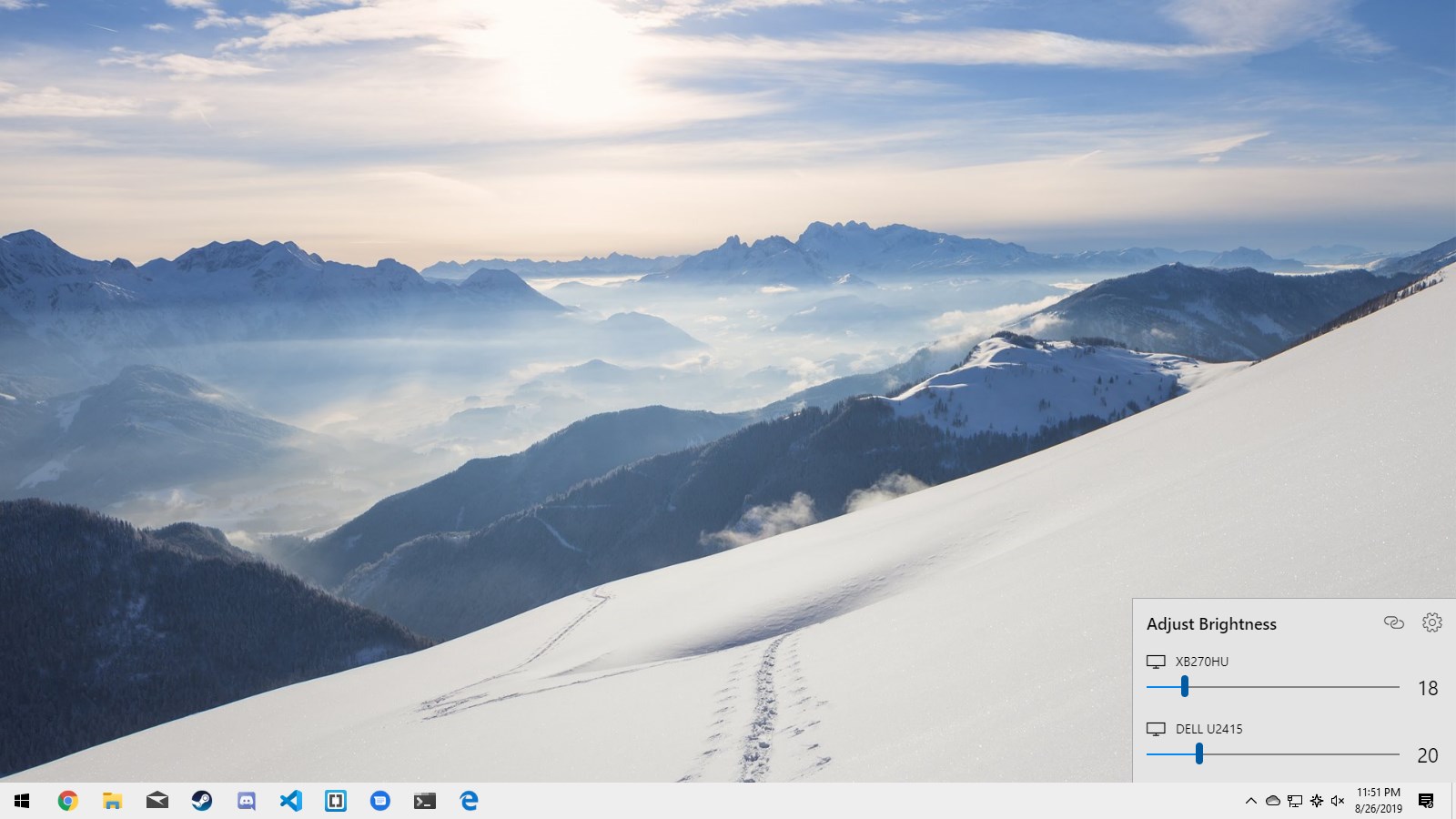
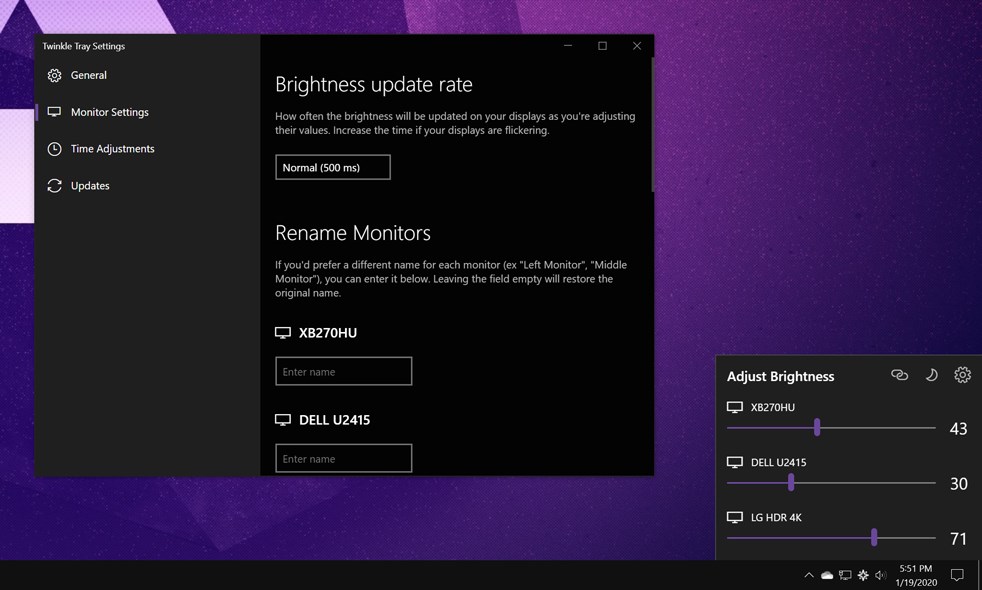
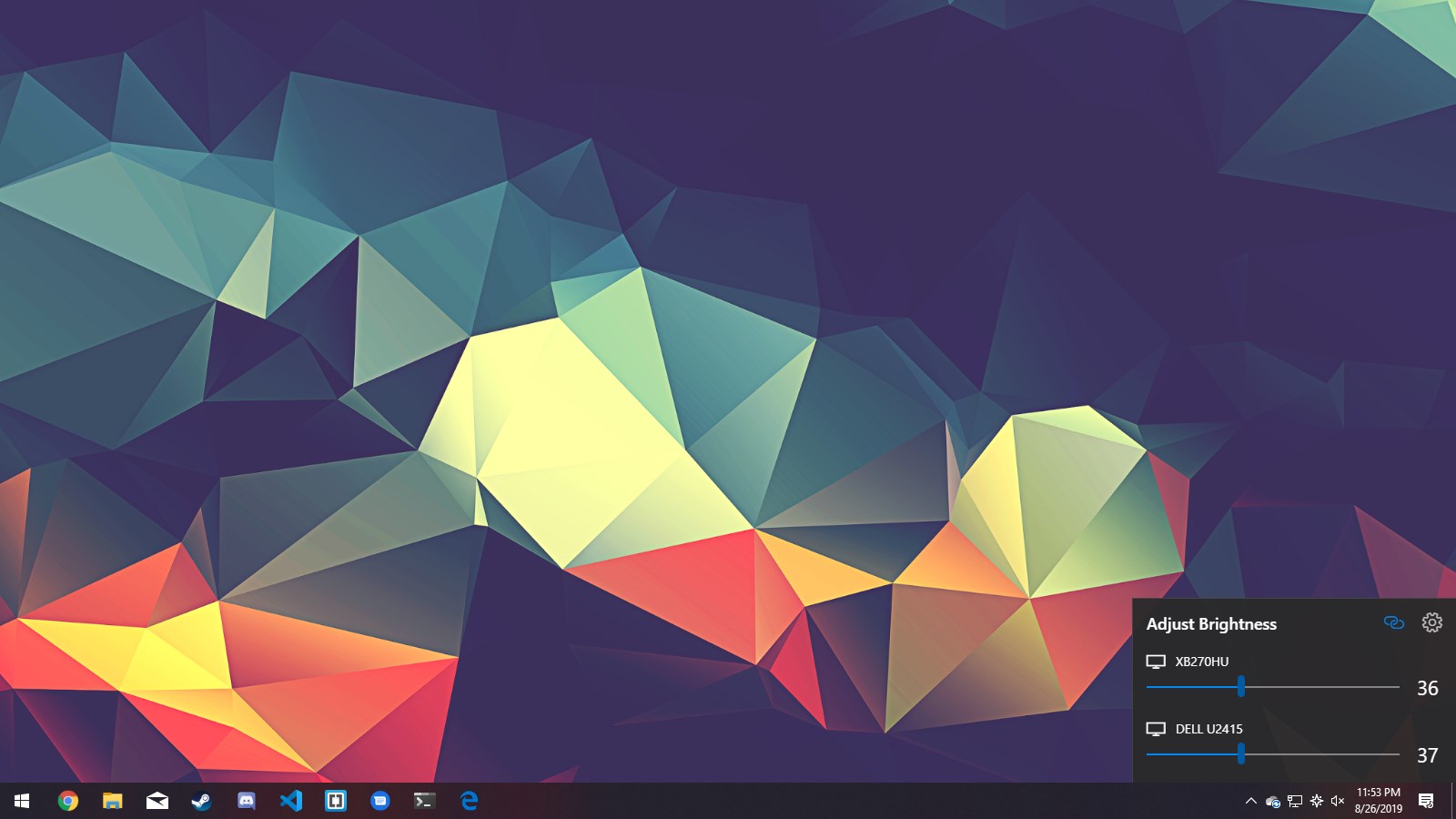
Developed by Alexander "Xander" Frangos and published by himself, Twinkle Tray stands out as a dedicated utility crafted by someone who understands both the technical nuances and user needs. The app's spotlight features include customizable brightness sliders for multiple monitors, easy-to-access quick controls, and the ability to set different brightness profiles for various situations — all in a neat, user-friendly package. Its main goal is to give Windows users a more precise and flexible way to control their display brightness, especially for multi-monitor setups.
A Bright Idea: Elevating Your Display Control Experience
Imagine adjusting your monitor's brightness as effortlessly as turning a dial on a vintage radio—Twinkle Tray makes this possible across your entire desktop, whether you're working, gaming, or relaxing. Its straightforward yet powerful interface makes you feel like a seasoned pro, even if you're a newcomer to brightness controls.
The Multifunctional Slider: Precision Meets Convenience
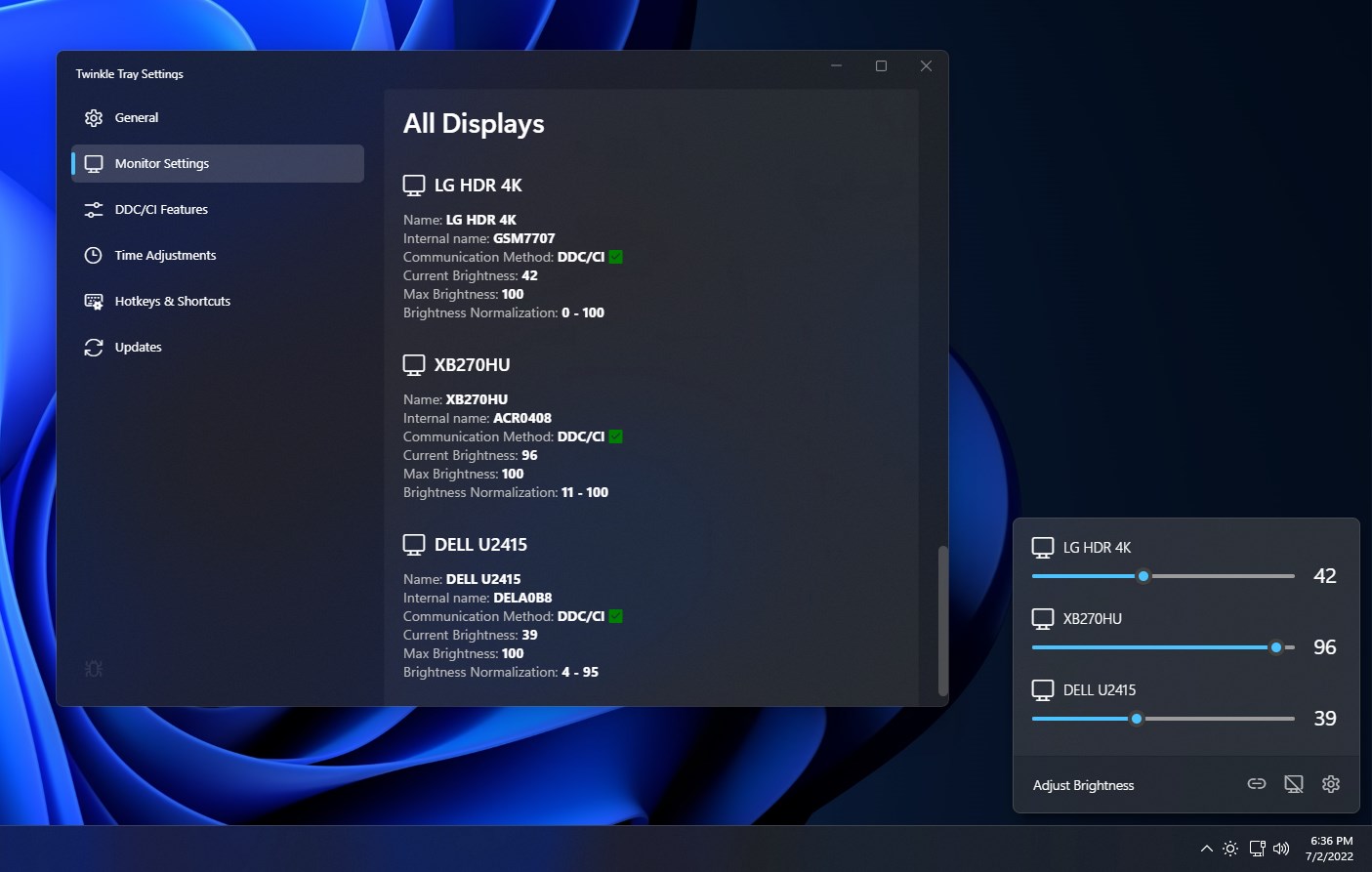
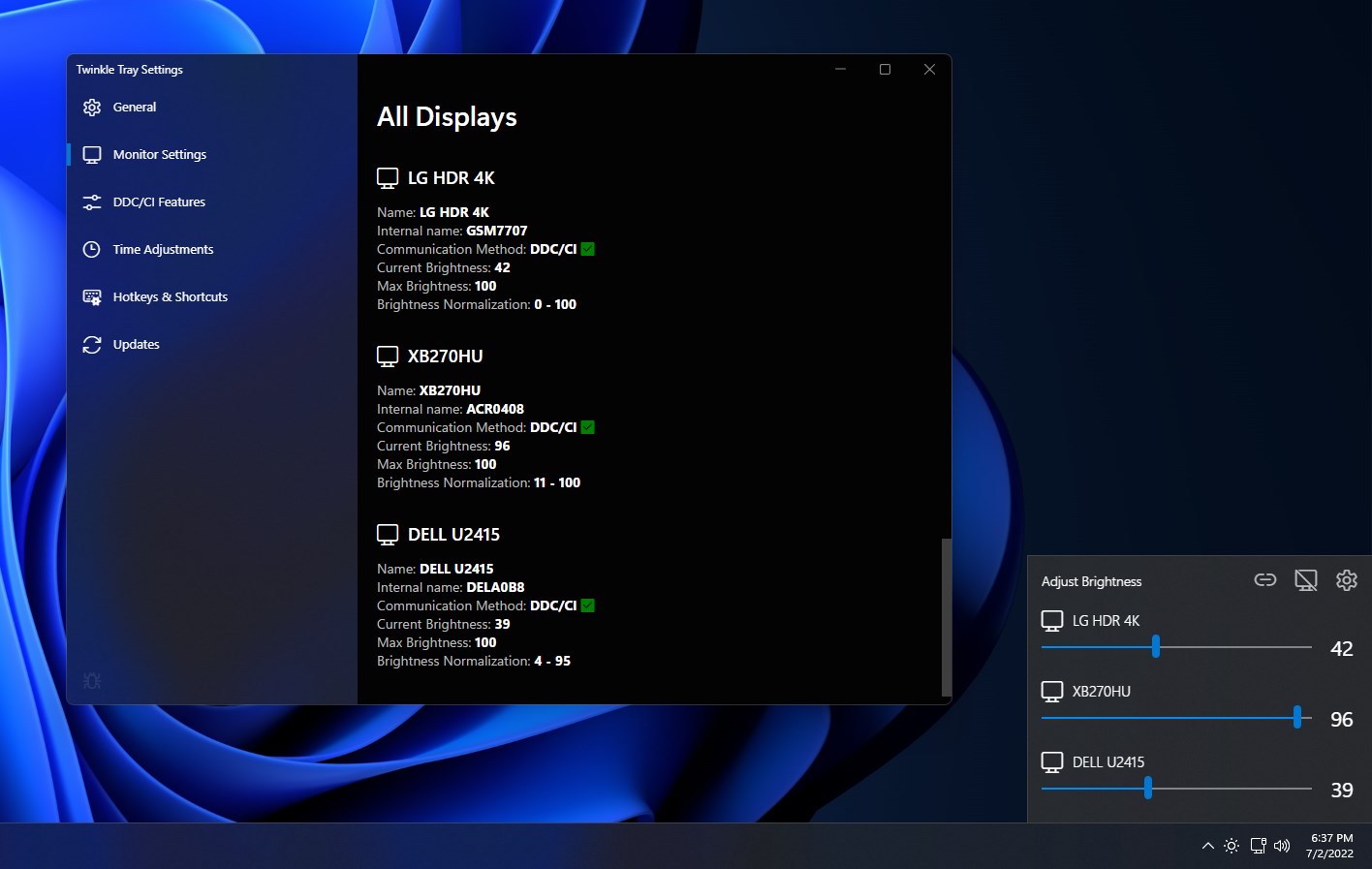
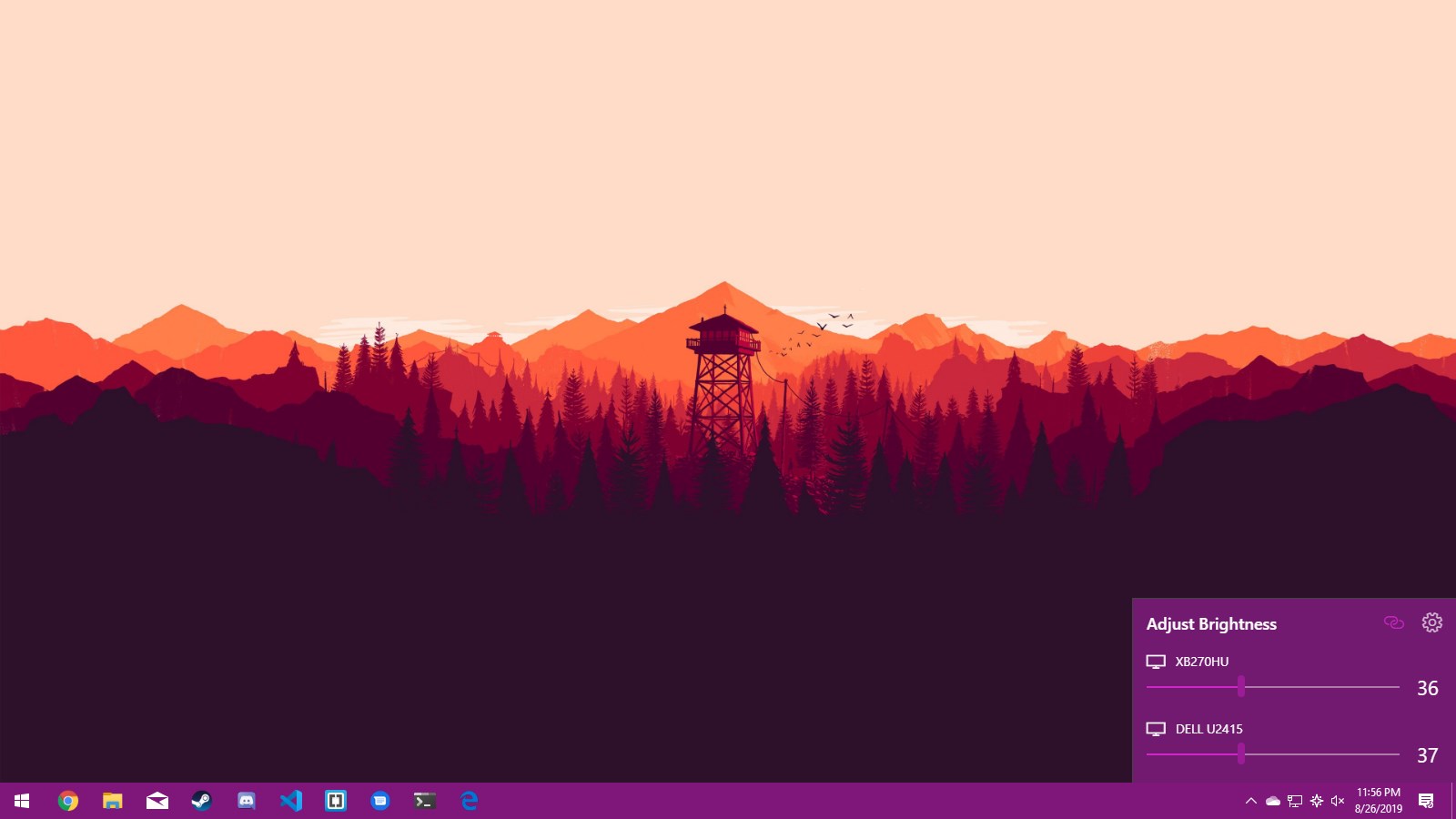
The core charm of Twinkle Tray lies in its customizable brightness sliders. Unlike standard Windows controls, which often only manage a single primary monitor or lack fine-tuning options, Twinkle Tray allows you to create individual sliders for each connected display. This is especially handy for multi-monitor setups, where uniform brightness adjustments can be a hassle. The sliders are smooth and respond instantaneously, giving a satisfying tactile feedback that makes you feel like you're fine-tuning a high-end audio system. You can also assign hotkeys for quick adjustment, turning the app into a virtual control panel at your fingertips.
Intuitive Interface with a Friendly Touch
The app's design is minimalistic, clean, and highly practical—think of it as a well-organized toolbox. Navigating through options is a breeze: no clutter, just the essential sliders and settings. The interface adapts seamlessly, whether you're on a laptop or a desktop, providing a consistent experience. Learning curve? Almost nonexistent. Even someone new to system utilities will find it straightforward to set up and start using right away. The real bonus here is how instinctive the control feels, making it less of a chore and more of a quick, satisfying tweak.
How Twinkle Tray Differentiates Itself
While other utilities offer brightness control, Twinkle Tray's standout feature is its robust multi-monitor support coupled with customizable profiles. Unlike generic brightness sliders embedded within display settings, this app consolidates control into a single, unified interface and allows for multiple personalized setups. For example, you can quickly switch from a “Work Mode” brightness level to a “Night Mode,” minimizing eye strain and optimizing ambient lighting conditions with minimal fuss. Plus, its lightweight design ensures it'll run smoothly without hogging system resources, a balance that many similar tools struggle to find.
Final Verdict: A Bright Choice for Power Users and Casual Users Alike
I'd recommend Twinkle Tray to anyone frustrated with the limited control options of built-in display settings—especially those who work with multi-monitor arrangements or simply prefer a more precise method of adjusting brightness. Its ease of use, thoughtful design, and unique profile management make it a must-have for those looking to elevate their display experience without adding clutter or complexity. Whether you're adjusting for different lighting environments or just want the perfect brightness at any time of day, Twinkle Tray delivers a smooth and reliable solution.
Pros
- Intuitive brightness control
- Supports multiple monitors
- Seamless integration with Windows
- Lightweight and unobtrusive
- Customizable hotkeys
Cons
- Limited advanced features
- Inconsistent detection of multiple displays
- No support for dark mode or theme customization
- Brightness levels sometimes reset after restart
- Lack of detailed documentation











