

- Category Utilities & tools
- Developer Bohdan Shulha, SysDev Laboratories.
- Available on PC
- OS Windows 10 version 0.0 or higher
- Keyboard Integrated Keyboard
- Mouse Integrated Mouse
- Memory 2 GB
- languages English, German, Spanish, Portuguese, Ukrainian
Unlocking Data Recovery with UFS Explorer Professional Recovery for Windows
If you've ever faced the nightmare of lost or corrupted data, UFS Explorer Professional Recovery for Windows stands out as a reliable ally. Designed to tackle complex data recovery scenarios, this tool offers a comprehensive suite of features to help users retrieve precious files from various storage devices. Whether you're a tech-savvy professional or a regular Windows user, this application aims to simplify the daunting task of data restoration with a user-friendly approach.
Who Developed This Powerhouse?
Developed by Bohdan Shulha of SysDev Laboratories, UFS Explorer Professional Recovery is backed by a dedicated team with expertise in data recovery solutions. The software is published by SysDev Laboratories UK Limited, a company known for its focus on robust recovery tools tailored for both individual and enterprise needs.
What Makes It Shine? Key Features at a Glance
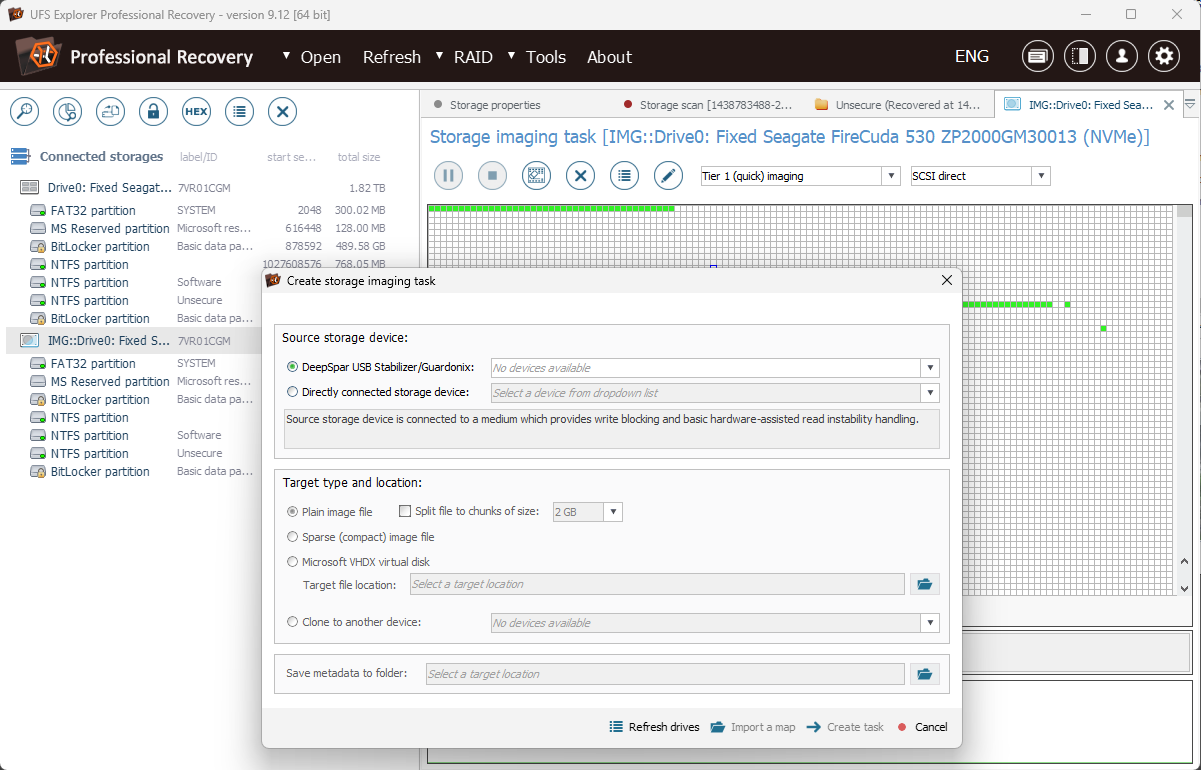
- Multi-File System Support: Capable of retrieving data from a variety of file systems including NTFS, FAT, exFAT, HFS+, and more—making it versatile across different storage media.
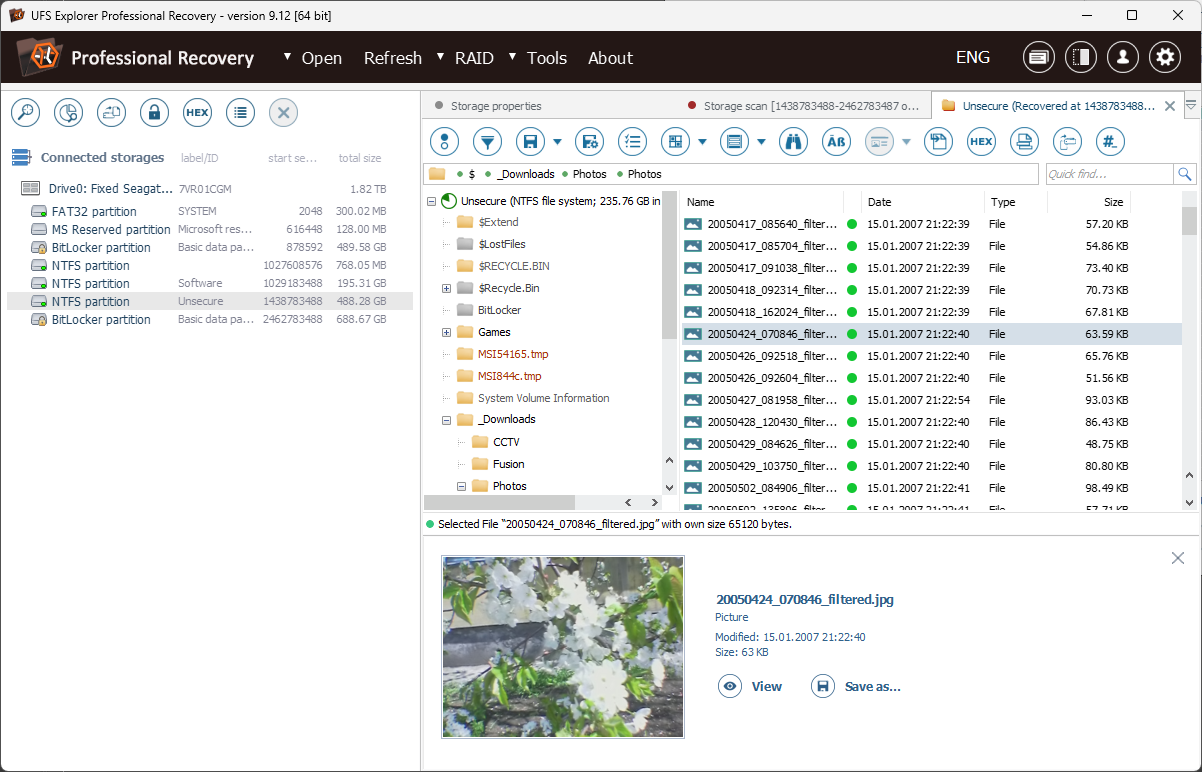
- Deep Scan & Preview: Offers thorough scanning options, allowing users to preview recoverable files before restoration—saving time and ensuring accuracy.
- Advanced RAID Reconstruction: Supports complex RAID configurations, empowering users to recover data from damaged or misconfigured RAID arrays.
- Raw Recovery & File Repair: Provides powerful algorithms to recover files in severe data loss scenarios and repair corrupted files when possible.
A Fun Ride Through Data Recovery
Imagine your hard drive as a bustling city — files are like bustling citizens, and when some go missing or get trapped behind digital barricades, recovery tools become your rescue team. UFS Explorer Professional Recovery feels like a seasoned urban planner, mapping out the city's secrets and guiding lost data back home with precision and confidence. Its intuitive design demystifies complex processes, making data rescue feel less like a chore and more like an adventure.
Delving Into the Core: Features That Really Matter
1. Multilayered File System Compatibility
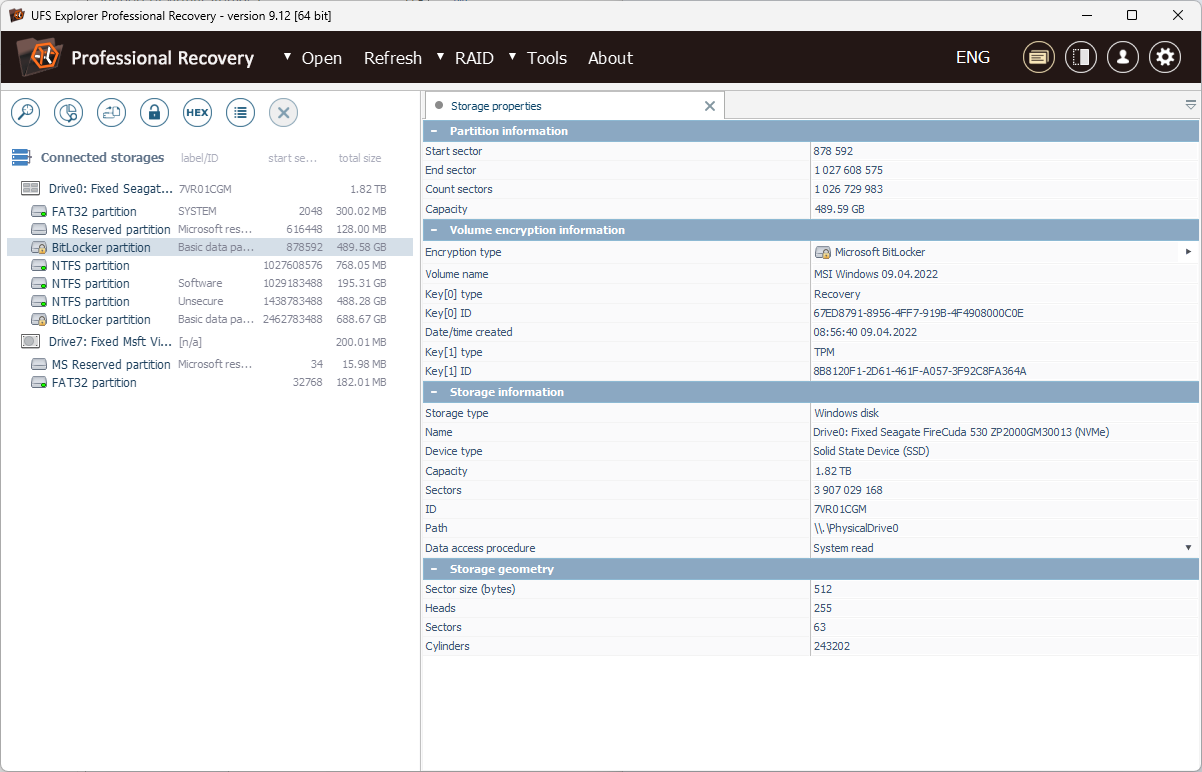
One of this tool's brightest stars is its ability to read a wide spectrum of file systems. Whether your data resides on a Windows NTFS partition, a Mac-formatted HFS+, or an external drive with exFAT, UFS Explorer can access and scan them all. This cross-compatibility is akin to having a universal translator for storage media, eliminating the tedious need for multiple recovery tools. Especially valuable in multi-platform environments or when dealing with external drives, this feature ensures you're not limited by the type of your drive.
2. Deep Scanning & File Preview
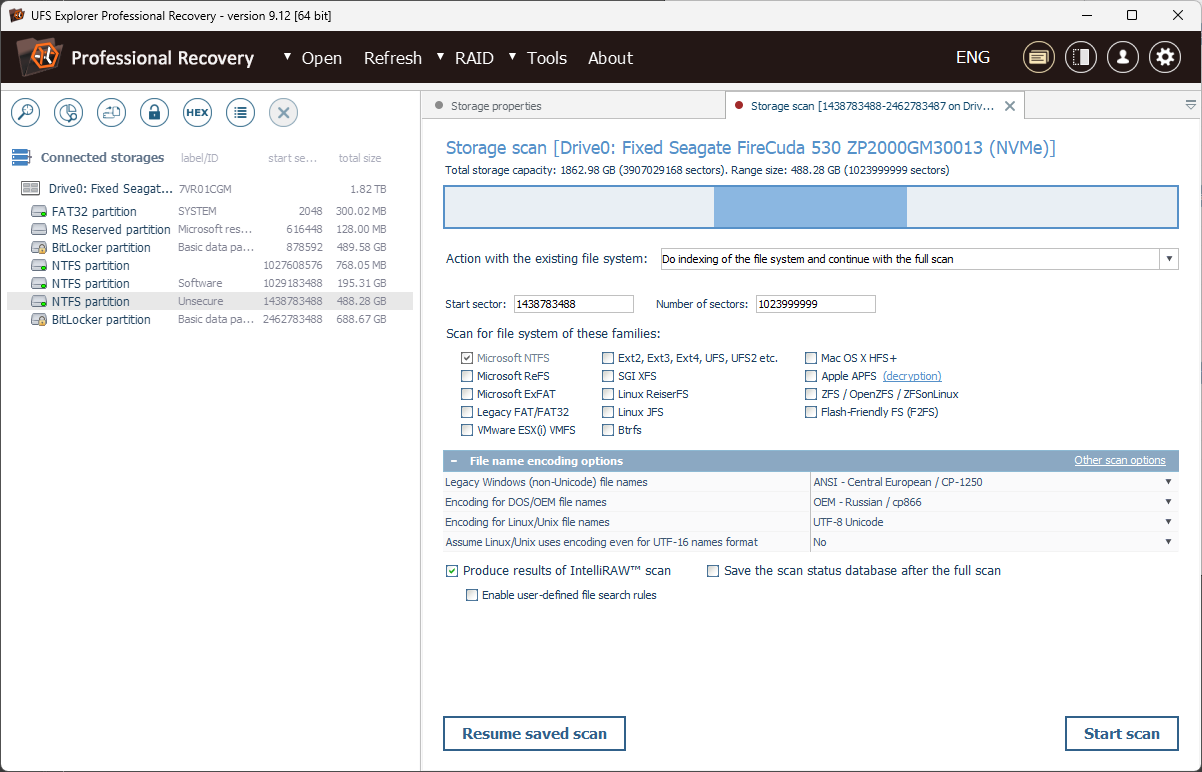
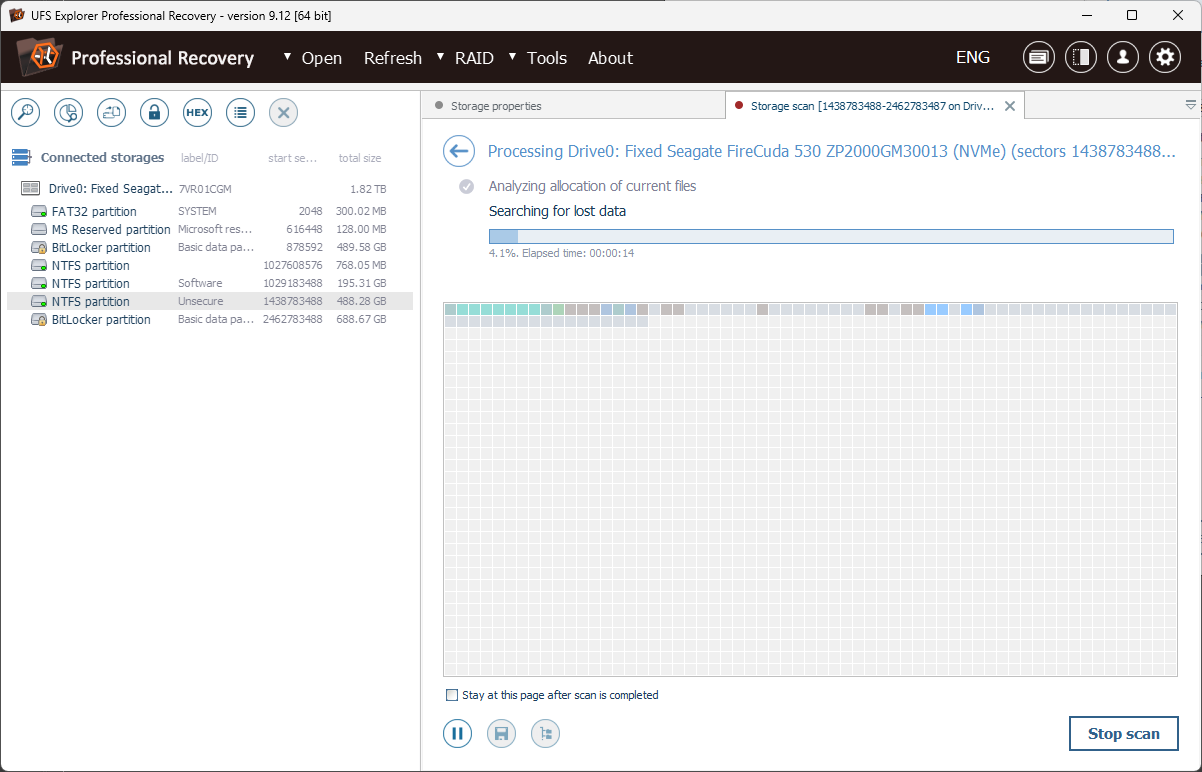
While some recovery applications skim the surface, UFS Explorer takes a deep dive, thoroughly scanning even damaged sectors for potential data. Its intelligent preview feature acts like a crystal ball, letting you glimpse at recoverable files—photos, documents, or videos—before making the commitment to restore. This precision minimizes accidental recoveries of unwanted files and saves storage space, transforming what could be a guessing game into a confident, targeted operation.
3. Complex RAID & Raw Recovery Support
For professionals working with embedded or enterprise-level data storage, RAID reconstruction can be a daunting maze. UFS Explorer streamlines this by supporting multiple RAID configurations, providing an interface to rebuild complex disk arrays. Its raw recovery mode adds another layer of robustness, digging into severely corrupted drives to salvage what remains. This combination makes it a standout, particularly for data whizzes dealing with intricate storage setups.
Interface & User Experience: Friendly Navigation and Learning Curve
The interface strikes a fine balance between professional-grade complexity and beginner-friendly clarity. Navigating through the menus feels natural, without clutter or unnecessary jargon. For new users, the recovery wizard guides step-by-step, while experienced users can tweak advanced options. The app's responsiveness is commendable—operations run smoothly, with minimal lag during scans. Overall, the learning curve remains gentle, especially for those with prior data recovery experience, yet the wealth of features doesn't overwhelm tech newcomers.
How Does It Compare? What Sets It Apart?
Unlike more generic utilities that only cover basic recovery tasks, UFS Explorer Professional Recovery's dedication to deep scan options, multi-platform compliance, and RAID recovery truly elevates it as a professional-grade tool. Its capacity to handle complex disaster scenarios—like damaged RAID arrays—without requiring external intervention or additional tools—is a significant advantage. While some competitors might focus solely on simple file recovery or external drives, this application's multi-layered approach makes it suitable for a broader spectrum of data loss cases.
Final Word: Is It Worth Your Time?
For those in search of a reliable, comprehensive, and user-friendly data recovery solution, UFS Explorer Professional Recovery aligns well with professional demands and personal projects alike. Its standout features—especially multi-file system support and RAID reconstruction—demonstrate its capability to handle demanding recovery tasks. I'd recommend it to both IT professionals facing complex data disasters and power users wanting a trustworthy tool for unforeseen data loss. While it might be overkill for casual file recovery, those dealing with critical or multi-platform data should definitely give it a try.
Pros
- User-Friendly Interface
- Comprehensive File Recovery Support
- Deep Scan Capabilities
- Preview Before Recovery
- Fast Recovery Speed
Cons
- High System Resource Usage
- Limited Free Usage
- Complex Recovery Process for Novices
- Occasional False Positives in File Detection
- Slow Scan on Large Drives











