

- Category Utilities & tools
- Developer Victrix
- Available on Xbox console, PC, Mobile, Surface Hub, HoloLens
- OS Windows 10 version 15063.0 or higher
- languages Dutch, English, English (United States), French, French (Canada), German, Italian, Japanese, Korean, Korean , Polish, Polish , Portuguese, Portuguese (Portugal), Spanish, Spanish (Mexico), Spanish (Spain)
Victrix Control Hub for Windows: Elevating Gaming Customization to New Heights
Designed with gamers in mind, the Victrix Control Hub for Windows offers a comprehensive platform to optimize and personalize gaming peripherals, making your gaming experience more immersive and tailored than ever before.
About the App: Connecting Precision with Flexibility
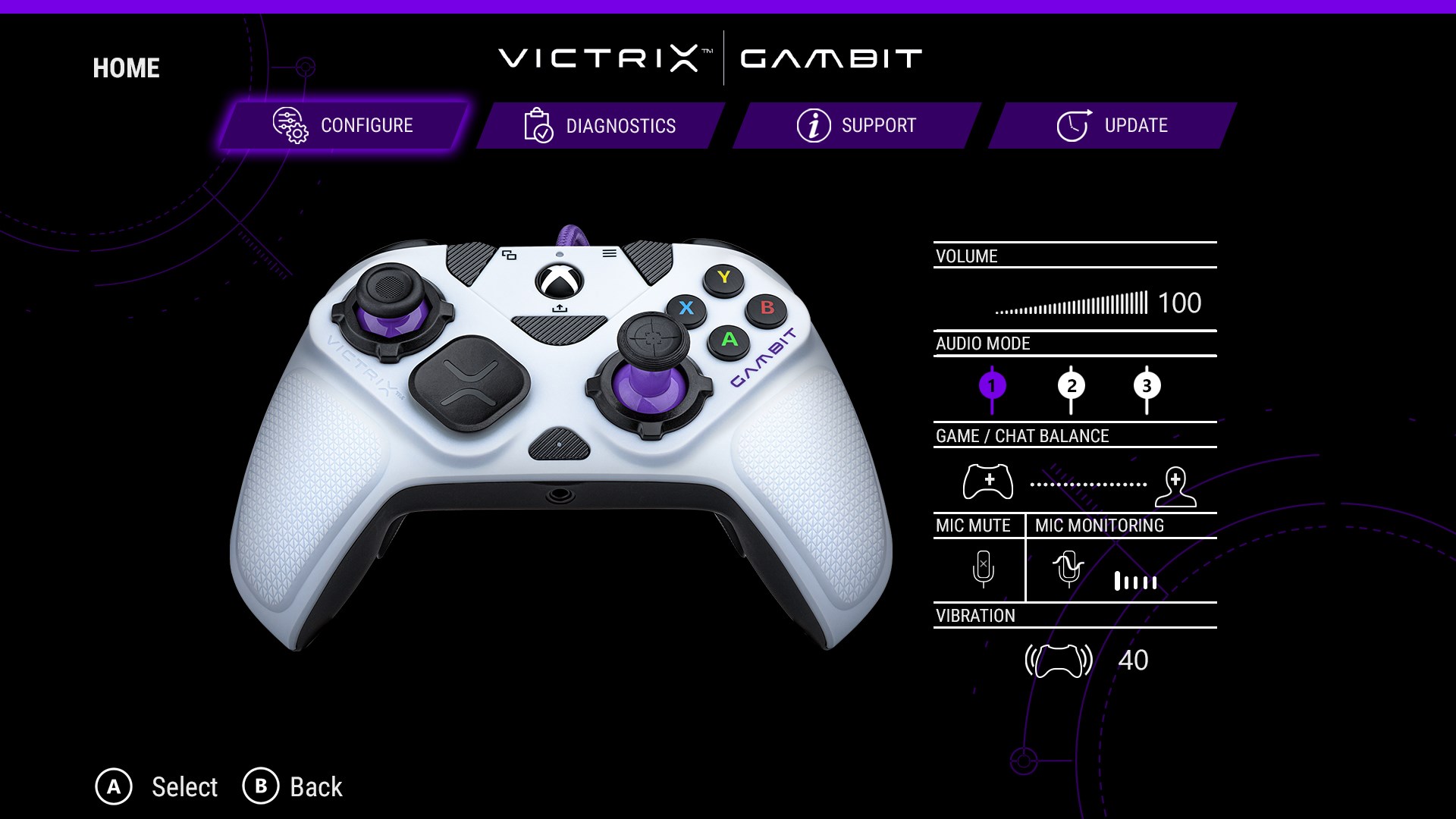
Victrix Control Hub for Windows is a dedicated software tool developed and published by Victrix, aimed at gamers eager to fine-tune their controllers for maximum performance. Its main goal is to provide an intuitive interface that allows users to customize button mappings, adjust performance settings, and manage profiles seamlessly, all within a user-friendly environment. The target audience primarily includes competitive gamers, tech enthusiasts, and advanced controller users seeking granular control over their hardware.
A Fresh Take on Gaming Peripherals Management
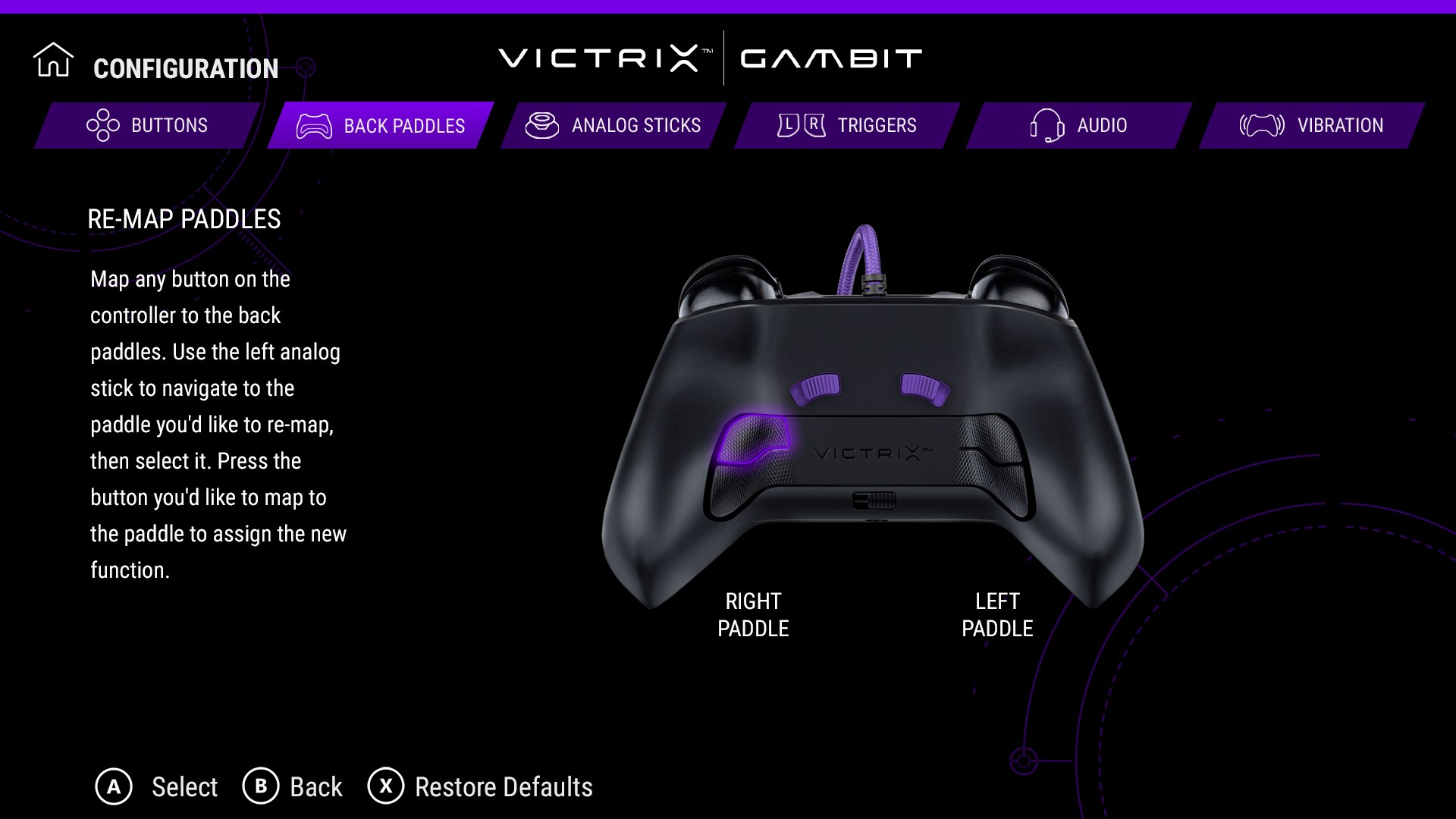
Imagine entering your gaming room, eager to plunge into the latest FPS or fighting game. As you power up your Victrix controller, the Control Hub acts like a dedicated cockpit, giving you the ability to reprogram every button with a few clicks—making each input feel as natural as breathing. The app stands out by not just offering basic customization but also by providing advanced features that cater to both casual players and esports athletes alike.
Intuitive Customization at Your Fingertips
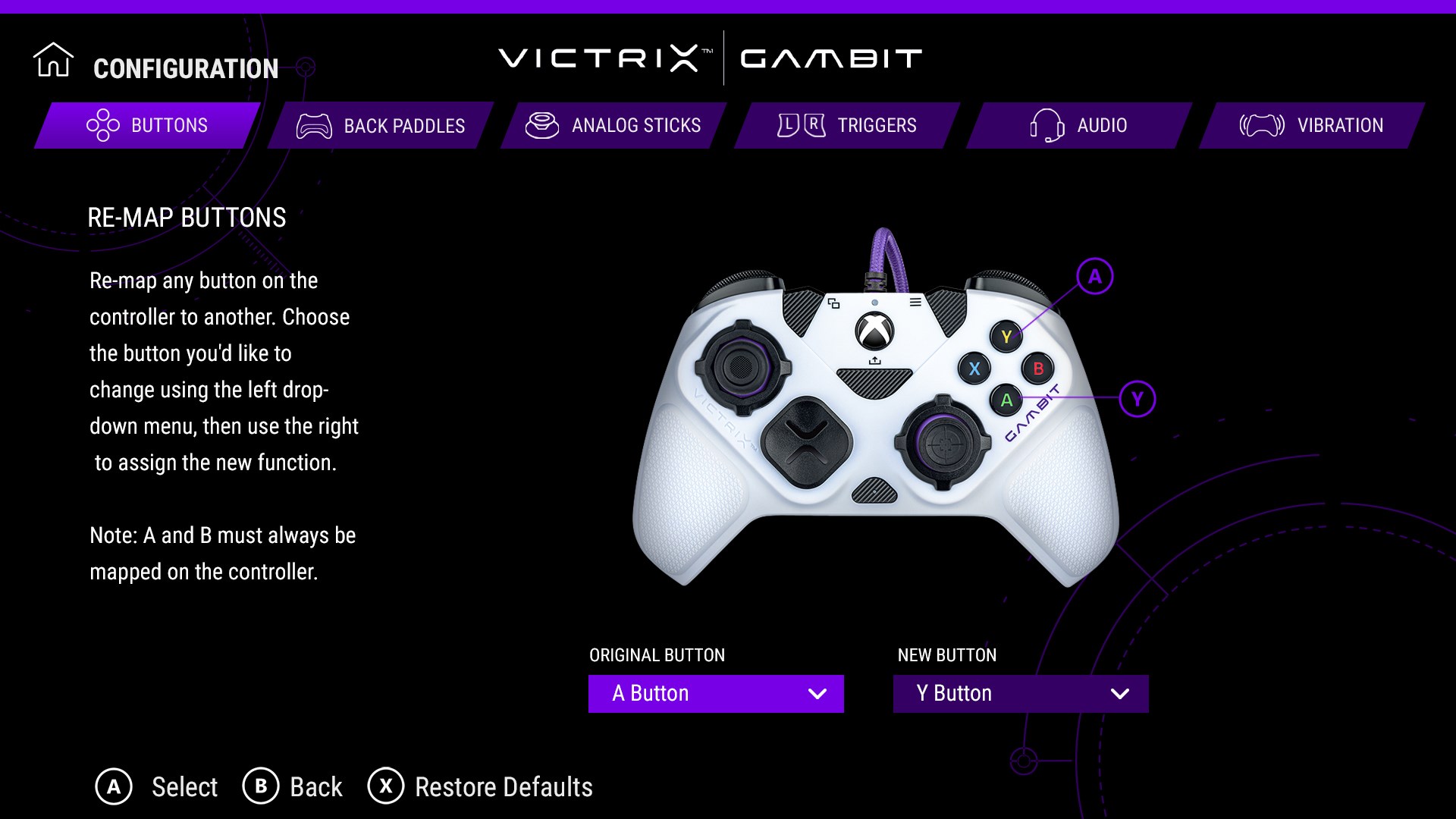
One of the most captivating features of the Victrix Control Hub is its robust button remapping system. Whether you're assigning macros, adjusting sensitivity, or creating multiple profiles for different games, the interface remains straightforward and accessible. The drag-and-drop layout and real-time feedback make customizing your controller feel like assembling a personalized piece of art. Plus, the app supports profiles that you can switch on the fly, allowing rapid adaptation in competitive scenarios.
Performance Tuning: Fine-Adjustment for Optimal Play
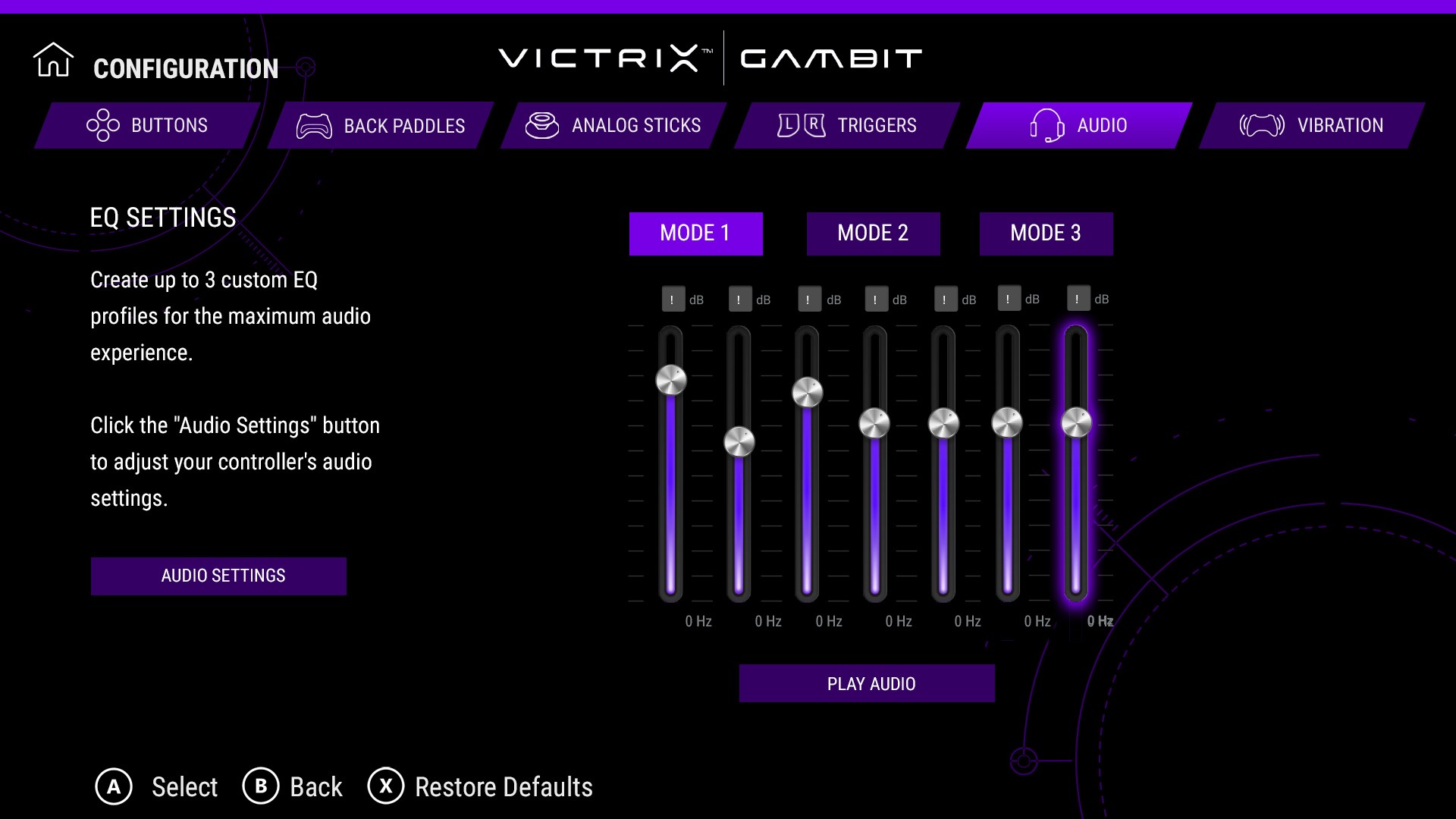
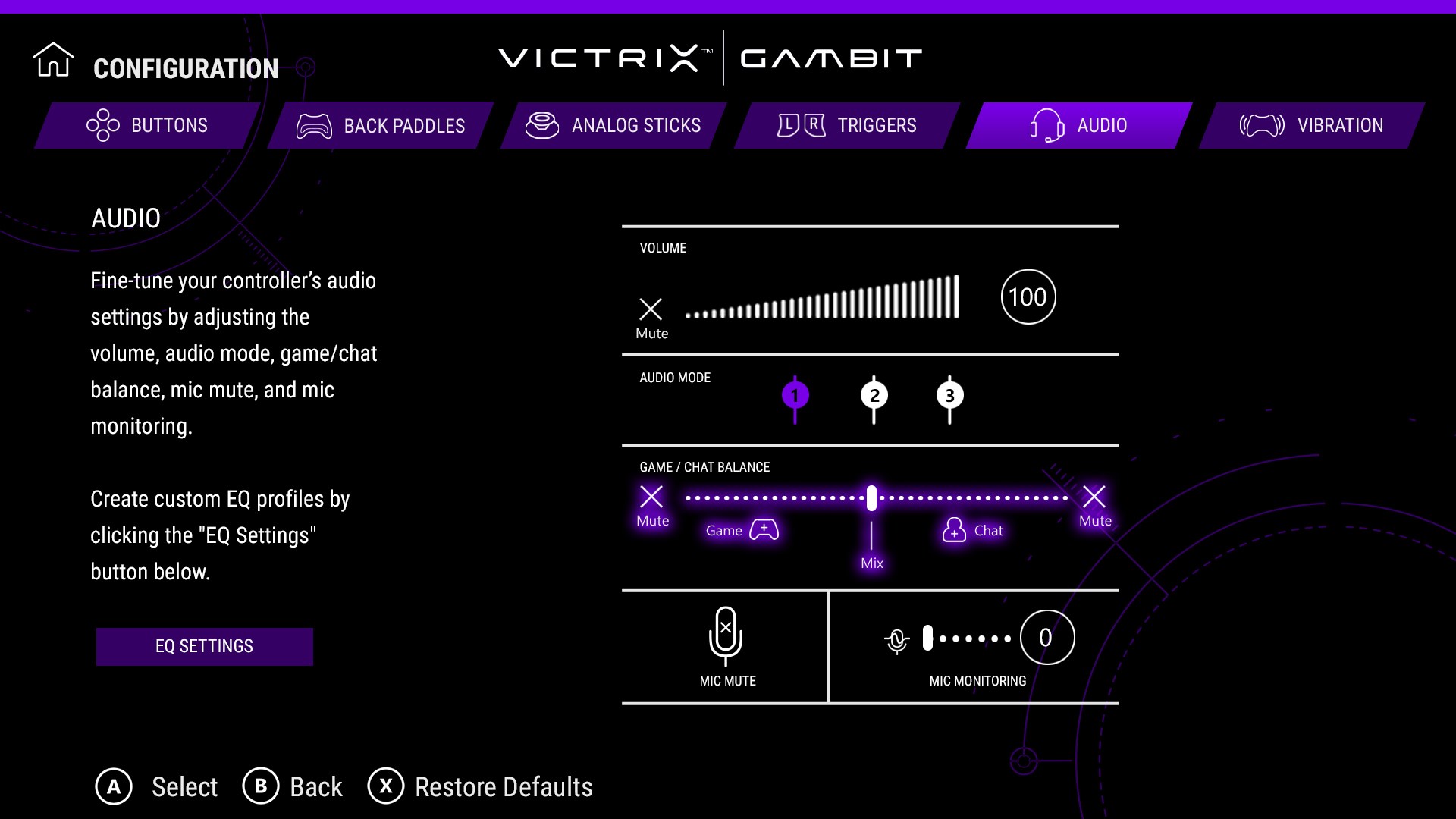
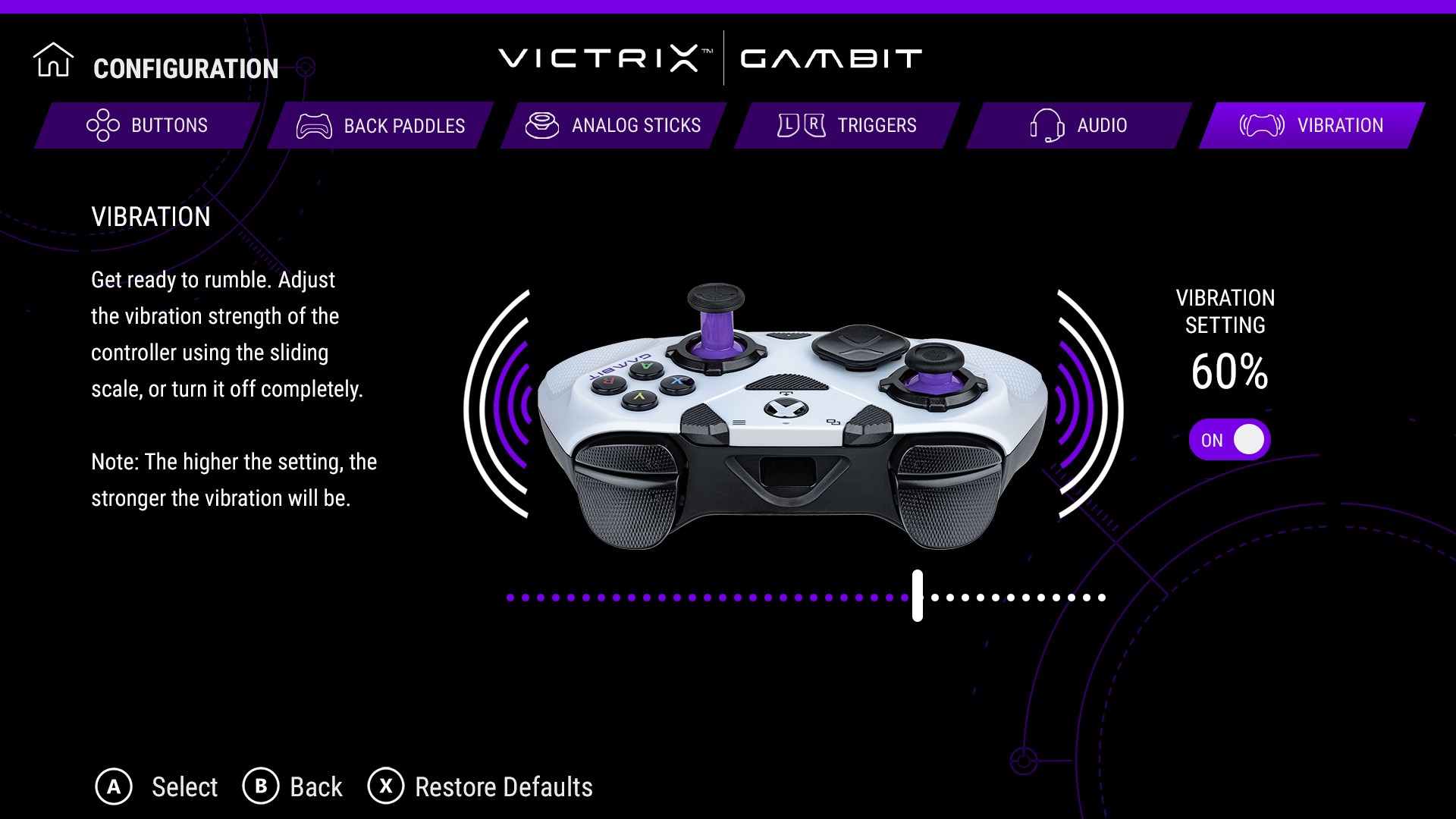
Beyond button configurations, the app offers detailed performance settings, including trigger sensitivity, dead zones, and vibration intensity. Imagine being able to fine-tune your controller to match specific game requirements—turning a standard controller into a precision instrument tailored exactly to your playstyle. This level of control ensures that every shot, jump, or combo execution is as consistent and responsive as possible, giving you that slight edge needed in high-stakes play.
User Experience: Seamless, Sleek, and Accessible
The interface is clean and modern, with a layout that guides you naturally through various customization options. Screen navigation is smooth, with minimal lag, making the process of setting up profiles almost meditative. For users new to advanced controller customization, a gentle onboarding tutorial helps bridge the learning curve, while experienced gamers will appreciate the depth of options available. Overall, the app's design promotes a sense of control without overwhelming, akin to a well-organized toolbox awaiting your command.
What Sets Victrix Control Hub Apart?
Compared to other utility applications, this software's defining feature is its focus on controller-specific customization with professional-grade precision. While many tools offer generic remapping, Victrix Control Hub truly immerses users in detailed adjustments, including latency reduction and profile management, making it a distinct choice for serious gamers. Its seamless integration with Victrix controllers ensures optimal compatibility and responsiveness, setting it apart from broader peripheral management tools that often require additional configuration.
Final Verdict and Recommendations
All considered, Victrix Control Hub for Windows earns a solid recommendation for anyone looking to maximize their controller's potential. It's particularly suitable for competitive gamers and tech-savvy enthusiasts who demand precise control and quick profile switching. If you're seeking a tool that combines sophistication with ease of use—without the clutter of unnecessary features—this app is unquestionably worth trying. Remember, upgrading your controller experience isn't about complexity; it's about making every moment in-game more personal and responsive—Victrix Control Hub achieves just that.
Pros
- Intuitive User Interface
- Comprehensive Device Compatibility
- Advanced Customization Options
- Cloud Sync Functionality
- Real-Time Firmware Updates
Cons
- Limited Tutorial Resources
- Occasional Connectivity Issues
- Slow Firmware Update Process
- Limited Customization in Free Version
- UI Slightly Cluttered for Beginners











