

- Category Utilities & tools
- Developer Alexandr Irza
- Available on PC
- OS Windows 10 version 17763.0 or higher
- Keyboard Integrated Keyboard
- Mouse Integrated Mouse
- languages English (United States)
Introduction to Volume²: A Precise and Intuitive Windows Volume Control
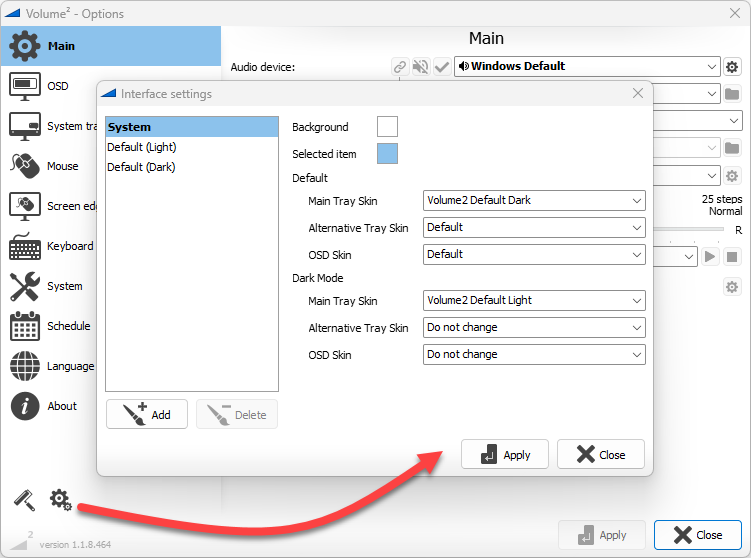
Volume² by Alexandr Irza stands out as a dedicated, clean, and powerful volume management tool designed specifically for Windows users seeking more control and flexibility over their sound output. Unlike the default system controls, which are often limited to basic sliders and settings, this app offers a refined interface and innovative features that can elevate your audio experience.
Developer and Core Features
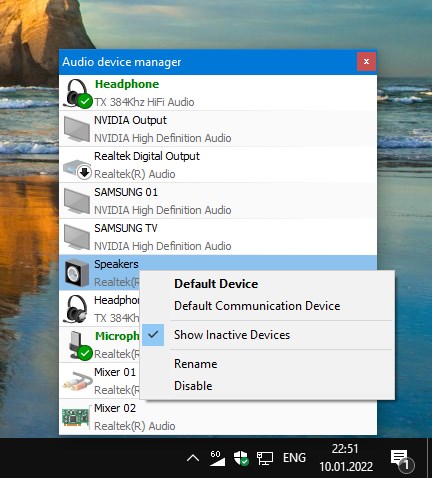
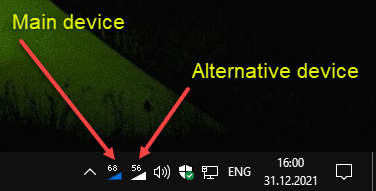
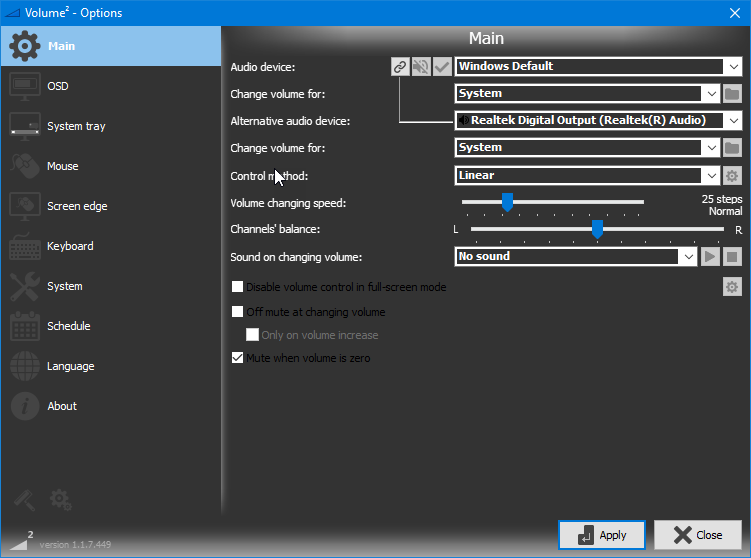
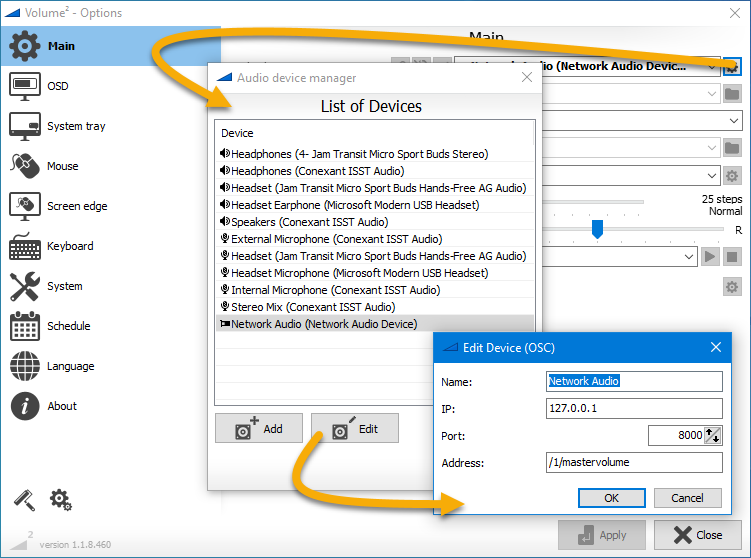
Developed and published by Alexandr Irza, Volume² is tailored to users who demand detailed customization, quick access, and enhanced management of multiple sound devices and applications. Its main features include customizable volume profiles, per-application volume management, and a mini control interface designed for quick adjustments. The app excels in providing a seamless way to fine-tune audio without cluttering your desktop or taskbar with additional bulky controls.
Engaging and User-Friendly Experience
Imagine walking into a room and instantly adjusting the ambiance—Volume² brings a similar level of control to your Windows environment, but for sound. The interface is sleek and intuitive, resembling a well-organized dashboard rather than a complicated maze of sliders. From the moment you launch it, you realize it's crafted for efficiency—easy to learn for beginners yet powerful enough for audiophiles and productivity enthusiasts alike. Smooth operation is the norm, with minimal lag even when adjusting multiple settings. The learning curve is gentle; with a few clicks, you're mastering profiles and per-application controls, making volume management a delightful part of your workflow.
Core Functionalities in Detail
1. Dynamic and Customizable Volume Profiles
One of Volume²'s standout features is its ability to create different volume profiles tailored to your activities—be it gaming, working, or relaxing. Imagine having a profile for work where notifications are muted, and your music is perfectly balanced, and another for gaming where sound effects are heightened. Switching between profiles can be done with a single click, saving you the hassle of manually adjusting settings each time. This feature especially benefits users who switch contexts frequently, providing a personalized sound environment at your fingertips.
2. Per-Application Volume Management
Unlike standard sliders that adjust the entire system volume, Volume² allows you to control the volume level of individual applications independently. Think of it as having a dedicated volume knob for every app—whether it's raising your music player volume while silencing distraction notifications or dialing down your browser's sound during a video conference. This level of specificity is a game-changer for multitasking, giving you granular control to finely tune your listening experience without affecting other sounds.
3. Innovative Mini Control and Quick Access
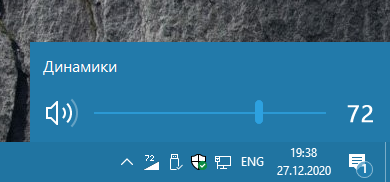
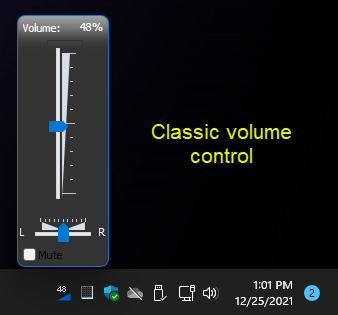
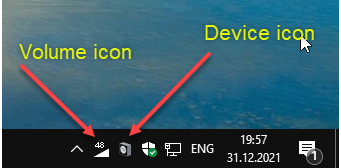
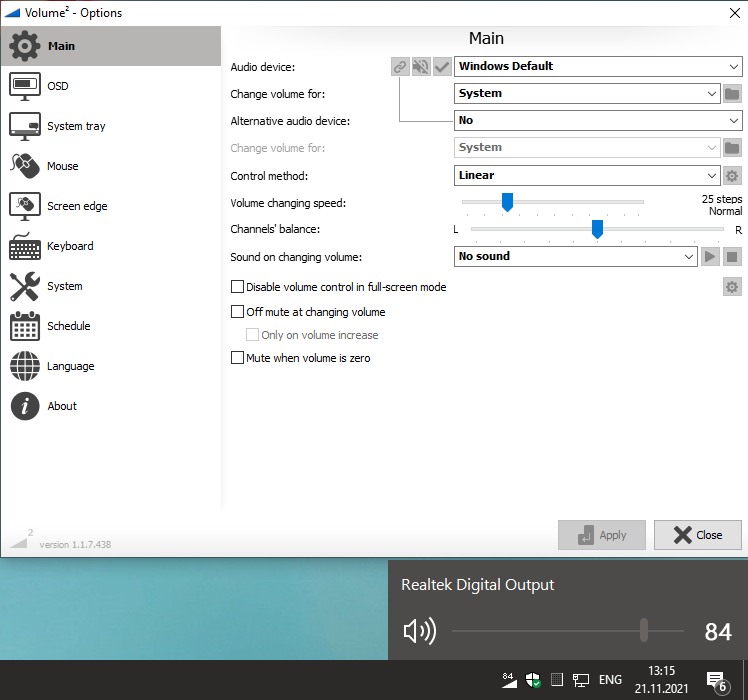
The app's mini control interface offers a compact, unobtrusive widget that floats on your desktop or can be pinned to your taskbar. It acts as a quick-access hub—think of it as a remote control for your audio—that you can summon effortlessly. The interface is responsive and visually appealing, with easy-to-understand icons and sliders. This design ensures that adjusting volume or switching profiles can be done swiftly, which is especially valuable in situations like presentations or gaming sessions where quick adjustments are crucial.
Comparing and Contrasting: What Makes Volume² Unique?
While many volume tools exist, Volume² sets itself apart with its focus on customization and user empowerment. Its profile system is a highlight—much like setting different lighting scenes in a smart home—that adapts to your daily routines. Its per-application management is another significant advantage, providing control not available in native Windows controls. Additionally, the app's polished, minimalistic design balances aesthetic appeal with functionality, ensuring an effortless experience without clutter.
My Recommendation and Final Thoughts
In summary, Volume² is a reliable, well-designed utility that seamlessly integrates into your Windows environment, enhancing your control over audio with precision and style. I'd recommend it especially to power users, gamers, streamers, or anyone who frequently toggles between different sound settings or applications. For casual users satisfied with Windows' default controls, it might be more than necessary, but those seeking a refined, customizable experience will find it invaluable.
Overall, Volume² earns a solid thumbs up for its thoughtful features, ease of use, and the ability to transform mundane volume adjustments into a smooth, personalized experience. It could become your go-to tool for managing sound as effortlessly as a conductor controls an orchestra—precise, responsive, and perfectly tuned to your needs.
Pros
- Intuitive Volume Management
- Customizable Hotkeys
- System-Wide Volume Mixer
- Advanced Settings for Fine-Tuning
- Low Resource Consumption
Cons
- Occasional Compatibility Issues
- Limited Support for Bluetooth Devices
- Learning Curve for Advanced Features
- Some Settings Require Restart
- Language Support Limited to Major Languages











