

- Category Utilities & tools
- Available on PC
- OS Windows 10 version 17134.0 or higher
- Keyboard Integrated Keyboard
- Mouse Integrated Mouse
- DirectX Version 10
- Memory 1 GB
- languages English (United States)
Introducing VPN Plus for Windows: Your Efficient Gateway to Secure Internet Access
VPN Plus for Windows by TIGERVPNS LTD is designed to provide users with a reliable and feature-rich Virtual Private Network experience, making online browsing safer and more accessible.
About the Developer and Core Features
Developed by TIGERVPNS LTD, a dedicated team specializing in security and network solutions, VPN Plus offers a streamlined VPN experience tailored for Windows users seeking simplicity and security.
- Multiple Protocol Support: Leverages various VPN protocols to ensure optimal speed and security, adapting seamlessly to different network conditions.
- Easy Connection Management: Provides straightforward tools to connect, disconnect, and manage VPN servers with minimal fuss.
- Auto-Connect & Kill Switch: Ensures continuous protection by reconnecting automatically if the VPN drops and preventing data leaks with a built-in kill switch.
- Global Server Network: Offers access to numerous servers worldwide, helping users unblock region-restricted content effortlessly.
This app is primarily aimed at privacy-conscious individuals, remote workers, and travelers who need a quick, secure, and reliable VPN solution on their Windows device.
Vivid First Impressions and Engaging Usability
Imagine sitting at your favorite coffee shop, laptop open, hoping to stream a show that's geo-locked—VPN Plus acts like your digital passport, opening doors to the content you desire without overcomplicating the process. Its user-friendly interface makes connecting to a secure network feel less like a task and more like a casual chat with a friend. The way this app simplifies complex VPN configurations into a few intuitive clicks is truly a breath of fresh air in a market often cluttered with technical jargon.
Deep Dive into Core Functionalities
Quick and Seamless Connection Experience
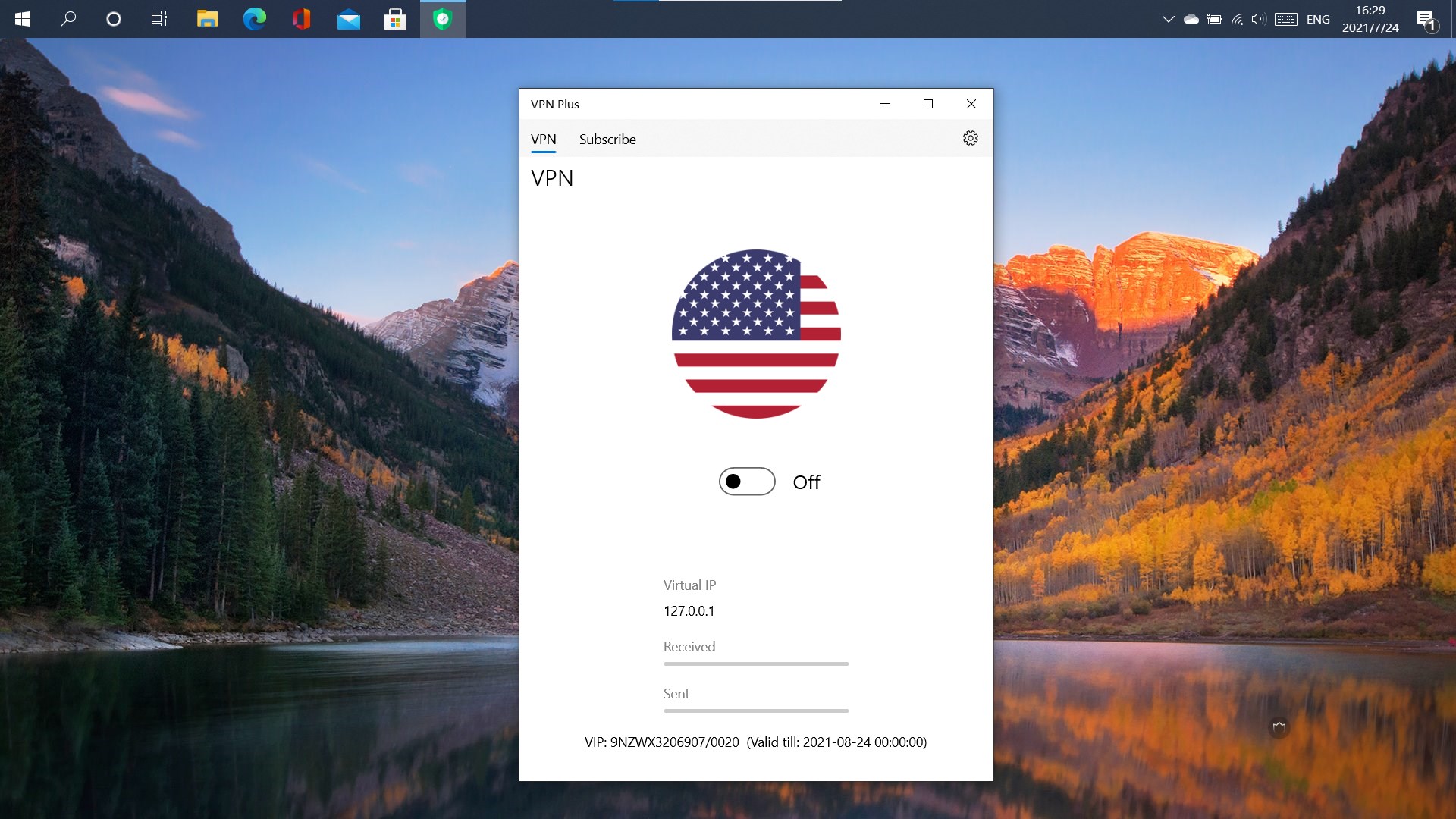
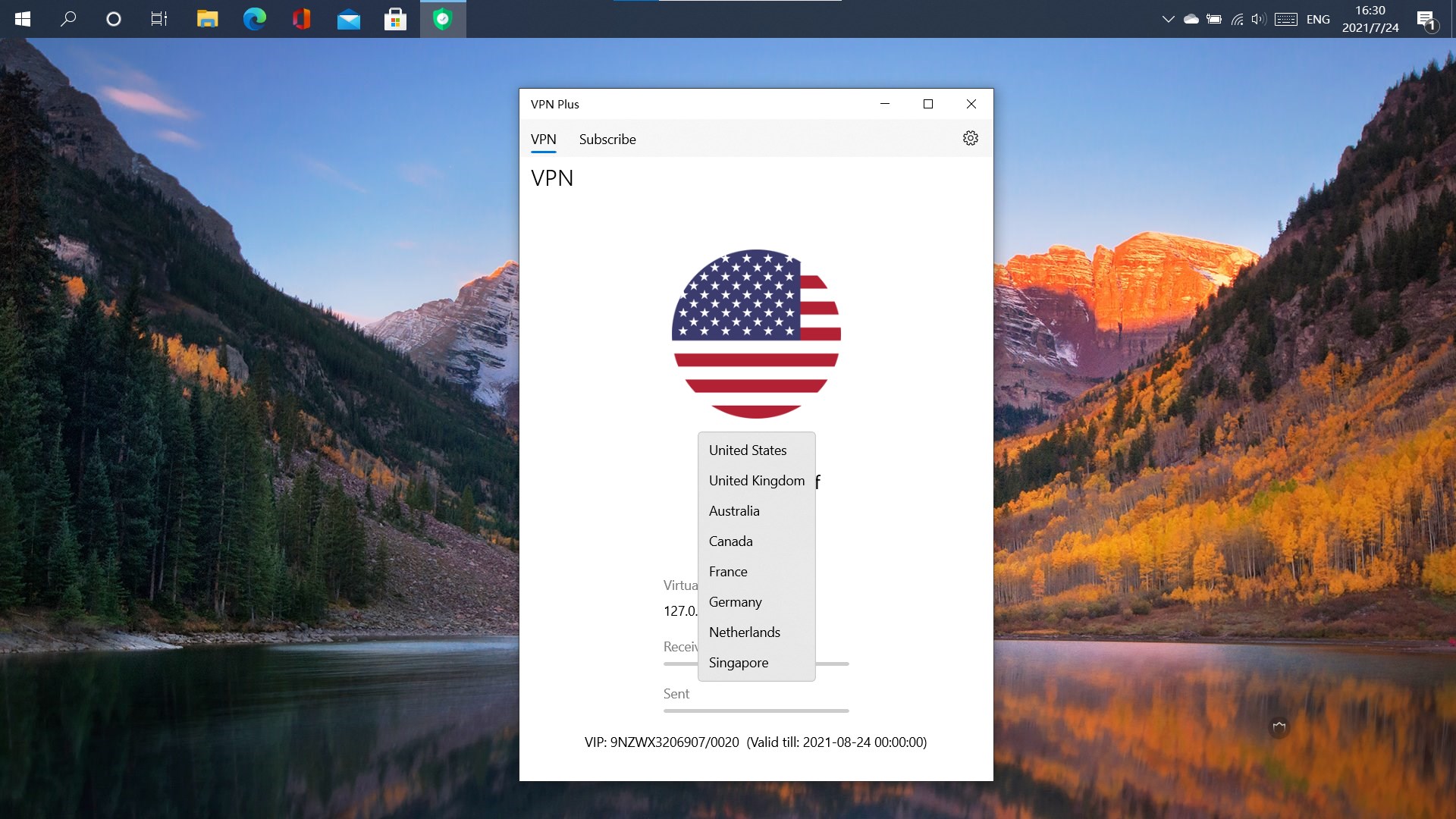
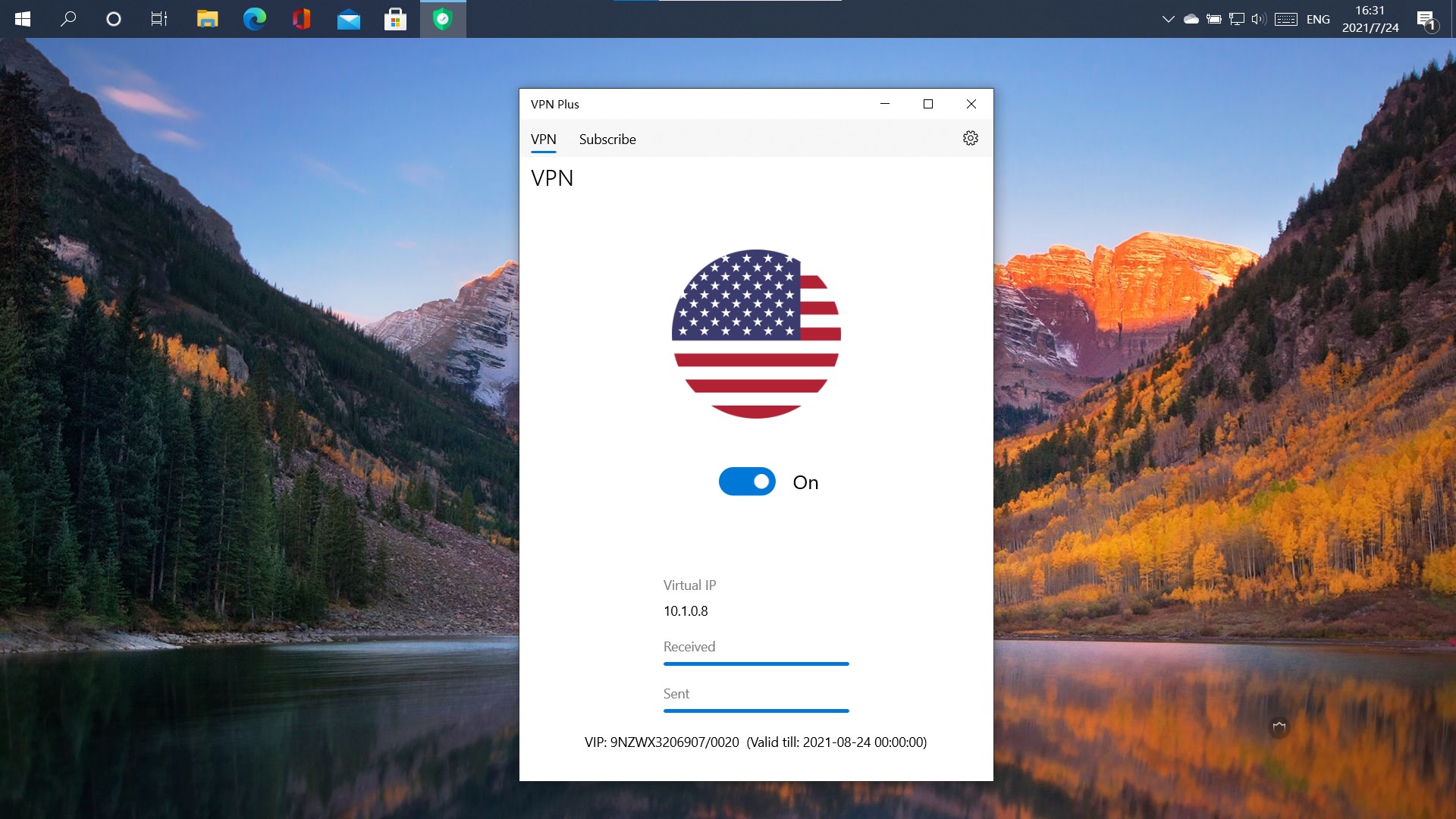
One of VPN Plus's standout features is its quick connect button. With a single click, users can establish a secure VPN tunnel almost instantly. The interface is clean and minimalistic, displaying server locations on a map and in a list, which makes choosing a location feel like a virtual world tour. Operation is remarkably smooth—connections are established swiftly without noticeable delays, and toggling between servers remains fluid. This user experience reduces the learning curve for VPN newcomers while offering enough control for advanced users.
Smart Protocol Management and Auto-Reconnect
The app intelligently handles VPN protocols, automatically selecting the best option based on your current network environment. This adaptability ensures that you enjoy optimal speeds without sacrificing security. Additionally, its auto-reconnect feature works silently in the background, jumping in whenever your connection drops—much like a diligent personal assistant safeguarding your online activities. This ensures continuous protection, especially important if you're working remotely or conducting sensitive transactions.
Unique Advantages: Convenience meets Customization
Unlike many VPN solutions that focus solely on security, VPN Plus excels with its server management system—offering a broad array of global servers that can be accessed with a few clicks, unlocking the whole internet. Its kill switch provides peace of mind against accidental data leaks, while the detailed connection logs give transparency about your activity without compromising privacy. The app also stands out with its ability to remember favorite servers, speeding up future connections – making it feel like having a personal VPN concierge.
Final Thoughts and Recommendation
VPN Plus for Windows stands out as a dependable and user-centric VPN solution. Its emphasis on simplicity, combined with robust security features like auto-reconnect and kill switch, makes it suitable for both VPN novices and seasoned users. Its unique server management and protocol adaptability give it an edge over generic VPN apps. Based on its performance, ease of use, and comprehensive features, I would recommend VPN Plus to anyone seeking hassle-free online privacy and unrestricted internet access. It's particularly valuable for users who prefer an app that “just works” without the need for technical juggling.
Pros
- User-friendly Interface
- Strong Connection Stability
- Wide Server Network
- Fast Connection Speeds
- Robust Security Features
Cons
- Limited Free Version
- Inconsistent App Performance
- Requires Continuous Login Authentication
- Limited Customer Support Options
- Some advanced features are only available in the premium version











