

- Category Utilities & tools
- Available on PC
- OS Windows 10 version 14316.0 or higher
- languages English (United States)
Weather Radar Pro for Windows: Your Personal Meteorological Companion
Weather Radar Pro. for Windows stands out as a precise and user-friendly weather tracking tool, designed to bring professional-grade radar functionality right to your desktop. Whether you're an outdoor enthusiast, a pilot, or just someone wanting to stay ahead of weather surprises, this app promises to keep you informed with real-time, detailed data.
About the Developer: Linnef Studio
Developed by Linnef Studio, a dedicated team specializing in utility applications, Weather Radar Pro leverages their expertise in creating accessible yet sophisticated weather tools suitable for everyday users and professionals alike.
Main Features That Shine
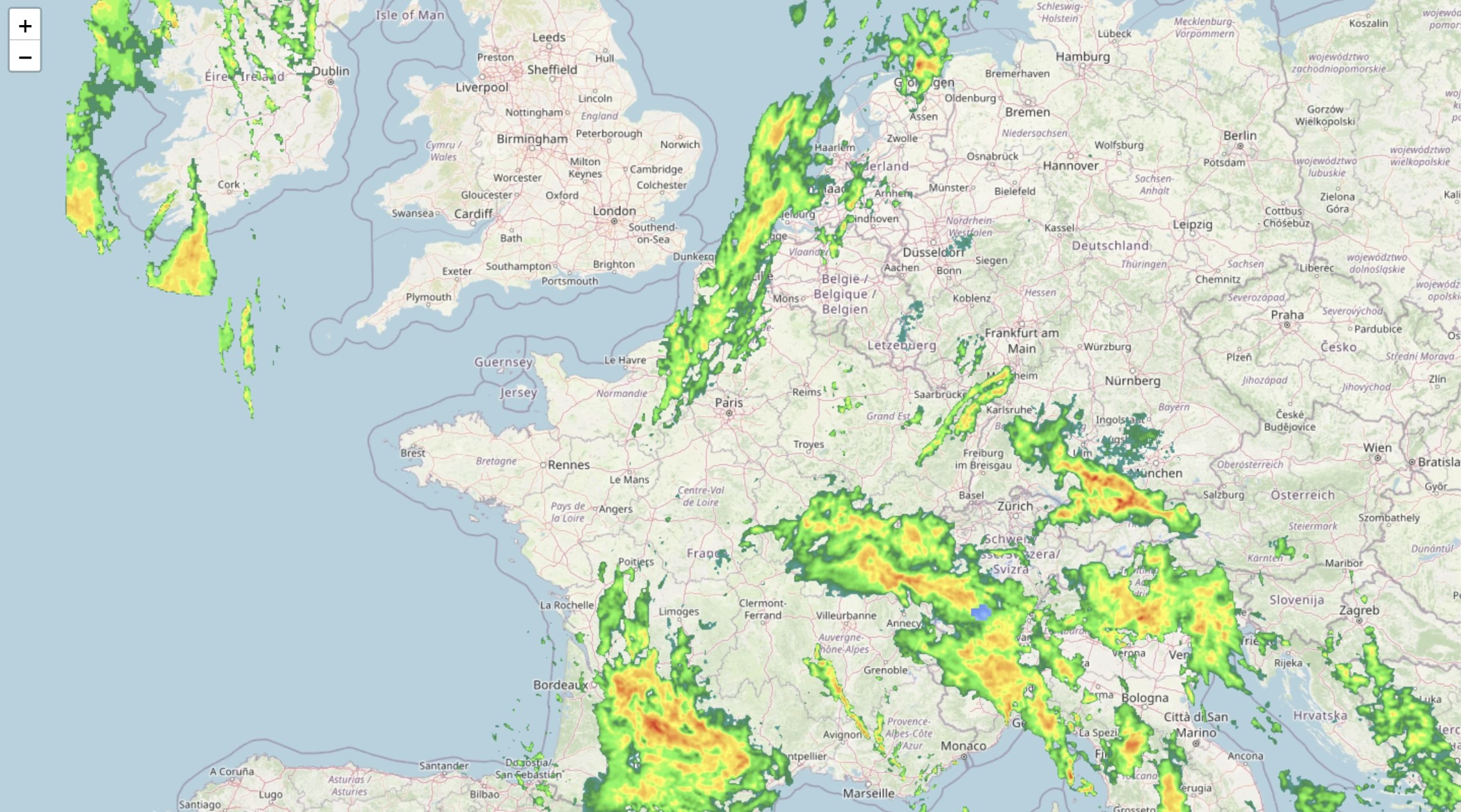
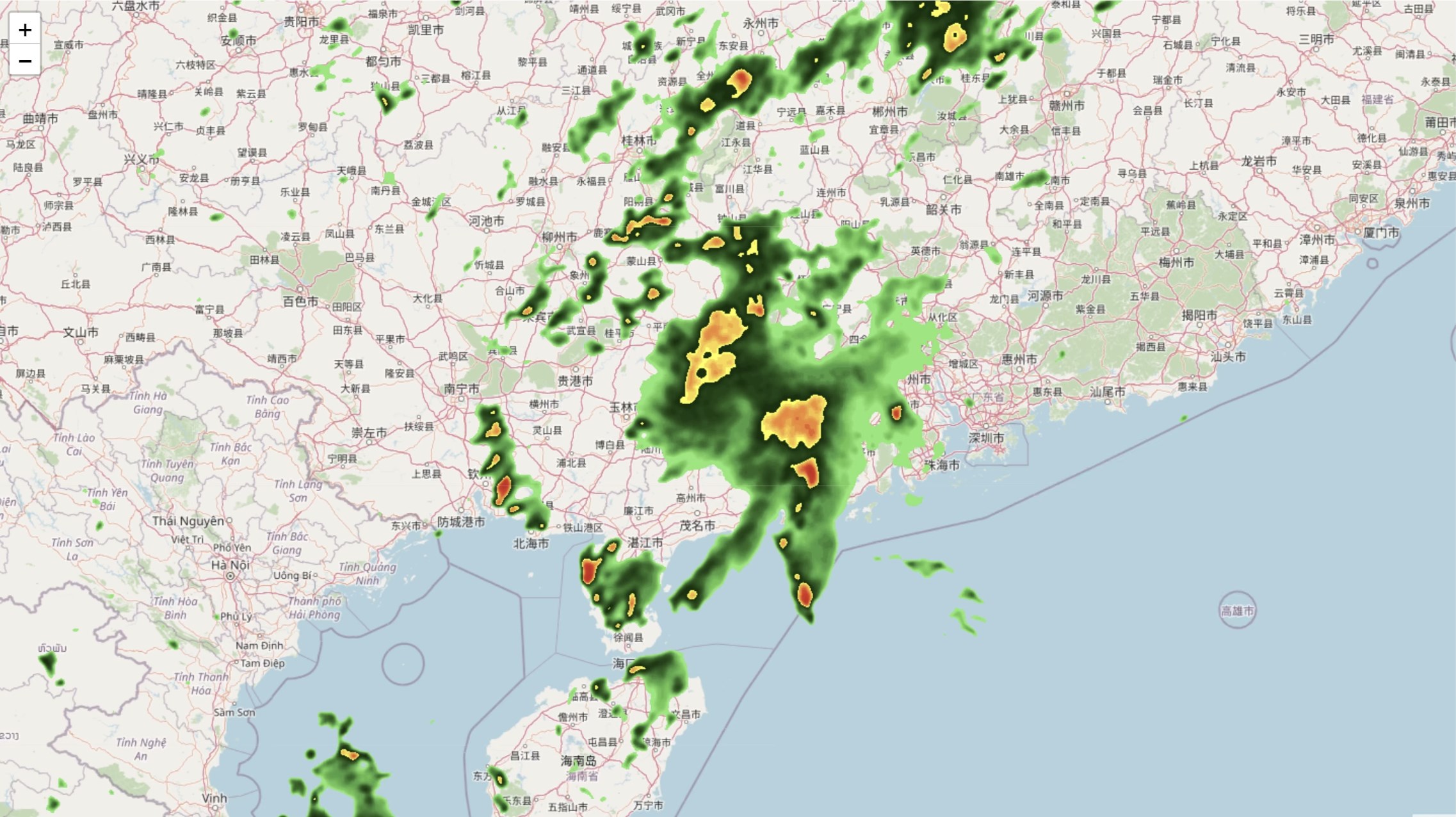
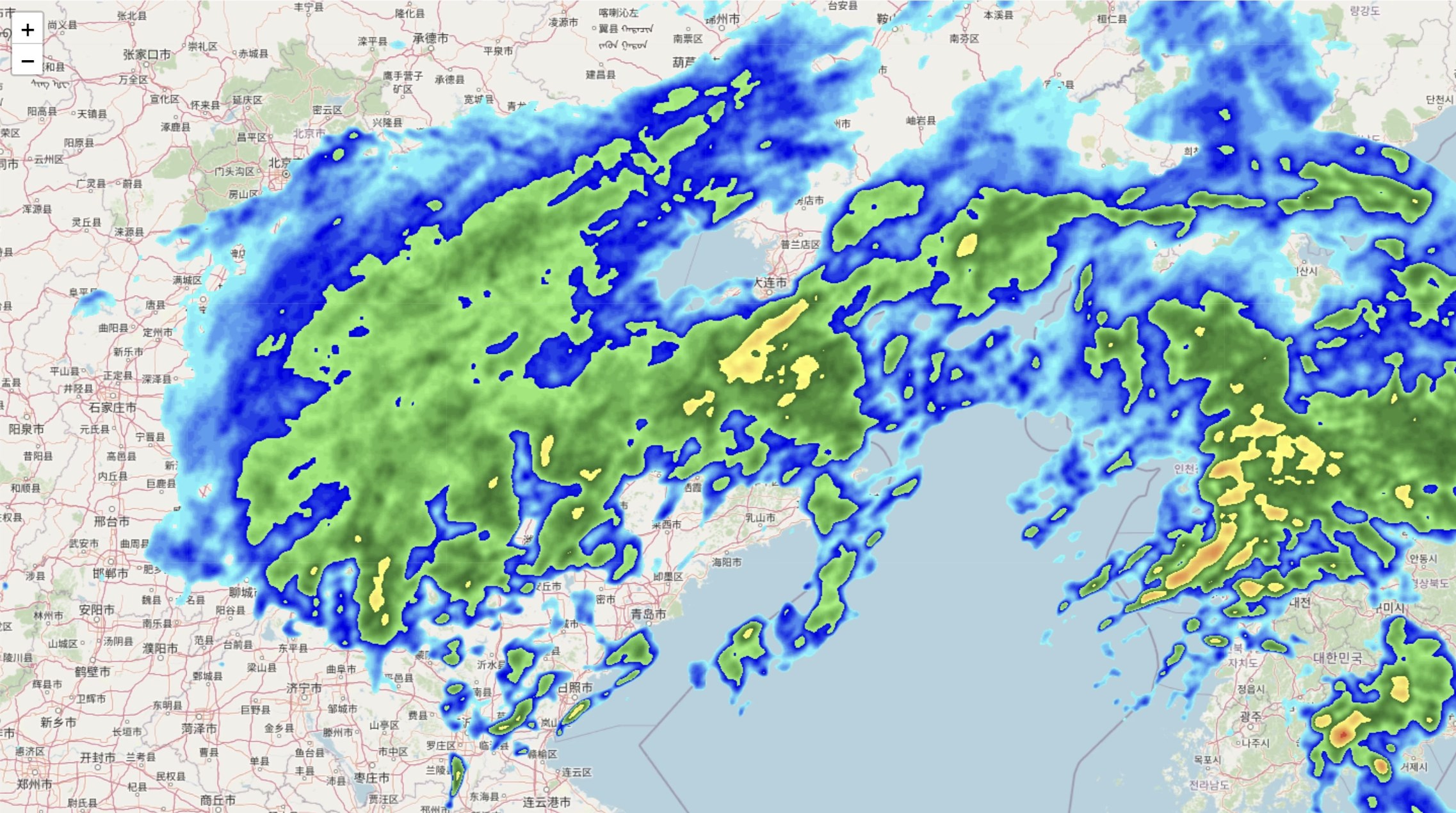
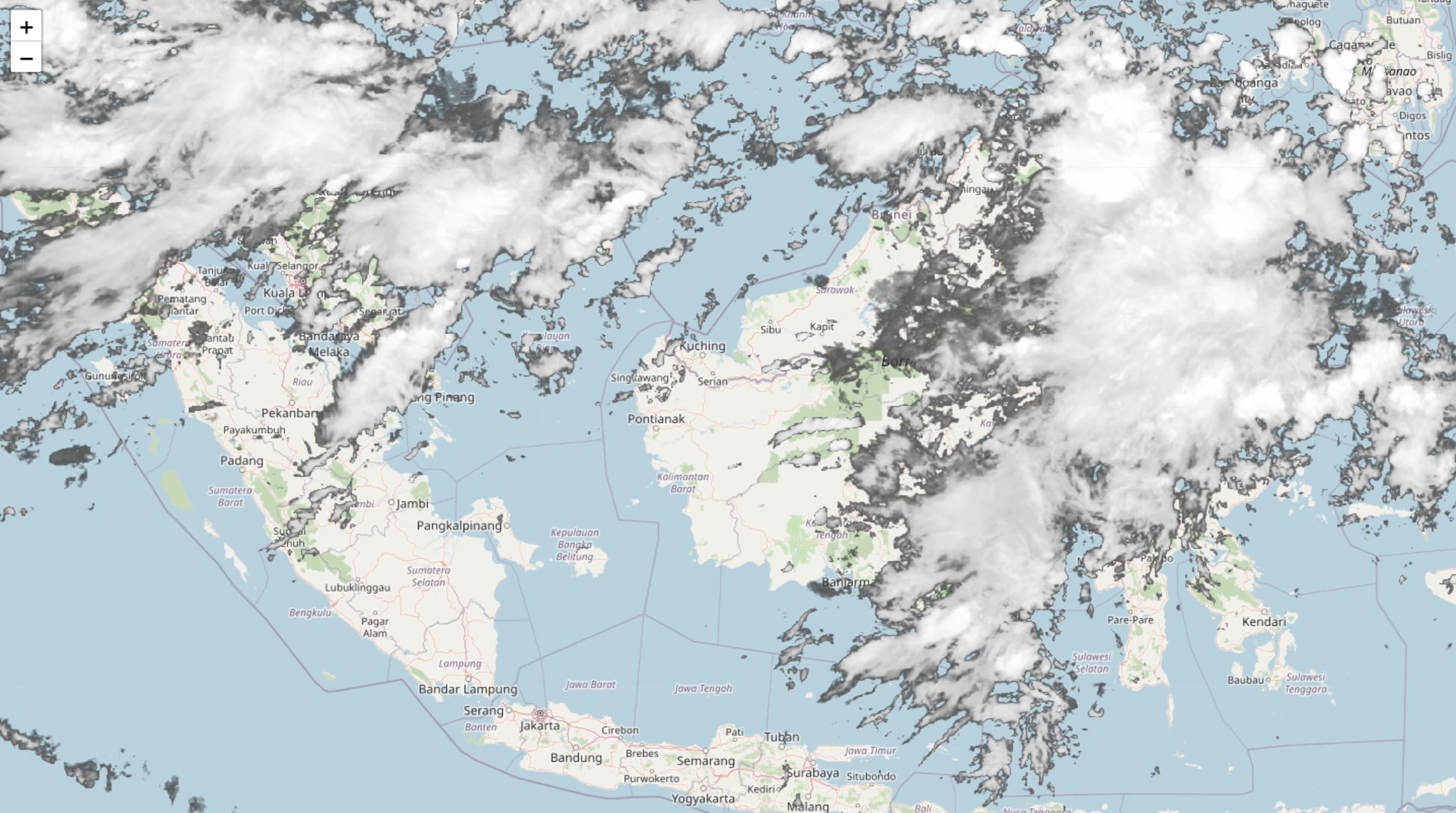
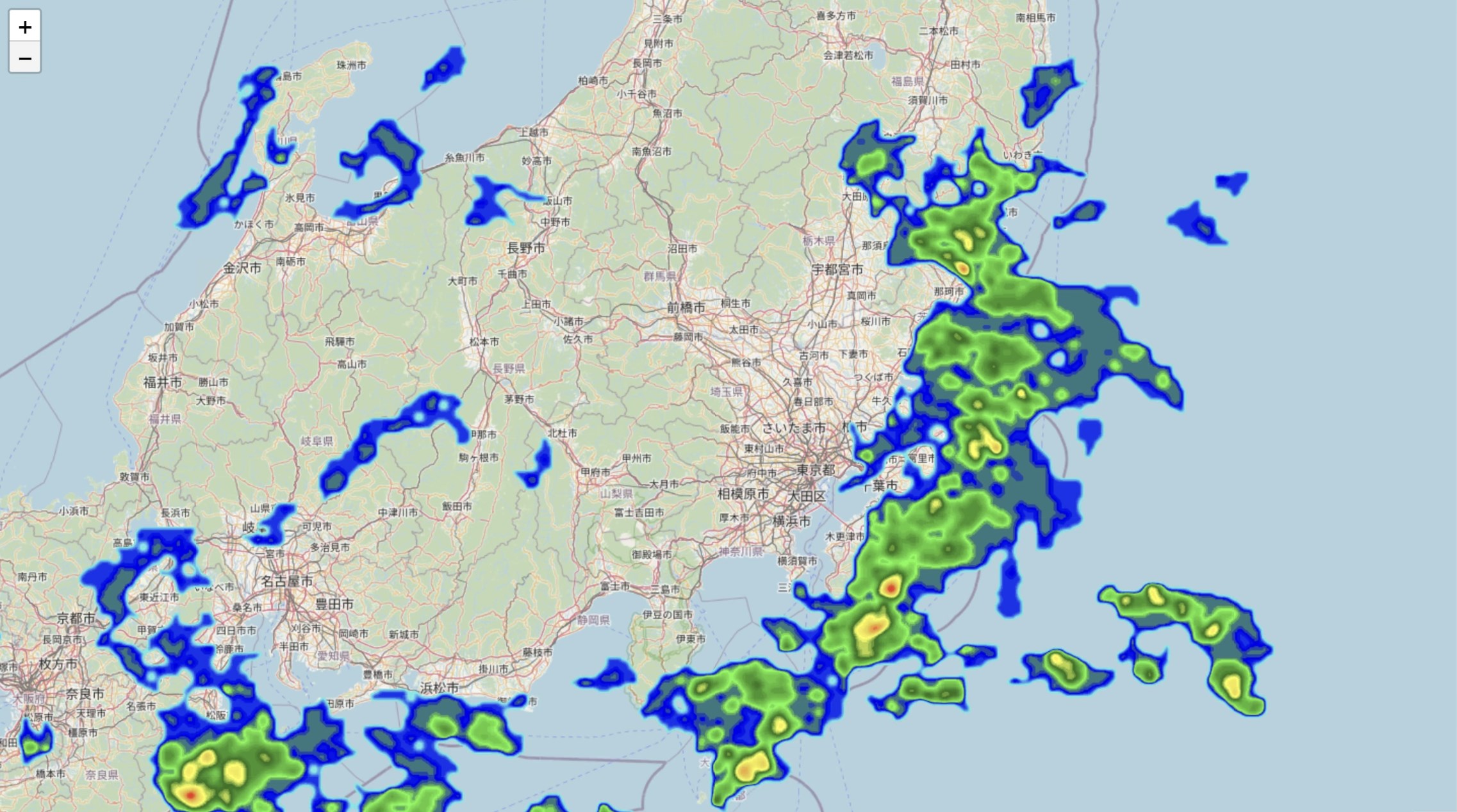
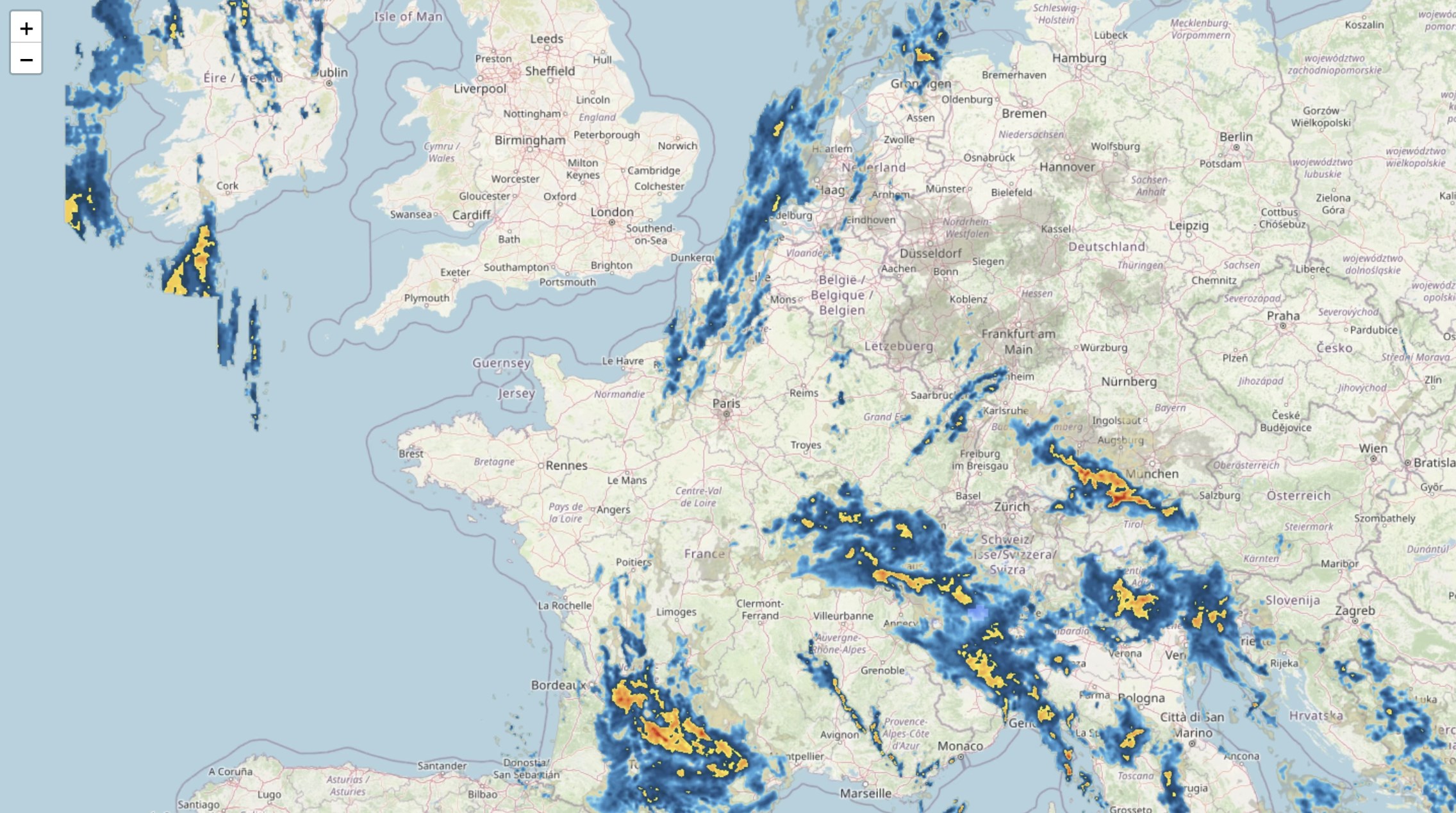
- Real-Time Radar Imaging: Provides up-to-the-minute visual mappings of weather patterns, including precipitation, storm tracking, and cloud movements.
- Interactive Map Controls: Offers intuitive zoom, pan, and layer toggling, allowing users to explore weather data with ease and precision.
- Custom Alerts and Notifications: Sends timely updates about severe weather conditions tailored to your location, helping you plan ahead seamlessly.
- High-Resolution Data Visualization: Displays detailed radar images that make understanding weather phenomena straightforward, even for non-experts.
Experience and Impressions
Imagine preparing for a weekend hike or a family picnic when suddenly, dark clouds start gathering on your screen like an ominous painting. This is precisely where Weather Radar Pro. transforms your weather worries into well-informed decisions. Its interface is as clean as a freshly mowed lawn—organized, accessible, and inviting. The app manages to marry functionality with a user-oriented design that doesn't require a technical background to operate.
Core Functionality Deep Dive
Powerful Radar Visualization
The core strength of Weather Radar Pro lies in its high-fidelity radar imaging. When thunderstorms brew or rain clouds drift, the app displays these movements with vivid clarity. You can easily switch layers to view different weather aspects—precipitation intensity, wind speeds, or storm paths—helping you grasp the weather landscape at a glance. The live imagery updates frequently, akin to watching a weather ballet unfold in real-time, giving users confidence to plan their days accurately.
Interactive and Customizable Map Features
Navigation feels natural—swiping, zooming, and toggling layers feel as effortless as flipping pages of a book. The app's interface is designed with user intuition in mind, ensuring that even first-time users can explore weather data without frustration. The ability to set customized alerts based on your location or specific weather thresholds means you won't be caught unprepared—think of it as having your own weather buffer system embedded in your desktop.
Data Accuracy and Reliability
Weather Radar Pro's data is sourced from reputable meteorological sources, ensuring high reliability. Its precise visualization aids not just casual weather checking but also supports more critical planning like air travel or outdoor events. The app performs smoothly without lag, even when rendering complex radar images, making it a dependable tool in your weather toolkit.
User Experience and Differentiators
Compared to other utilities in its class, Weather Radar Pro stands out through its simplicity without sacrificing detail. Many weather apps bombard users with excessive data or cluttered interfaces, but this app presents information as if it were a well-composed painting—clear and engaging. Its real-time radar animations provide a dynamic, almost cinematic view of weather developments, a feature that sets it apart from static or less responsive tools. Additionally, its lightweight nature ensures it runs seamlessly on most Windows devices, avoiding the sluggishness that plagues bulkier programs.
Final Verdict and Recommendations
Weather Radar Pro. for Windows is a reliable, thoughtfully designed weather visualization tool that balances professional-grade features with user-friendly controls. Its standout capabilities—particularly its high-resolution radar imaging and customizable alert system—make it a must-have for users who want to stay ahead of weather events without fuss.
For outdoor lovers, commuters, or anyone needing timely weather data, I'd recommend giving this app a try. It's not just a weather app; it's your personal meteorological assistant that visually narrates the weather story unfolding around you. While it may not replace specialized meteorological software for professional use, for everyday users, Weather Radar Pro strikes a compelling balance between depth and accessibility.
Pros
- Accurate weather radar imagery
- User-friendly interface
- Customizable alerts
- Multiple map layers
- Offline access to saved data
Cons
- Battery consumption is high during radar updates
- Some advanced features are limited to premium version
- Occasional delays in data refresh
- Map overlays can clutter the interface on small screens
- Limited weather forecast options beyond current radar










