

- Category Utilities & tools
- Developer parmata
- Available on PC, Mobile, Surface Hub, HoloLens
- OS Windows 10 version 19041.0 or higher
- languages Arabic, Chinese (Simplified), Chinese (Traditional Chinese), English (United States), French, German, Italian, Japanese, Korean, Portuguese, Russian, Spanish, Turkish
WhisperUI for Windows: Turning Voice into Action with Precision
If you're someone who loves seamlessly integrating voice commands into your daily workflow, WhisperUI offers a promising solution that's both intuitive and powerful. Developed by Parmata, this Windows application leverages advanced speech recognition to elevate how you interact with your computer, making tasks feel almost like magic.
Basic Information at a Glance
WhisperUI is a versatile speech recognition tool designed to convert your spoken words into commands seamlessly. Developed and published by Parmata, the app aims to deliver a smooth, efficient, and customizable voice interface for Windows users.
- Core Features: Accurate voice command recognition, customizable command setups, and real-time transcription.
- Target Users: professionals seeking hands-free operation, accessibility users, and tech enthusiasts interested in productivity enhancements.
Injecting Life into Speech Recognition
Imagine sitting at your Windows desktop, voice softly guiding your actions as effortlessly as a trusted assistant. WhisperUI empowers you to do just that, transforming spoken words into actionable commands with remarkable clarity. It's not just about dictation; it's about reimagining how you interact with your machine—faster, smoother, more natural.
Powerful Core Functionality: Custom Commands & Real-Time Transcription
WhisperUI's standout feature is its ability to let users craft personalized commands. Whether it's opening applications, controlling media, or navigating files, you can tailor commands to fit your workflow. This level of customization mimics having a personal assistant who understands your unique requests.
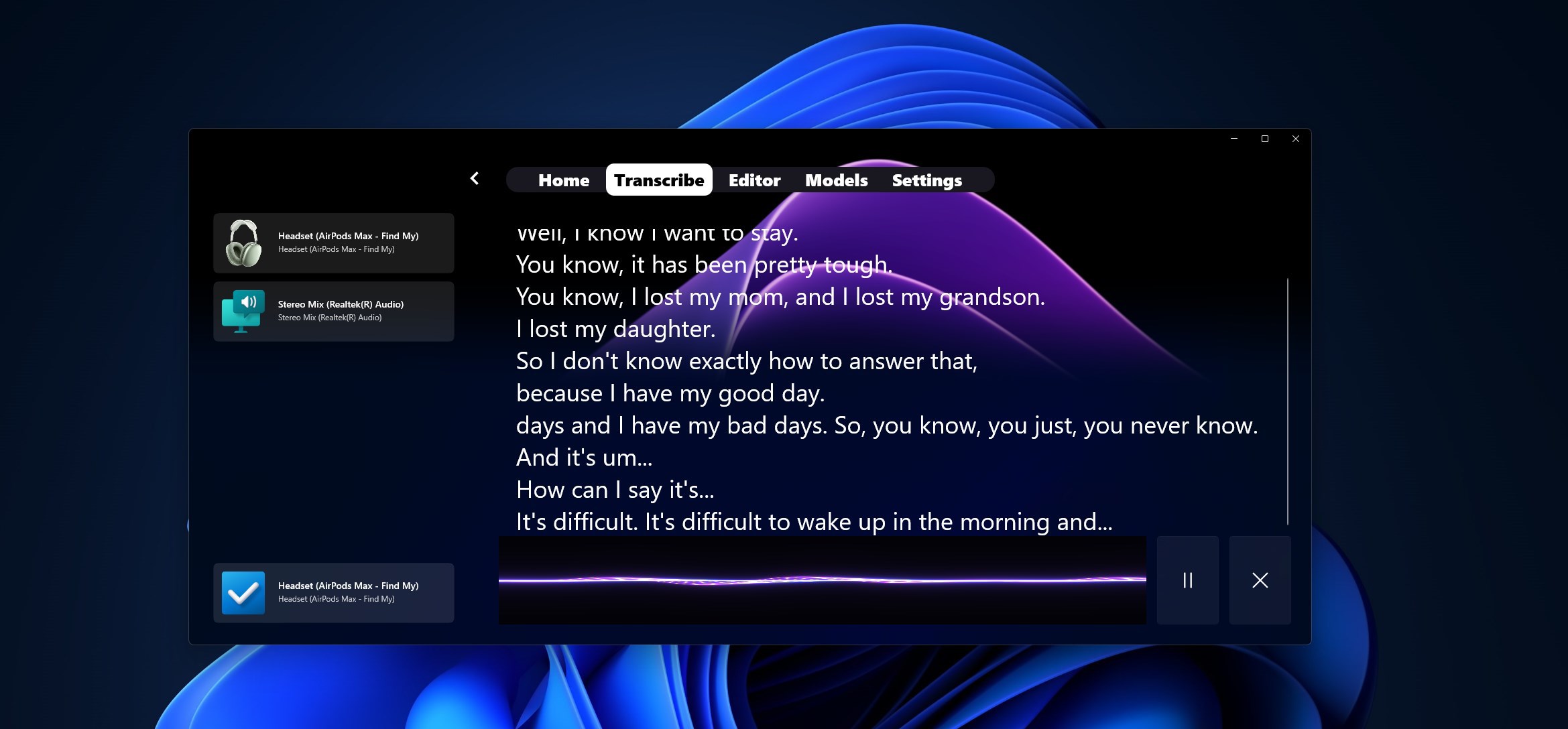
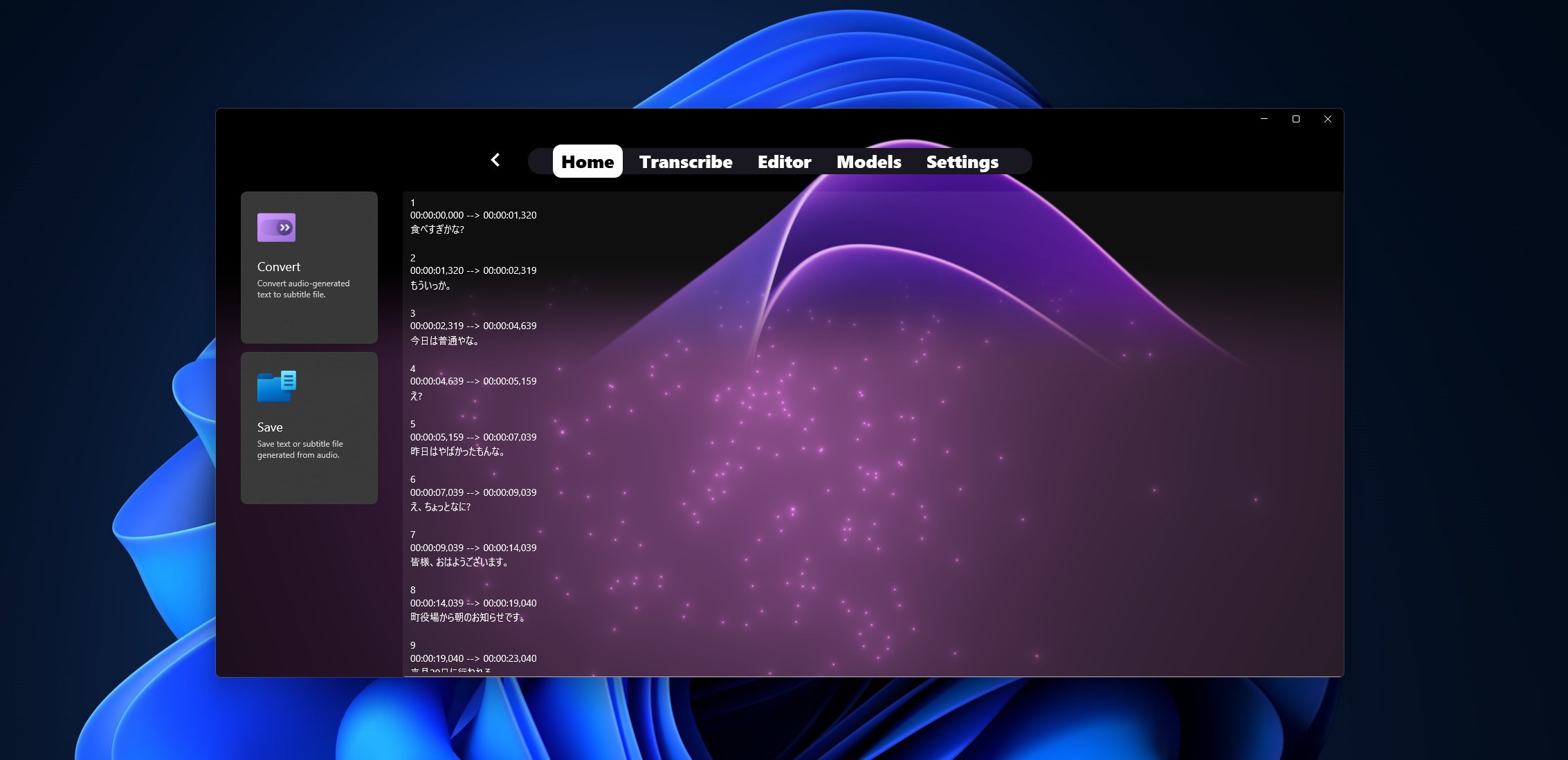
Coupled with real-time transcription, WhisperUI offers an impressive dictation feature that converts speech into text with high accuracy. Whether you're composing emails or jotting down ideas, it streamlines the process, transforming your voice into typed content almost instantaneously.
Design & User Experience: Simplicity Meets Elegance
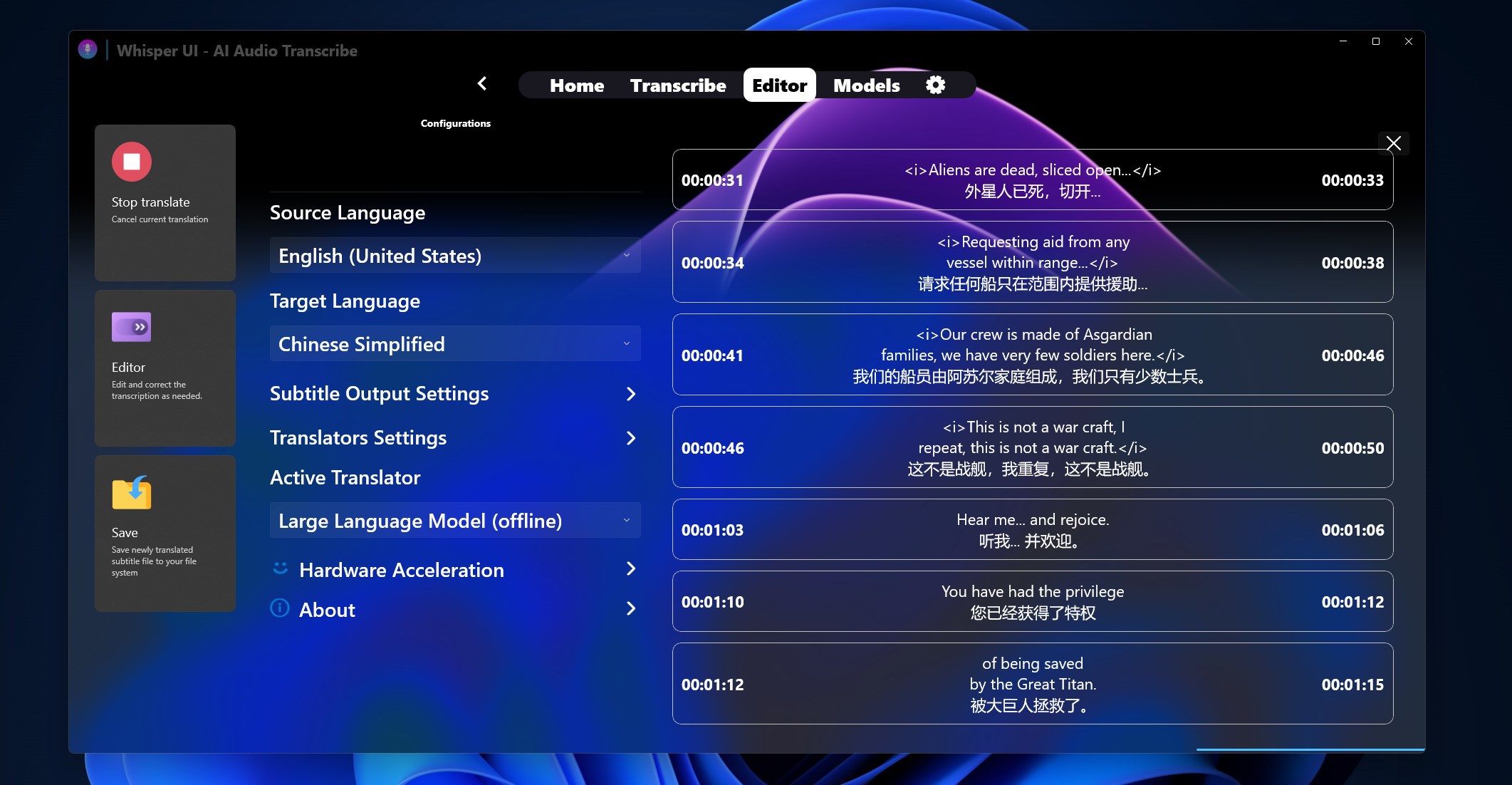
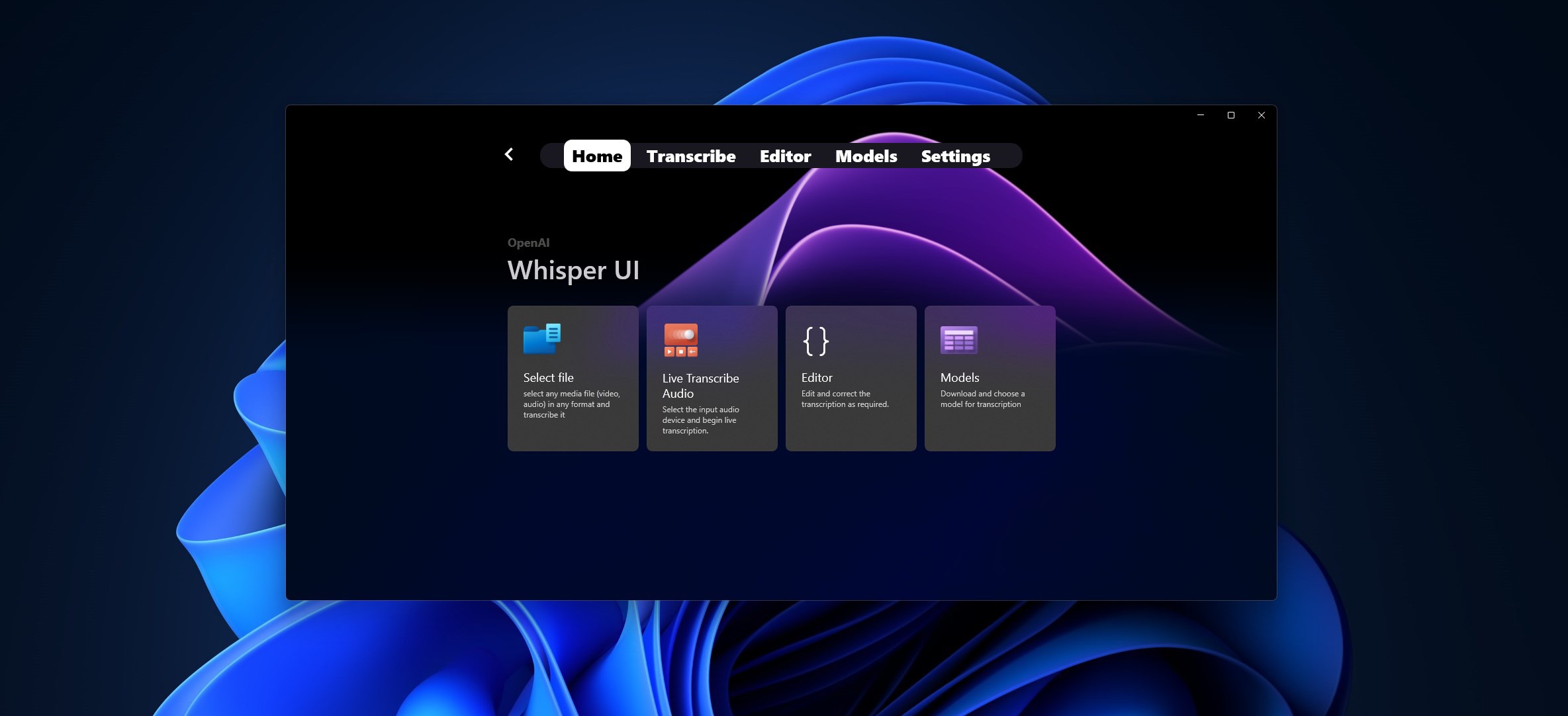
The interface of WhisperUI is clean and modern, with an intuitive layout that welcomes new users and seasoned techies alike. Setting up commands or adjusting preferences feels straightforward, thanks to guided prompts and a user-centric design. The responsiveness of the app is notably smooth—commands are recognized swiftly, and transcription updates flow seamlessly without noticeable lag.
Learning curve is gentle; even if you're new to voice commands, minimal effort is needed to get started. The app's setup wizard efficiently walks you through the initial configuration, making customization accessible without a steep learning curve.
What Sets WhisperUI Apart? A Focus on Customization & Accuracy
While many voice recognition tools aim to offer a one-size-fits-all solution, WhisperUI shines by emphasizing user-defined commands and adaptability. Its ability to let users build personalized command libraries tailored to their specific needs distinguishes it from free or less flexible competitors.
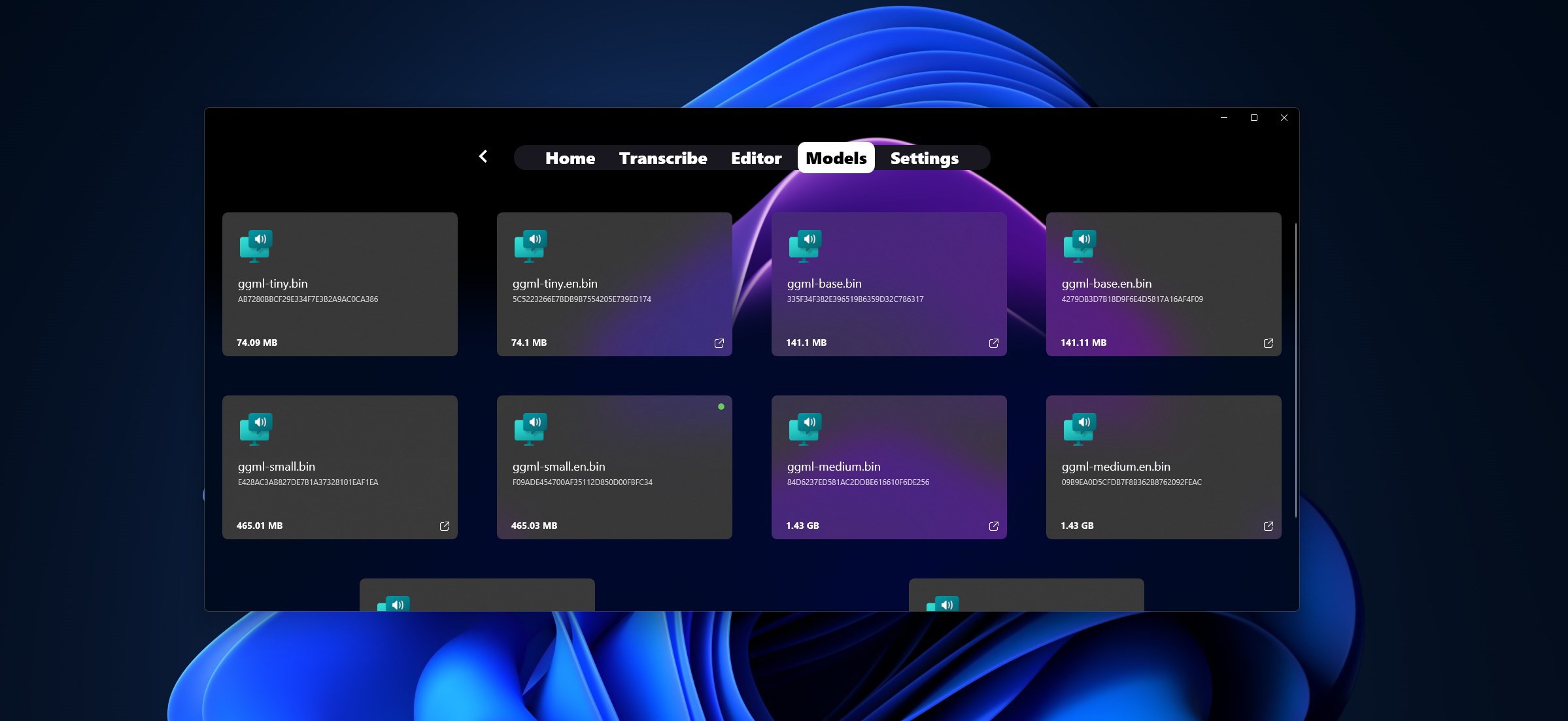
Moreover, the app's recognition engine boasts robust accuracy, even in noisy environments, which is often a challenge for similar utilities. This resilience makes WhisperUI especially attractive for busy workplaces or home offices where ambient sounds are unavoidable.
Final Thoughts & Recommendations
Overall, WhisperUI for Windows emerges as a compelling utility for anyone looking to enhance productivity through voice. Its intuitive interface, combined with high customization and reliable recognition, makes it stand out as a versatile tool rather than just another speech-to-text app.
I'd recommend WhisperUI to professionals aiming for hands-free control, accessibility users seeking better interaction, or tech enthusiasts eager to experiment with voice commands. For casual users, it's a solid investment—especially if you value tailored workflows and are willing to spend some time customizing commands.
In essence, WhisperUI is like having a knowledgeable assistant who understands precisely what you need—making your interaction with Windows smarter, faster, and more natural.
Pros
- Intuitive User Interface
- Fast Voice Recognition
- Customizable Settings
- Multi-language Support
- Regular Updates
Cons
- Limited Offline Functionality
- Occasional Recognition Errors
- Battery Consumption
- Limited Custom Voice Profiles
- App Stability on Some Devices











