
- Category Utilities & tools
- Developer good2create
- Available on PC
- OS Windows 10 version 19041.0 or higher
- languages English (United States)
An Elegant Dashboard Companion for Windows Users
Widget Pro for Windows emerges as a sleek and versatile desktop widget tool designed to make your digital life more organized and accessible. Unlike cluttered clutter, it provides a customizable, smooth-operating interface that streamlines your workflows and personal tasks alike. Developed by Good2Create, this app promises to bring a touch of finesse to your Windows environment, transforming your desktop into a hub of efficiency without sacrificing aesthetic appeal.
Bright Spot Highlights: Key Features at a Glance
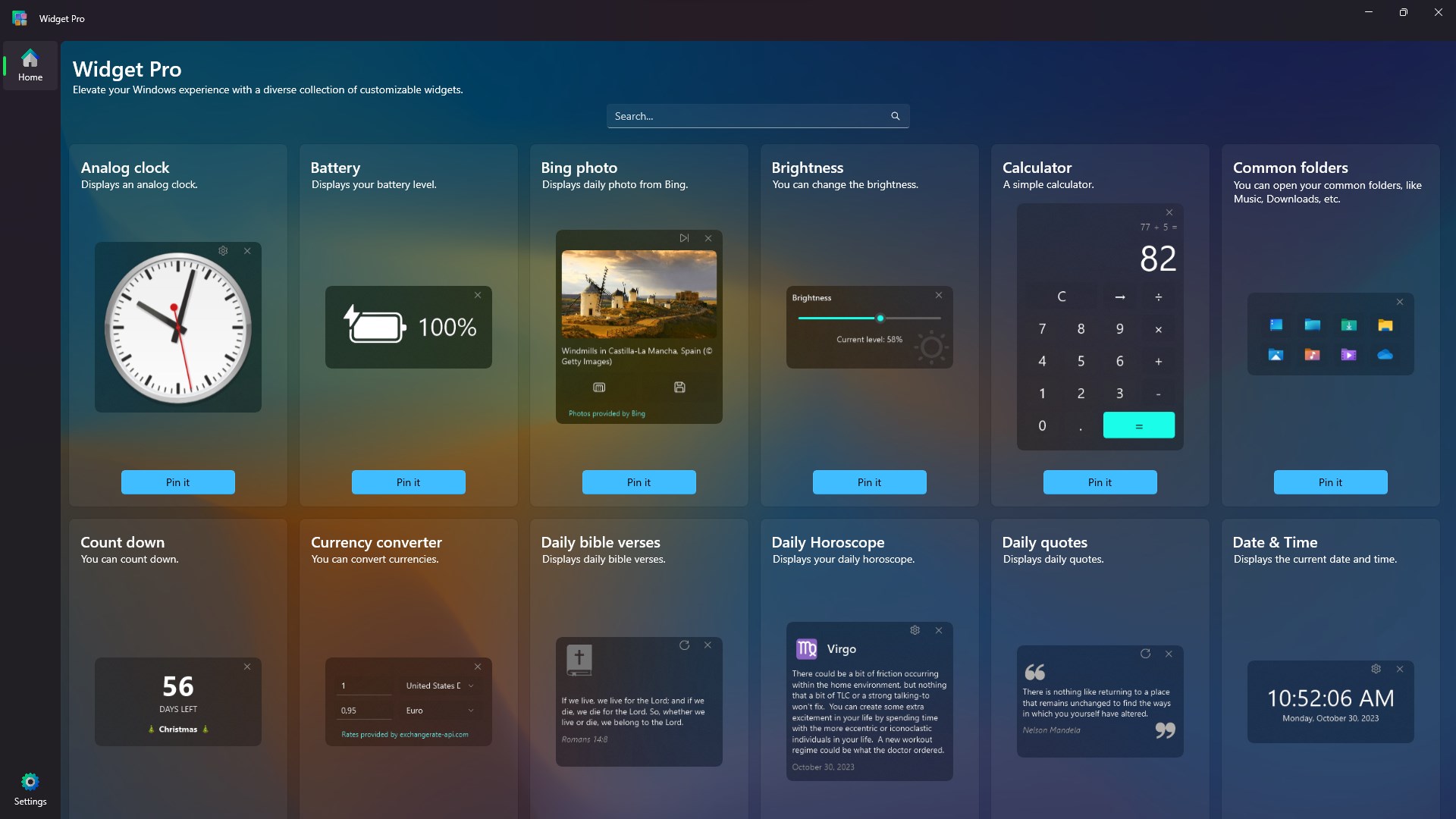
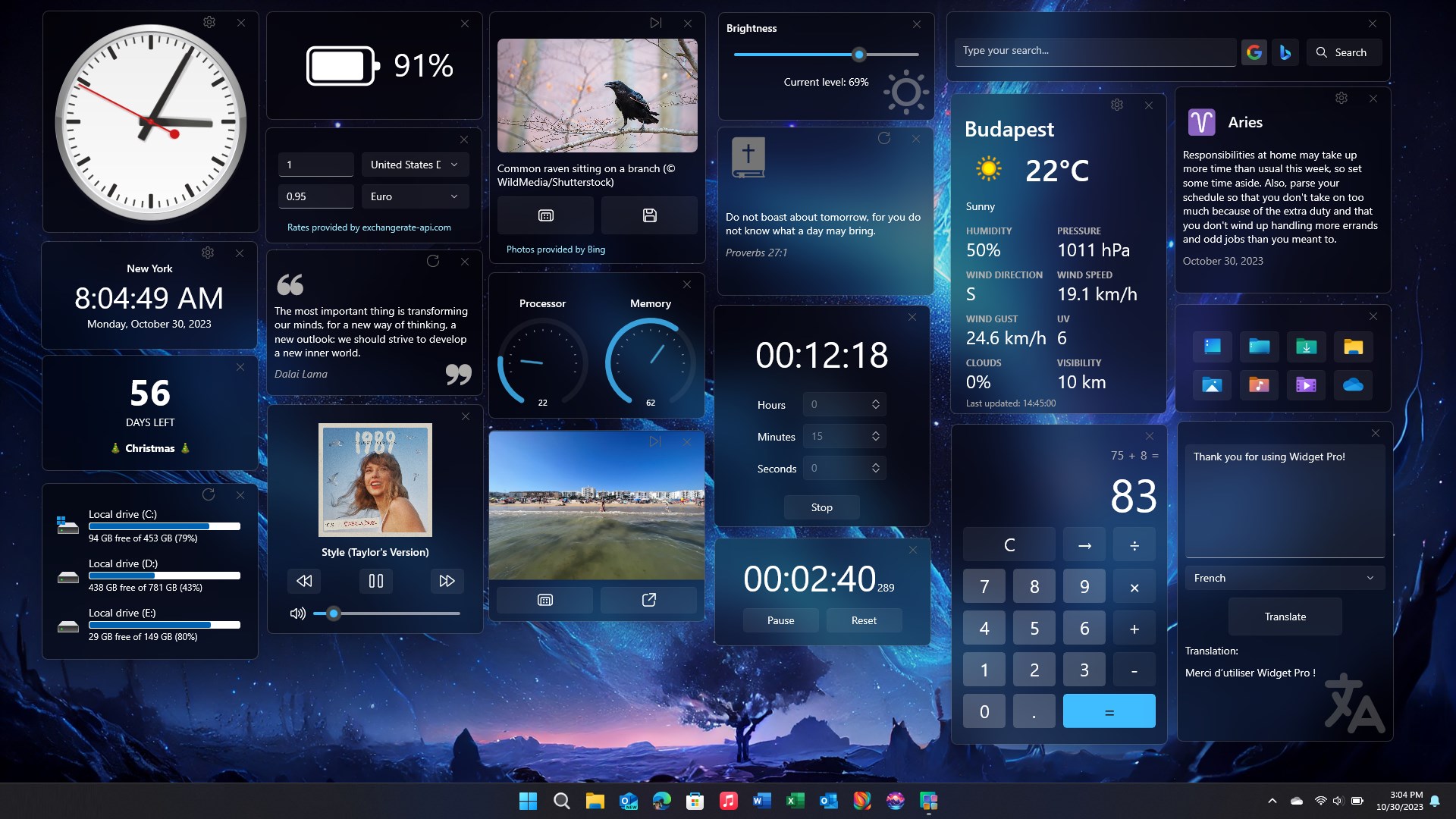
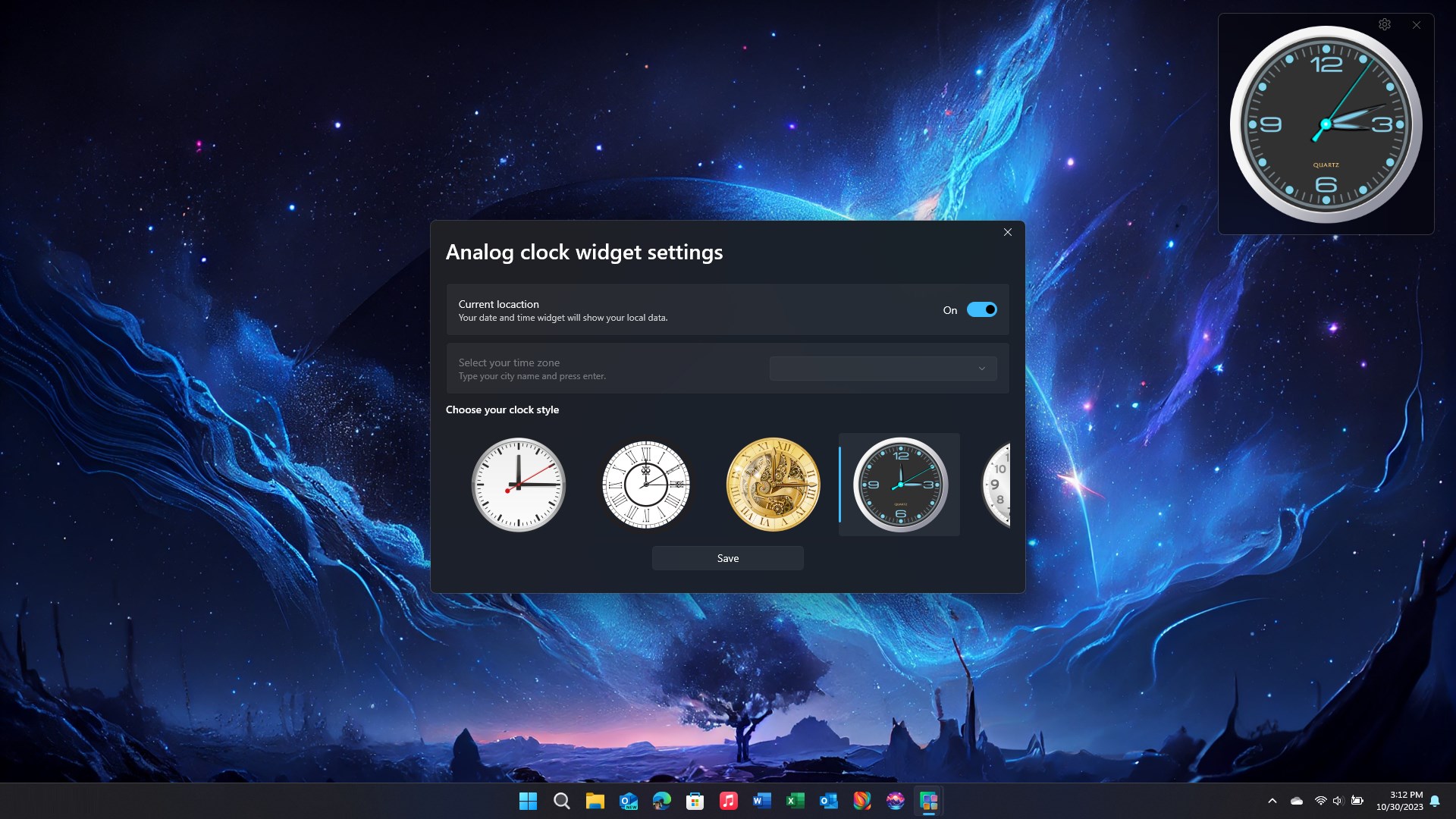
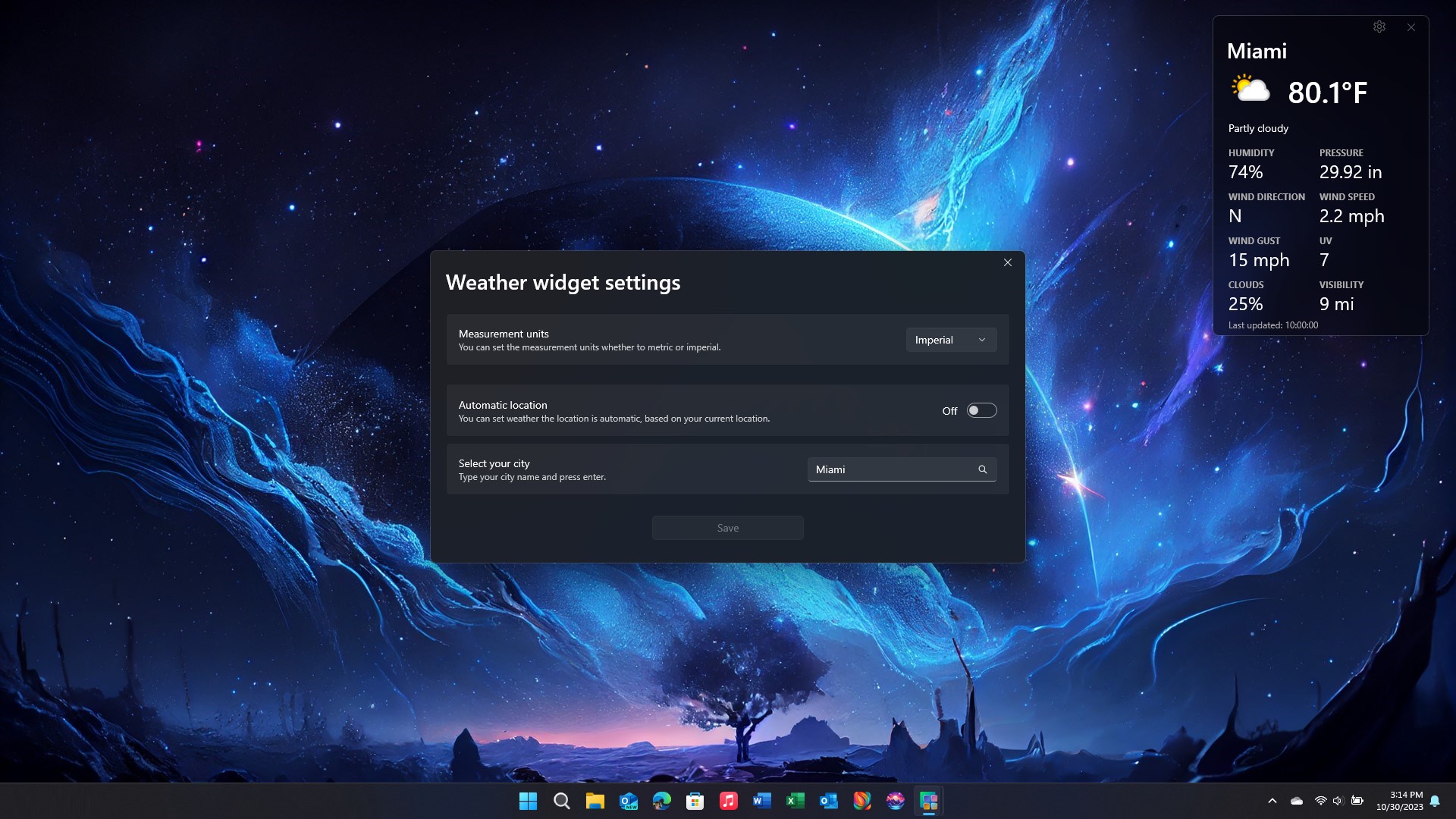
What makes Widget Pro truly stand out? First, its high level of customization empowers users to craft their ideal widget ecosystem—imagine tuning your digital dashboard like a musical instrument. Second, it boasts a responsive and intuitive design, ensuring that adding or adjusting widgets feels effortless—almost like arranging a cozy virtual workspace. Third, the app supports a variety of widget types—from clocks and calendars to weather updates and reminders—covering a broad spectrum of daily needs. Lastly, its seamless integration with Windows ensures minimal resource consumption, so it stays out of your way while working diligently in the background.
Intuitive Interface and User Experience: Simplicity Meets Elegance
Launching Widget Pro, you're greeted with a clean, modern interface that resembles a well-organized control panel, where each widget can be cherry-picked and positioned with a drag-and-drop gesture. The visuals strike a perfect balance—neither overly minimalistic nor overwhelming—making it welcoming even for first-time users. Navigating through customization options is a breeze, thanks to a thoughtfully designed settings menu that group related options logically. The app is notably smooth: adding a widget or resizing it feels instantaneous, mirroring the tactile pleasure of arranging physical sticky notes on a bulletin board, but with all the digital perks.
The Core Strengths: What Sets Widget Pro Apart
Exceptional Customizability
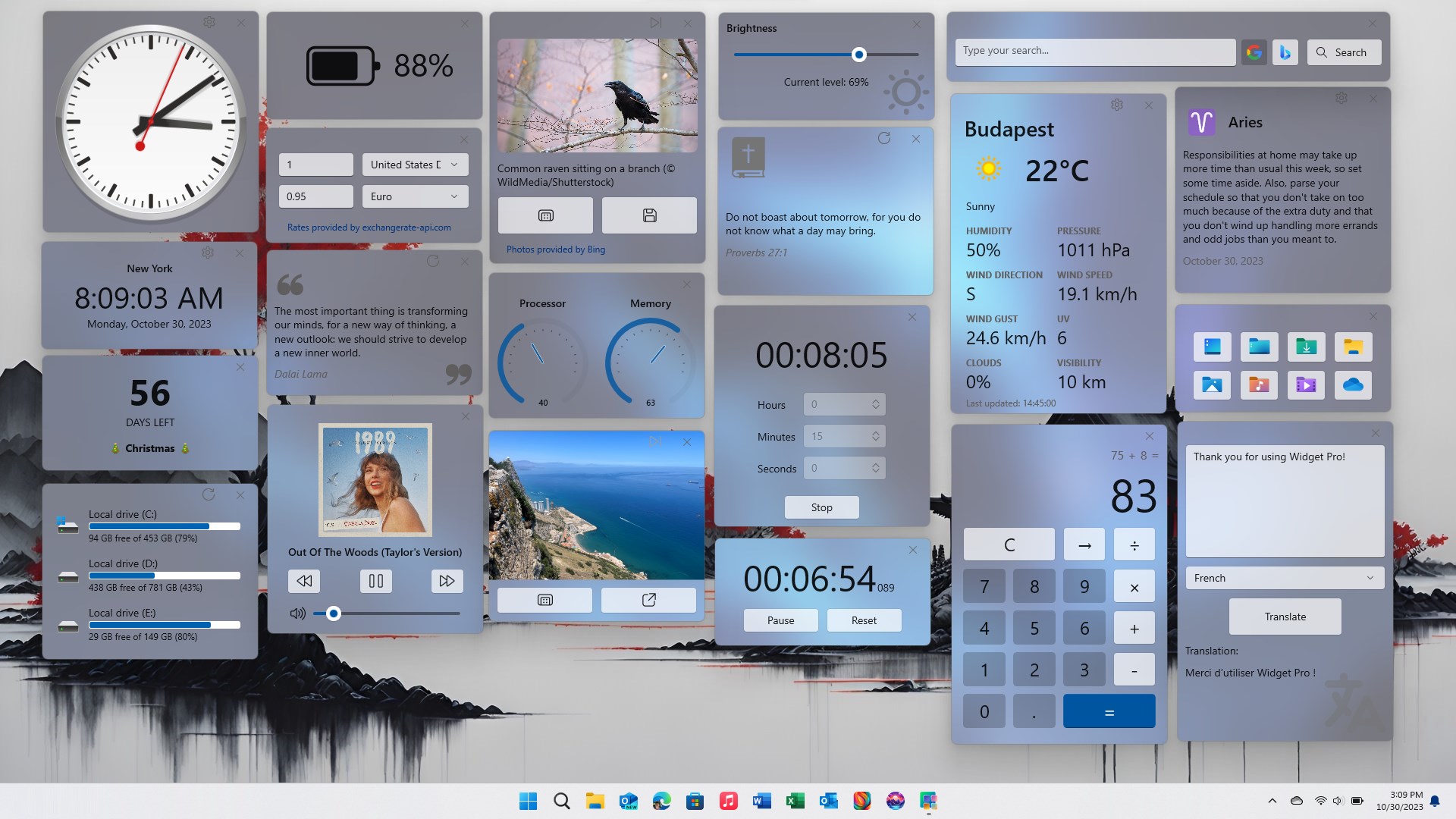
Imagine being able to craft your own digital control center exactly the way you see fit. Widget Pro shines here, offering extensive options to fine-tune each widget's appearance, data sources, and even the transparency level. This level of control enables users to tailor their desktop environment to match their workflow or aesthetic preferences, unlike many utility apps that provide rigid, one-size-fits-all solutions.
Seamless Windows Integration
While many desktop widgets tend to be siloed or resource-heavy, Widget Pro demonstrates a masterful balance. It leverages lightweight design principles so that it barely registers on system performance, even with multiple widgets active. Moreover, the way it subtly integrates with Windows notifications and system events enhances its utility without that intrusive or distracting feeling—think of it as a silent, attentive assistant rather than a noisy gadget.
Should You Give It a Try?
Considering its thoughtful design, strong customization capabilities, and smooth performance, Widget Pro for Windows is certainly worthy of recommendation for users seeking to enhance their desktop environment. It works well for professionals managing schedules or data streams, students needing quick info access, or casual users hoping for a more organized workspace. However, those looking for more extensive automation features might find it somewhat lacking. Overall, it's a tasteful, functional app that can serve as a personal dashboard, keeping your information and tools just a click away.
Pros
- Intuitive User Interface
- Wide Range of Widgets
- High Customization Options
- Smooth Performance
- Regular Updates
Cons
- Limited Free Features
- Occasional Compatibility Issues
- Learning Curve for Advanced Features
- Limited Integration with Other Apps
- Occasional Minor Bugs











