

- Category Utilities & tools
- Available on PC, Surface Hub, HoloLens
- OS Windows 10 version 17134.0 or higher
- languages English (United States)
Unveiling the Power of WiFi Analyzer Tool for Windows
If navigating the WiFi landscape often feels like charting a course through a complex maze, the WiFi Analyzer Tool for Windows promises to be your trusty compass. Designed to demystify wireless networks, this app offers a clear window into your WiFi environment, making it a must-have for tech enthusiasts and everyday users alike.
About the App: Bridging Simplicity and Functionality
Developed by Borka Tibor, the WiFi Analyzer Tool for Windows is the latest in utility applications aiming to simplify network diagnostics. Its core mission is to help users visualize network signals and identify interference issues with ease. The app's major highlights include real-time signal strength charts, detailed channel analysis, and intuitive frequency spectrum visualization. Whether you're troubleshooting your home WiFi or optimizing a cafe's network setup, this tool has your back.
Targeted primarily at network administrators, IT enthusiasts, and everyday users eager to improve their WiFi experience, the app strikes a balance between technical depth and user-friendliness. Even if you're not deeply versed in network technologies, you'll find it accessible enough to get meaningful insights without a steep learning curve.
A Fun and Insightful WiFi Detective Adventure
Imagine your WiFi network as a bustling city — bustling signals, overlapping channels, and interference can turn a smooth ride into a bumpy journey. Enter the WiFi Analyzer Tool for Windows: a digital detective that reveals the underlying activity, helping you uncover hidden culprits blocking your WiFi's peak performance. Its engaging interface and insightful features turn network diagnostics into a straightforward, even enjoyable, task.
Real-Time Signal Strength Mapping: Your WiFi's Pulse
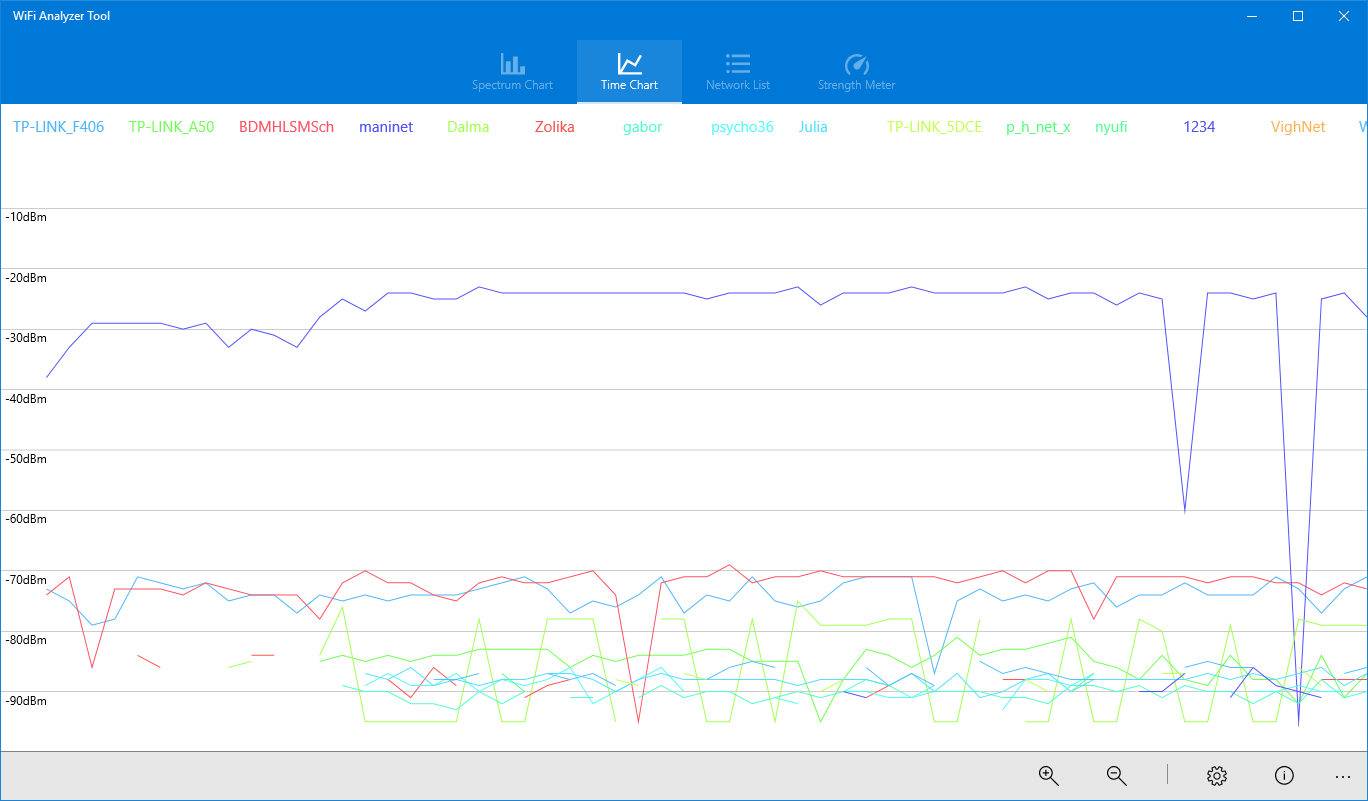
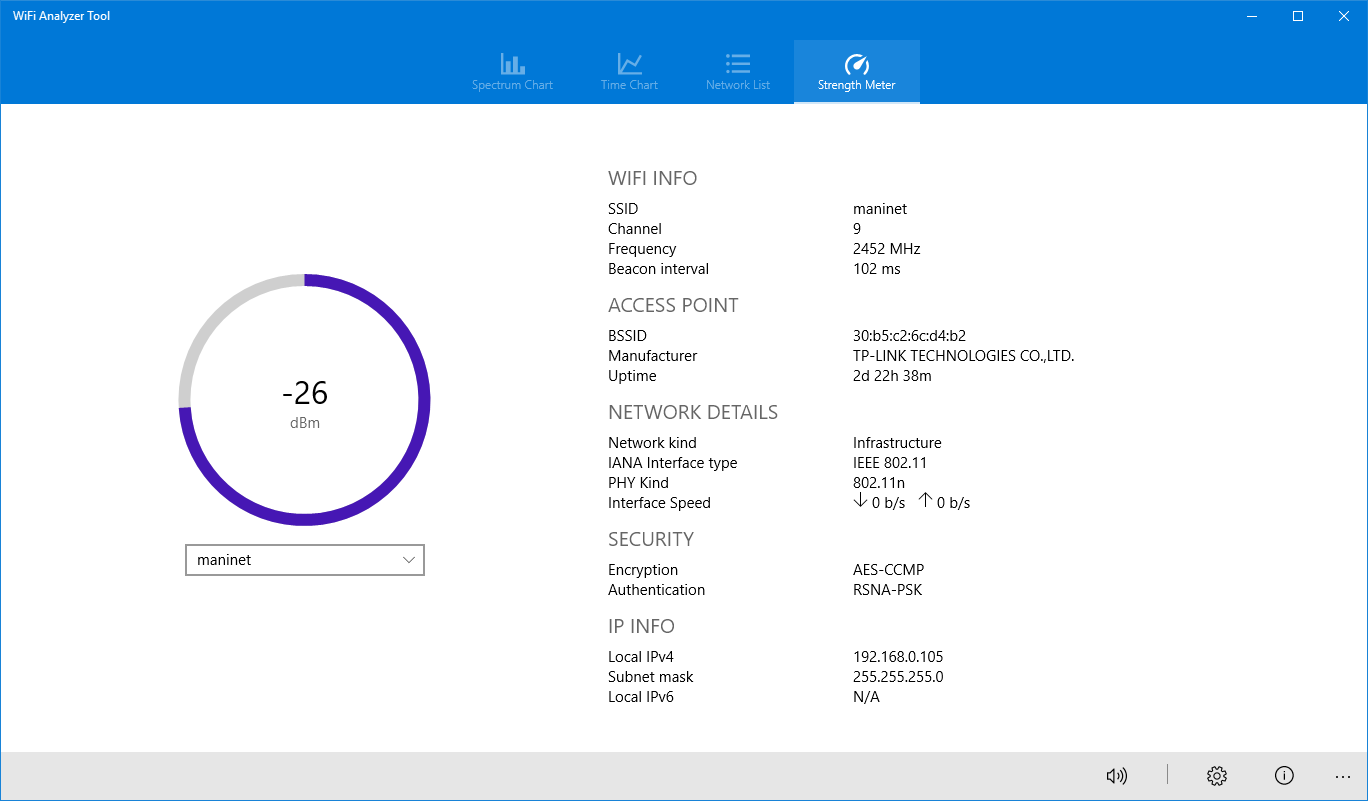
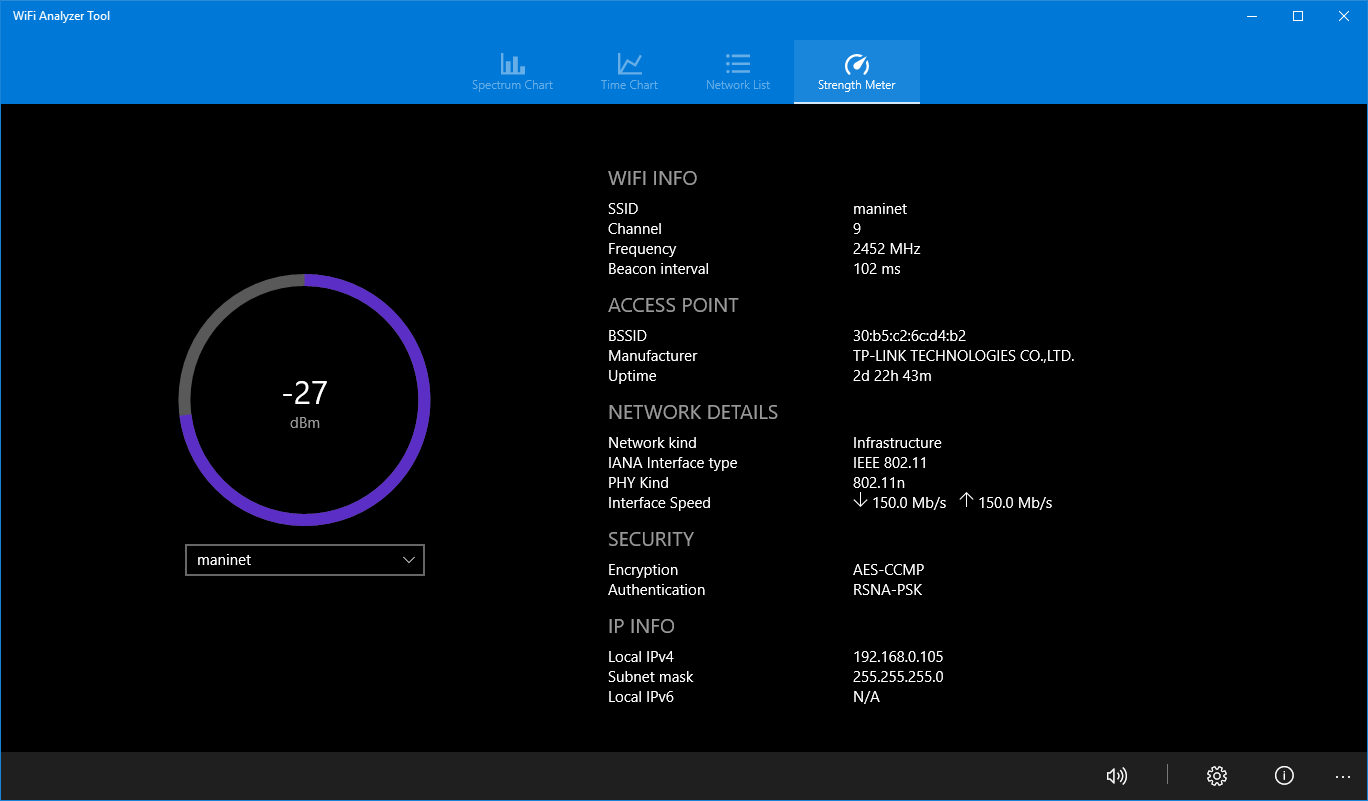
This feature acts like a heartbeat monitor for your wireless network. By providing real-time visual graphs of signal strength across different locations, users can easily identify weak spots and areas with high interference. It's as if you have a radar that highlights where your WiFi waves are strongest and where they're struggling — perfect for optimizing router placement or troubleshooting connectivity issues. The visualizations are colorful and intuitive, making complex data accessible to non-technical users.
Channel Analysis and Spectrum Visualization: Seeing the WiFi Jungle
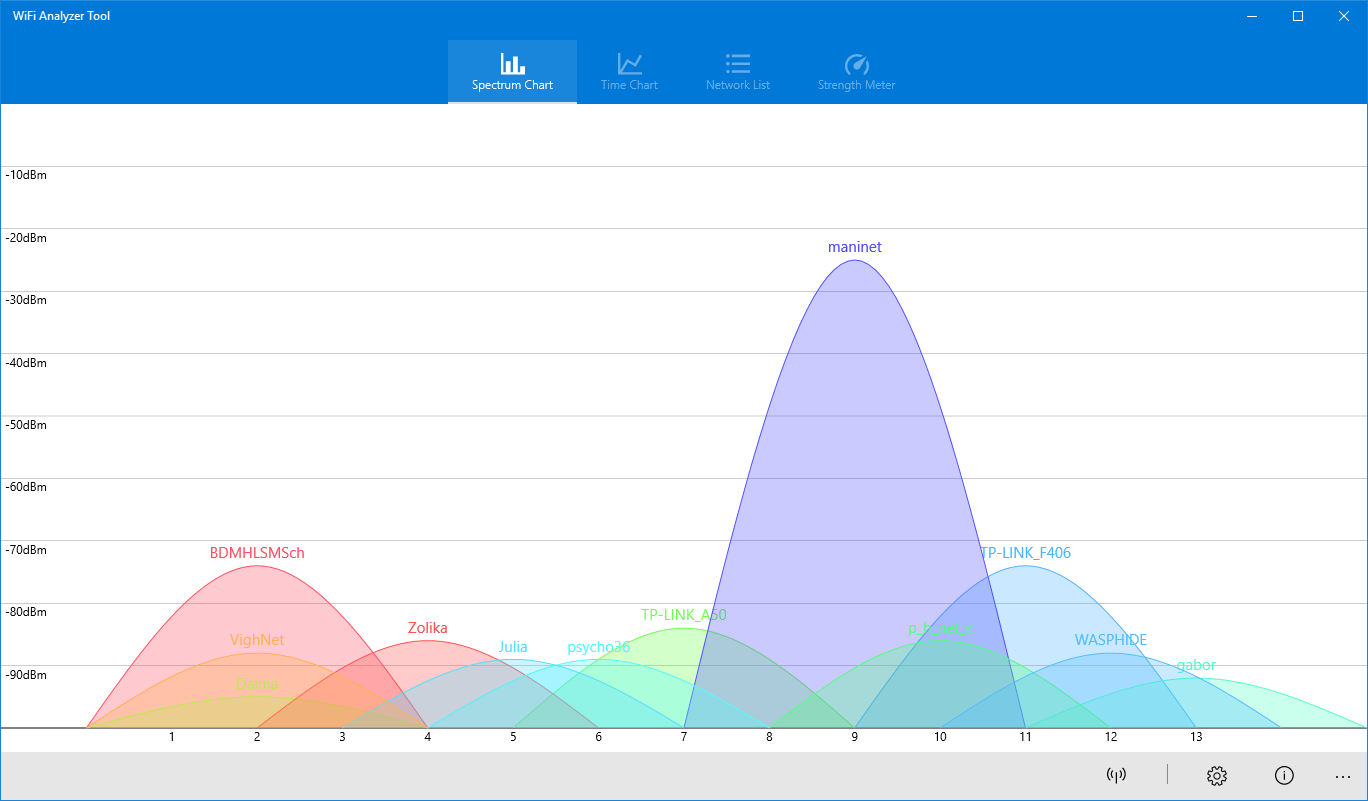
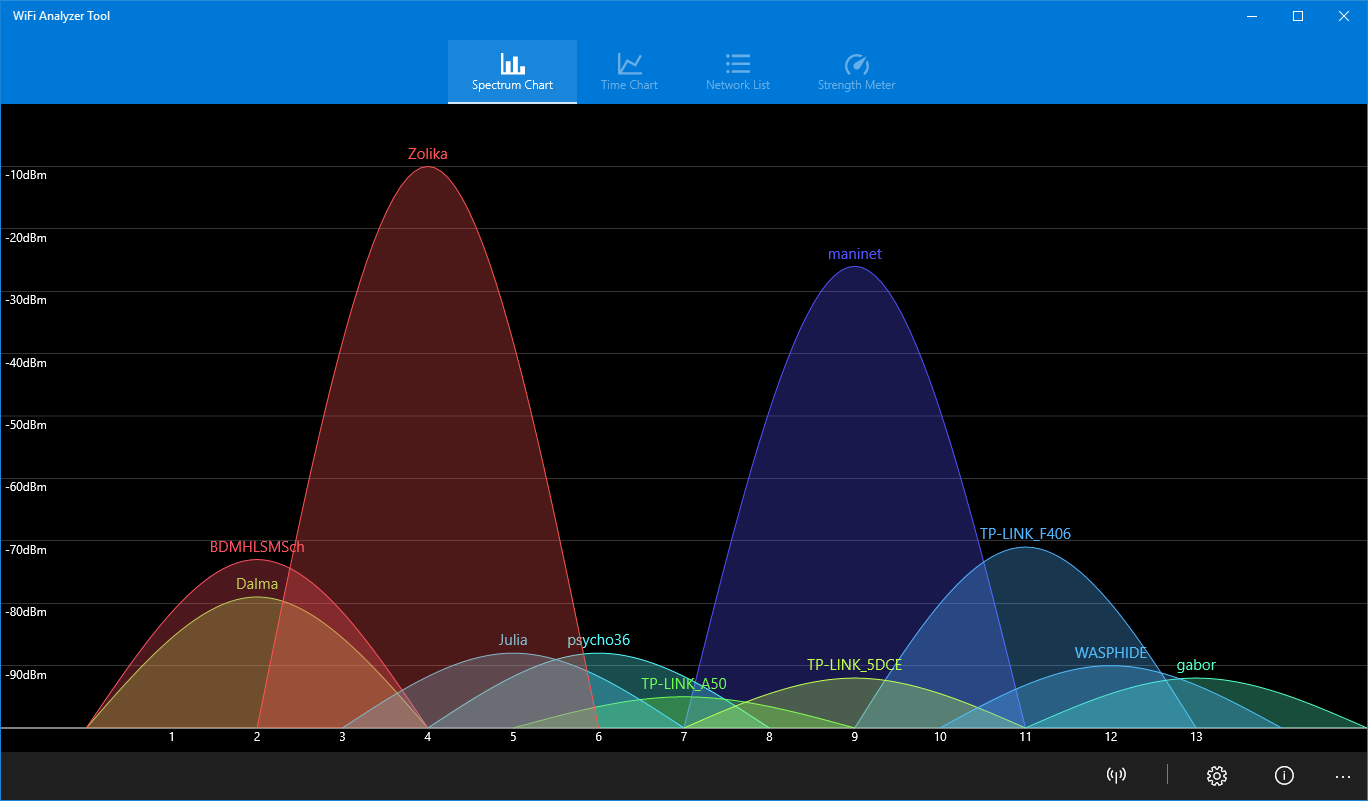
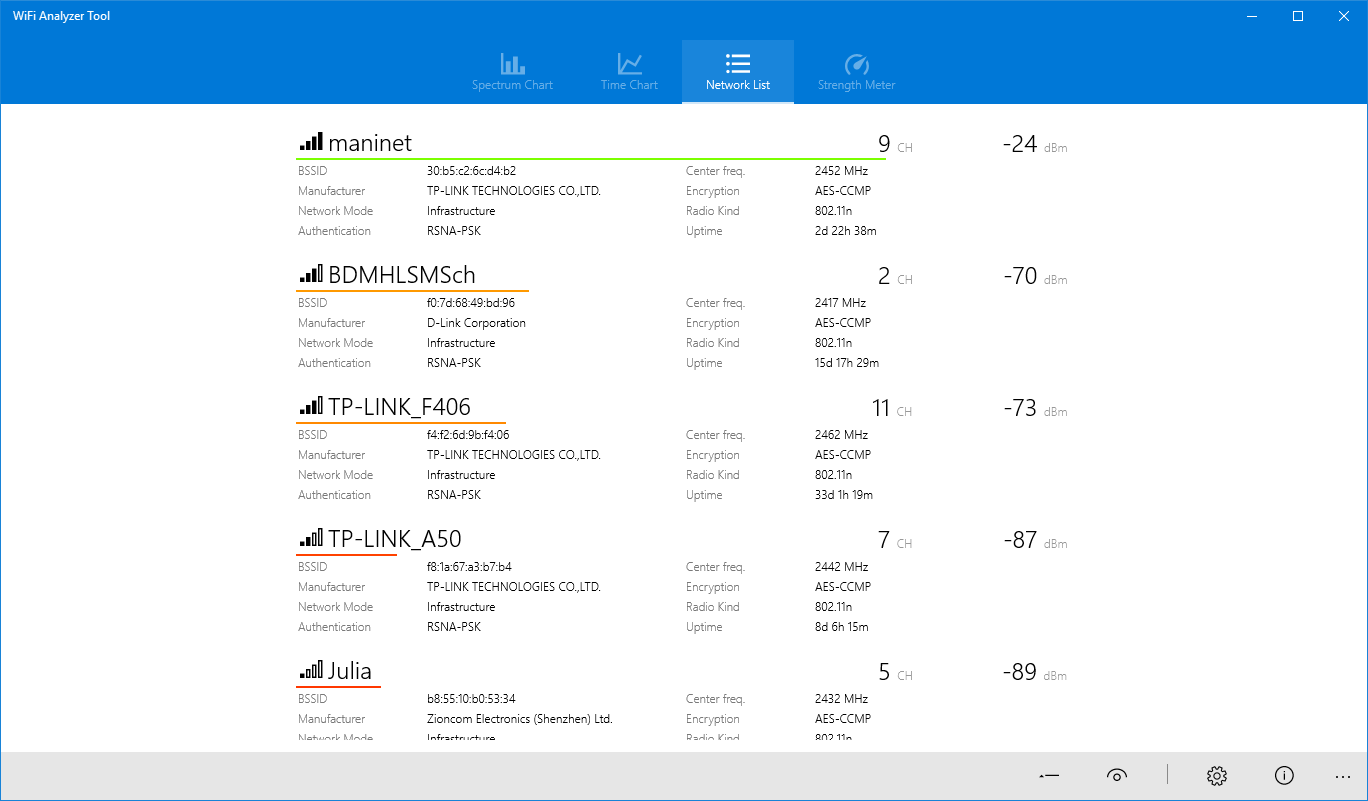
The application's ability to analyze channel congestion and display the spectrum is truly a standout feature. Think of it as having a bird's-eye view of a crowded marketplace — it reveals which channels are overcrowded and which are relatively free, guiding you to select the best frequency for your WiFi. The spectrum visualization visually maps out the WiFi activity in your vicinity, helping you understand interference sources, whether they're neighboring networks or electronic devices. This level of detail sets it apart from simpler tools that only show signal bars.
User Interface and Experience: Smooth Operator
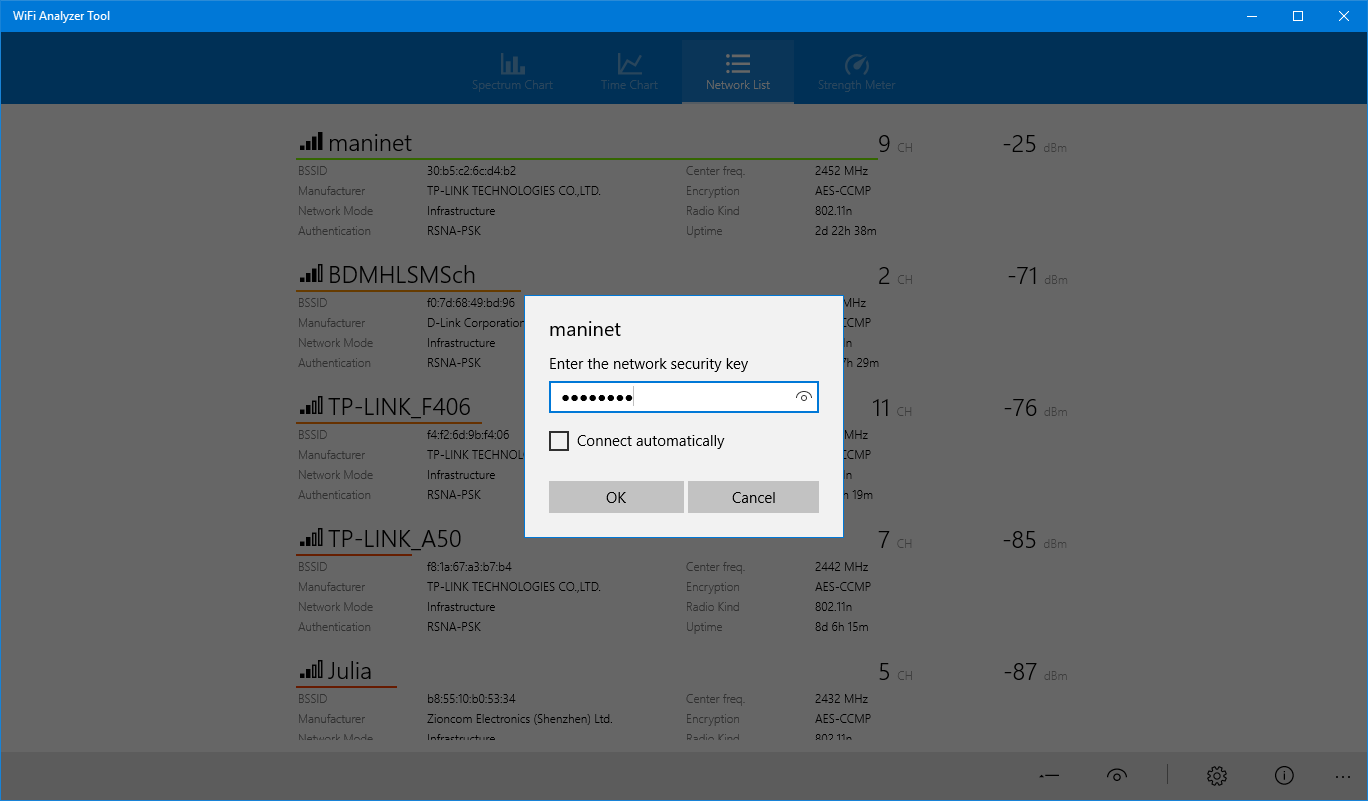
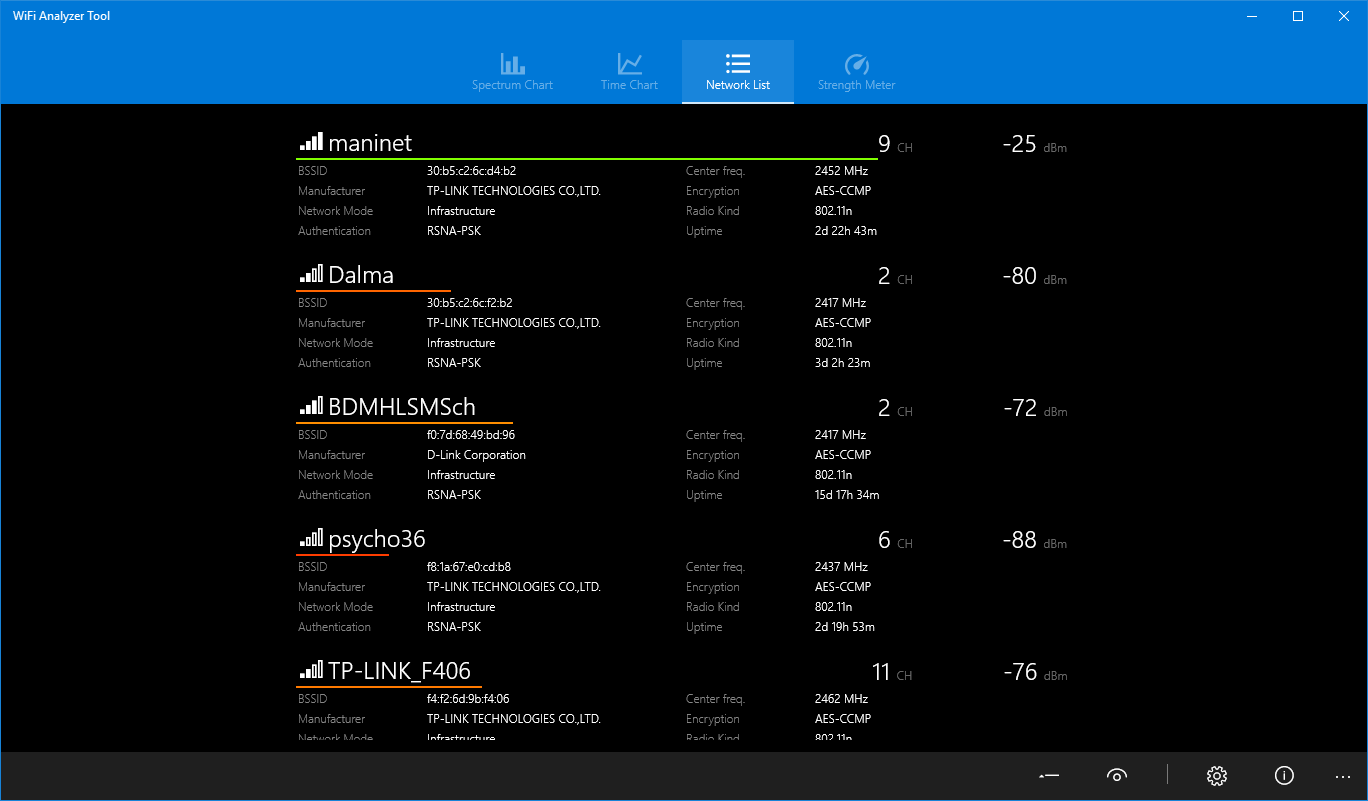
From the moment you open the app, it feels like stepping into a well-organized control room. The interface strikes a balance between simplicity and depth: it's clean, with clear icons and straightforward menus that make navigation feel effortless. The app operates with minimal lag, even when running detailed spectrum analyses, which is a testament to its well-optimized performance. For newcomers, the learning curve isn't steep — guided visuals and logical layouts help you get started quickly, while seasoned users will appreciate the detailed data available at a glance.
What Sets This App Apart?
Compared to other WiFi utility tools, WiFi Analyzer Tool for Windows stands out through its combination of real-time spectrum visualization and comprehensive channel analysis, providing a holistic view of your network environment. While many apps simply display signal strength or list nearby networks, this tool offers a multi-layered analysis that helps pinpoint interference sources and optimize WiFi channels actively. Its user-centric design makes technical diagnostics feel less like a chore and more like exploring a map, guiding users to make informed decisions about their wireless setup.
Should You Give It a Try?
Absolutely. If you're looking for a lightweight yet powerful WiFi diagnostic app that is both approachable and detailed, WiFi Analyzer Tool for Windows is highly recommended. It's particularly valuable for users who want to enhance their WiFi performance without diving into overly complex configurations. Whether for home use or small business environments, this tool provides clear insights that can lead to tangible improvements.
In conclusion, Borka Tibor's creation emerges as a reliable navigator in the WiFi landscape—helping you troubleshoot, optimize, and understand your wireless networks with confidence. Give it a shot, and you might just see your internet through a clearer lens.
Pros
- User-Friendly Interface
- Accurate WiFi Signal Measurement
- Comprehensive Channel Analysis
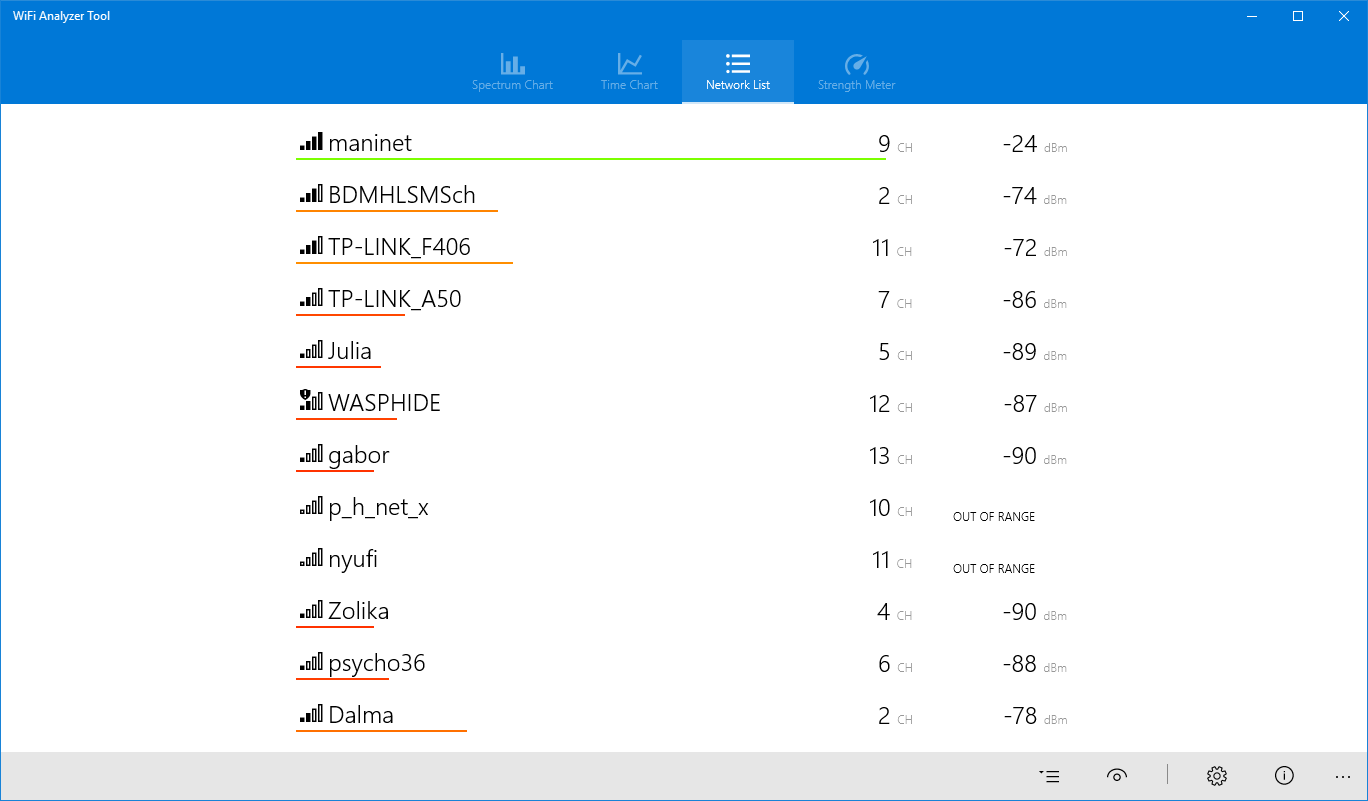
- Detailed Network Information
- Portable and Lightweight
Cons
- Limited Advanced Features
- Occasional Data Refresh Delays
- Battery Usage Slightly Higher
- No Export Option for Reports
- Limited Customization Options











