

- Category Utilities & tools
- Developer Microsoft Corporation
- Available on PC, Mobile, Surface Hub, HoloLens
- OS Windows 10 version 19041.0 or higher
- languages Afrikaans, Albanian, Amharic, Arabic, Azerbaijani, Bangla (Bangladesh), Basque, Belarusian, Bulgarian, Catalan, Chinese (Simplified), Chinese (Traditional), Croatian, Czech, Danish, Dutch, English (United Kingdom), English (United States), Estonian, Filipino, Finnish, French, French (Canada), Galician , German, Greek, Hausa (Latin), Hebrew, Hindi, Hungarian, Icelandic, Indonesian, Italian, Japanese, Kannada, Kazakh, Khmer, Kiswahili, Korean , Lao, Latvian, Lithuanian, Macedonian, Malay, Malayalam, Norwegian (Bokmål), Persian, Polish , Portuguese (Brazil), Portuguese (Portugal), Romanian, Russian, Serbian (Latin, Serbia), Slovak, Slovenian (Slovenia), Spanish (Mexico), Spanish (Spain), Swedish, Tamil, Telugu, Thai, Turkish, Ukrainian, Uzbek, Vietnamese
A Fresh Take on a Classic Tool: Windows Calculator Reimagined
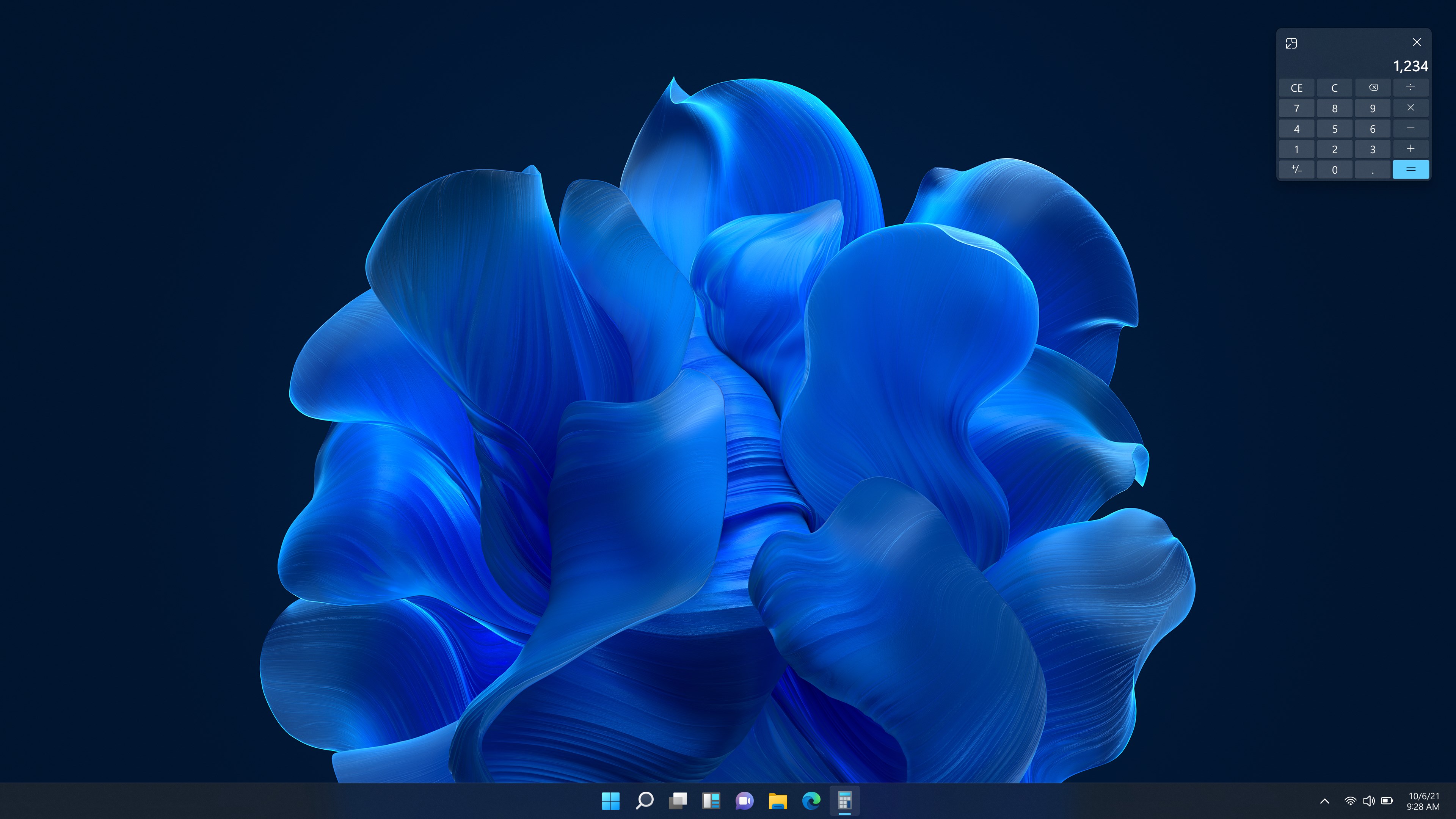
Microsoft's Windows Calculator isn't just the familiar tool you open for quick math—it's evolved into a sleek, versatile application designed for both everyday users and professionals. Seamlessly integrating multiple functionalities, it transforms the mundane task of calculation into an intuitive experience. Developed by Microsoft Corporation, this app is readily accessible via the Microsoft Store, promising reliability and familiarity wrapped into one package.
Developed by the Tech Giants: Microsoft Corporation
Behind this compact yet powerful calculator lies the robust expertise of Microsoft Corporation. As a leader in software development, Microsoft ensures that this app aligns with Windows' ecosystem, providing consistent updates and support to enhance user experience. Their commitment guarantees that the Calculator remains a reliable utility embedded into the Windows environment.
What Makes It Shine: Core Features & Highlights
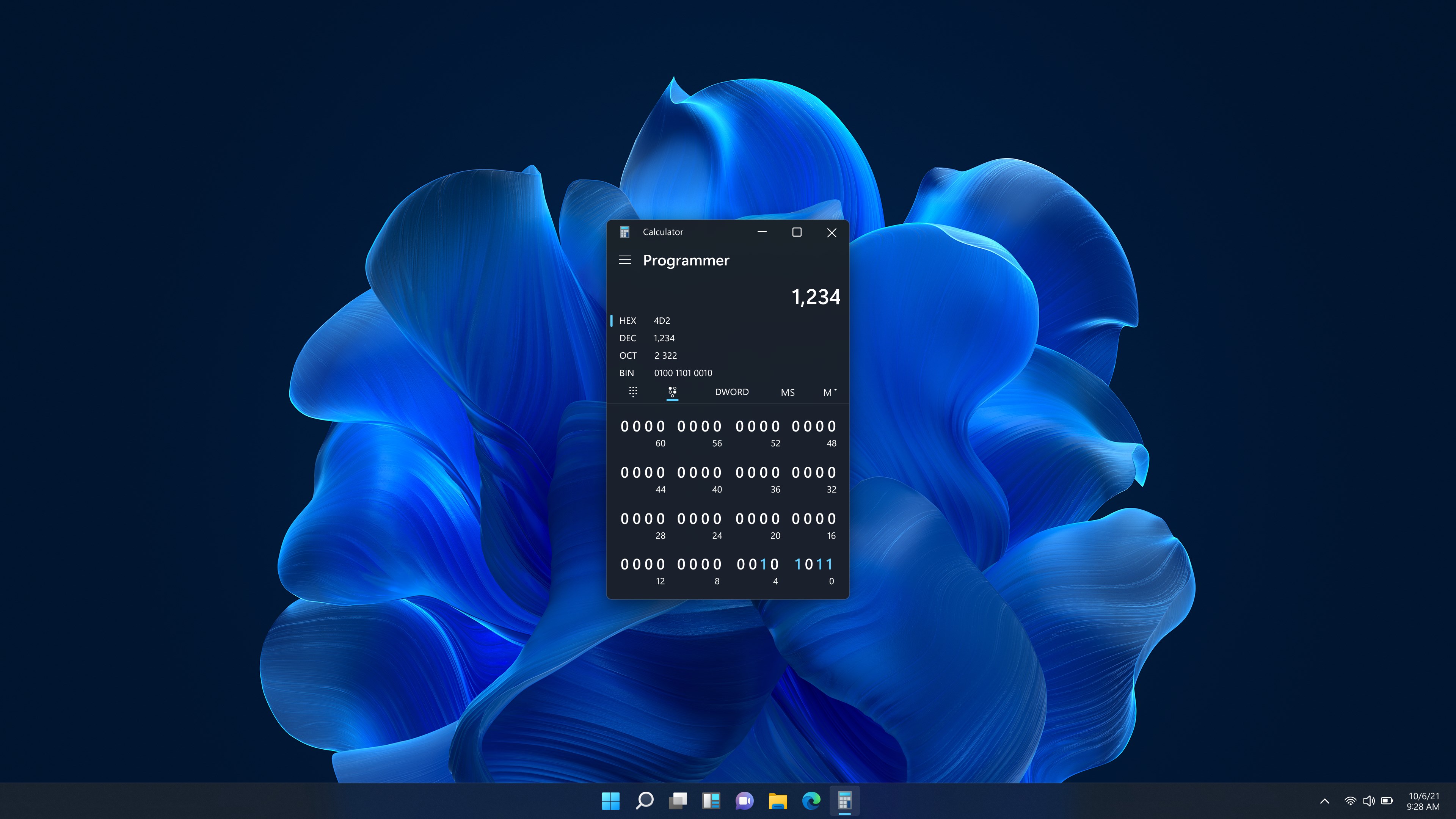
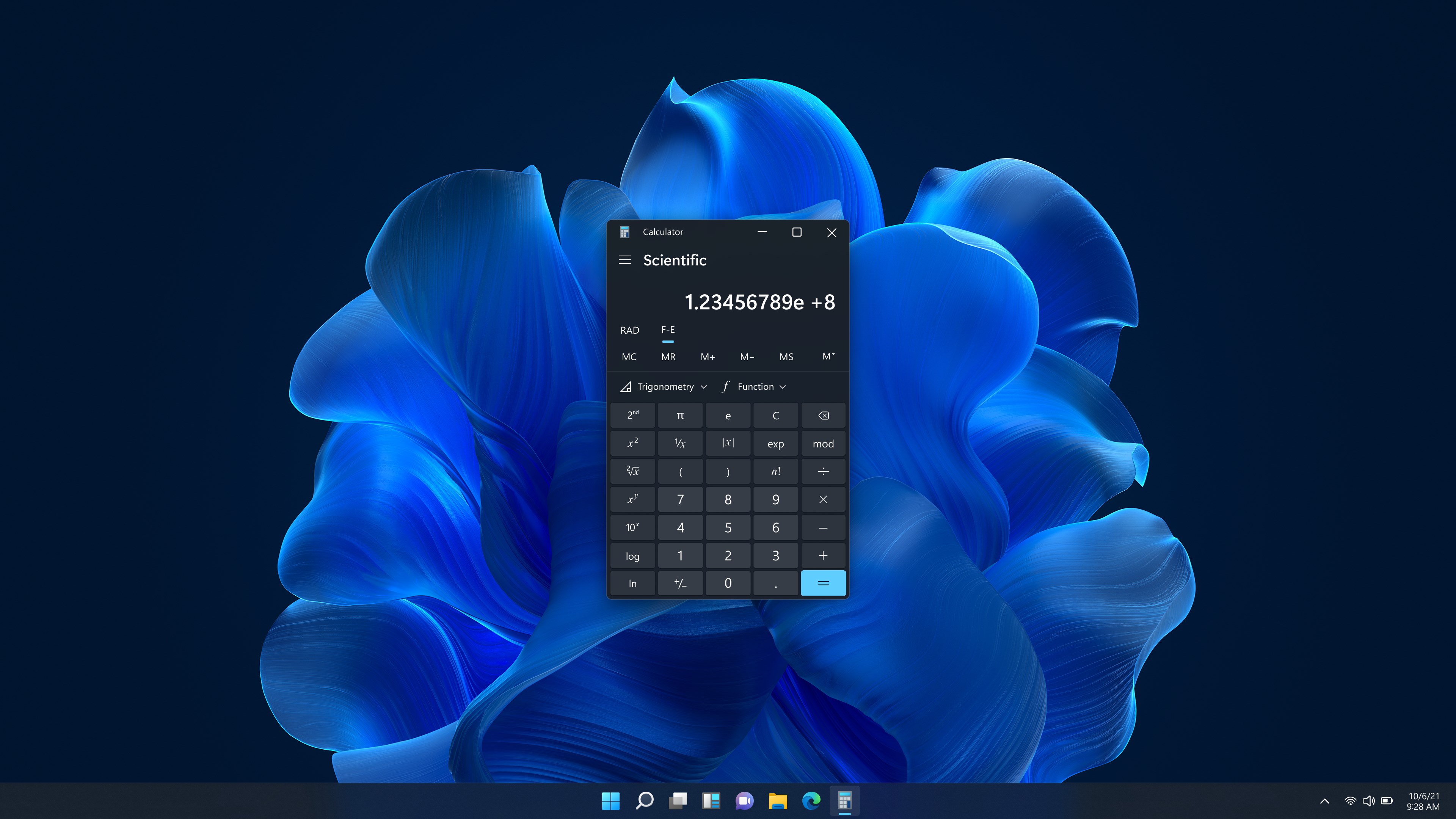
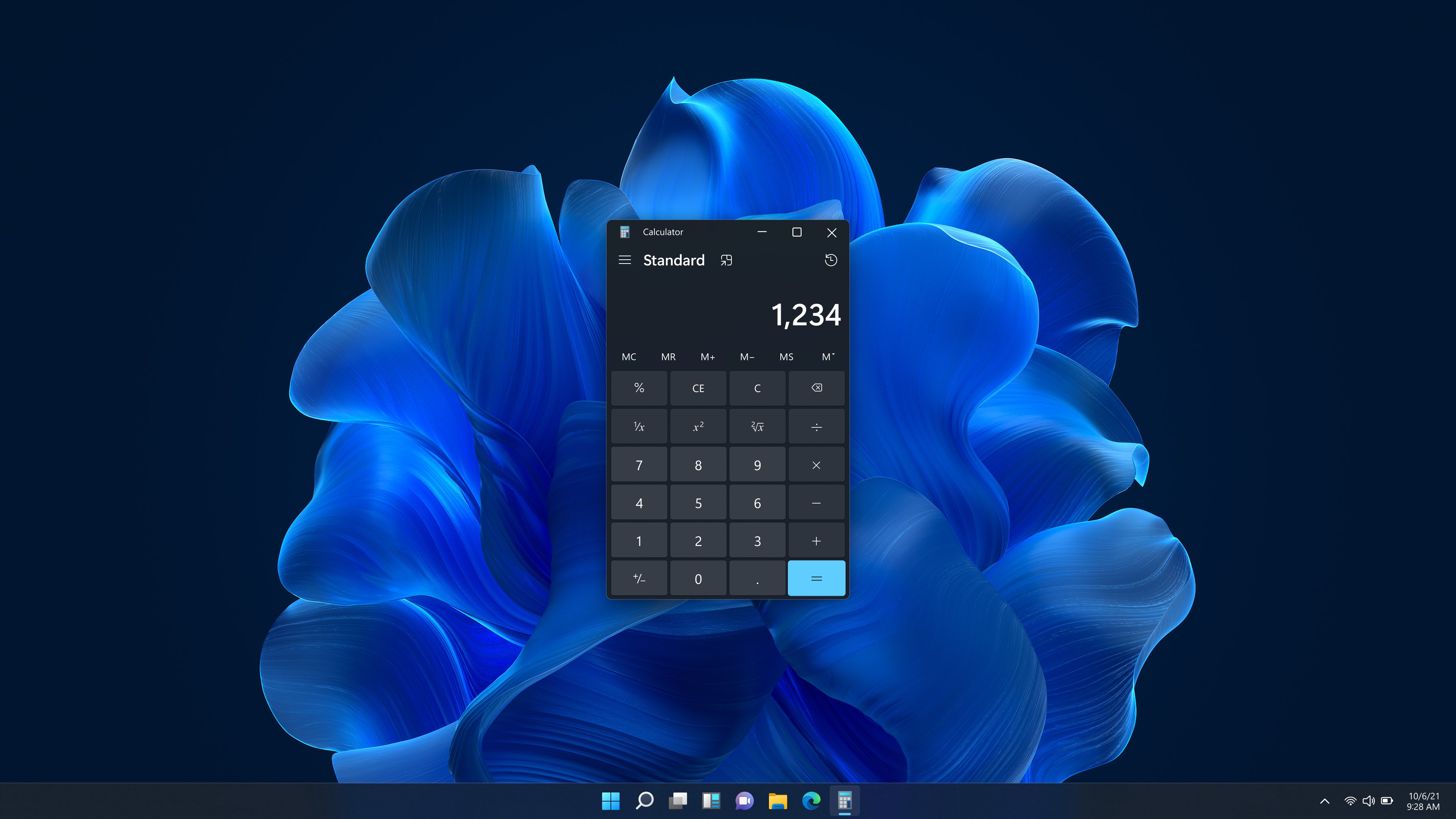
- Advanced Calculation Modes: From simple arithmetic to scientific, programming, and graphing modes, it adapts to a variety of user needs—be it students solving equations or developers handling code-related numbers.
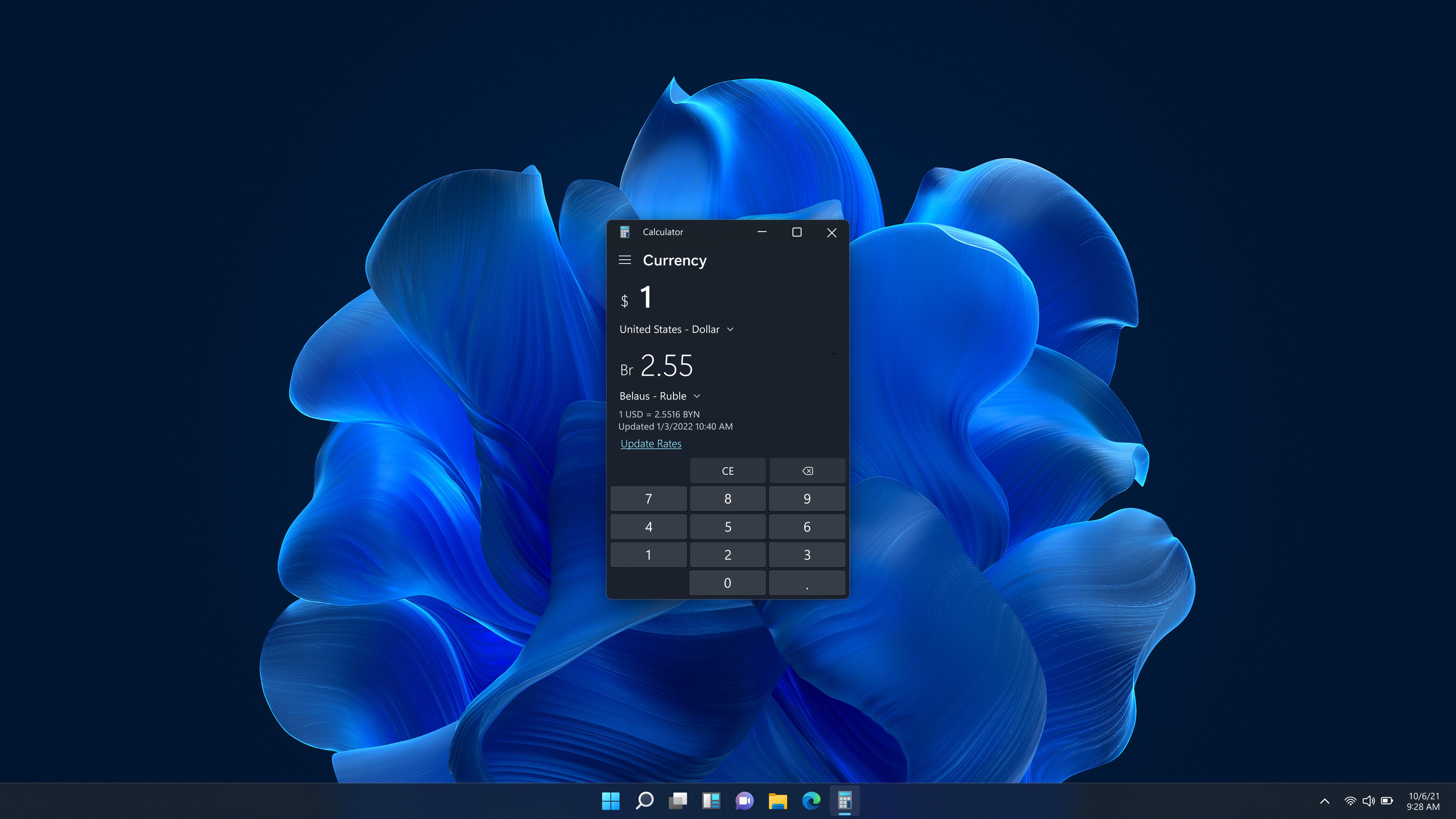
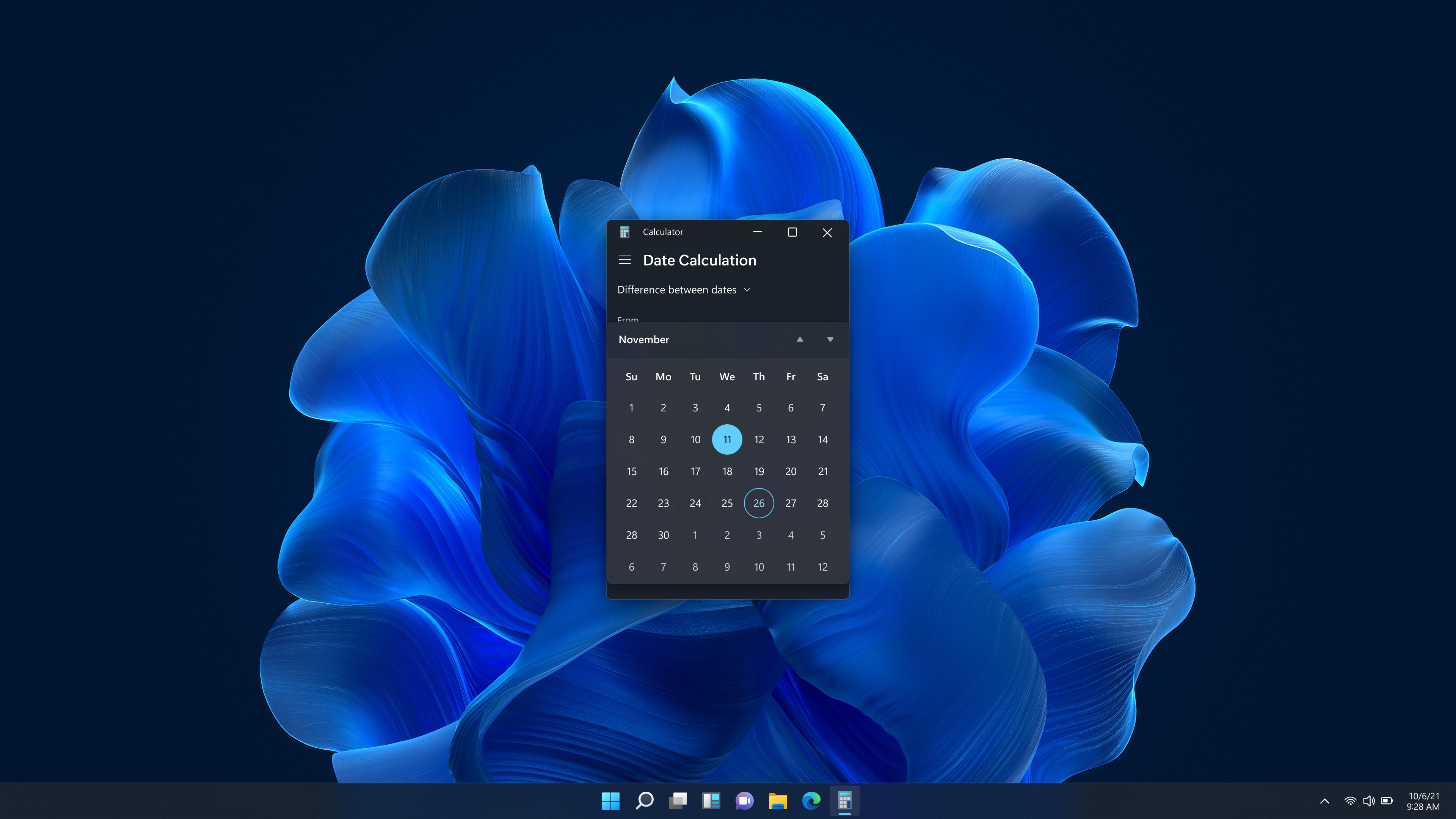
- Conversion and Unit Support: Built-in converters handle currencies, measurements, and time zones, transforming the calculator into a mini-utility hub that saves you from juggling multiple apps.
- History Tracking & Customization: The app keeps a record of your calculations and allows personalization, helping you manage complex tasks with ease.
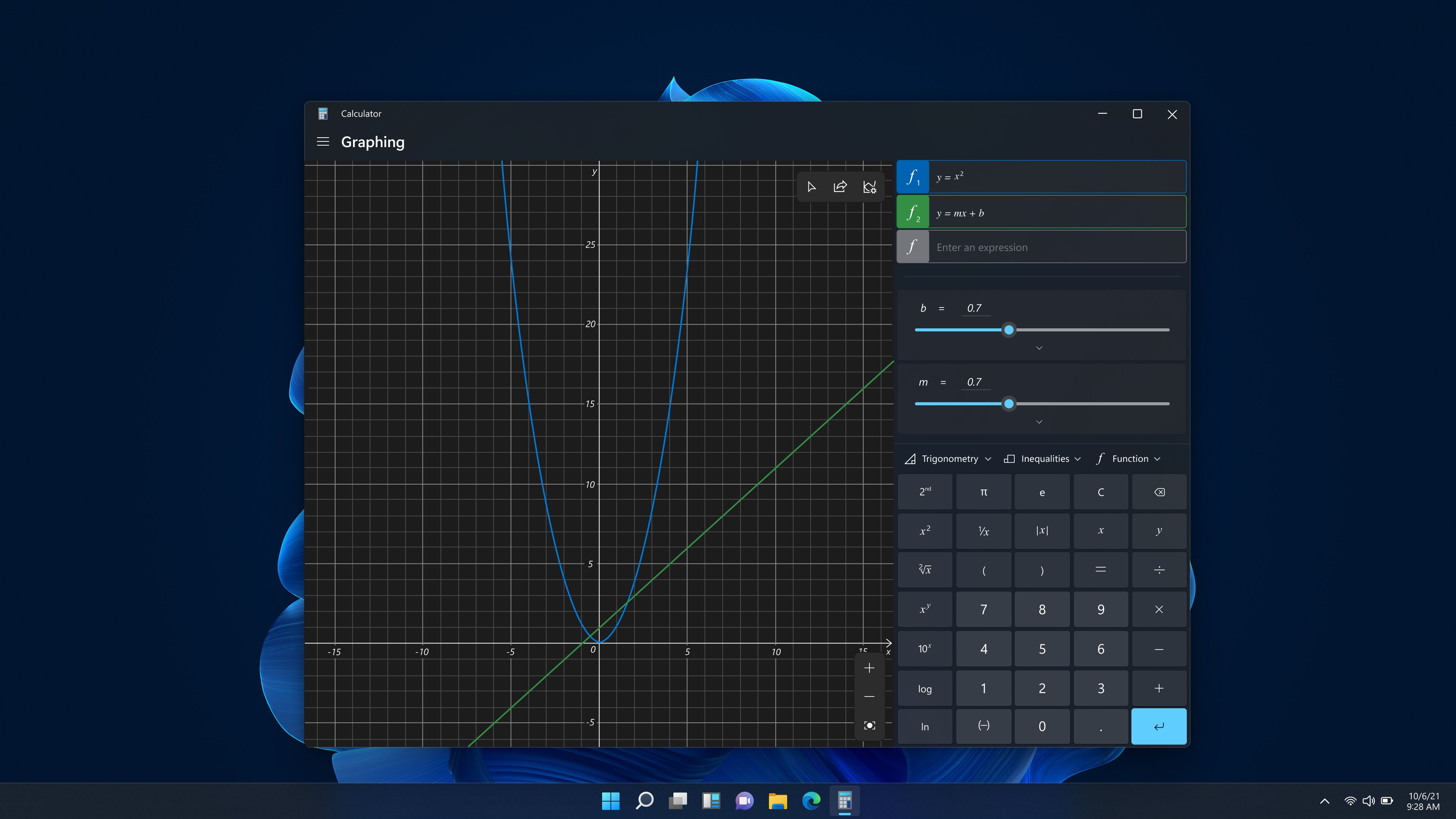
- Intuitive Graphing Functionality: For those who love visualizing equations, the graphing mode is a notable addition—elevating the calculator from basic tool to analytical platform.
Its target users span from students and educators to engineers and programmers, making it a versatile companion in various scenarios.
Making Numbers Fun: An Engaging Look at the User Experience
Imagine sitting at your desk, a cup of coffee steaming beside your laptop. You need to whip up quick calculations or delve into complex graphing—this is where Windows Calculator steps in like a dependable friend who never lets you down. The interface is clean and well-organized; vibrant icons and a straightforward layout make navigation feel like a gentle stroll rather than a daunting climb. The app responds instantaneously, providing a feeling of smoothness akin to gliding on ice—not a single lag disrupting your flow.
Seamless Interaction and Intuitive Design
Using the Calculator feels natural—large buttons, familiar symbols, and logical grouping of features mean you can switch from basic arithmetic to scientific modes in a flash. Learning curve? Barely noticeable. Even new users pick up its functionalities quickly, thanks to their thoughtful placement and clear labels. The app's adaptive layout adjusts comfortably for different window sizes, ensuring your workspace remains tidy and accessible. Transitioning between modes involves minimal effort, like flipping through chapters of a well-bound book—all clear and straightforward.
Standing Out in the Utility Crowd
Compared to other utility apps, Windows Calculator distinguishes itself through its integration of multiple calculation types under one roof within a familiar Windows aesthetic. Its emphasis on graphing and unit conversions isn't just an afterthought—these features are robust enough for serious use, yet accessible enough for casual users. The ability to toggle among modes without losing context or data provides a cohesive user journey, unlike some standalone calculators that require multiple apps and conversions.
Should You Get It? My Verdict and Recommendations
Overall, Windows Calculator earns a solid recommendation for anyone seeking a reliable, multi-functional calculator integrated seamlessly into their Windows environment. Its user-friendly design, combined with the depth of features—especially the graphing and conversion tools—makes it more than just an average utility. Whether you're a student working on homework, a professional crunching numbers, or a developer testing code-related calculations, this app can rise to meet your needs.
My advice? Keep it handy. It's a versatile companion that can streamline your workflow while lowering the barrier between basic and advanced calculations. If you're someone who appreciates a tool that does more than the minimum, Windows Calculator is worth exploring—and it might just become your go-to calculator for all occasions.
Pros
- User-Friendly Interface
- Multiple Calculation Modes
- History and Memory Functions
- Cloud Synchronization
- Integration with Windows Ecosystem
Cons
- Limited Customization Options
- Occasional Performance Lags
- Basic Scientific Functions Missing
- Limited Offline Storage for History
- No Built-in Converter for Units











