

- Category Utilities & tools
- Available on PC, Mobile, Surface Hub
- OS Windows 10 version 18362.0 or higher
- languages Afrikaans, Albanian, Amharic, Arabic, Azerbaijani, Basque, Bulgarian, Catalan, Chinese (Simplified), Chinese (Traditional), Croatian, Czech, Danish, Dutch, English (United Kingdom), English (United States), Estonian, Filipino, Finnish, French, French (Canada), Galician , German, Greek, Hebrew, Hindi, Hungarian, Icelandic, Indonesian, Italian, Japanese, Kannada, Kazakh, Khmer, Korean , Lao, Latvian, Lithuanian, Macedonian, Malay, Malayalam, Norwegian (Bokmål), Persian, Polish , Portuguese (Brazil), Portuguese (Portugal), Romanian, Russian, Serbian (Latin, Serbia), Slovak, Slovenian (Slovenia), Spanish (Mexico), Spanish (Spain), Swedish, Tamil, Telugu, Thai, Turkish, Ukrainian, Vietnamese
An Efficient Time Companion for Windows Users
Windows Clock for Windows by Microsoft Corporation offers a sleek and functional way to manage your time and stay organized directly from your desktop. Designed with simplicity and utility in mind, this app aims to streamline your daily schedule and keep you punctual with ease.
Meet the Developer and Core Highlights
Developed by Microsoft Corporation, a global technology leader renowned for creating reliable, user-focused software, Windows Clock for Windows is crafted to integrate seamlessly into your Windows environment. Its main features include customizable alarms, multiple time zone support, a world clock, and a stopwatch/timer functionality—all designed to enhance your productivity and time awareness. The app's straightforward design makes it accessible for users ranging from busy professionals to students managing deadlines.
Introducing the Clock: Your Digital Desk Assistant
Imagine starting your day with a trusty digital assistant sitting right on your desktop, gently reminding you of upcoming meetings or deadlines. Windows Clock for Windows is exactly that—a minimalist yet powerful tool that keeps you synchronized with your schedule without the clutter of complex features or ads. Its overall design creates a calming, intuitive environment that encourages users to keep their focus while managing time effortlessly.
Elegant and User-Friendly Interface
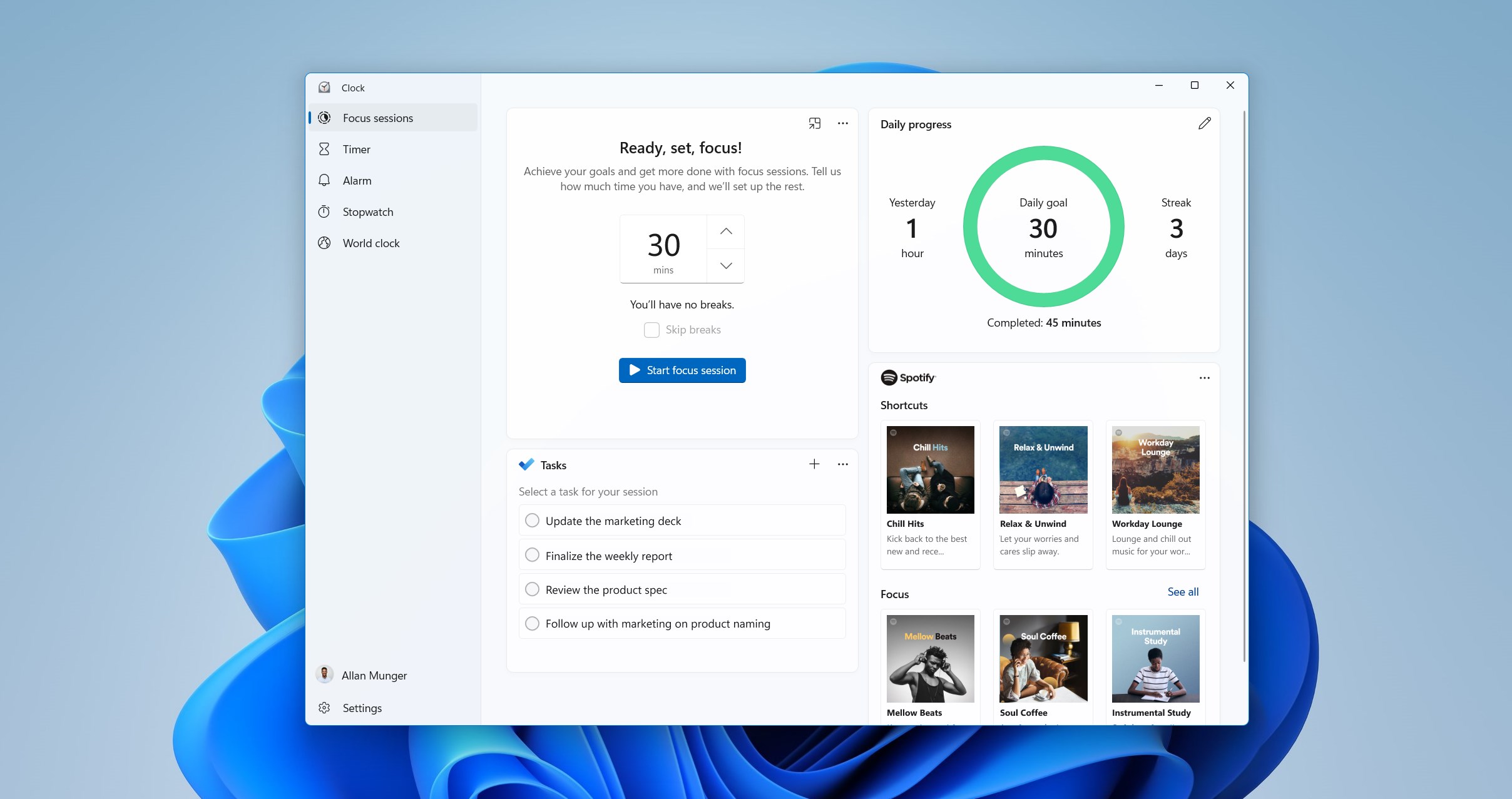
The application sports a clean, modern interface that echoes Microsoft's signature design philosophy—simplicity meets functionality. The layout is logical, allowing quick access to alarms, world clock, stopwatch, and timer functions. The visual elements are crisp, with easily recognizable icons and smooth animations. Navigating through features feels like flipping through a well-organized digital desk—no unnecessary clutter, just pure practicality. Users will find the learning curve gentle, making it suitable for both tech novices and seasoned users.
Powerful Core Functionalities with a Unique Touch
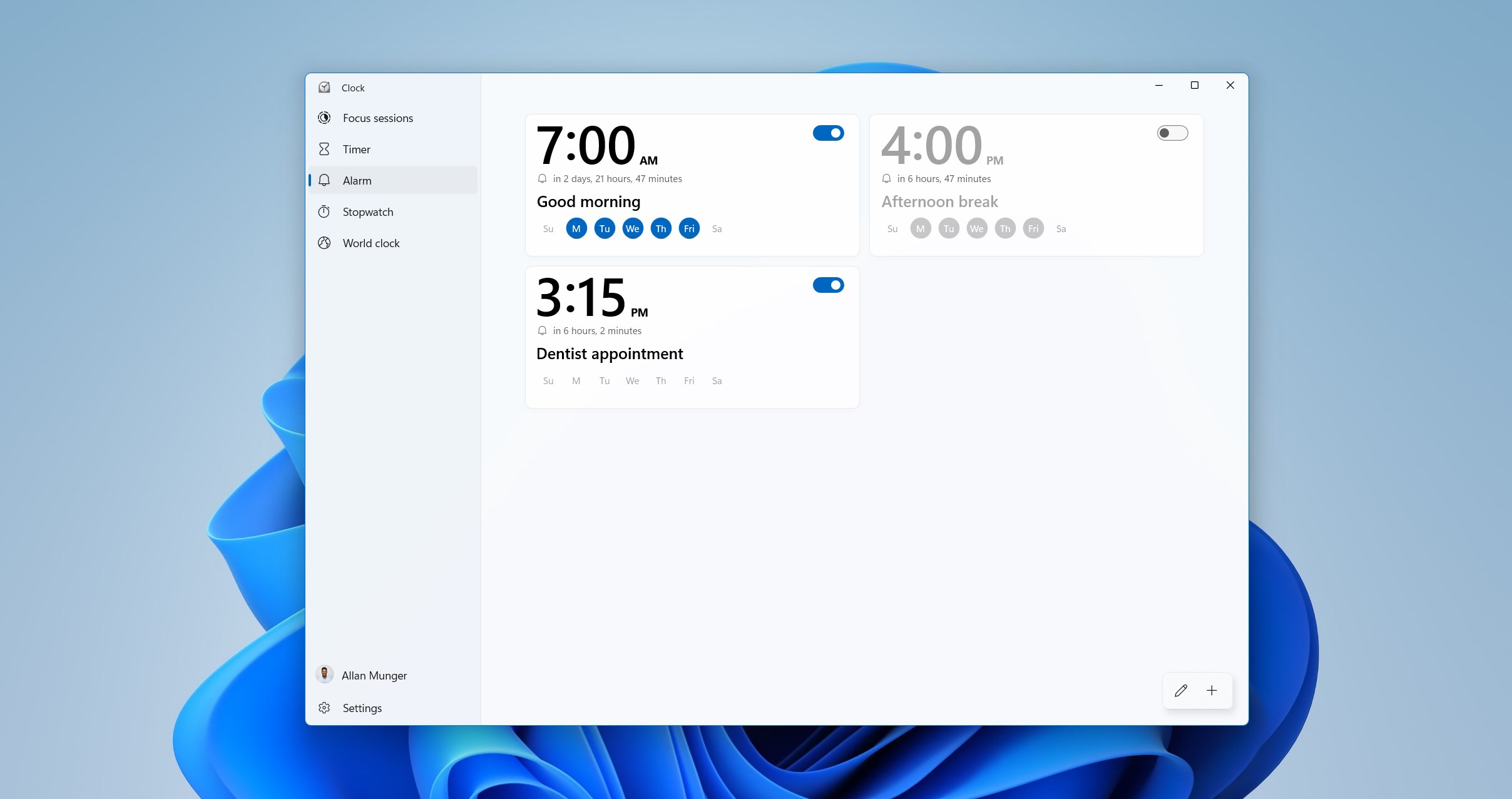
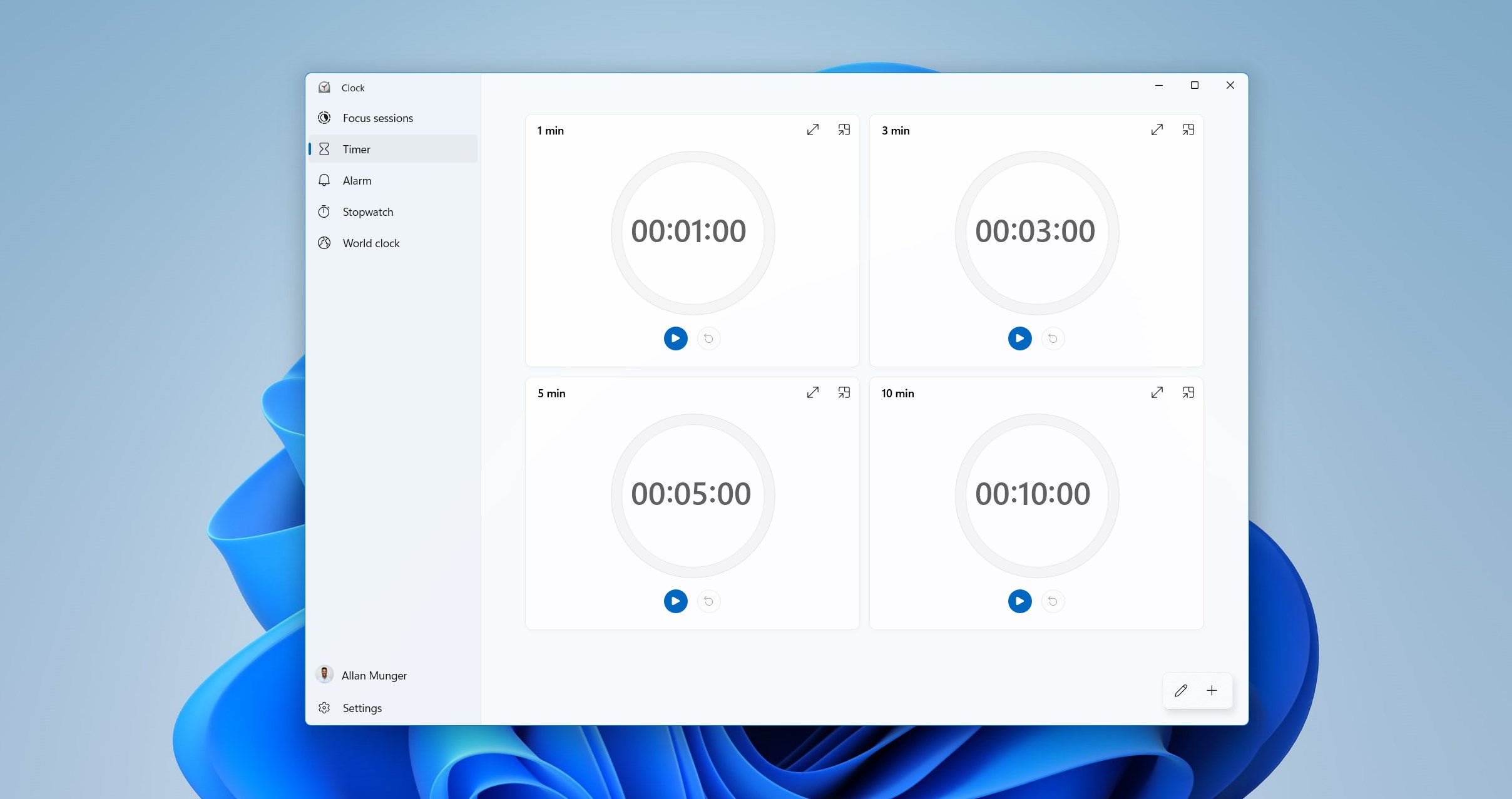
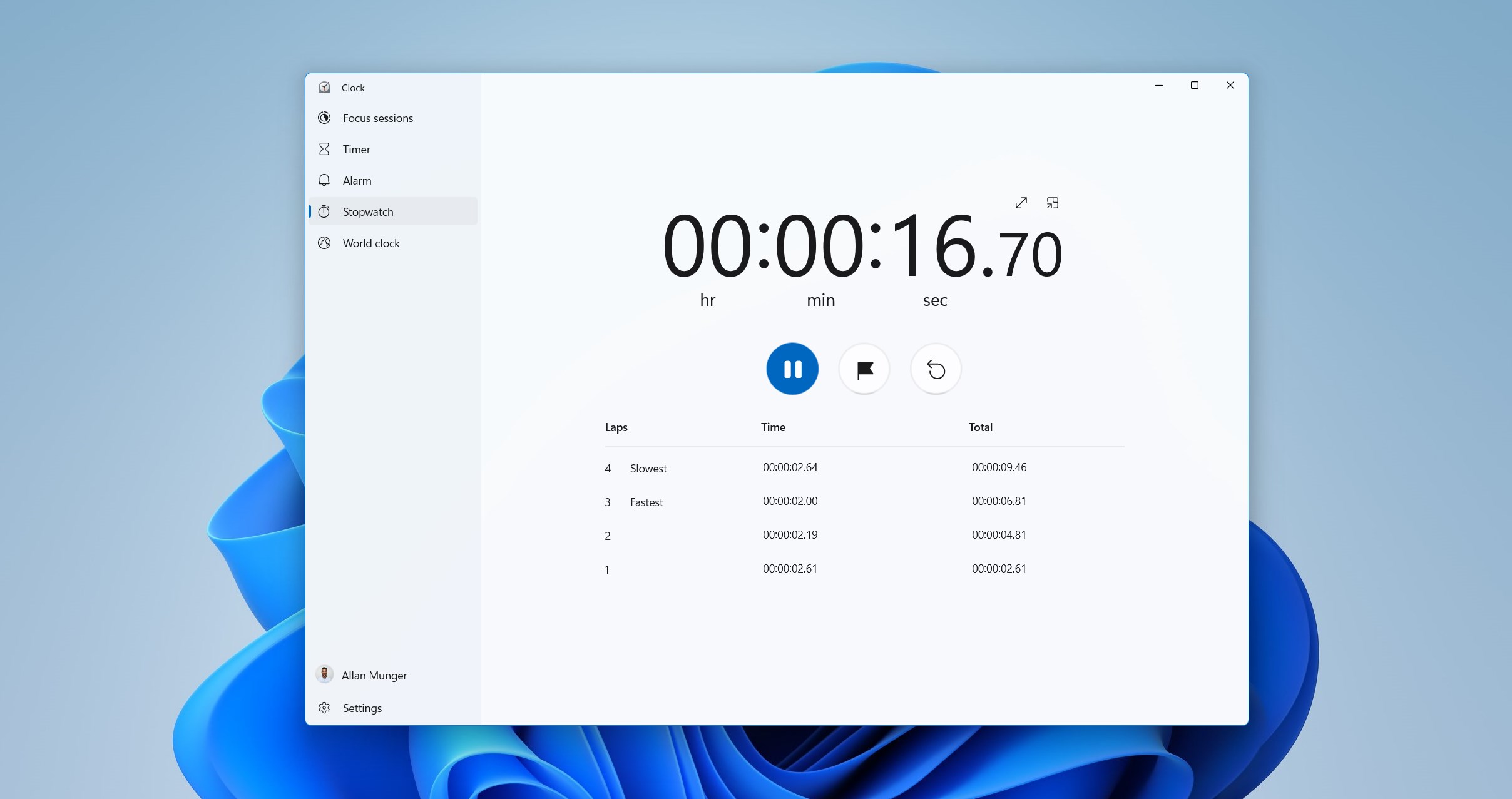
The alarm feature is highly customizable, supporting multiple alarms with personalized tones, snooze options, and recurring schedules. Where Windows Clock truly shines is with its support for multiple time zones, making it an invaluable tool for professionals working with international teams or travelers. The world clock provides a dynamic view of global times, which can be pinned for quick reference. The stopwatch and timer functions are robust yet simple, perfect for workouts, cooking, or timing presentations.
What sets this app apart from other utilities is its seamless integration into the Windows ecosystem—no need to switch between apps or windows. Its ability to synchronously display multiple clocks in a user-friendly manner is a distinctive advantage, especially compared to other standalone clock apps that can feel fragmented and difficult to navigate.
Performance and User Experience
Almost immediately upon launch, the app impresses with its snappy responsiveness and stability. Transitioning between modes is smooth, with no noticeable lag. The app's interface is adaptable, displaying comfortably on different screen sizes, and operating fluidly on both laptop and desktop setups. Users will appreciate its minimal design, allowing them to focus on the task without distraction. Learning to leverage all its features takes only a few minutes, thanks to clear icons and logical grouping of functions.
Why Choose This App? The Key Differentiators
Compared to similar utilities & tools, Windows Clock for Windows excels primarily due to its integration and user-centric design. Unlike standalone or ad-supported clock apps, Microsoft's offering provides a cohesive experience within the Windows environment. The multi-timezone support is particularly valuable, transforming it from a simple clock to a global time management hub. Its effortless synchronization and clean interface make it more than just a clock—it's an essential productivity companion.
Final Verdict and Recommendations
All in all, Windows Clock for Windows is a well-crafted, reliable app that deserves a spot on your desktop if you seek a simple but powerful time management tool. It's especially recommended for professionals working across multiple time zones or anyone who appreciates an elegant, clutter-free interface. For users tired of juggling multiple apps or seeking a minimalistic clock that does its job precisely, this app is a subtle yet effective choice.
While it may not replace more advanced scheduling or calendar apps, it perfectly complements them by keeping your time awareness sharp and your workflow smooth. Consider giving it a try—you might just find your new favorite timekeeping tool on Windows.
Pros
- Intuitive User Interface
- Accurate Time Synchronization
- Multiple Time Zones Support
- Customizable Alarm Settings
- Minimal Resource Usage
Cons
- Limited Features in Free Version
- Lacks Custom Themes
- No Sleep Mode Integration
- Limited Customization for Notifications
- Occasional Sync Delays











