

- Category Utilities & tools
- Available on Mobile, PC, Surface Hub, HoloLens
- OS Windows 11 version 22000.0 or higher
- languages Afrikaans, Albanian, Amharic, Arabic, Azerbaijani, Bangla (Bangladesh), Basque, Belarusian, Bulgarian, Catalan, Chinese (Simplified), Chinese (Traditional), Croatian, Czech, Danish, Dutch, English (United Kingdom), English (United States), Estonian, Filipino, Finnish, French, French (Canada), Galician , German, Greek, Hausa (Latin), Hebrew, Hindi, Hungarian, Icelandic, Indonesian, Italian, Japanese, Kannada, Kazakh, Khmer, Kiswahili, Korean , Lao, Latvian, Lithuanian, Macedonian, Malay, Malayalam, Norwegian (Bokmål), Persian, Polish , Portuguese (Brazil), Portuguese (Portugal), Romanian, Russian, Serbian (Latin, Serbia), Slovak, Slovenian (Slovenia), Spanish (Mexico), Spanish (Spain), Swedish, Tamil, Telugu, Thai, Turkish, Ukrainian, Uzbek, Vietnamese
Streamlined Voice Recording with a Trustworthy Brand
Windows Sound Recorder for Windows is a straightforward, reliable app designed to capture audio notes and recordings seamlessly, making it a handy tool for everyday audio needs.
Developed by Microsoft Corporation
Produced by the tech giant Microsoft Corporation, this app benefits from the company's reliable infrastructure and user-focused design philosophy.
Key Features That Make It Stand Out
- Simple and Intuitive Interface: Clean design that allows users to start recording immediately without any complex setup.
- Fast, High-Quality Recordings: Delivers crisp audio capture directly from your microphone, with minimal latency.
- Silent Mode & Easy Playback: Built-in features for quick playback, trimming, and saving recordings, making audio management hassle-free.
- Seamless Integration: Easy access from Windows' ecosystem, ensuring smooth workflow within the operating system.
The user base primarily includes students, journalists, professionals, or anyone needing a quick, dependable voice recording tool—essentially, anyone who values simplicity paired with decent quality.
A Fresh Take on Voice Recording — Clear, Easy, and Ready to Use
Imagine you're in a bustling coffee shop, trying to catch every word of an inspiring podcast or a quick interview. Windows Sound Recorder transforms this scene from chaotic to convenient. It's like having a reliable notepad that instantly converts speech into store-ready audio—without the bells and whistles that often complicate similar tools. The app's straightforward design makes it perfect for users who just want to press ‘record' and get on with their day.
Simplicity at Its Best: The Core Recording Experience
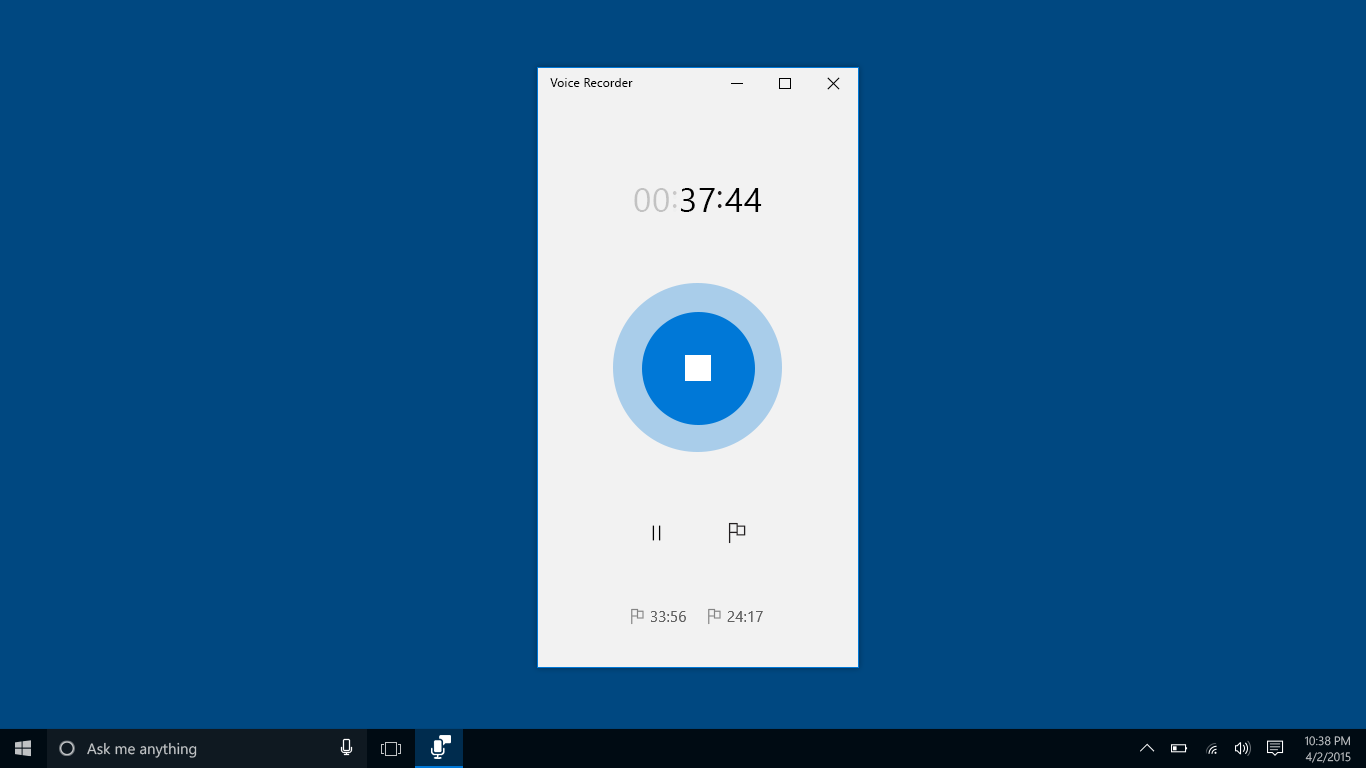
The main draw is how effortlessly you can start recording. Upon launching the application, you're greeted with a minimalist interface that immediately invites action. A prominent big red button signals ‘Start Recording,' avoiding any confusion. Once recording begins, you see visual indicators that confirm the app is capturing sound, providing immediate feedback. After stopping, the audio is available for playback with a single click, and options to trim or save are straightforward. The process feels akin to flipping a switch—instant and stress-free.
Audio Management & Playback—Your Personal DJ
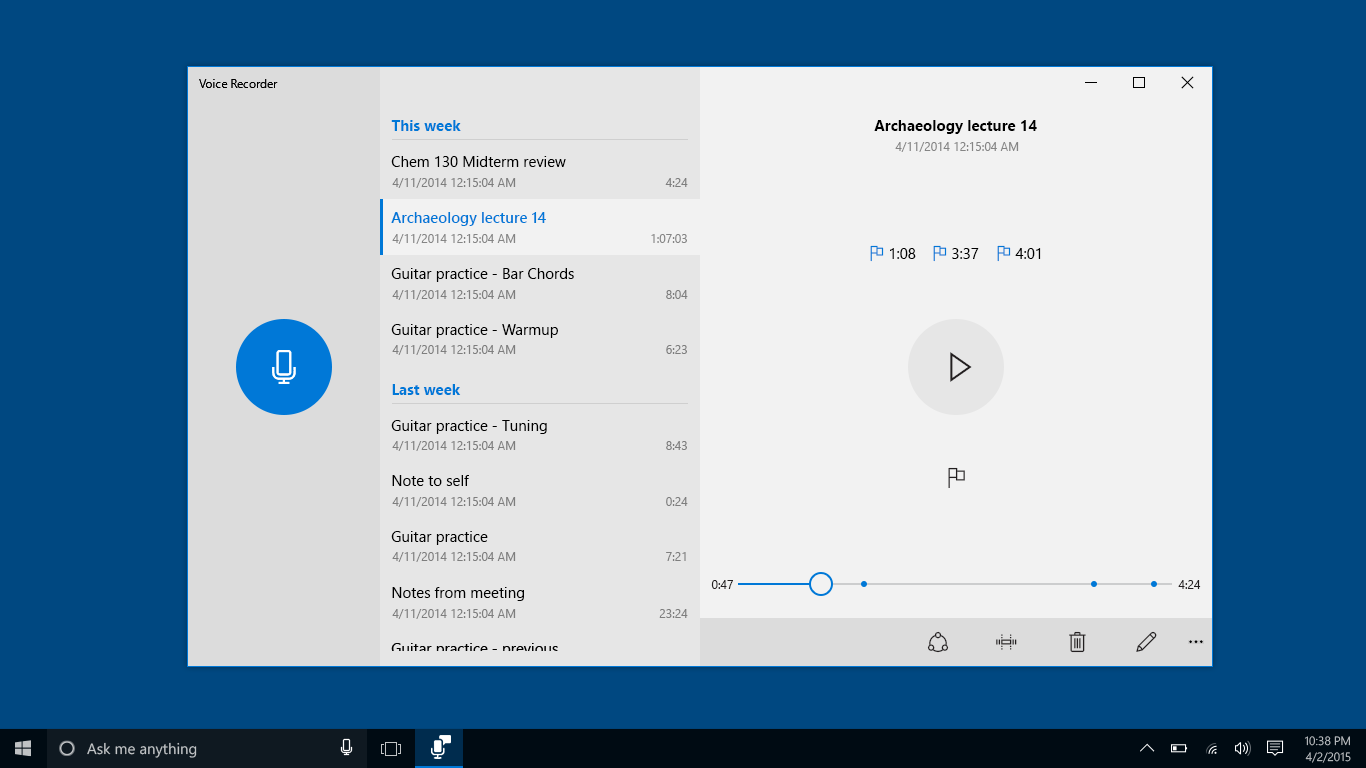
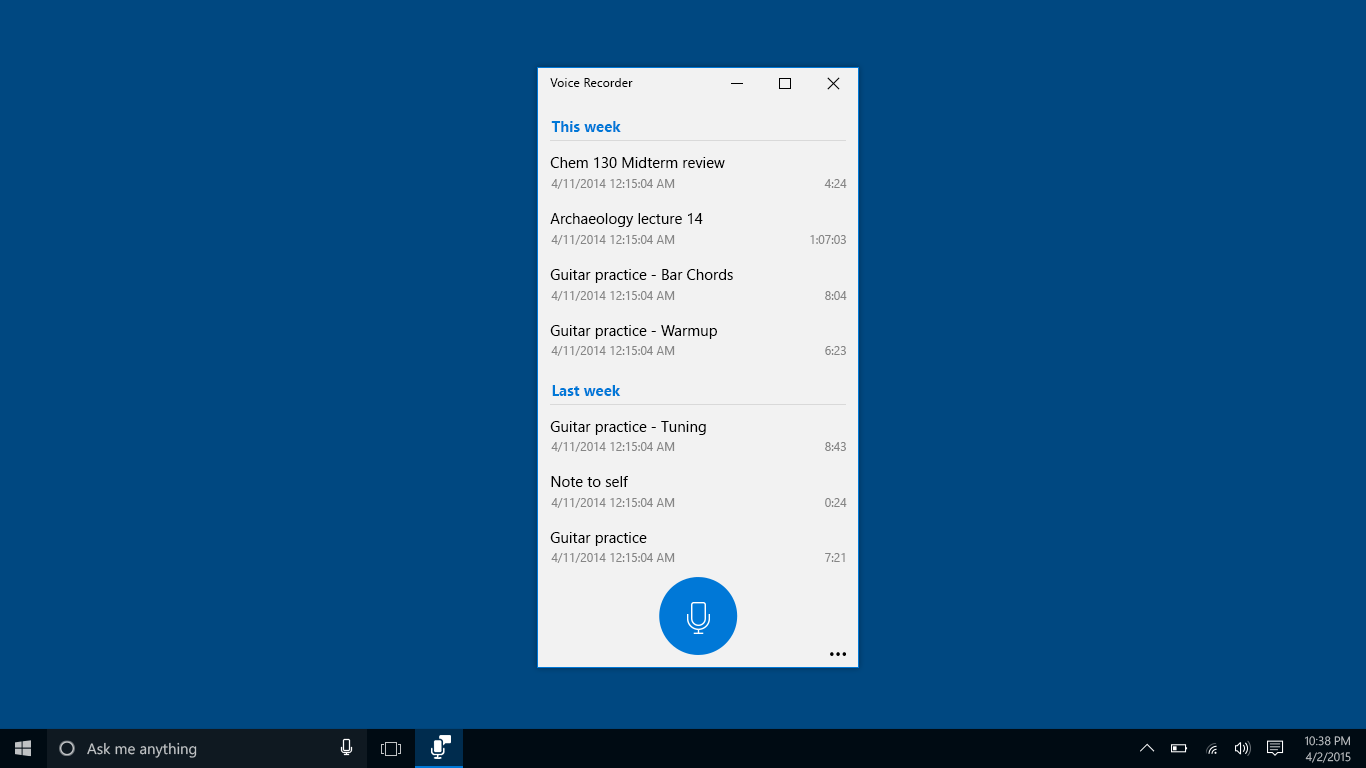
Beyond simple recording, the app offers solid playback controls, allowing users to listen, organize, and refine their recordings. The interface makes navigating your audio library quick and intuitive, with options to rename files and organize storage locations. The minimalistic approach not only promotes ease of use but also reduces clutter, making it ideal for those who prefer efficiency over flashy features.
Design, Performance, and Learning Curve: An Accessible and Smooth Experience
The interface's clean design ensures that both tech-savvy users and newcomers can comfortably operate the app without a steep learning curve. Responsive performance means recordings start instantly, and playback is smooth, even on older hardware. The app remains lightweight—so it doesn't bog down your system—ensuring a seamless experience from start to finish.
What Sets It Apart? The Innovations That Make It Shine
Unlike many free recording tools that rely on complex interfaces or add unnecessary features, Windows Sound Recorder keeps things simple and focused. Its strongest points are its reliability and ultra-user-friendly approach. The app's integration into Windows ensures quick access via right-click or the Start menu, acting like a trusty notebook always ready at your desk. The key innovation lies in its ability to deliver high-quality audio capture without demanding setup or technical knowledge—perfect for quick recordings in any environment.
Final Thoughts: A Solid Choice for Everyday Use
Overall, I recommend Windows Sound Recorder for users seeking a dependable, straightforward voice recording app. Its ease of use, combined with solid basic features, makes it an excellent tool for students, professionals, or anyone needing quick audio solutions. While it doesn't boast advanced editing features or elaborate audio manipulation, it excels at what it promises: simple, reliable recordings. For those who prioritize practicality and seamless integration into Windows, this app is a worthwhile addition to your software toolkit.
Pros
- User-friendly interface
- Quick access to basic recording features
- Supports high-quality audio recording
- Lightweight and fast to launch
- Integrated with Windows ecosystem
Cons
- Limited editing features
- No cloud storage options
- Restricted format support
- No recording scheduling or automation
- Limited to basic recording functions











