

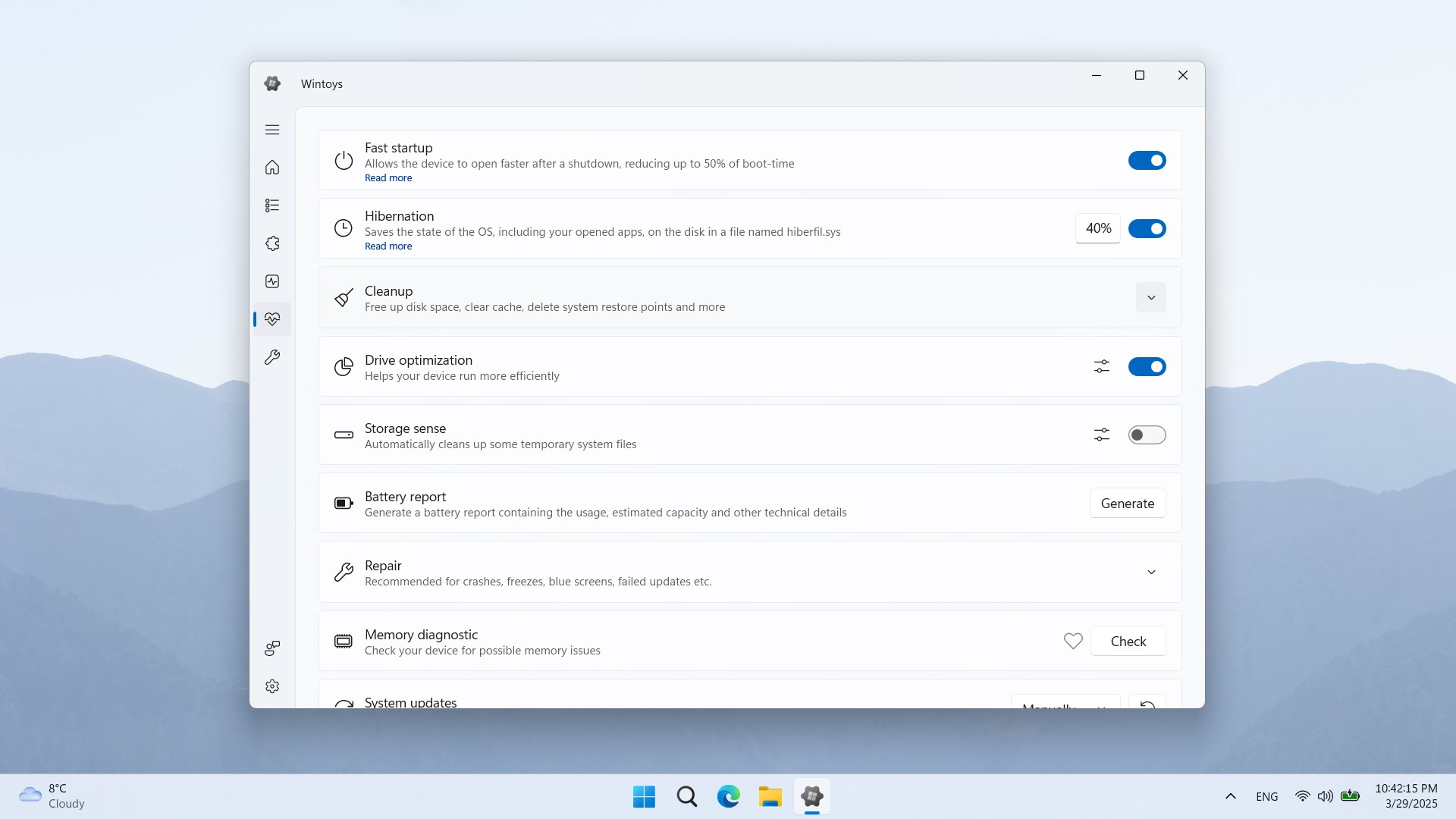
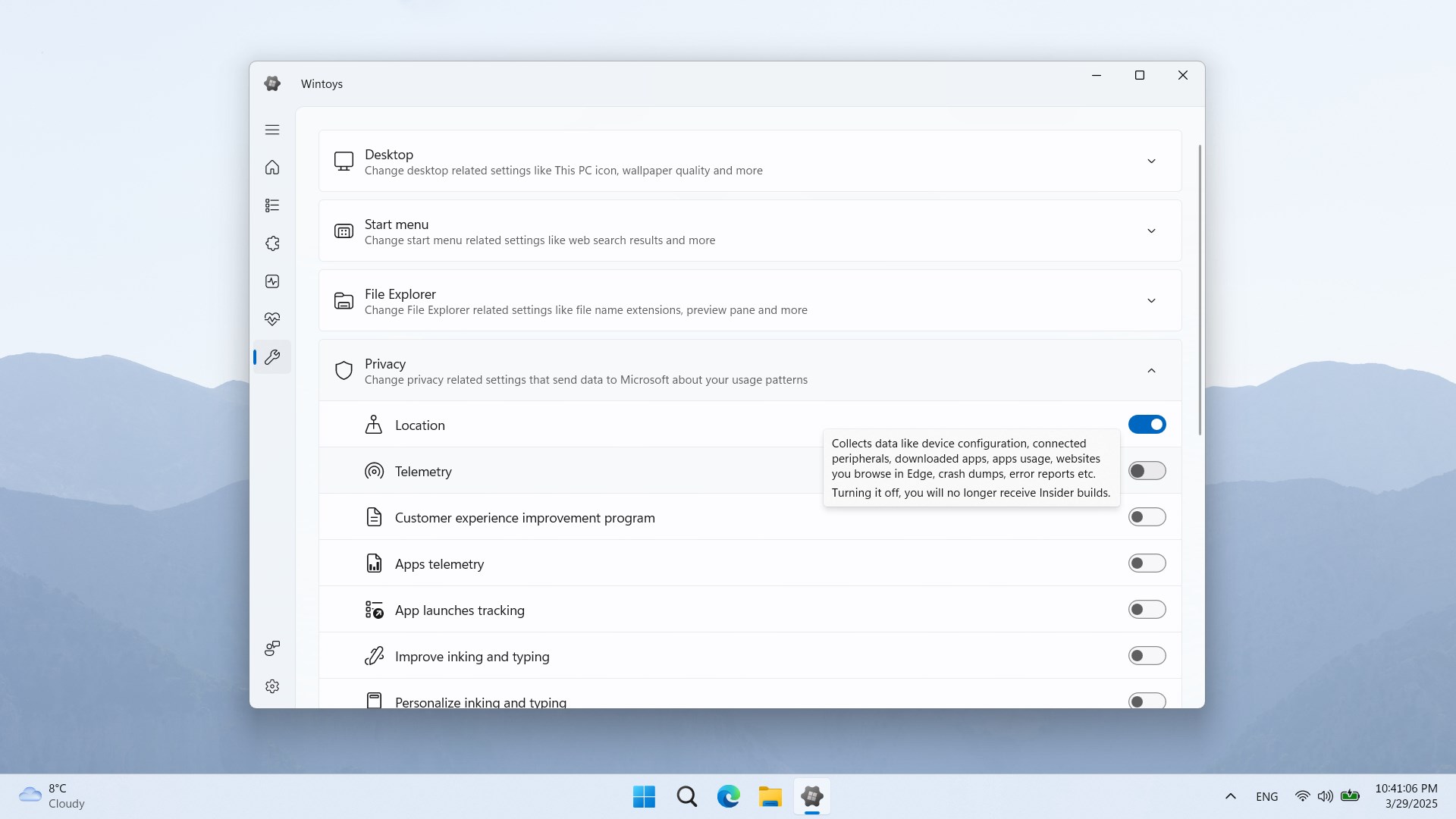
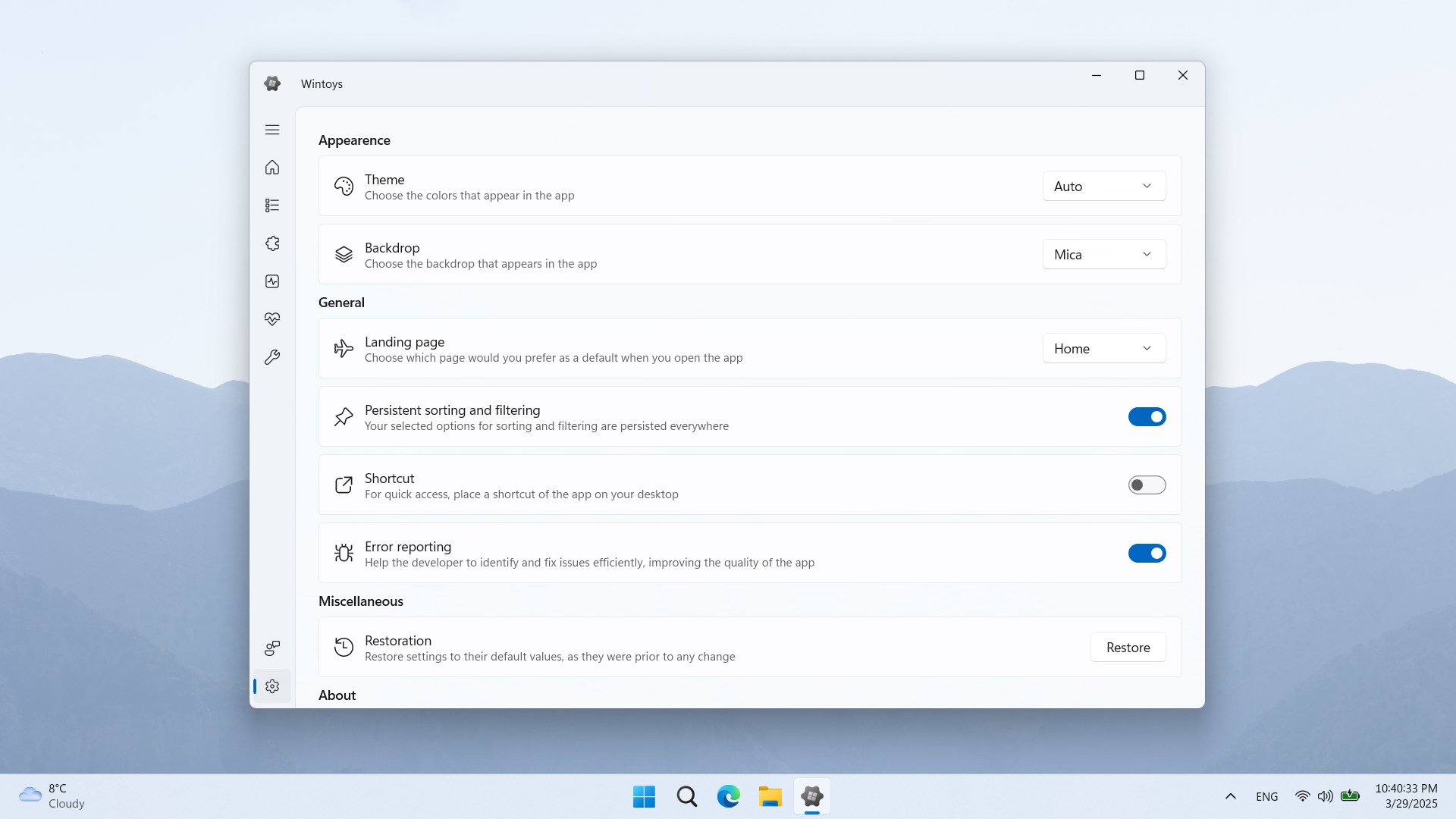
- Category Utilities & tools
- Developer Bogdan Pătrăucean
- Available on PC
- OS Windows 10 version 19044.1706 or higher
- languages English (United States), French, German, Italian, Polish , Romanian, Spanish (Spain), Turkish
Introduction: A Fresh Take on Windows Utilities
Wintoys for Windows is an intriguing utility application designed to enhance your Windows experience with a suite of thoughtful features. Developed by Bogdan Pătrăucean, this app aims to streamline various tasks, making your digital life a bit simpler and more enjoyable. Whether you're a casual user or someone seeking to optimize your workflow, Wintoys presents itself as a versatile tool worth exploring.
Core Features That Stand Out
1. Multifunctional Dashboard for Quick Access
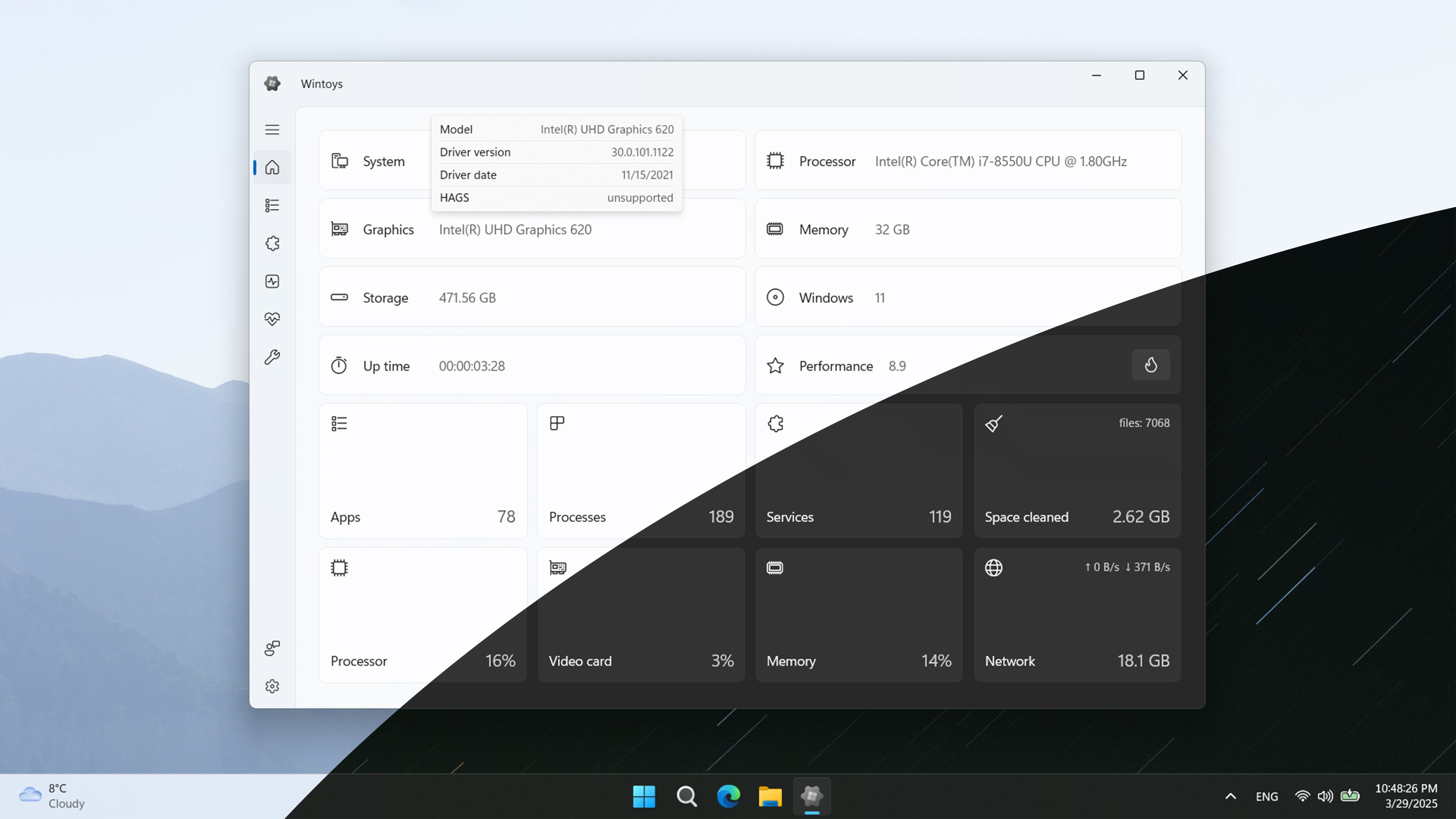
Imagine having a control center right on your desktop—Wintoys offers a sleek dashboard that consolidates essential system controls and shortcuts. With this unified interface, users can manage Wi-Fi, system volume, or restart applications effortlessly. This feature acts like a command hub in a spaceship, putting critical controls just a click away, reducing the clutter of multiple menus or settings panels.
2. Customizable Notifications and Alerts
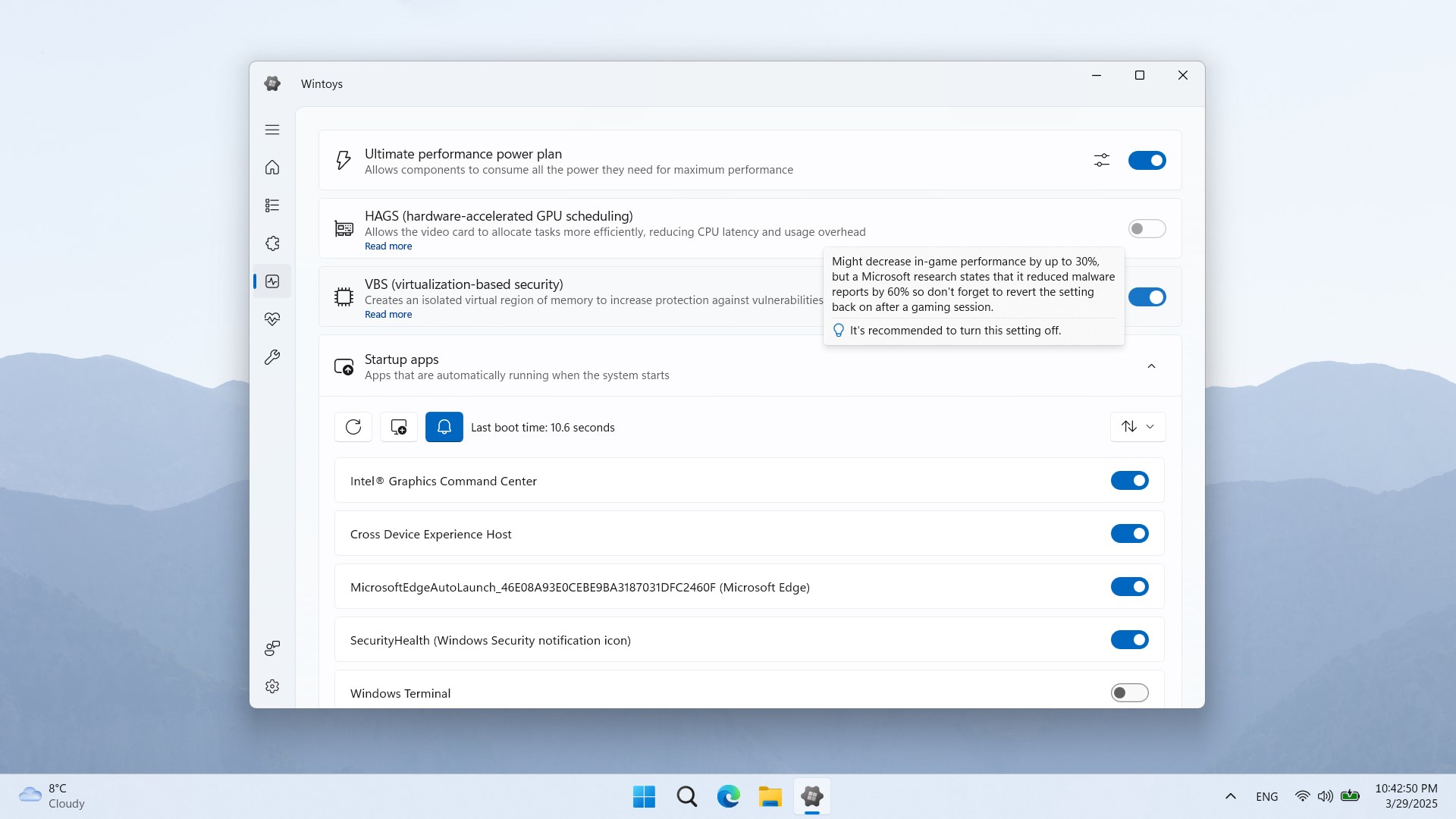
Staying updated without being overwhelmed is a fine art, and Wintoys excels at this with its smart notification system. It allows users to set personalized alerts for system health, updates, or specific events. Think of it as having a vigilant personal assistant that ensures you don't miss important happenings on your PC, all wrapped in an unobtrusive, easily configurable interface.
Design, Usability, and User Experience
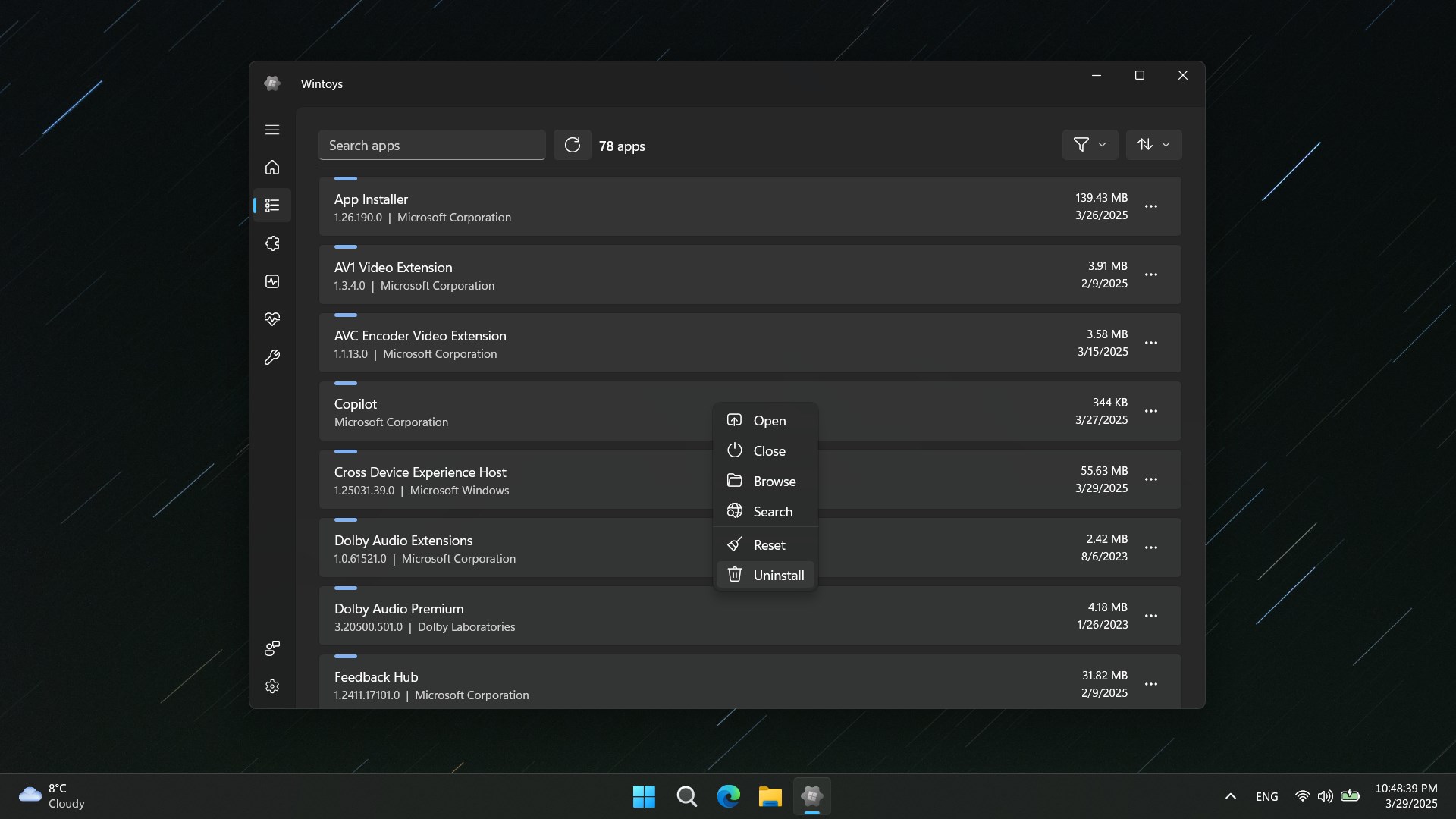
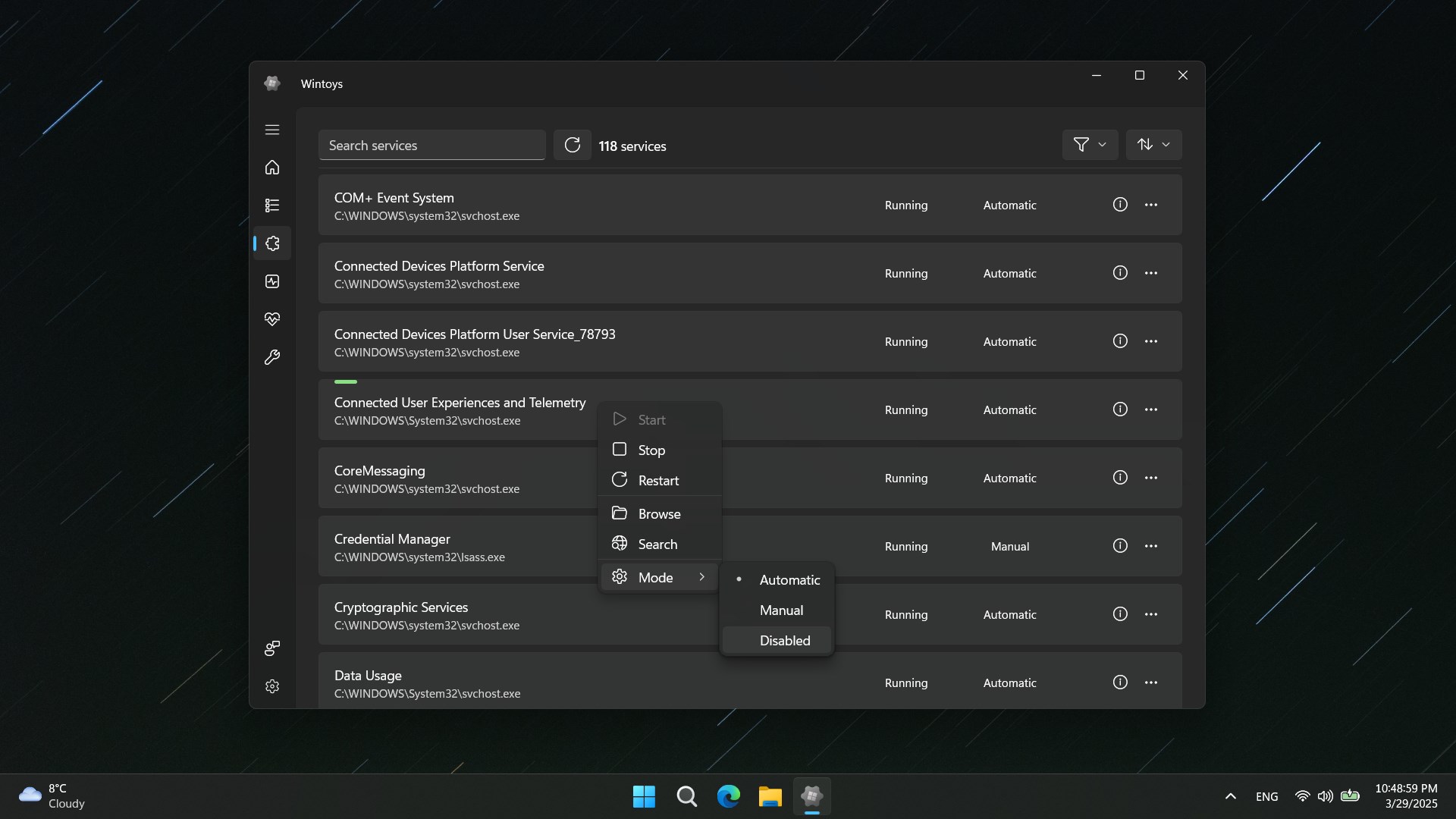
The interface of Wintoys is intuitively designed, with a modern yet straightforward look that appeals to both tech enthusiasts and everyday users. Navigating through the app feels seamless—buttons are responsive, and the layout logically groups features, making it feel more like a well-organized digital toolkit than a maze of options. The learning curve is gentle; even those new to such utilities will find it easy to get started. The app runs smoothly without noticeable lag or crashes, demonstrating solid stability, which is crucial for tools meant to be used regularly.
What Makes Wintoys Unique?
Compared to many similar utilities, Wintoys distinguishes itself with its particular focus on customization and an integrated control panel, offering a more personalized experience. While traditional tools might require navigating through various settings and third-party apps, Wintoys consolidates key functions into a unified, visually appealing interface. Its flexible notification system, which can be tailored to individual preferences, is another highlight that elevates the user experience. Essentially, it acts like a Swiss Army knife for Windows users—compact, multifaceted, and adaptable—fitting into your workflow rather than complicating it.
Final Thoughts and Recommendations
For users seeking an elegant yet powerful utility that enhances system control and notifications, Wintoys for Windows emerges as a solid choice. Its thoughtful design, combined with unique features like a customizable dashboard, provides a noticeable improvement over minimal or cluttered alternatives. While it may not replace more specialized tools for advanced needs, it offers an excellent all-in-one solution for daily enhancement and productivity. I would recommend giving it a try if you're interested in optimizing your Windows environment without diving into complex configurations—think of it as the friendly co-pilot you didn't know you needed.
Pros
- User-friendly Interface
- Extensive Toy Library
- Regular Updates
- High-Quality Visuals
- Parental Controls
Cons
- Limited Offline Access
- Occasional App Crashes
- In-App Purchases Without Clear Pricing
- Limited Language Options
- Battery Consumption











