

- Category Utilities & tools
- Developer Yubico AB
- Available on PC
- OS Windows 10 version 17763.0 or higher
- languages English (United States)
Introducing Yubico Authenticator for Windows: Your Digital Key Keeper
If you're venturing into the world of secure authentication, Yubico Authenticator for Windows emerges as a trustworthy companion, transforming your PC into a fortress of digital identity protection. Designed by Yubico AB, a leader in hardware security keys, this app seamlessly integrates with your existing security setup to manage one-time passwords (OTPs) with ease and precision.
Meet the Developer and Core Features
Developer and Publisher: Yubico AB
Yubico AB, renowned for pioneering hardware security tokens like the YubiKey, brings its expertise from hardware to software in this application. Their commitment to robust security solutions is evident in every feature of Yubico Authenticator for Windows.
Key Highlights of the App
- Hardware & Software Integration: Seamlessly works with YubiKeys and familiar apps like Google Authenticator and Microsoft Authenticator, bridging hardware and software security.
- Multi-Account Support: Manage multiple accounts effortlessly within a single interface—ideal for busy professionals juggling work, social, and banking security.
- Offline Functionality: Generate OTPs without an internet connection, ensuring security even when offline or in low-connectivity environments.
- Simple Backup & Recovery: Securely export and import account configurations, reducing the risk of losing access due to device loss or app reset.
Vivid User Experience and Interface Excellence
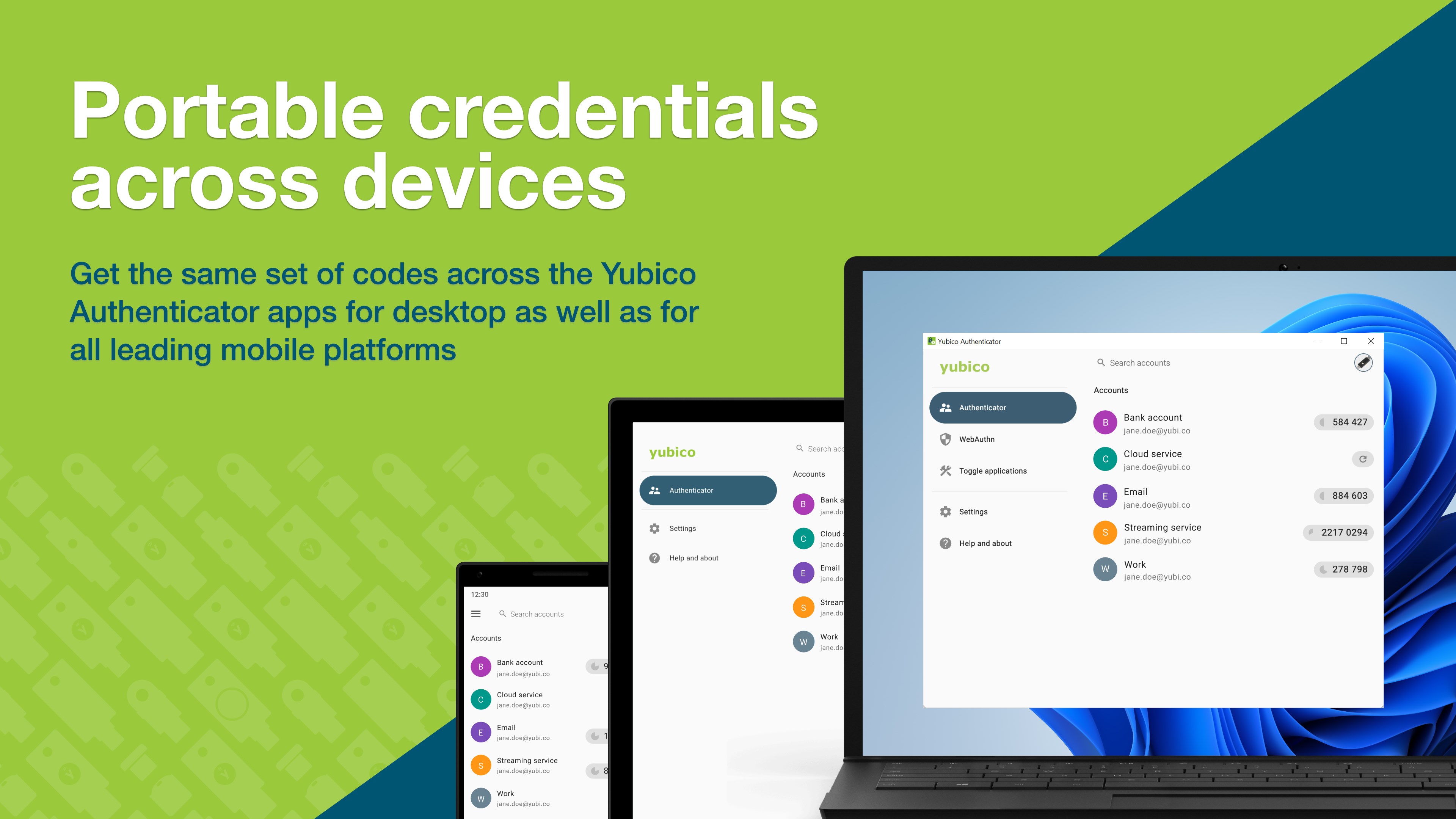
Picture this app as your digital safe—it's straightforward, reliable, and designed to keep your secrets under lock and key. The interface boasts a clean, modern look with intuitive navigation, turning what could be a complex security tool into a friendly, approachable utility. The design emphasizes clarity—each account is accompanied by clear labels and recognizable icons, making it easy to find and manage your credentials at a glance.
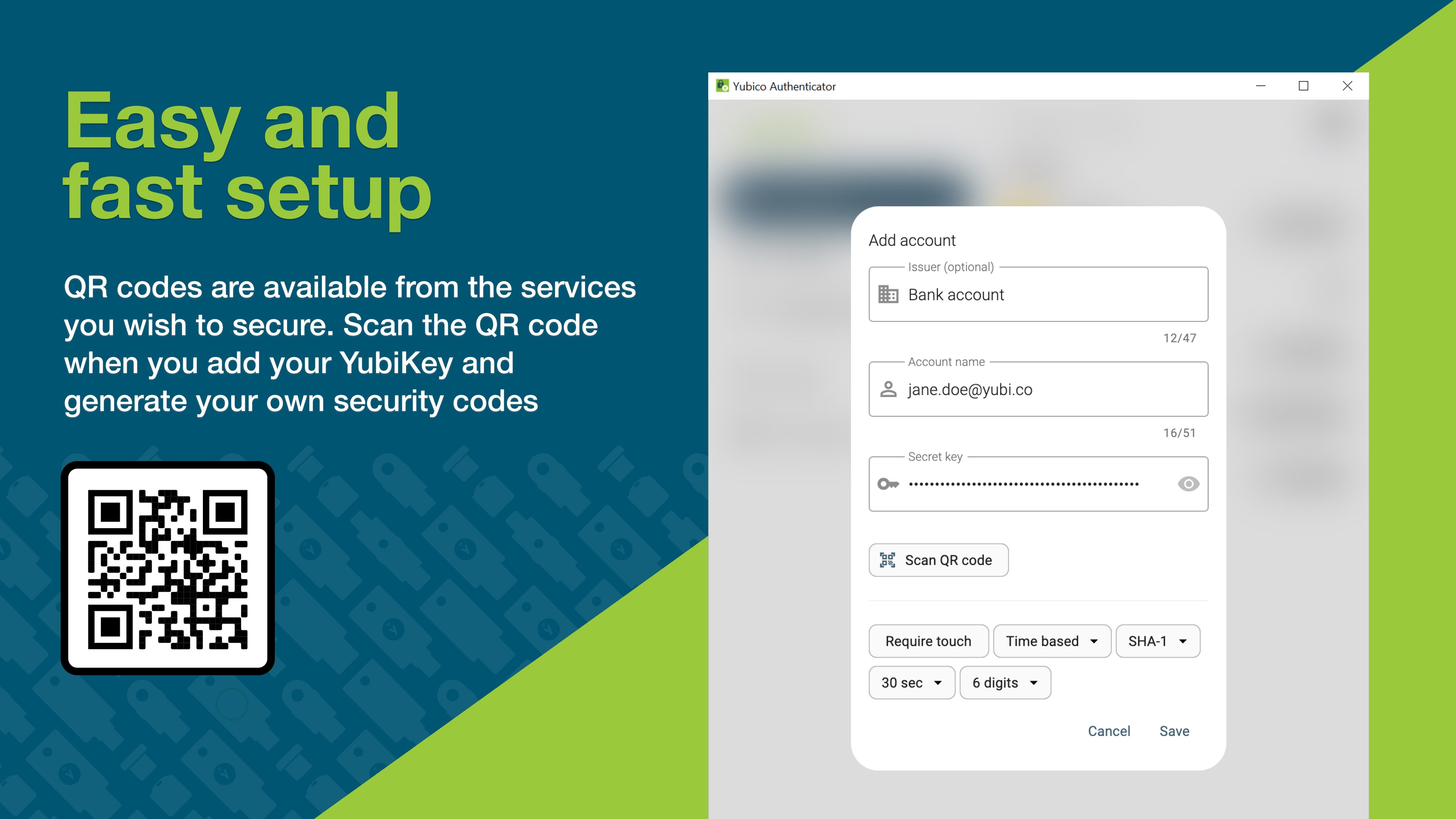
Operation-wise, the app is as smooth as gliding on a well-paved road. Transitions between accounts are swift, and generating OTPs is just a click away—no cumbersome menus or confusing steps. For users new to multi-factor authentication, the learning curve is gentle; the app's guided setup process and straightforward layout ensure quick mastery. Power users, meanwhile, will appreciate its depth of management options and robust backup features.
Standout Features That Set It Apart
Embracing Hardware for Enhanced Security
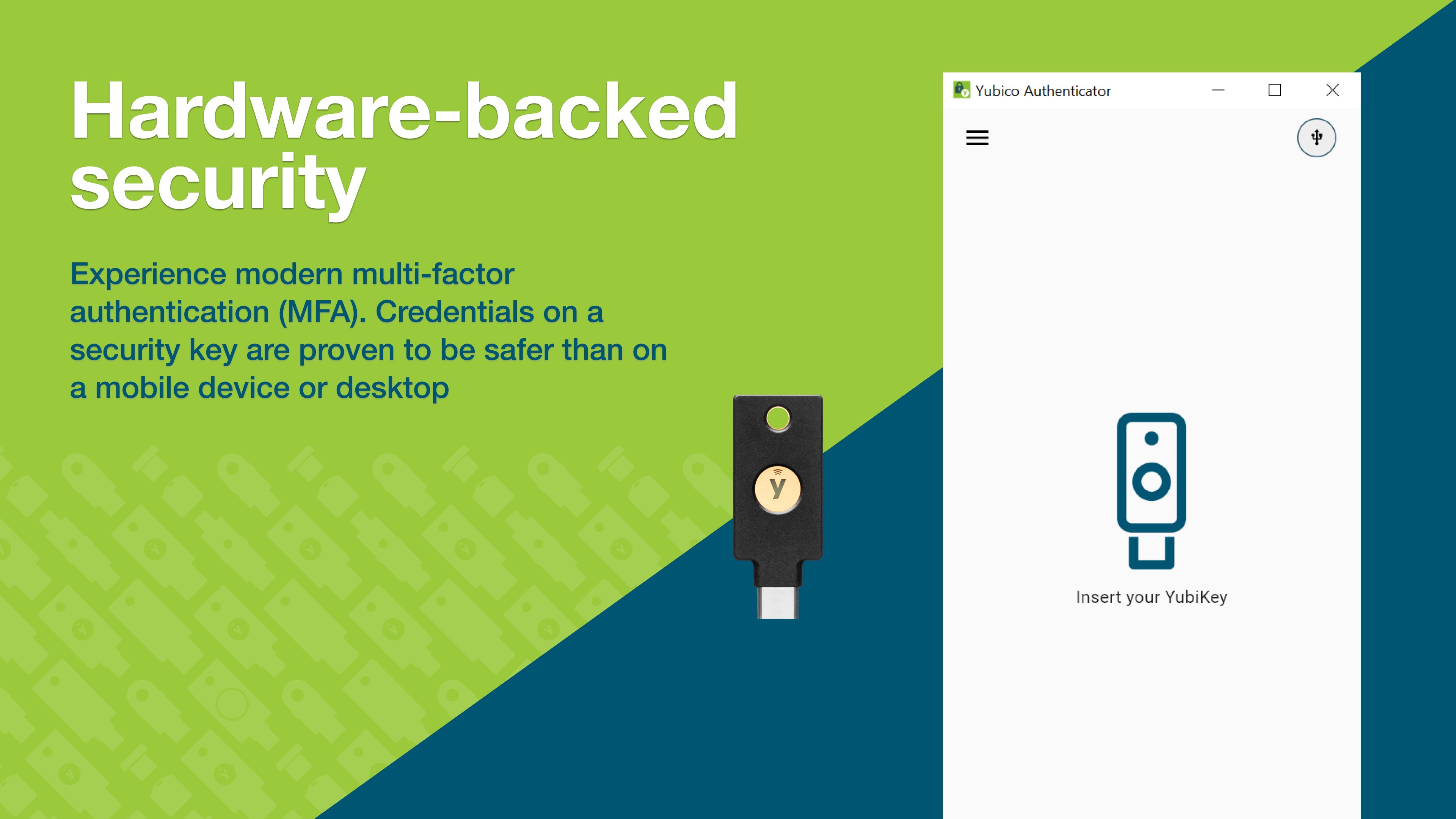
Unlike many authenticator apps that rely solely on software-generated codes, Yubico Authenticator shines by integrating seamlessly with YubiKeys, hardware devices which act as a hardened security element. This hybrid approach means that even if your device is compromised, the hardware key provides an additional layer of protection—akin to having a digital safe within a safe.
Multi-Account Management with Clarity
The app's ability to handle multiple accounts concurrently is like having a well-organized safe deposit box. Each account is neatly listed, with easy options for sorting, exporting, or deleting. This focus on clarity and organization makes multi-account authentication a breeze, especially for users managing sensitive information across various platforms.
Final Thoughts: Should You Trust This App?
In summary, Yubico Authenticator for Windows is a reliable and thoughtfully designed utility that brings hardware-backed security to your desktop environment. Its seamless integration, user-friendly interface, and standout features like hardware compatibility and multi-account management make it a compelling choice for anyone serious about digital security. While it may not reinvent authentication methods, it certainly elevates the experience, blending simplicity with security.
I'd recommend giving it a try if you're already invested in YubiKey devices or want a robust, offline-capable authenticator that can handle multiple accounts gracefully. For those seeking an intuitive, dependable app that respects your security needs without unnecessary complexity, Yubico Authenticator is definitely worth having on your security toolkit.
Pros
- Intuitive user interface
- Supports various 2FA standards
- Secure local storage
- Cross-platform synchronization
- Easy setup process
Cons
- Limited customization options
- No biometric integration
- Offline backup options are limited
- Initial setup might be confusing for beginners
- No multi-user support within the app











