

- Category Utilities & tools
- Developer Wuhan Net Power Technology Co., Ltd.
- Available on PC
- OS Windows 10 version 17763.0 or higher
- Keyboard Integrated Keyboard
- Mouse Integrated Mouse
- Memory Not specified
- languages Chinese (Simplified), English, French, German, Japanese, Korean, Portuguese, Russian, Spanish, Thai, Vietnamese
Streamlined Compression for Windows: An In-Depth Look at Zip Unzip - rar,7z
In a world where digital clutter accumulates faster than we can tidy up, efficient file compression tools are vital. Zip Unzip - rar,7z for Windows steps into this arena with a promise: to simplify the way you handle compressed files, all within an intuitive interface. Developed by Wuhan Net Power Technology Co., Ltd., this app aims to make zip and unzip operations seamless for both casual users and professionals alike.
Who's Behind the Magic? An Introduction to the Developer
Wuhan Net Power Technology Co., Ltd. is an innovative player in the software domain, focusing on utility tools that enhance productivity. With a dedicated team of developers, they craft applications aimed at addressing everyday digital challenges—making file management less of a chore and more of a breeze. Their commitment to user-centric design shines through in Zip Unzip - rar,7z, promising a smooth and reliable experience.
Key Features That Make Your Compression Tasks a Breeze
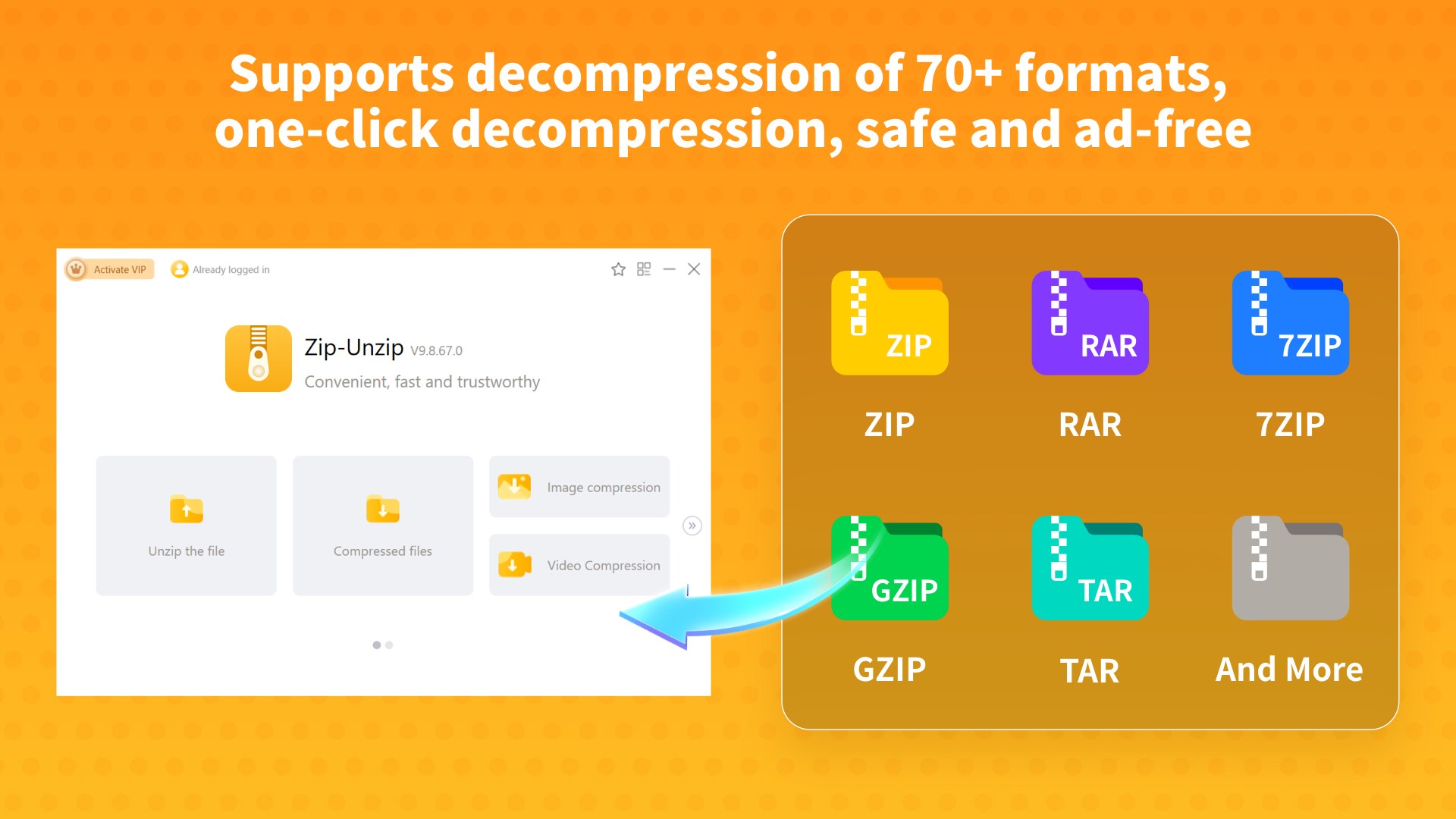
Multi-Format Support—Your Universal Compression Companion
Whether you're dealing with the classic ZIP or the more compressed RAR and 7z files, this app handles them all with ease. Its versatility ensures you're never left scrambling for the right tool, acting like a Swiss Army knife for compressed archives. This broad support reduces the need for multiple utilities, saving time and simplifying workflows.
Batch Operations and Automated Processing
Think of this app as your diligent assistant who can handle multiple files simultaneously. Batch compression and extraction mean that you can zip or unzip a hundred files in one-go, making it ideal for users managing large datasets or multiple documents regularly. Additionally, some automated features help streamline repetitive tasks, boosting efficiency.
Simplified User Interface—Less Jargon, More Action
The app's interface is clean, uncluttered, and designed with intuitiveness at its core. Even a beginner can navigate through options effortlessly—like following a well-marked trail instead of getting lost in a labyrinth. Contextual tooltips and straightforward menus make learning curve almost negligible, turning what could be a daunting task into an enjoyable experience.
Experience & Differentiation: What Sets It Apart?
Compared to traditional compression tools, Zip Unzip stands out with its focus on accessibility and speed. While many utilities bog users down with complex settings, this app employs a minimalistic design, favoring quick actions over everything else. Its batch processing capability combined with support for multiple formats ensures users aren't forced to juggle multiple apps. Furthermore, its lightweight architecture means it runs smoothly even on modest hardware—a boon for users with less powerful PCs.
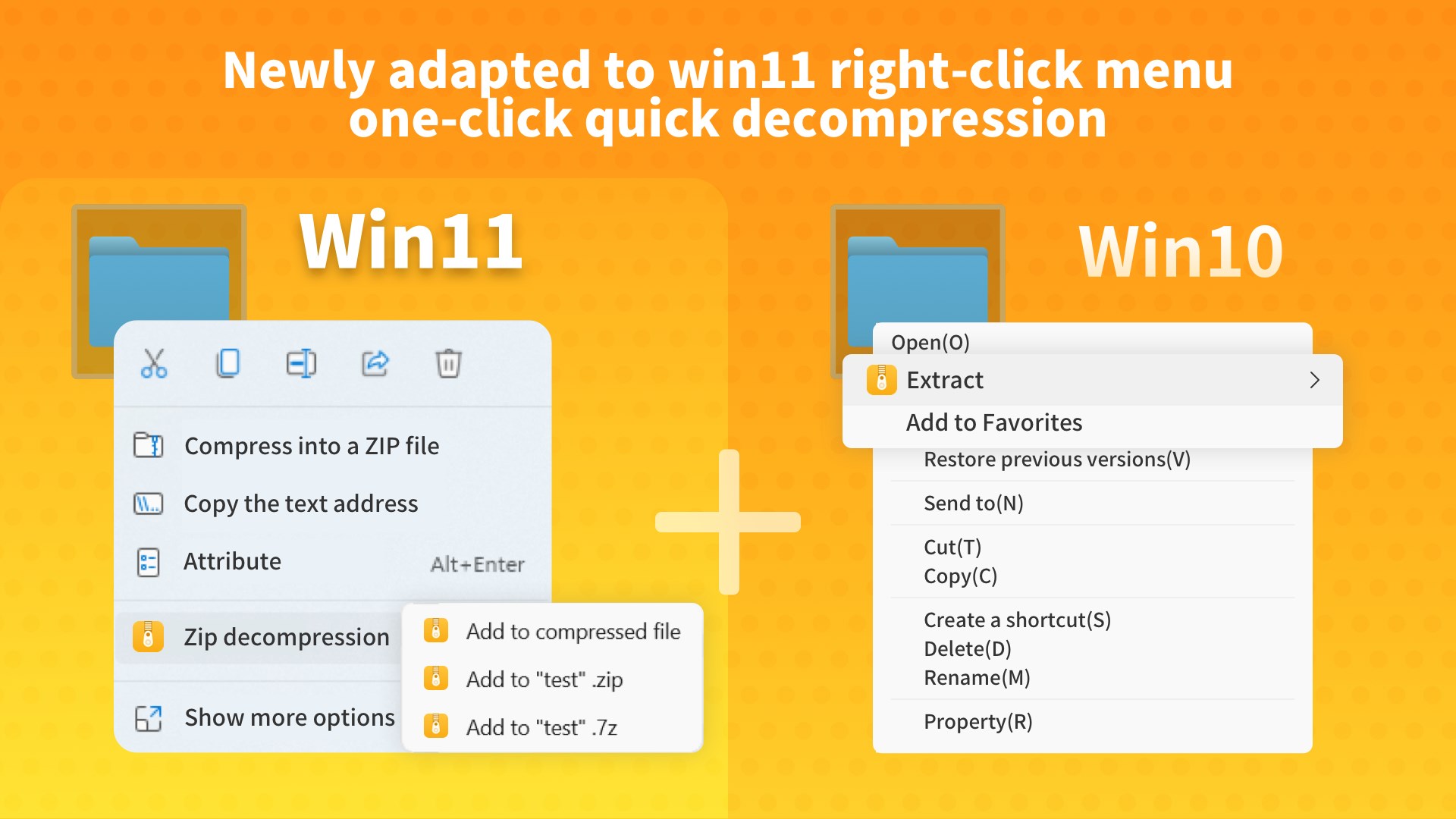
Another distinctive feature is the app's seamless integration within Windows ecosystem, allowing right-click context menu options that enable instant compression or extraction—like having a professional assistant always available at your fingertips.
Recommendation & Usage Tips
I'd recommend Zip Unzip - rar,7z for users seeking a straightforward, reliable tool for everyday compression needs. It's especially beneficial for those who regularly handle diverse archive formats and need quick batch processing capabilities. While it may lack some of the advanced customization found in high-end utilities, its ease of use and breadth of support make up for it.
For casual users or professionals who value simplicity without sacrificing performance, this app offers a balanced solution. Just keep in mind that if you require deep customization or integration with other advanced tools, exploring additional options might still be worthwhile.
All in all, Zip Unzip - rar,7z stands as a practical, no-nonsense utility that simplifies a fundamental aspect of digital life. Its thoughtfully crafted features and user-friendly design make it a valuable addition to any Windows toolkit, much like a dependable pocket knife—ready when you need it, minimal fuss included.
Pros
- User-friendly interface
- Supports multiple formats
- Quick performance
- Lightweight app size
- Integrated file explorer
Cons
- Limited advanced options
- Occasional minor bugs
- In-app advertisements
- Limited file size support for very large files
- No cloud integration











